vscode/devcontainers
Development container images for use with VS Code Remote - Containers and GitHub Codespaces.
microsoft/vscode-devcontainers repository overview
Repos and Tags
These images are intended for use with VS Code Remote - Containers and GitHub Codespaces. Their contents, and corresponding devcontainer.json files are typically tied to releases at https://github.com/microsoft/vscode-dev-containers
mcr.microsoft.com/vscode/devcontainers/base(All tags)mcr.microsoft.com/vscode/devcontainers/cpp(Details, History, All tags)bullseye,debian-11,buster,debian-10,stretch,debian-9hirsute,ubuntu-21.04,focal,ubuntu-20.04,bionic,ubuntu-18.04
mcr.microsoft.com/vscode/devcontainers/dotnet-5.0,3.1,2.1(Details, History, All tags)mcr.microsoft.com/vscode/devcontainers/go(Details, History, All tags)1,1.17,1-bullseye,1.17-bullseye,1-buster,1.17-buster1.16,1.16-bullseye,1.16-buster
mcr.microsoft.com/vscode/devcontainers/java(Java 11+ Details, Java 11+ History, Java 8 Details, Java 8 History, All tags)16,16-bullseye,16-buster11,11-bullseye,11-buster8,8-bullseye,8-buster
mcr.microsoft.com/vscode/devcontainers/javascript-node(Details, History, All tags)16,16-bullseye,16-buster14,14-bullseye,14-buster12,12-bullseye,12-buster
mcr.microsoft.com/vscode/devcontainers/jekyll-bullseye,buster(Details, History, All tags)mcr.microsoft.com/vscode/devcontainers/php(Details, History, All tags)8,8.0,8-bullseye,8.0-bullseye,8-buster,8.0-buster,7,7.4,7-bullseye,7.4-bullseye,7-buster,7.4-buster7.3,7.3-bullseye,7.3-buster
mcr.microsoft.com/vscode/devcontainers/python(Details, History, All tags)3,3.9,3-bullseye,3.9-bullseye,3-buster,3.9-buster3.8,3.8-bullseye,3.8-buster3.7,3.7-bullseye,3.7-buster3.6,3.6-bullseye,3.6-buster
mcr.microsoft.com/vscode/devcontainers/anaconda-3(Details, History, All tags)mcr.microsoft.com/vscode/devcontainers/miniconda-3(Details, History, All tags)mcr.microsoft.com/vscode/devcontainers/ruby(Details, History, All tags)3,3.0,3-bullseye,3.0-bullseye,3-buster,3.0-buster2,2.7,2-bullseye,2.7-bullseye,2-buster,2.7-buster2.6,2.6-bullseye,2.6-buster
mcr.microsoft.com/vscode/devcontainers/rust-bullseye,buster,1-bullseye,1-buster(Details, History, All tags)mcr.microsoft.com/vscode/devcontainers/typescript-node(Details, History, All tags)16,16-bullseye,16-buster14,14-bullseye,14-buster12,12-bullseye,12-buster
mcr.microsoft.com/vscode/devcontainers/universal- (Details, History, All tags)
ARM64 support
Due to an issue with Debian 10 / Buster and Ubuntu 20.04 / Focal that results in segmentation faults in libssl in a variety of scenarios, we only build arm64 architecture images that use one of the following operating systems:
- Debian 11 / Bullseye
- Debian 9 / Stretch
- Ubuntu 21.04 / Hirsute
- Ubuntu 18.04 / Bionic
We also do not build for images like dotnet if the related extension (in this case C#) does not support ARM64.
To use an ARM64 image, use the bullseye, stretch, hirsute, or bionic tag variations above that exist for images that support it. (e.g. mcr.microsoft.com/vscode/devcontainers/typescript-node:16-bullseye)
Release tags
You can decide how often you want image updates by referencing a semantic version of each image. For example, for version 0.200.0 of the javascript-node image, you can reference any of the following:
mcr.microsoft.com/vscode/devcontainers/javascript-node:0-16-bullseyemcr.microsoft.com/vscode/devcontainers/javascript-node:0.203-16-bullseyemcr.microsoft.com/vscode/devcontainers/javascript-node:0.203.0-16-bullseye
In general, we recommend using the major release version of this tag to avoid breaking changes while still taking fixes and content additions as they land. E.g. 0-16-bullseye. See the appropriate "History" or "All tags" link under repos and tags get a full list of available versions for the image.
See the history for each image to see available version specific tags and their contents.
How to use the images
VS Code Remote - Containers & GitHub Codespaces
The VS Code Remote - Containers extension and GitHub Codespaces support these development container images through the use of a devcontainer.json configuration file or by simply directly attaching to a running container. To get started:
- Either create a codespace for your repository or set up your local machine for use with the Remote - Containers extension, start VS Code, and open your project folder.
- Press F1, and select the Add Development Container Configuration Files... command for Remote-Containers or Codespaces.
- Pick one of the recommended definitions from the list or select Show All Definitions... to see all of them. You may need to choose the From a predefined container configuration definition... option if your project has an existing Dockerfile or Docker Compose file. Answer any questions that appear.
- See the definition's
READMEfor configuration options. A link is available in the.devcontainer/devcontainer.jsonfile added to your folder. - Run Remote-Containers: Reopen in Container to use it locally, or Codespaces: Rebuild Container from within a codespace.
See the Remote - Containers and GitHub Codespaces documentation for more information.
Stand alone
You are also free to use these images on their own as you see fit. For example:
docker run -it --init --rm mcr.microsoft.com/vscode/devcontainers/base:0-buster
Some imges like the universal image may require the --privileged flag.
docker run -it --init --privileged --rm mcr.microsoft.com/vscode/devcontainers/universal:1-linux
You can always attach to the running container or create a devcontainer.json file to have VS Code manage the environment for you at a later date.
About Visual Studio Code
Visual Studio Code is a lightweight but powerful source code editor which runs on your desktop and is available for Windows, macOS and Linux. It comes with built-in support for JavaScript, TypeScript and Node.js and has a rich ecosystem of extensions for other languages (such as C++, C#, Java, Python, PHP, Go) and runtimes (such as .NET and Unity).
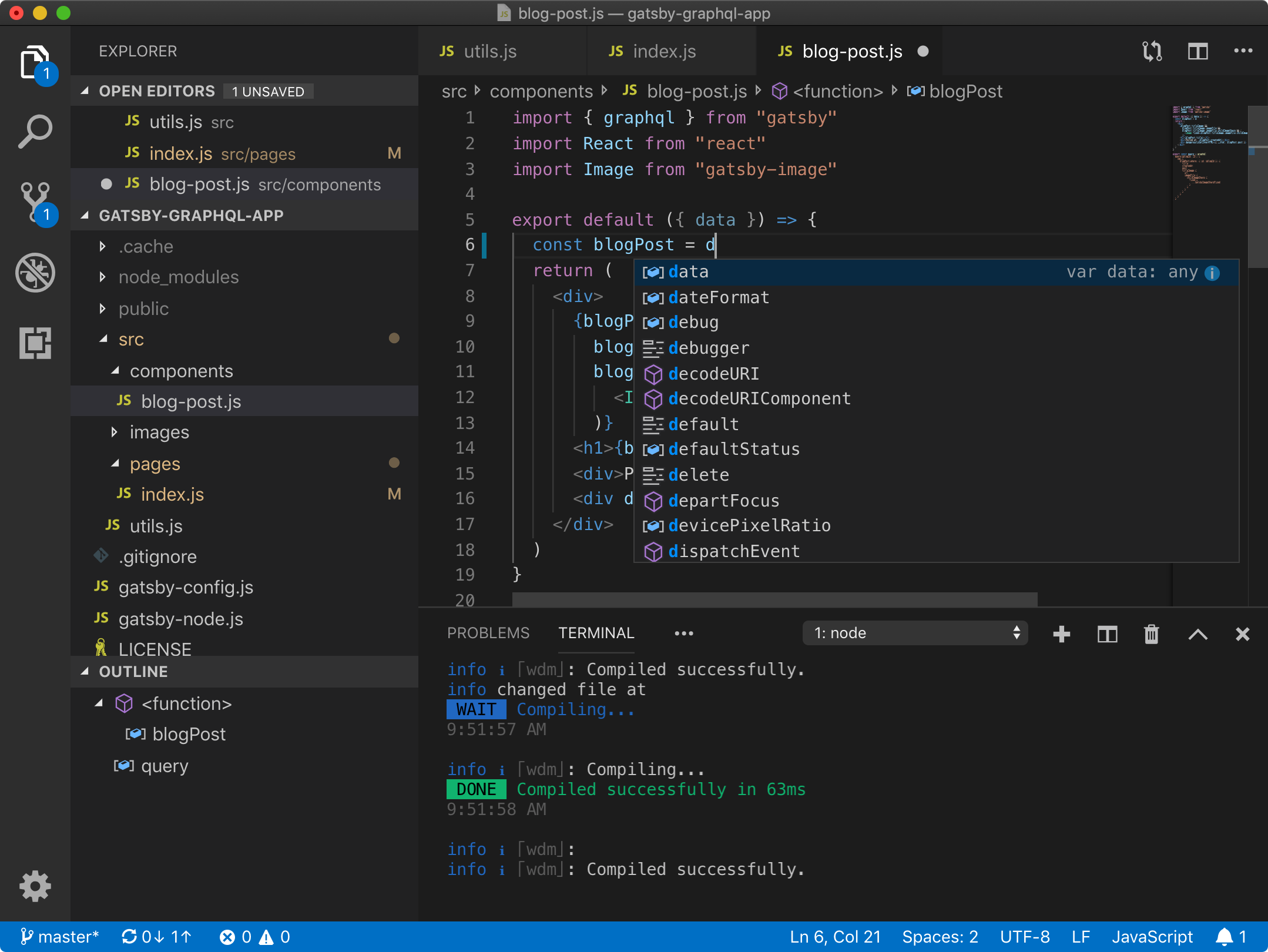
Visual Studio Code is built up from the Code - OSS project. You are invited to contribute new features, fixes, or updates, large or small. We love pull requests, and do our best to process them as fast as we can. We also love contributions to the vscode-dev-containers repository for images under this repository..
Learn more about VS Code at: https://code.visualstudio.com
About VS Code Remote - Containers
The Remote - Containers extension lets you use a Docker container as a full-featured development environment. The extension starts a development container running a well defined tool and runtime stack. Workspace files can be mounted into the container from the local file system, or copied or cloned into it once the container is running. A simple devcontainer.json file tells VS Code how to manage the container or you can just attach to one that is already running.
Learn more at: https://aka.ms/vscode-remote/download/containers
About GitHub Codespaces
GitHub Codespaces provide cloud-powered development environments for any activity - whether it's a long-term project, or a short-term task like reviewing a pull request. A "Codespace" is where all of the compute associated with software development happens: compiling, debugging, restoring, etc. When you need to work on a new project, pick up a new task, or review a PR, you can simply spin up a cloud-hosted environment, and GitHub Codespaces takes care of configuring it correctly. Codespaces are fully customizable on a per project basis. This is accomplished by including a devcontainer.json file in the project's repository, similar to VS Code Remote - Containers.
Learn more at: https://github.com/features/codespaces
Documentation
- Visual Studio Code
- GitHub Codespaces
- VS Code Remote Development extensions
- VS Code Remote Development container images
Support and Feedback
- Visual Studio Code
- VS Code Remote Development extensions
- VS Code Remote Development container images
License
Legal Notice: Container License Information and NOTICES.txt
See the following links for product license information:
- Visual Studio Code
- Visual Studio Code - Insiders
- VS Code Remote Development extensions
- Codespaces extension
Related open source projects:
Tag Summary
No tags have been pushed to this repository yet.