dandinuro/code-server
code-server: v4.104.2 Code: 1.104.2
992
dandinuro/code-server repository overview
Coder-Server with PHP 8.3 + Apache 2
This is a fork from the docker image made by - LinuxServer.io Team - which can be find here - code-server
1. What it contains as a plus (maybe in the future LinuxServer.io team will add these items as default :))"
- PHP 8.3;
- Apache 2;
- Composer;
- Laravel (the docker image will install latest version);
- Google Chrome as browser;
- localhost defined as ServerName.
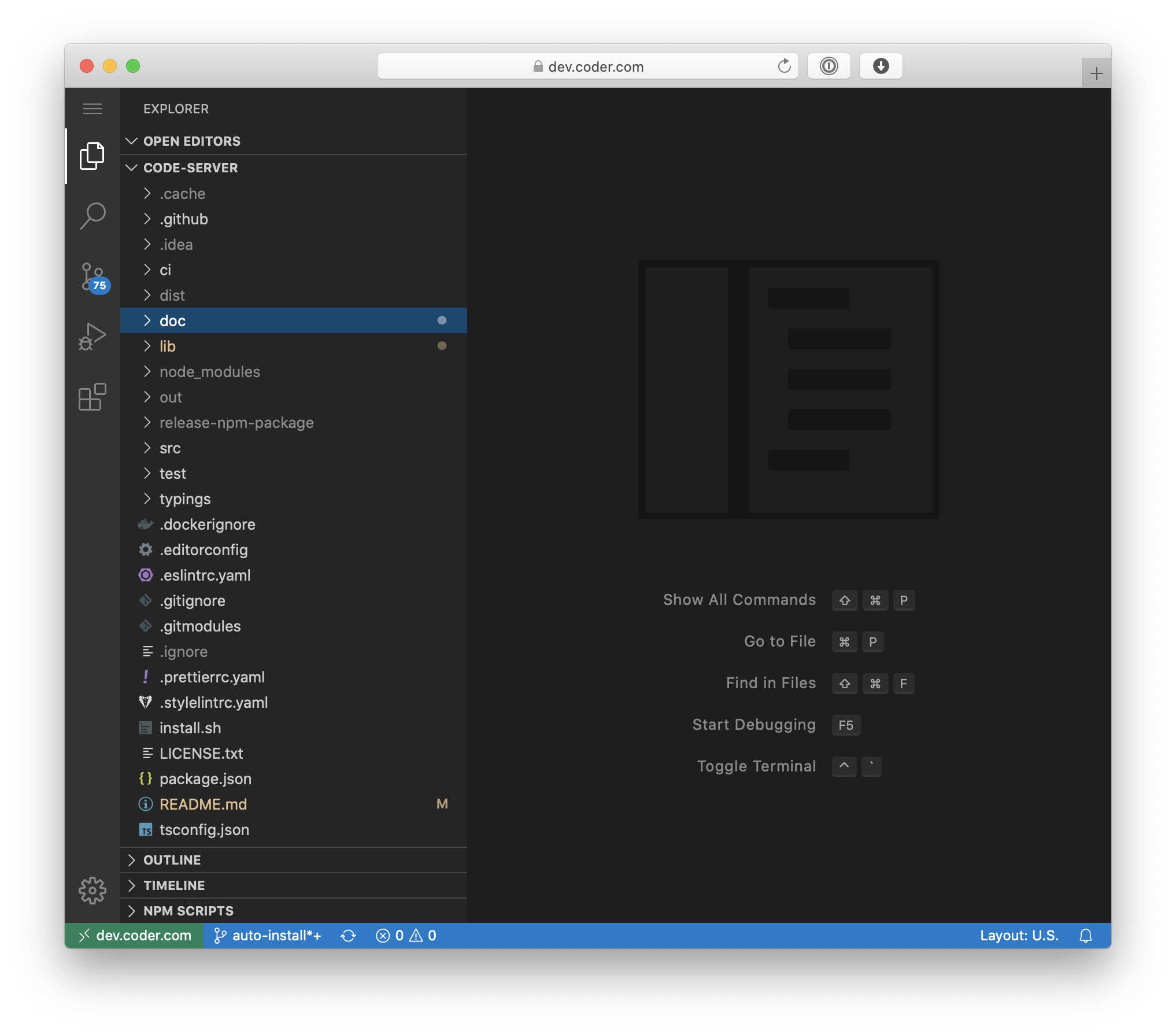
2. Code-server is VS Code running on a remote server, accessible through the browser.
3. If you want to use YAML file with the possibility to persist data here is the code:
Important Note - Before running the YAML:
- Kindly update all the lines that are starting with => #upd-me;
- and remove these characters #upd-me.
---
version: '3.8'
services:
#. MariaDB Service
mariadb-laravel-service:
image: ghcr.io/linuxserver/mariadb:latest
container_name: mariadb-laravel
environment:
- PUID=1000
- PGID=1000
#upd-me - TZ=my-continent/my-location-(town)
#upd-me - MYSQL_ROOT_PASSWORD=my-root-pass
#upd-me - MYSQL_DATABASE=my-db-name
#upd-me - MYSQL_USER=my-db-user
#upd-me - MYSQL_PASSWORD=my-db-pass
volumes:
#upd-me - db-data:/var/lib/mysql # this must be updated before running the yaml file
networks:
- network
restart: unless-stopped
#. Code-Server Service
code-server-service:
image: dandinuro/code-server:latest
container_name: code-server-app
environment:
- PUID=1000
- PGID=1000
#upd-me - TZ=my-continent/my-location-(town)
#upd-me - PASSWORD=my-pass-for-code-server-browser-login #optional
#upd-me - SUDO_PASSWORD=my-sudo-pass #optional
#upd-me - PROXY_DOMAIN=my-subdomain.example.com #optional
#upd-me - APP_URL=https://my-subdomain.example.com
- DEFAULT_WORKSPACE=/home/skipper/.workspace #optional
volumes:
- config-data:/home/skipper
- www-data:/var/www/html
ports:
#upd-me - my-local-port-2:80/tcp # web-server
#upd-me - my-local-port-1:8080/tcp # code-server
#upd-me - my-local-port-1:8000/tcp # Laravel from php artisan serve
networks:
- network
depends_on:
- mariadb-laravel-service
restart: unless-stopped
#. volumes definition
volumes:
config-data:
driver: local
driver_opts:
type: none
#upd-me device: /home/my_user/my_path/code-server/config
o: bind
db-data:
driver: local
driver_opts:
type: none
#upd-me device: /home/my_user/my_path/code-server/db-data
o: bind
www-data:
driver: local
driver_opts:
type: none
#upd-me device: /home/my_user/my_path/code-server/html
o: bind
#. network definition
networks:
network:
driver: bridge
4. Steps to do after installation:
- change the user to a non-root user -
su skipper// skipper is the non-root user that will be created automatically - create your first project in laravel -
laravel new my-laravel-project
5. If you are behind a reverse proxy, inside the container apply the following:
- edit 000-default.conf and replace the text inside with this one:
    <VirtualHost *:80>
        DocumentRoot /var/www/html/my-laravel-project/public
        ServerName sub-domain.example.com
        <Directory /var/www/html/my-laravel-project/public>
            Options Indexes FollowSymLinks
            AllowOverride All
            Require all granted
        </Directory>
        ErrorLog ${APACHE_LOG_DIR}/error.log
        CustomLog ${APACHE_LOG_DIR}/access.log combined
        # vim: syntax=apache ts=4 sw=4 sts=4 sr noet
    </VirtualHost>
- Enable URL Rewriting:
a2enmod rewrite - Stop Apache:
service apache2 stop - Start Apache:
service apache2 start
6. settings.json configuration example:
{
  "workbench.colorTheme": "GitHub Dark",
  "workbench.iconTheme": "vscode-icons",
  "editor.minimap.enabled": false,
  "files.autoSave": "onFocusChange",
  "editor.formatOnSave": true,
  "php.suggest.basic": false,
  "php.validate.enable": false,
  "editor.fontFamily": "'Fira Code'",
  "editor.fontLigatures": true,
  "workbench.editor.enablePreview": false,
  "editor.wordWrap": "on",
  "browse-lite.chromeExecutable": "/usr/bin/google-chrome",
  "browse-lite.startUrl": "https://sub-domain.example.com/"
}
Tag summary
Content type
Image
Digest
sha256:3b8b4866d…
Size
884.1 MB
Last updated
about 1 year ago
docker pull dandinuro/code-server