henrygd/optimize
Dockerized script to bulk optimize images using libvips / sharp / bun.
6.4K
henrygd/optimize repository overview
Dockerized script to bulk optimize images using libvips / sharp / bun.
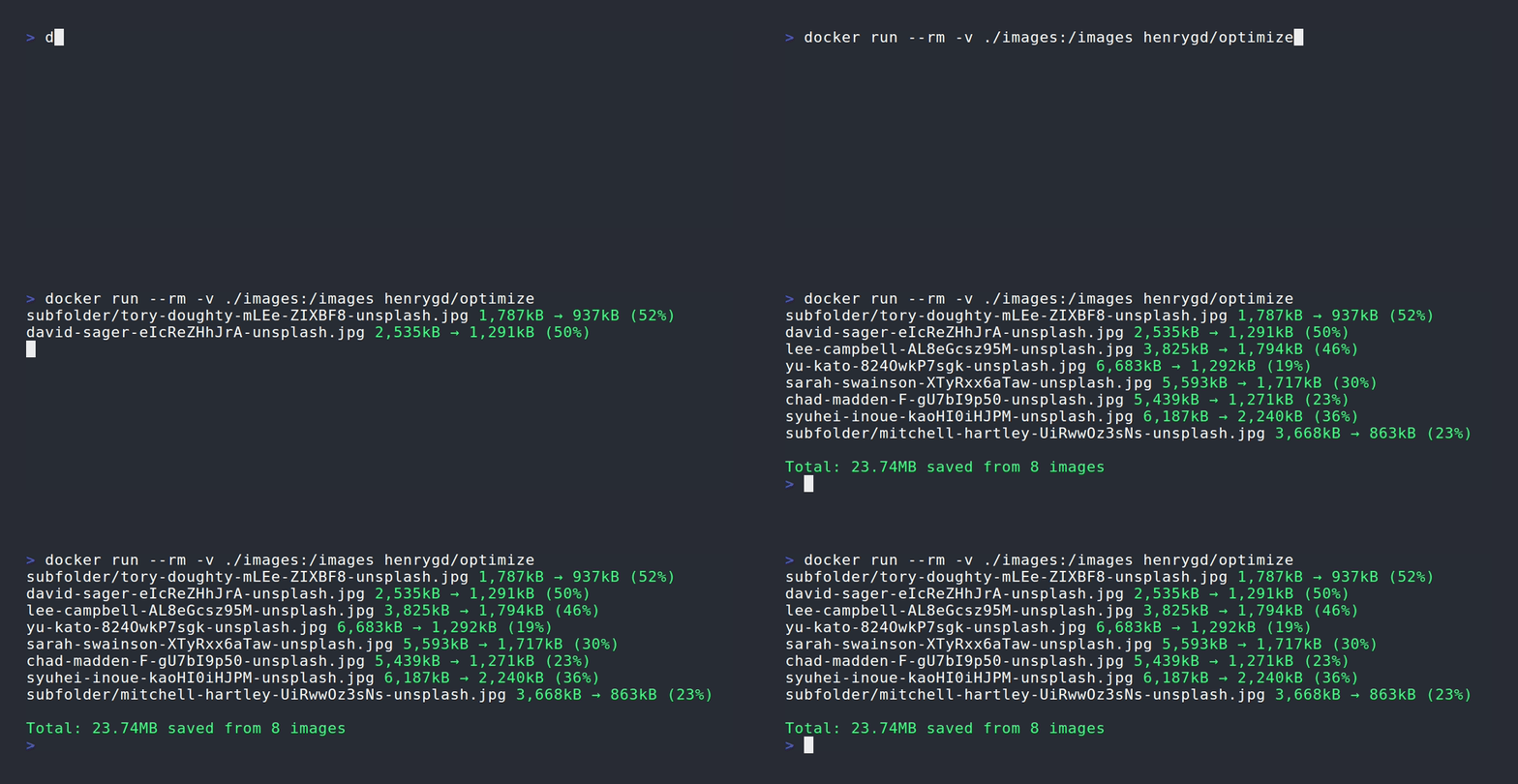
Modes
overwrite: Overwrite existing images (default). Scans the directory mounted to /images.
docker run --rm -v ./images:/images -v ./backup:/backup henrygd/optimize
restore: Restore original images from backup (reverses last overwrite operation).
docker run --rm -v ./images:/images -v ./backup:/backup -e MODE=restore henrygd/optimize
copy: Write images to different directory. This example converts all images to WEBP.
docker run --rm -v ./images:/images -v ./optimized:/optimized -e MODE=copy -e FORMAT=webp henrygd/optimize
Environment Variables
| Name | Mode | Description | Default |
|---|---|---|---|
| EXTENSIONS | * | Extensions to optimize1 | jpg,jpeg,png,webp,tif,tiff |
| FIT | * | Fit method | inside |
| FORMAT | copy | Output format2 | unset |
| JOBS | * | Number of parallel conversion jobs | Based on available CPU cores3 |
| MAX_AGE | * | Age threshold in hours4 | unset |
| MAX_HEIGHT | * | Max height of output image | 4000 |
| MAX_WIDTH | * | Max width of output image | 4000 |
| MIN_SIZE | * | Size threshold in kilobytes5 | unset |
| MODE | * | Mode | overwrite |
| OWNER | * | Ownership of new files6 | root:root |
| QUALITY | * | Output quality | 80 |
| QUIET | * | Log only errors, not every file | unset |
Fit Methods
inside: Preserving aspect ratio, resize the image to be as large as possible while ensuring its dimensions are less than or equal to both those specified.cover: Crop to cover both provided dimensions.contain: Embed within both provided dimensions.fill: Ignore the aspect ratio of the input and stretch to both provided dimensions.outside: Preserving aspect ratio, resize the image to be as small as possible while ensuring its dimensions are greater than or equal to both those specified.
Footnotes
-
Uppercase versions of extensions are added automatically. ↩
-
This will force all optimized images to be converted to the specified format. Possible values:
webp,avif. ↩ -
Default
JOBSvalue is one fewer than half of your available cores. If you have 16 cores, it's 7 jobs. If you have 4 cores or fewer, it's only one job. ↩ -
Images are only optimized if they were created in the last
MAX_AGEhours. For example,24would only optimize images created in the last 24 hours. ↩ -
Images are only optimized if they are larger than
MIN_SIZE. For example,800would only optimize images larger than 800kB. ↩ -
This applies only to newly created files. Overwritten files should maintain existing permissions. Value should use IDs. For example:
-e OWNER=1000:1000, or-e OWNER="$(id -u):$(id -g)". ↩
Tag summary
Content type
Image
Digest
sha256:9c29fb9e9…
Size
74.2 MB
Last updated
12 months ago
docker pull henrygd/optimize