
Slim.AI
500K+
slimdotai/dd-ext:0.8.3
Slim gives you the power to create secure containers faster. Deep dive into the construction of your images. Know what's in your containers.
This requires Docker Desktop 4.10 or higher.
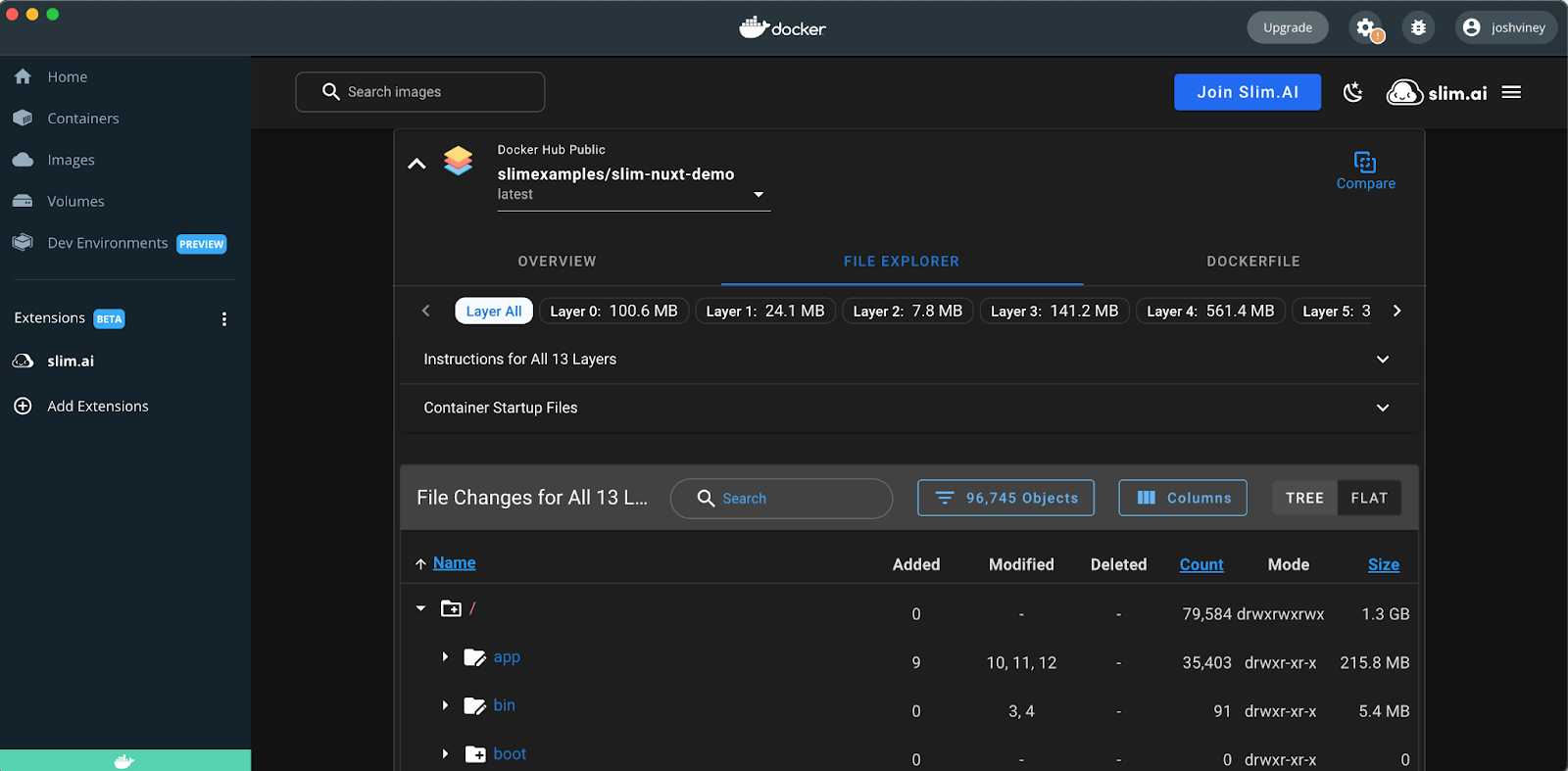
Knowing your software is a key building block to creating secure, small, production-ready containers and reducing software supply chain risk. One big challenge when attempting to work with, optimize, and secure container images, is that images often lack important documentation, which makes it difficult to find even basic details about whether or not an image is usable, well constructed, and secure.
The Slim.AI Docker Desktop Extension can help.
Currently, the Slim Docker Desktop extension is free and includes the following capabilities:
- Easy to access deep analyses of your local container images by tag with quick access to information like the local arch, exposed ports, shells, volumes, and certs
- Security insights including whether the containers runs with a root user and a complete list of files that have special permissions
- Optimization opportunities including a counts of deleted and duplicate files
- Fully searchable File Explorer filterable by layer, instruction, and file type with the ability to view the contents of any text-based file
- The ability to compare any two local images or image tags with deep analyses and File Explorer capabilities
- Reverse engineered dockerfiles for each image when the originals are not available
Available with API Token Authentication to the Slim Platform (https://portal.slim.dev)
- Search across multiple public and authenticated registries for quality images including support for Docker Hub, Github, DigitalOcean, ECR, MCR, GCR, with more coming soon.
- View deep analysis, insights, and File Explorer for images across available registries prior to pulling them down to your local machine