
0xwulf/containeryard
Self-hosted Docker dashboard: live logs, Compose stack & container actions, metrics. amd64 + arm64
2.0K
0xwulf/containeryard repository overview
ContainerYard 🐳
Self-hosted Docker observability dashboard: live logs, stack and container actions, metrics and an audit trail in one fast, light/dark web UI.




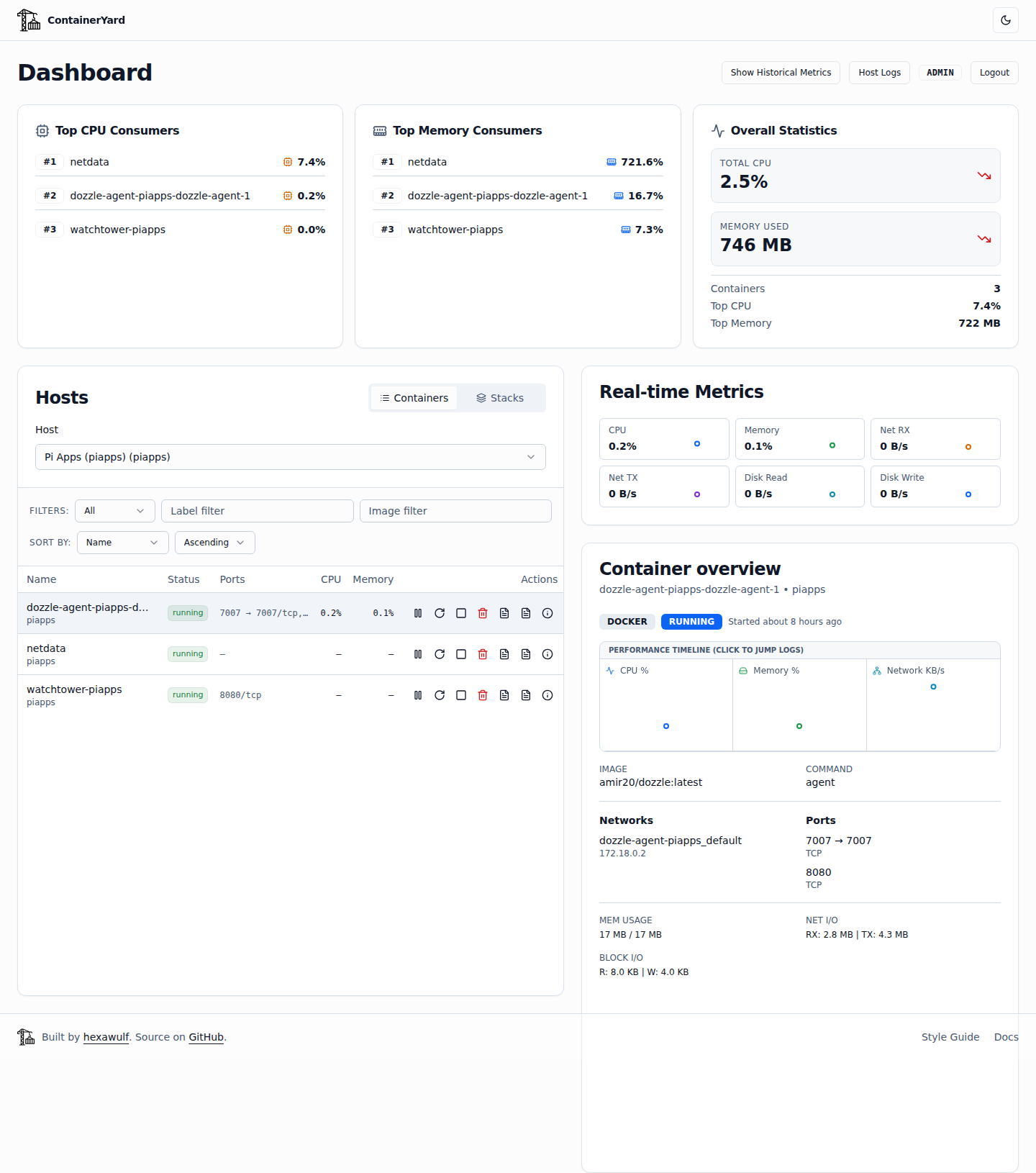
ContainerYard sits between a bare log viewer and a full monitoring stack. Point it at your Docker socket and you get a log-first dashboard for every container and Compose stack on the host. It also shows read-only container overviews for remote hosts through cAdvisor.
✨ Features
- Real-time logs: live tail over SSE, virtualized rendering for huge logs, regex and level filters, and a query DSL (
level:warn..error,service:auth,-"healthcheck"). - Log analysis: interleave up to 3 containers, log-rate heatmap with spike detection, restart before/after comparison, JSON field chips, and Log Moment bookmarks with deep links.
- Compose stacks: automatic grouping by project, health badges, and stack-level metrics. ADMINs can start, stop or restart a stack after a confirmation step.
- Container actions: start, stop, restart, pause, unpause and remove, for ADMINs only. They're rate-limited and every attempt is audited.
- Metrics: live CPU, memory and network stats per container and per host. Clicking a metric spike opens the logs for that time window.
- Web terminal: an
xterm.jsshell into a container for debugging. - Users and roles:
ADMIN/VIEWERroles, self-service password change, and an ADMIN user-management modal. Sessions are revoked instantly on password reset, role change or deletion. - Security by default: CSRF tokens on every write, bcrypt (cost 12), login rate limiting, Helmet headers,
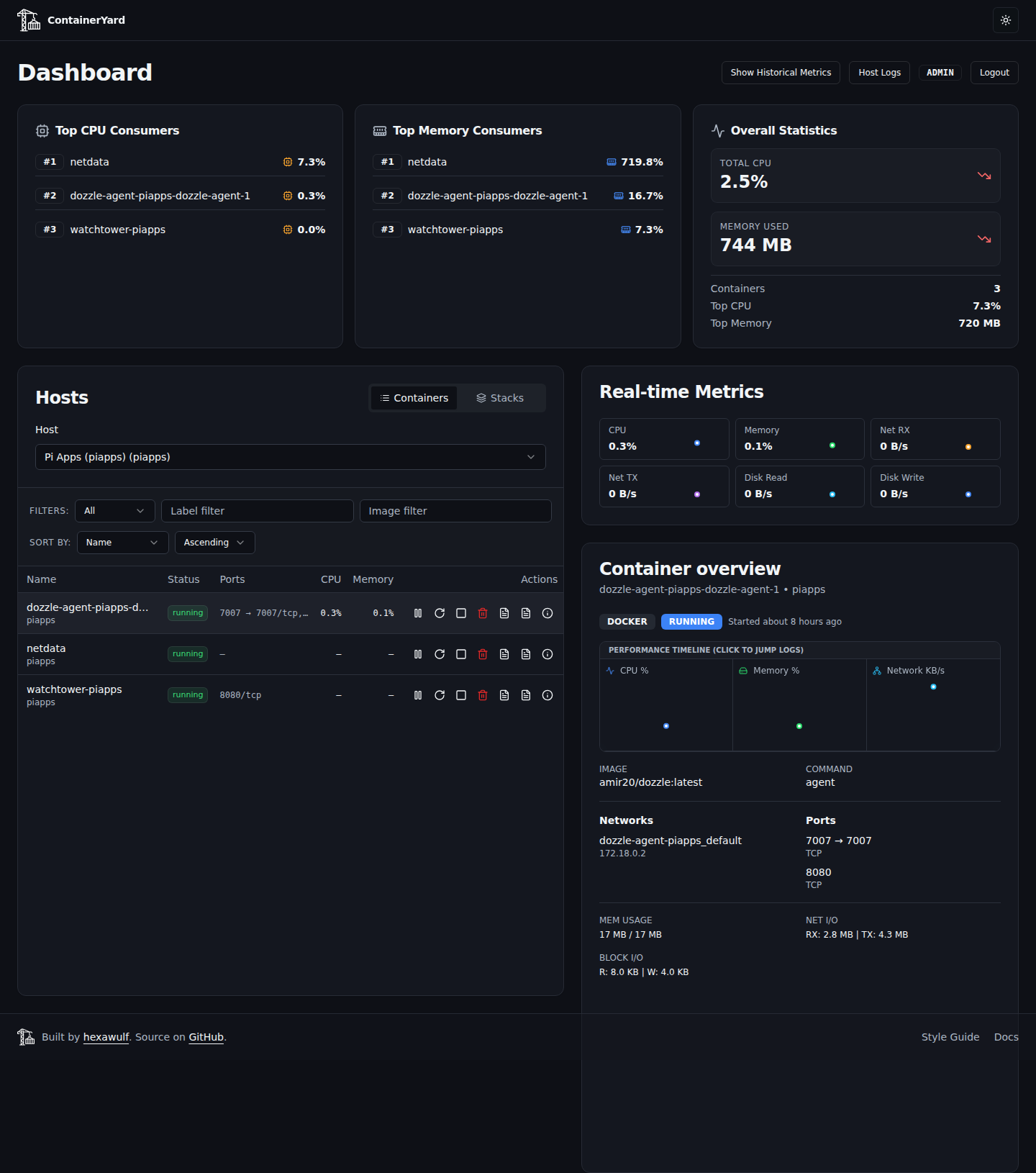
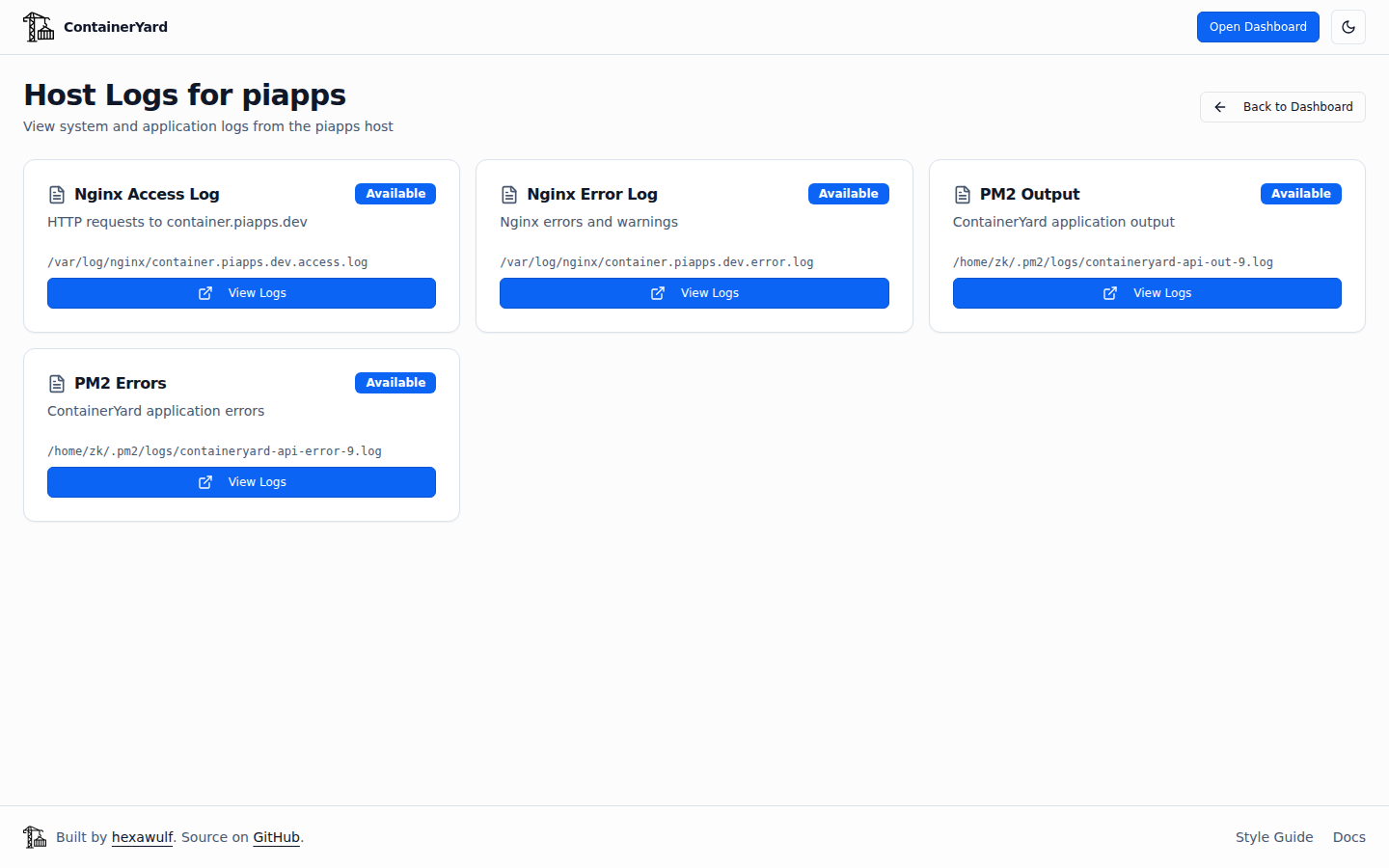
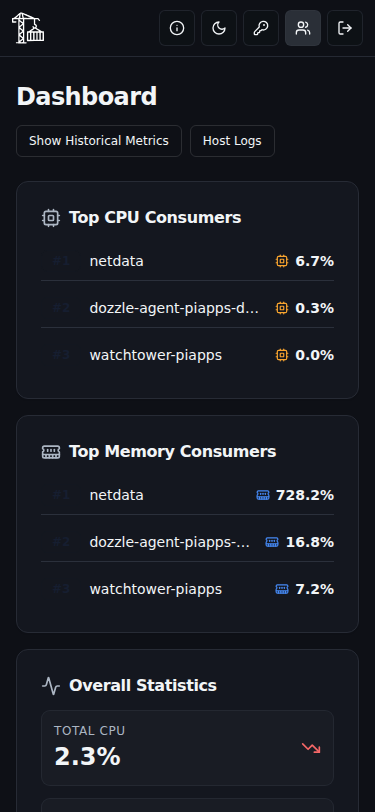
Securesession cookies in Redis, an SSRF-safe webhook client, and an audit log of logins and actions. - Light/dark UI: light by default, a persistent toggle on every page, no flash on load, and WCAG AA contrast in both themes.
| Light | Dark |
|---|---|
|  |
 |  |
| About | User administration (ADMIN) |
|---|---|
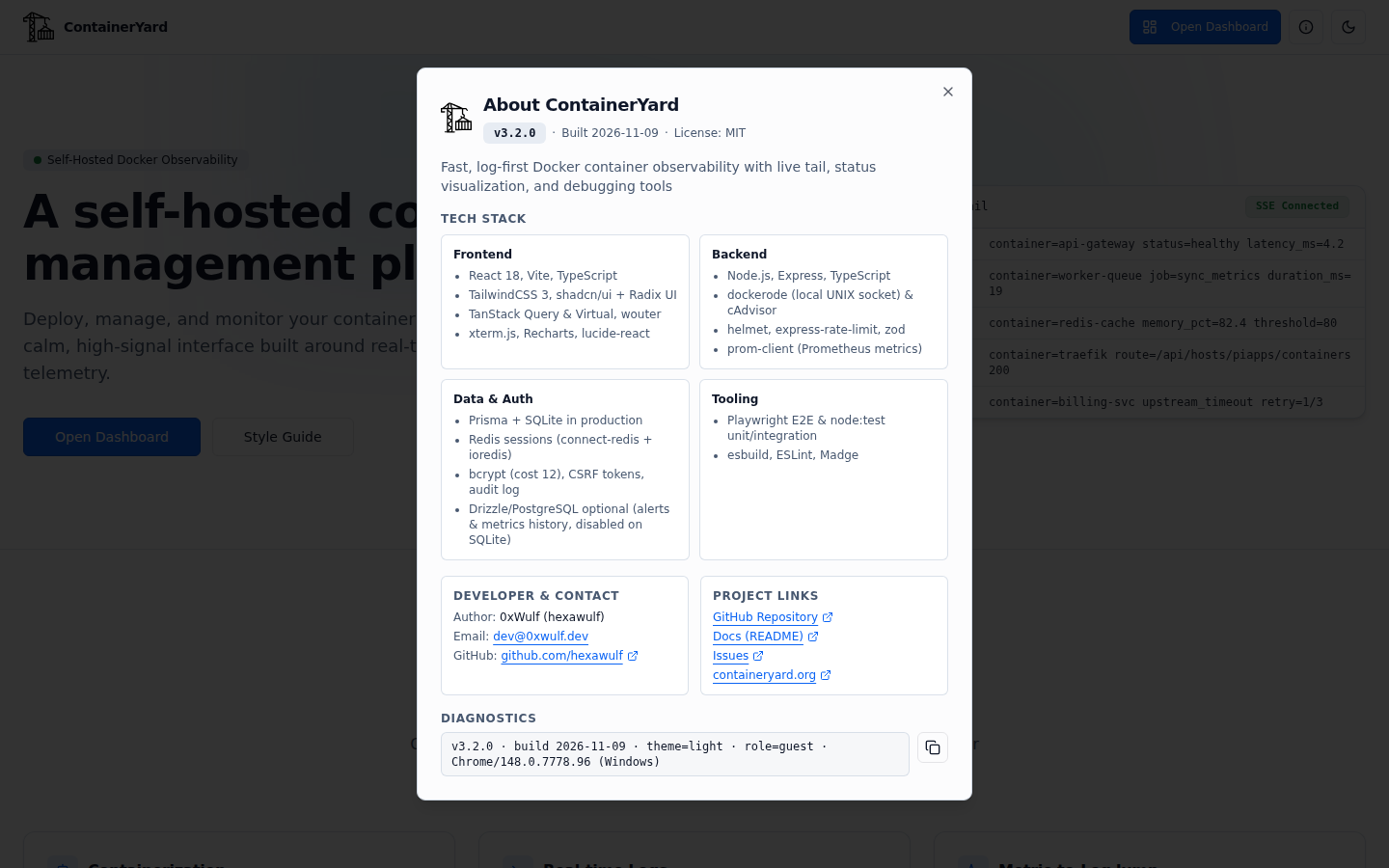 | 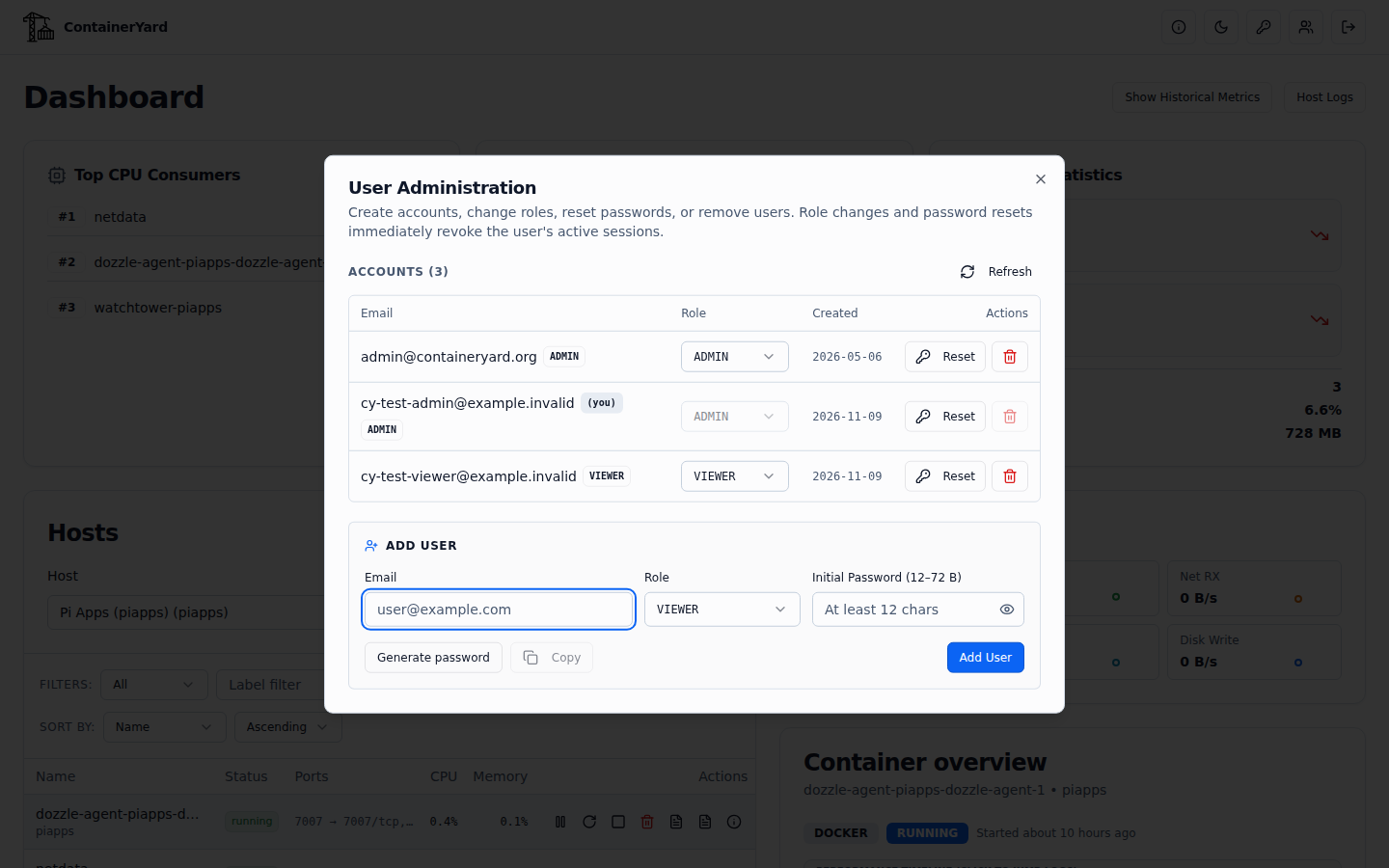 |
🏷️ Tags
| Tag | Meaning |
|---|---|
4.0.0 | Exact release (recommended for production; pin it) |
4.0 | Latest patch of the 4.0 line |
latest | Most recent stable release |
Every tag is a multi-arch image for linux/amd64 and linux/arm64 (it runs on a Raspberry Pi 4/5), and each release ships with an SBOM and SLSA provenance attestations. Releases are built by GitHub Actions from signed vX.Y.Z tags. See the changelog.
🚀 Quick start (Docker Compose)
The supported way to run ContainerYard is the repository's docker-compose.yml. It starts the app plus a private Redis for sessions.
git clone https://github.com/hexawulf/ContainerYard.git && cd ContainerYard
cp .env.example .env && nano .env      # set the required variables below
docker compose pull
docker compose up -d
docker compose ps                      # app should turn "healthy" within ~30 s
The UI listens on 127.0.0.1:5008 by default. Put a TLS reverse proxy (nginx, Caddy, Traefik) in front of it and forward X-Forwarded-Proto: https: session cookies are Secure and Express trusts one proxy hop.
On first start the container creates the SQLite schema and the bootstrap ADMIN account from ADMIN_EMAIL / ADMIN_PASSWORD. Changing those variables later has no effect, so use the in-app password change or user admin instead.
What's in the stack
| Service | Image | Notes |
|---|---|---|
app | 0xwulf/containeryard:${CY_TAG:-latest} | Port 5008, volume cy-data → /data (SQLite), Docker socket mount |
redis | redis:7-alpine (digest-pinned) | Session store, AOF persistence, internal network only, volume cy-redis |
Both services run with a read-only root filesystem, cap_drop: [ALL] and no-new-privileges, and carry com.centurylinklabs.watchtower.enable=false so upgrades stay deliberate.
⚙️ Configuration
Required variables (the entrypoint and env.ts validate them and stop with a clear error, without printing values):
| Variable | Purpose |
|---|---|
SESSION_SECRET | Session signing secret, ≥ 32 chars (openssl rand -hex 32) |
REDIS_PASSWORD | Password for the bundled Redis (openssl rand -hex 24) |
ADMIN_EMAIL / ADMIN_PASSWORD | Bootstrap ADMIN, used only while the user table is empty (password 12 chars to 72 UTF-8 bytes) |
ALLOWED_ORIGINS | Comma-separated origins, e.g. https://dash.example.com |
PIAPPS2_CADVISOR_URL, SYNOLOGY_CADVISOR_URL | cAdvisor URLs of the remote hosts defined in server/src/config/hosts.ts (edit that file to describe your own hosts) |
Useful optional variables:
| Variable | Default | Purpose |
|---|---|---|
CY_TAG | latest | Image tag used by compose |
CY_BIND / CY_PORT | 127.0.0.1 / 5008 | Host bind address and port |
DOCKER_GID / ADM_GID | 113 / 4 | Host GIDs for the Docker socket and (optional) nginx logs; check with getent group docker adm |
COOKIE_SAMESITE | none | Use lax when UI and API share one origin |
METRICS_TOKEN | unset | Bearer token for the Prometheus /metrics endpoint |
AUDIT_RETENTION_DAYS | 180 | Audit log retention |
HOSTLOG_NGINX_DIR, PM2_LOG_DIR | /var/log/nginx, ~/.pm2/logs | Host log locations for the ADMIN Host Logs page |
CY_SKIP_DB_PUSH | 0 | 1 skips the schema sync + seed on boot |
The full table is in the README.
Host logs (optional)
To let ADMINs read host nginx and PM2 logs, mount them read-only with the example overlay:
docker compose -f docker-compose.yml -f deploy/piapps/docker-compose.piapps.yml up -d
It mounts /var/log/nginx:/host/nginx:ro and the PM2 log dir at /host/pm2:ro. Missing directories just show as "not available".
💾 Data, backup and upgrades
| Volume | Contains |
|---|---|
cy-data (/data/app.db) | Users, audit log, log bookmarks, saved searches (SQLite) |
cy-redis (/data) | Login sessions (AOF) |
# Back up the database
docker run --rm -v containeryard_cy-data:/data:ro -v "$PWD:/backup" \
  --entrypoint /bin/cp 0xwulf/containeryard:latest -a /data/app.db /backup/app.db.bak

# Upgrade to a new release
CY_TAG=4.0.0 docker compose pull && CY_TAG=4.0.0 docker compose up -d
PostgreSQL is supported via DATABASE_URL=postgresql://… and enables alert rules and historical metrics, which are disabled on SQLite.
🔒 Security notes
- The Docker socket is root-equivalent. ContainerYard needs it for logs, stats and lifecycle actions. The app runs as unprivileged
uid 1000and is bound to localhost by default. Never publish port 5008 to the internet without the TLS proxy and login in front of it, and never exposedockerdon unauthenticated TCP (:2375). Monitor other hosts with cAdvisor instead. - Write access is gated by role: VIEWERs can watch, while only ADMINs can act, read host logs or manage users.
- Found a vulnerability? Please report it privately to [email protected] rather than in a public issue.
🏗️ Under the hood
| Component | Details |
|---|---|
| Base image | node:22-bookworm-slim (digest-pinned), tini as PID 1 |
| Health check | Built-in Node fetch against /health |
| Frontend | React 18, Vite, TypeScript, Tailwind CSS, shadcn/ui + Radix, TanStack Query, xterm.js, Recharts, wouter |
| Backend | Node.js 22, Express, Dockerode, Zod, Helmet |
| Data and auth | Prisma (SQLite or PostgreSQL), Redis sessions (connect-redis), bcrypt, CSRF tokens |
| Labels | org.opencontainers.image.{version,revision,source,licenses} |
🔗 Links
- 🌐 Website: containeryard.org
- 💻 Source, docs and issues: github.com/hexawulf/ContainerYard
- 📝 Changelog: CHANGELOG.md
- 👤 Maintainer: 0xWulf (@hexawulf) · ✉️ [email protected]
Licensed under the MIT License.
Tag summary
Content type
Image
Digest
sha256:f921ff795…
Size
167.4 MB
Last updated
about 7 hours ago
docker pull 0xwulf/containeryard