ad4mts/zfdash
ZfDash: GUI and a Web UI for common ZFS tasks on Linux.with Docker image you will get only the WEBUI
50K+
ad4mts/zfdash repository overview
ZfDash (latest-beta)
(ZFS Management GUI / WEBUI) 💻

https://github.com/ad4mts/zfdash
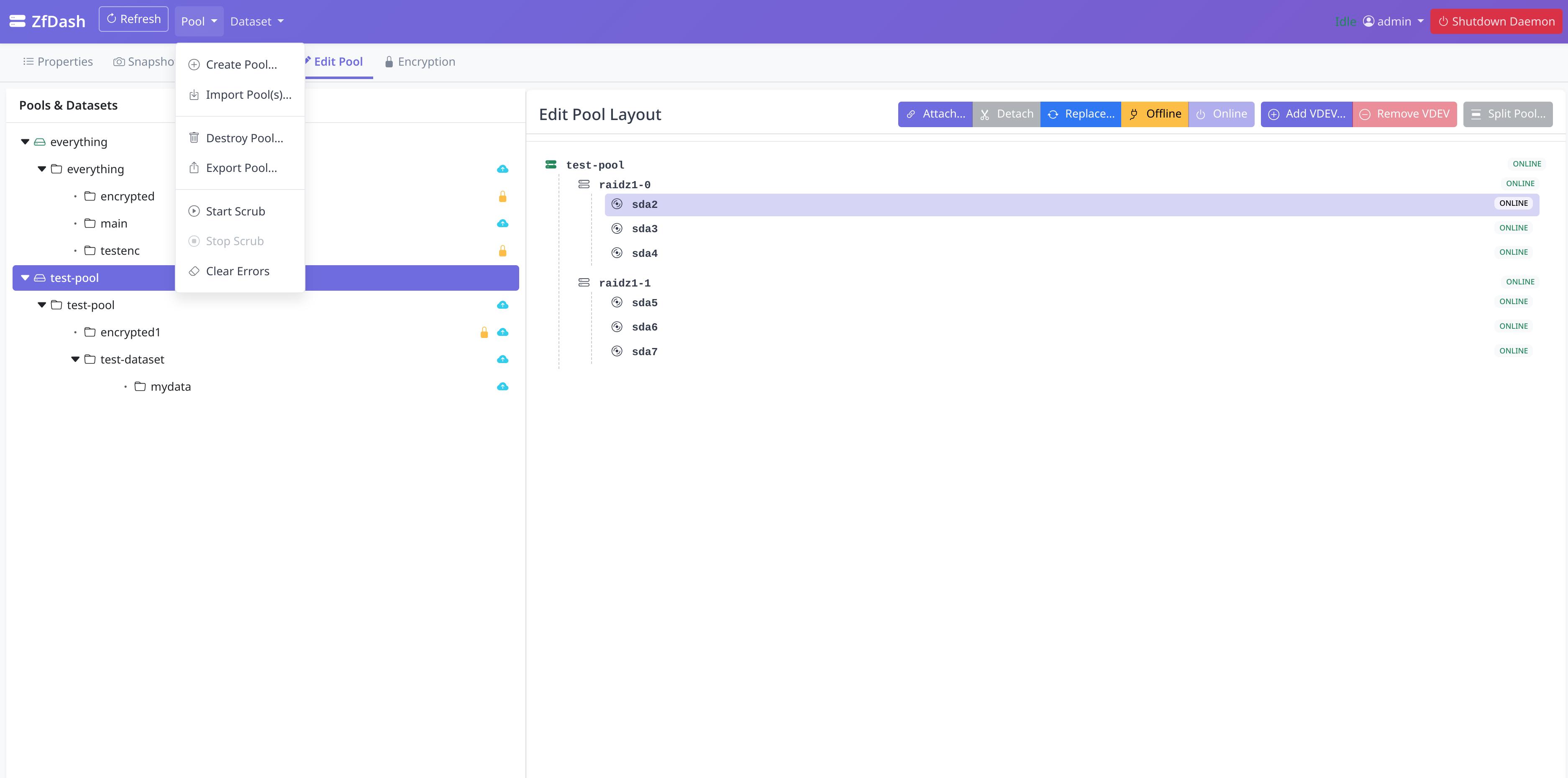
ZfDash provides user interfaces (both a Desktop GUI and a Web UI) built with Python to simplify common ZFS pool, dataset, and snapshot management tasks on Linux. It interacts with a secure background daemon, launched on demand via Polkit, to perform ZFS operations. With this Docker image you will get only the WEB UI
** DISCLAIMER **
- User Responsibility: You are solely responsible for understanding the ZFS commands being executed by this tool and for the integrity of your data. ALWAYS HAVE RELIABLE, TESTED BACKUPS of critical data before performing any operations. Using this tool can lead to PERMANENT DATA LOSS if not used carefully.
🐳 Docker Usage
This is the recommended method for deploying the ZfDash Web UI. It uses a pre-built container image, simplifying deployment and ensuring all dependencies are met.
1. Pull the Image from a Registry
The image is available on both Docker Hub and GitHub Container Registry (GHCR). Docker Hub is the recommended source.
-
From Docker Hub (Recommended):
sudo docker pull ad4mts/zfdash:latest -
From GitHub Container Registry (Alternative):
sudo docker pull ghcr.io/ad4mts/zfdash:latest
2. Run the Container
This command starts the container and uses Docker named volumes (zfdash_config and zfdash_data) to safely persist your app's configuration and data.
sudo docker run -d --name zfdash \
  --privileged \
  --device=/dev/zfs:/dev/zfs \
  -v zfdash_config:/root/.config/ZfDash \
  -v zfdash_data:/opt/zfdash/data \
  -v /etc:/host-etc:ro \
  -p 5001:5001 \
  --restart unless-stopped \
  ad4mts/zfdash:latest
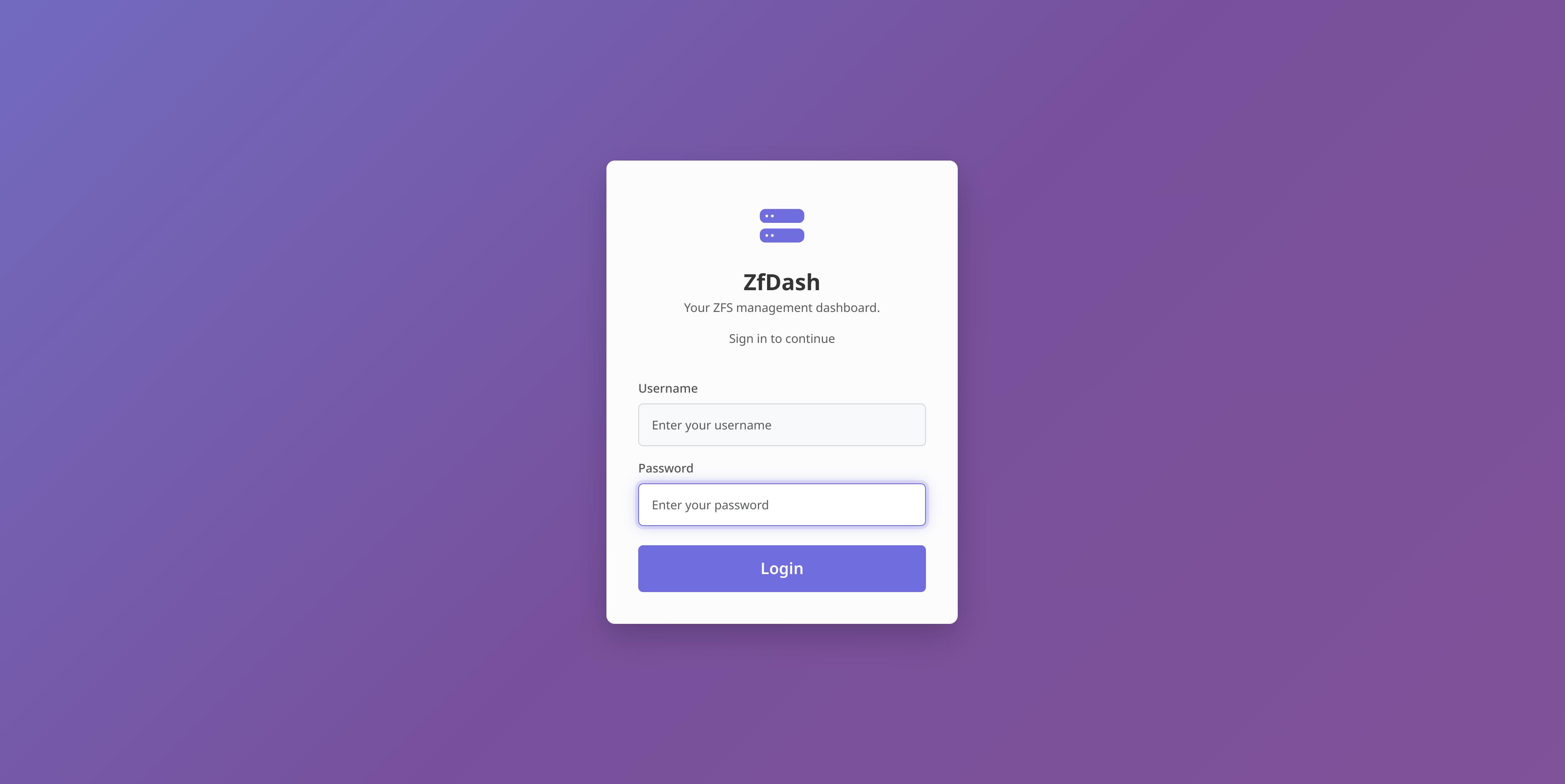
You can then access the Web UI at http://localhost:5001.
Stopping and removing the container:
sudo docker stop zfdash
sudo docker rm zfdash
Docker Security Note (Advanced)
ZfDash requires direct access to the host's ZFS subsystem, which presents a security challenge for containerization.
--privilegedFlag: The command above uses--privileged, which grants the container full, unrestricted access to the host. This is the simplest way to ensure functionality but is also the least secure.- A More Secure Alternative: For better security, you can replace
--privilegedwith the more granular--cap-add SYS_ADMINflag and mount /dev as volume using -v /dev:/dev (so the container has access to disks).. If you still encounter permission errors (often due to AppArmor or SELinux policies on the host), you may also need to add--security-opt seccomp=unconfinedas a last resort.
Tag summary
Content type
Image
Digest
sha256:bc9ab81d2…
Size
357 MB
Last updated
5 months ago
docker pull ad4mts/zfdash