adamsandor83/memoryhog
A Java app that simulates memory consumption
484
adamsandor83/memoryhog repository overview
Memory Hog
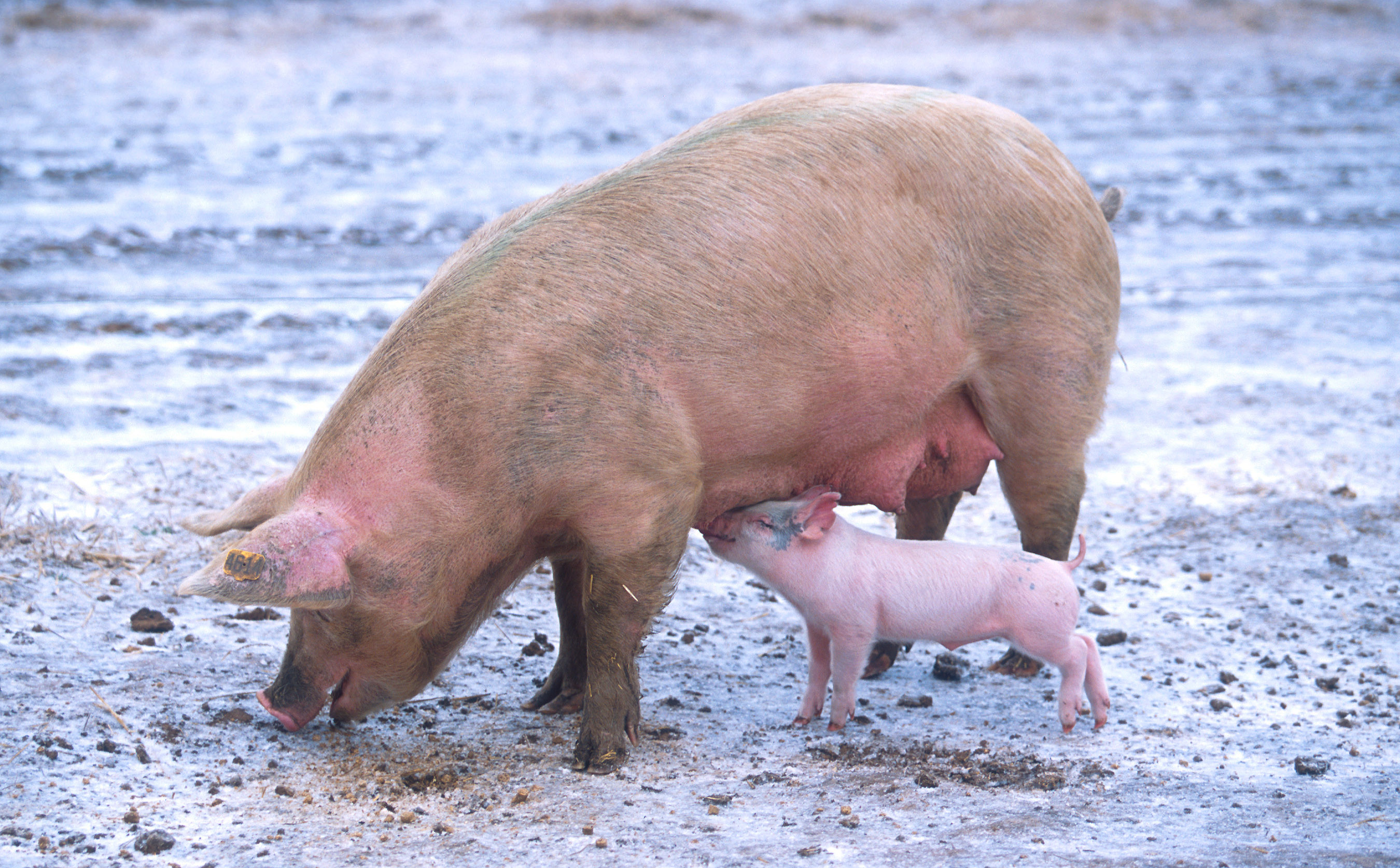
They say Java is a memory hog. This is the literal implementation of that idea. Running this program will feed on your memory to simulate Garbage collection and see how a Java application behaves in a Docker container and on a Kubernetes cluster. Everything is prepared here you just need to supply the parameters.
Uses Java 8 with the new container memory features experimental backport from Java 9.
Usage
Get a Kubernetes cluster (I used GKE for my experiments), but you can do this on Minikube or some other cloud too.
You don't need to build the Docker container (it's up on Dockerhub here) unless you want to make changes to it, however take a look at the Dockerfile to familiarise yourself how it's built. Especially the experimental memory settings that are applied to the container:
| Setting | Description |
|---|---|
| -XX:+UnlockExperimentalVMOptions | Unlock the settings we need to enable the settings backported from Java9 |
| -XX:+UseCGroupMemoryLimitForHeap | Detect heap size from Docker container memory limit |
| -XshowSettings:vm | Print the detected memory settings on startup |
| -XX:MaxRAMFraction | Strangely if this is not set to 1, the detection can come up with a way too low heap size |
There is a Kubernetes manifest to launch a Pod on your cluster with the desired settings. Manual heap memory limit with Xmx is not possible yet as I was focusing on testing the detection. There are two different hogs you can enable which will start feeding on the cluster node's memory: Pinky and Bacon. They behave differently and can be enabled/disabled separately. Both can be enabled at the same time to combine their effects.
Pinky
Pinky will consume memory at a given rate until reaching a set amount of memory. It stores the memory in a list so the GC cannot reclaim it. After reaching the set amount it will wait for a period of time and release the memory afterwards.
| Setting | Description |
|---|---|
| FEED_PINKY | true/false |
| PINKY_CONSUME_MB | How much memory should Pinky eat |
| PINKY_RELEASE_AFTER_SEC | How long should Pinky hold on to the memory |
| PINKY_CONSUME_RATE | How fast should Pinky consume the memory (MB/s) |
Bacon
Bacon will consume memory and immediately release it to produce the familiar Java saw-line.
| Setting | Description |
|---|---|
| FEED_BACON | true/false |
| BACON_CONSUME_UNTIL_MINUTES | How long should Bacon keep feeding |
| BACON_CONSUME_RATE_MB_PER_SECOND | How much memory should Bacon reserve then release each second |
Tag summary
Content type
Image
Digest
Size
286.5 MB
Last updated
over 8 years ago
docker pull adamsandor83/memoryhog