aimldev/docklog
DockLog is a high-performance, real-time Docker log viewer tailored for teams.
10K+
aimldev/docklog repository overview
DockLog 🐳
High-performance, real-time Docker log viewer built for teams.
Lightweight. Secure. Modern.
Real-time Docker logs, RBAC, audit logging, container controls, and system monitoring in a modern interface.






✨ Features
- Real-time WebSocket log streaming with search and highlighting
- Role-Based Access Control (RBAC) with staff management
- Wildcard and regex container permissions
- Start, stop, restart, and delete containers from the UI
- Full audit logging for administrative actions
- System health monitoring with historical CPU and memory charts
- Lightweight Go backend (~30–50 MB RAM typical)
- Single-container deployment with embedded Vue UI and SQLite
- Infinite log scrolling and multi-container log layout
- Responsive modern UI with auto, light, and dark themes
📸 Preview
Dashboard
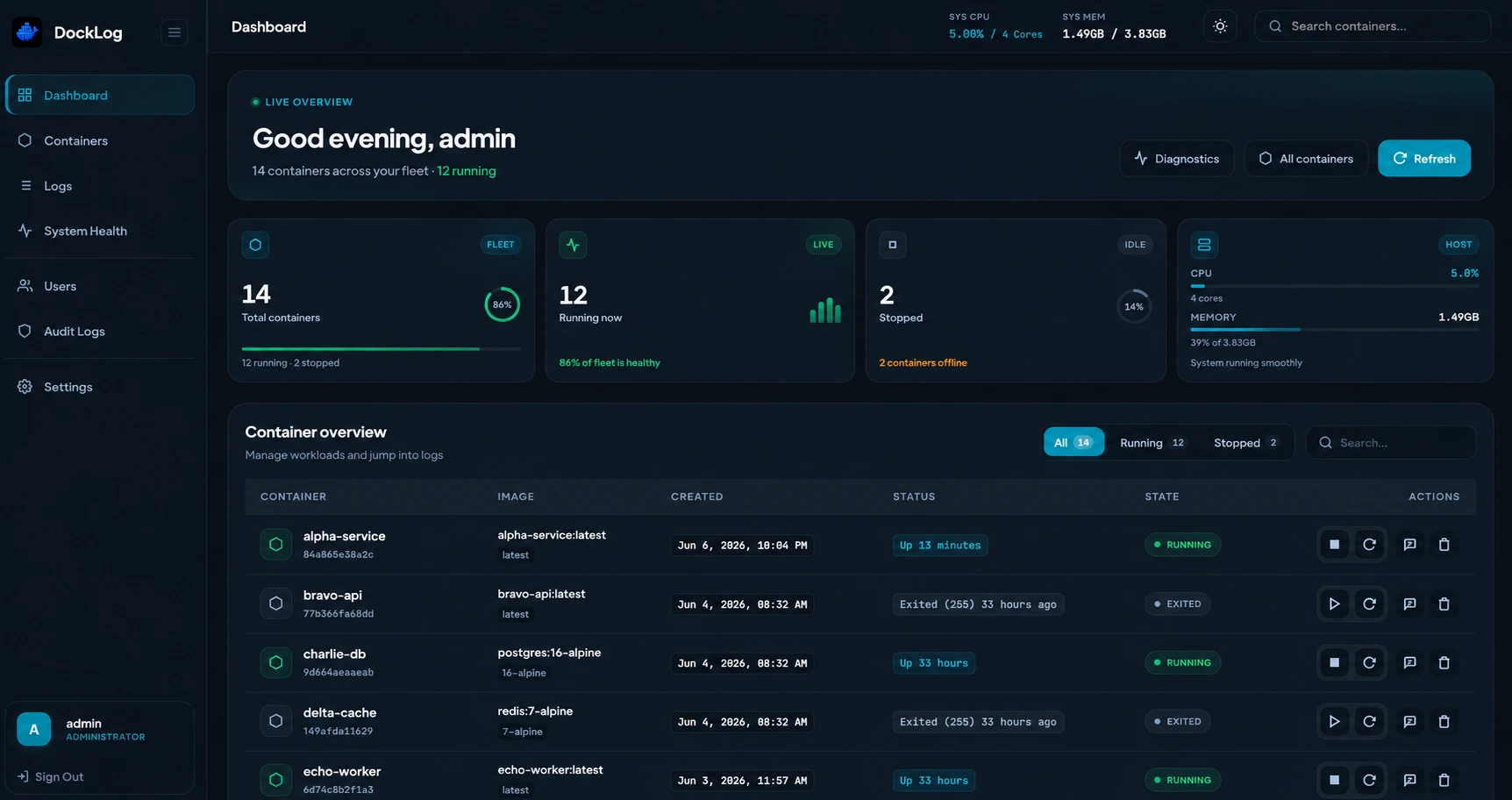
Real-time Docker monitoring with lightweight system metrics and container controls.
Container Management
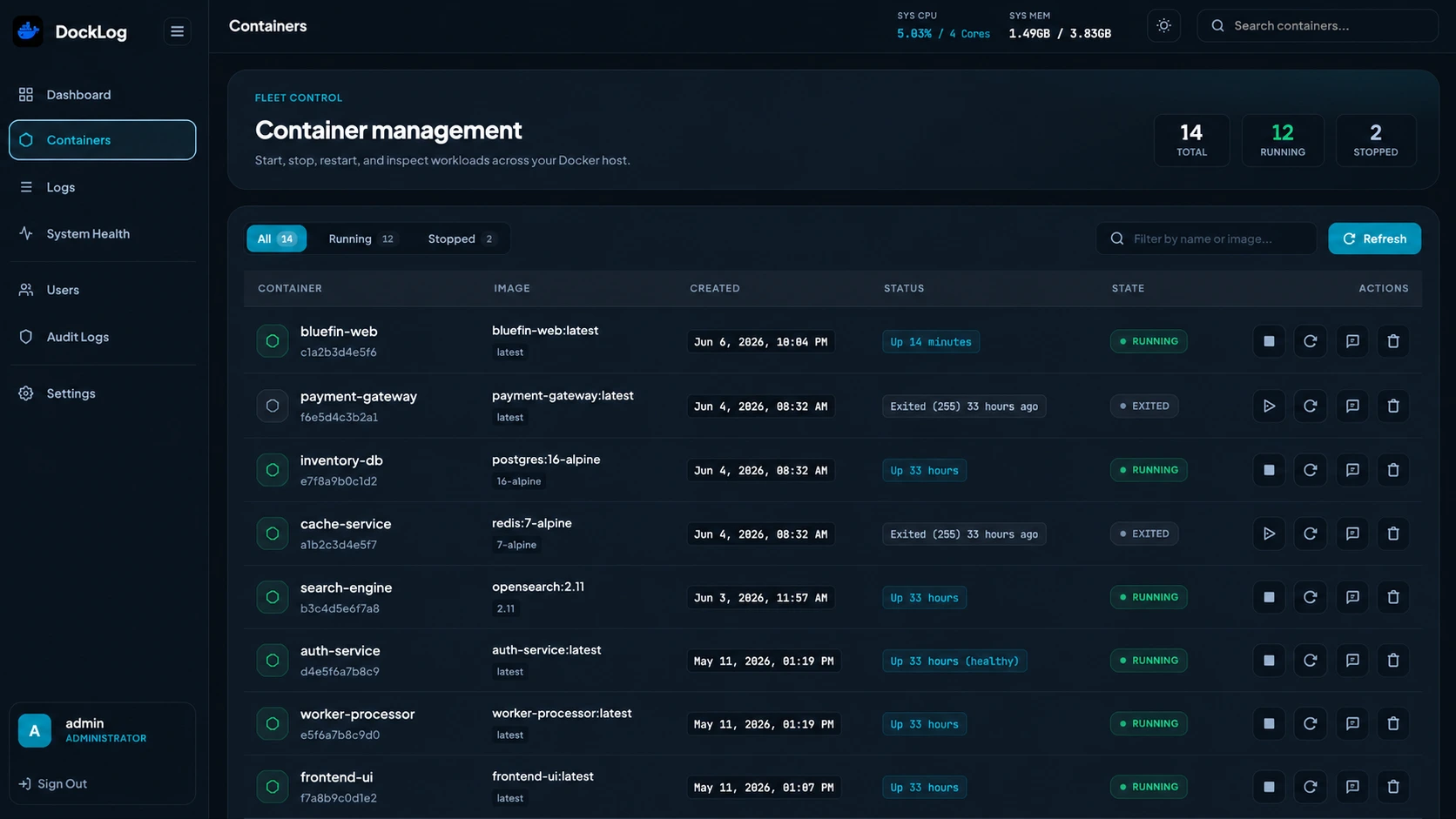
Monitor, control, and manage containers with fast operational actions.
Real-Time Logs
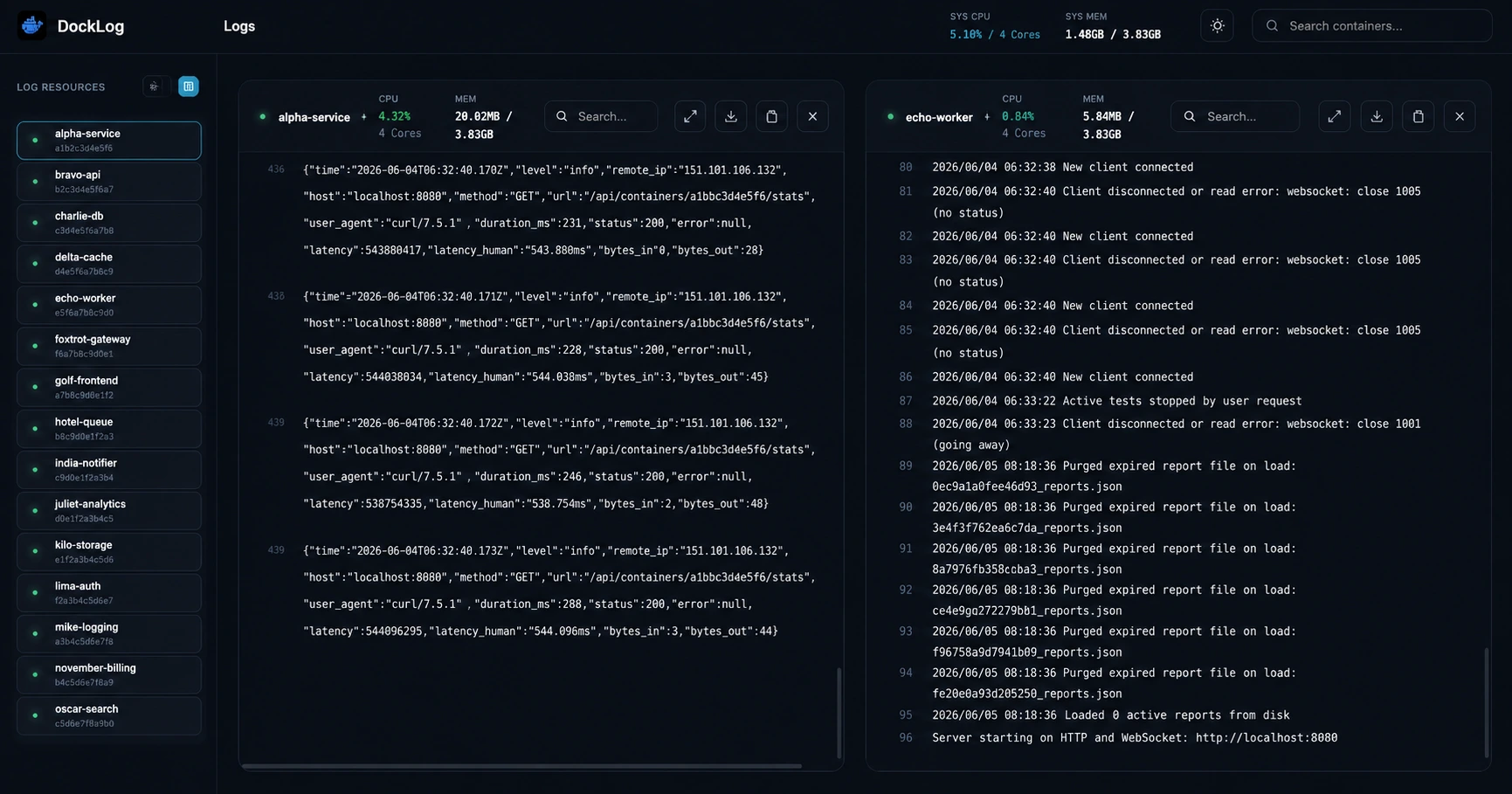
Stream container logs live with search, highlighting, and multi-container layout.
System Health
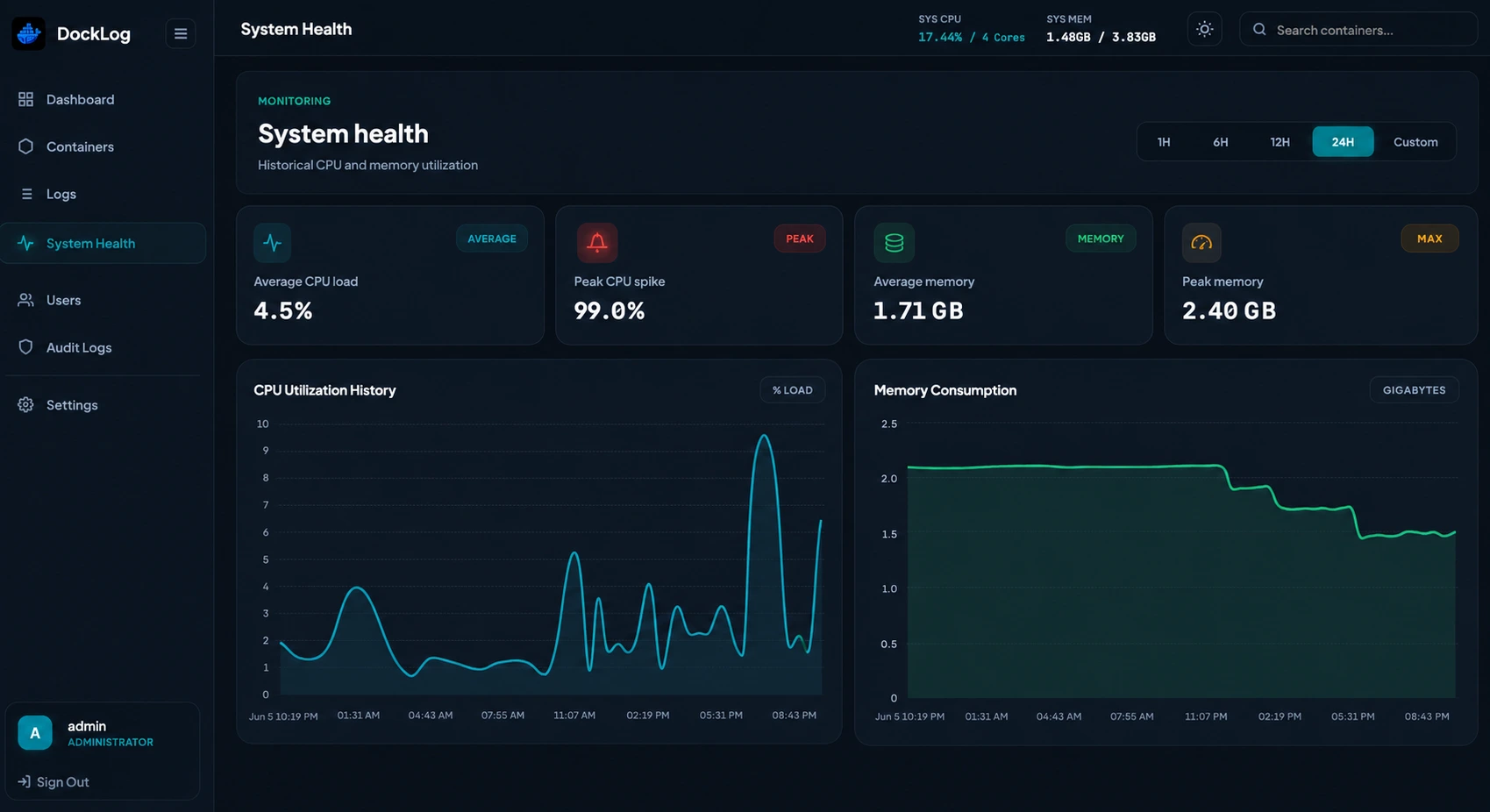
Historical CPU and memory charts with configurable time ranges.
RBAC & Staff Management
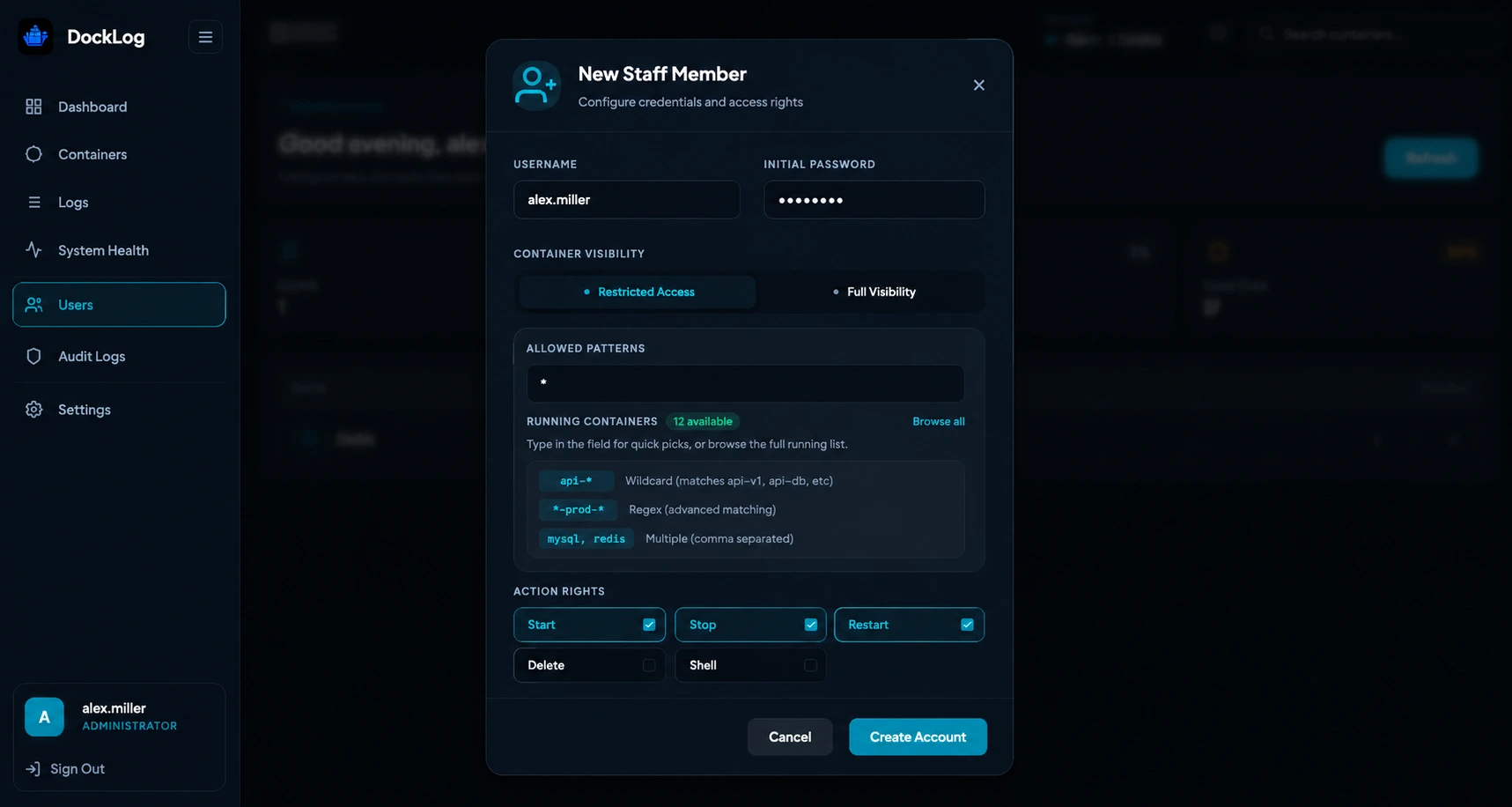
Granular container-level permissions with wildcard and regex-based access control.
Security Audit Logs
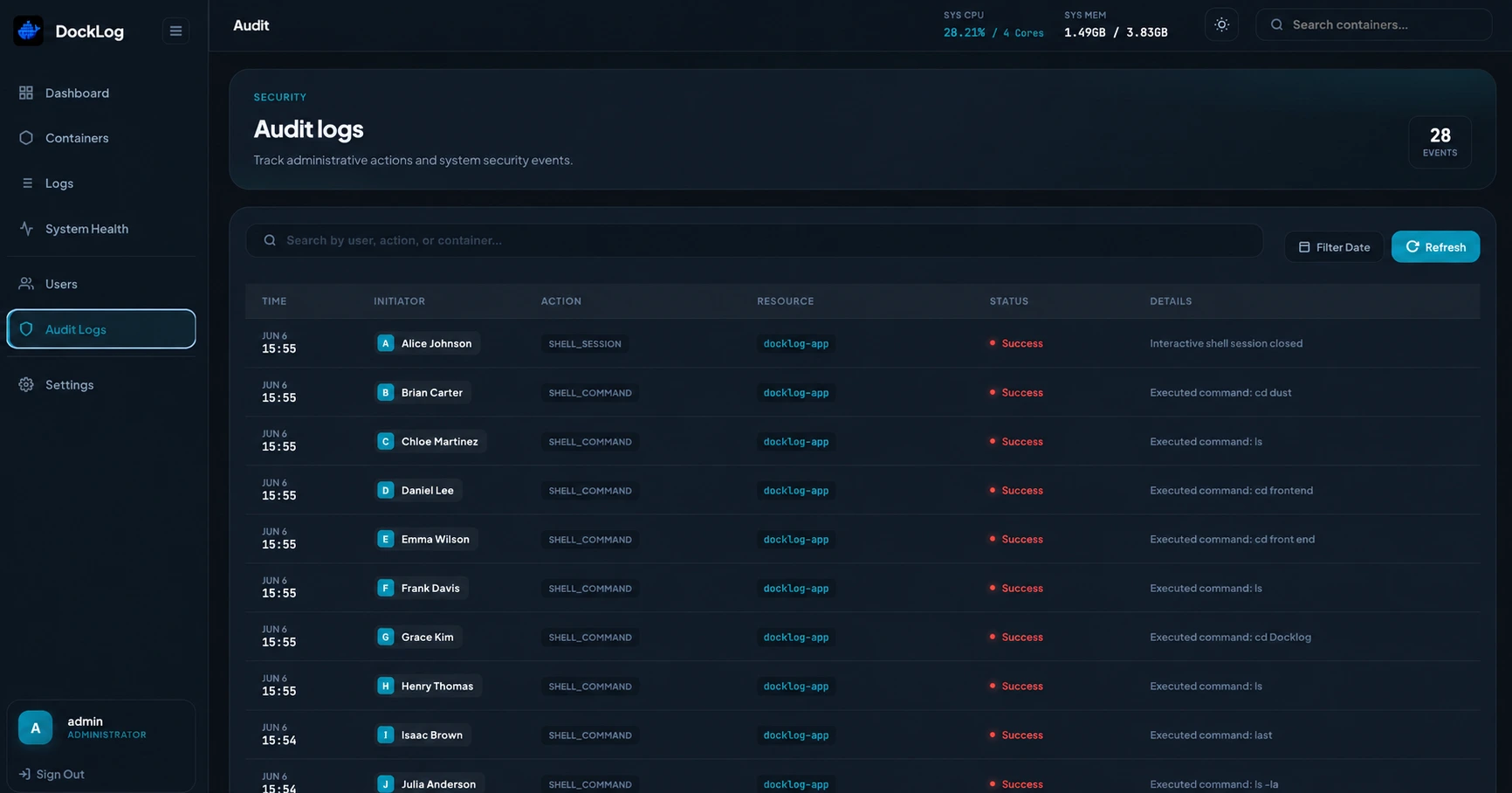
Track administrative actions and security events with a complete audit trail.
🚀 Quick Start
Docker Compose
version: "3.8"

services:
  docklog:
    image: aimldev/docklog:latest
    container_name: docklog
    ports:
      - "8888:8000"
    environment:
      - SECRET_KEY=your-secure-key-here
      - DB_PATH=/app/data/docklog.db
      - CLIENT_ACCESS=strict
      - ENV=production
    volumes:
      - /var/run/docker.sock:/var/run/docker.sock
      - ./data:/app/data
    restart: unless-stopped
Generate a secure key:
openssl rand -base64 32
Start DockLog:
docker compose up -d
Open:
http://localhost:8888
🔑 Default Login
| Username | Password |
|---|---|
admin | admin123 |
Change the default administrator password immediately after first login.
🔐 RBAC Examples
backend-*
*-db
redis
^prod-.*$
Examples:
backend-*— backend containers only*-db— database containers^prod-.*$— regex matching
⚡ Performance
Typical resource usage:
- RAM: ~30 MB to 50 MB
- Handles thousands of log lines per second
- Optimized WebSocket streaming
- Lightweight VPS-friendly deployment
🔒 Security Notes
DockLog requires access to:
/var/run/docker.sock
Recommended:
- Use HTTPS behind Nginx, Traefik, or Caddy
- Set a strong
SECRET_KEYandENV=production - Keep
CLIENT_ACCESS=strictin production - Restrict network access to trusted users only
- Keep
ALLOW_SHELL=falseunless explicitly needed
🔗 Links
- GitHub Repository: https://github.com/dockloghq/docklog
- Issues: https://github.com/dockloghq/docklog/issues
- Documentation: https://www.docklog.dev/docs
📜 License
DockLog is open-source software licensed under the MIT License.
Tag summary
Content type
Image
Digest
sha256:c3369d1ff…
Size
20.1 MB
Last updated
4 months ago
docker pull aimldev/docklog