ainullcode/borg-ui
Web UI for Borg Backup - Backup management made easy
500K+
ainullcode/borg-ui repository overview





A modern web interface for Borg Backup
Run backups, browse archives, restore files, manage repositories, and automate schedules from one interface.
Highlights
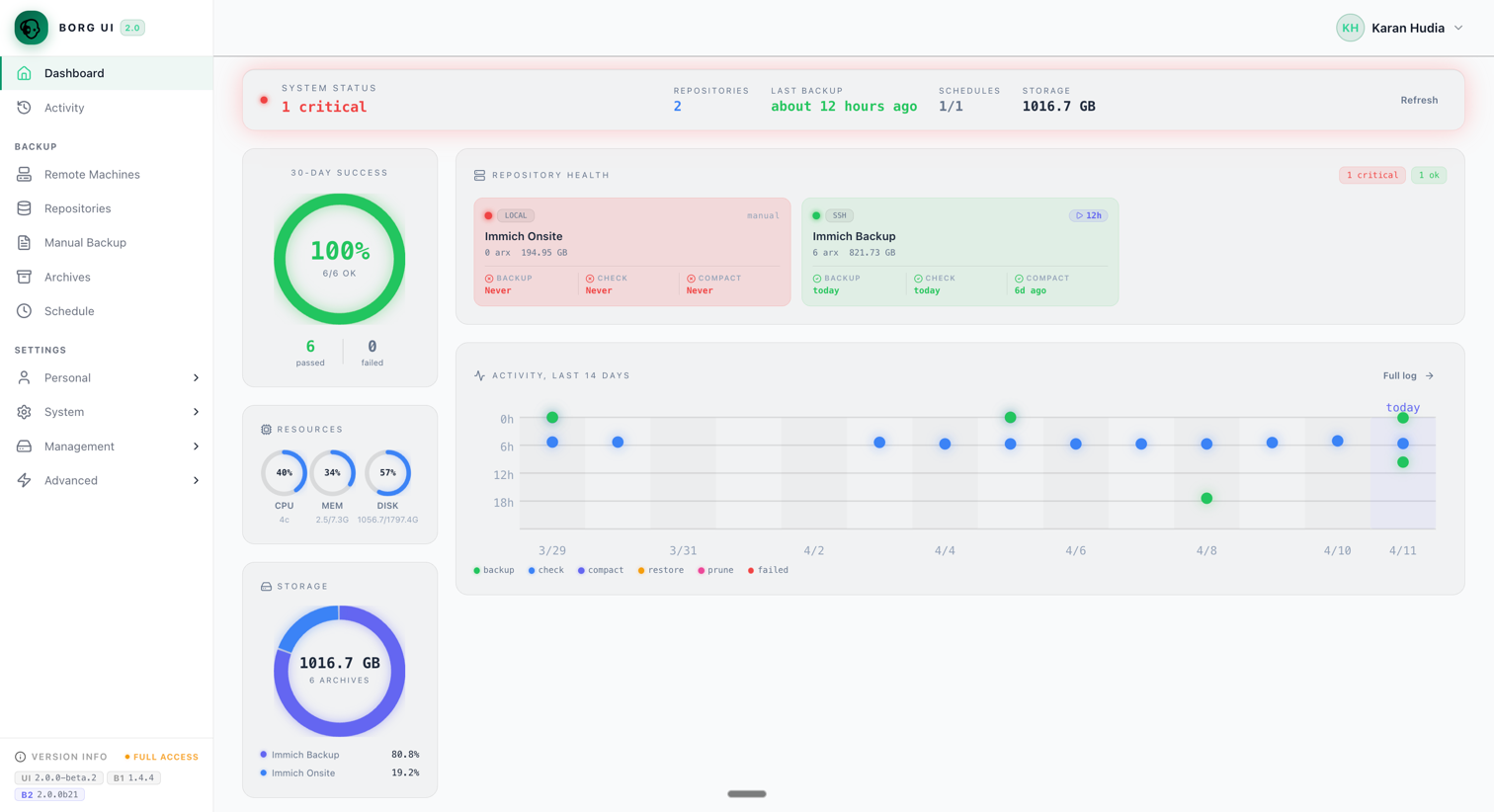
- Dashboard for repository health, activity, schedules, and storage
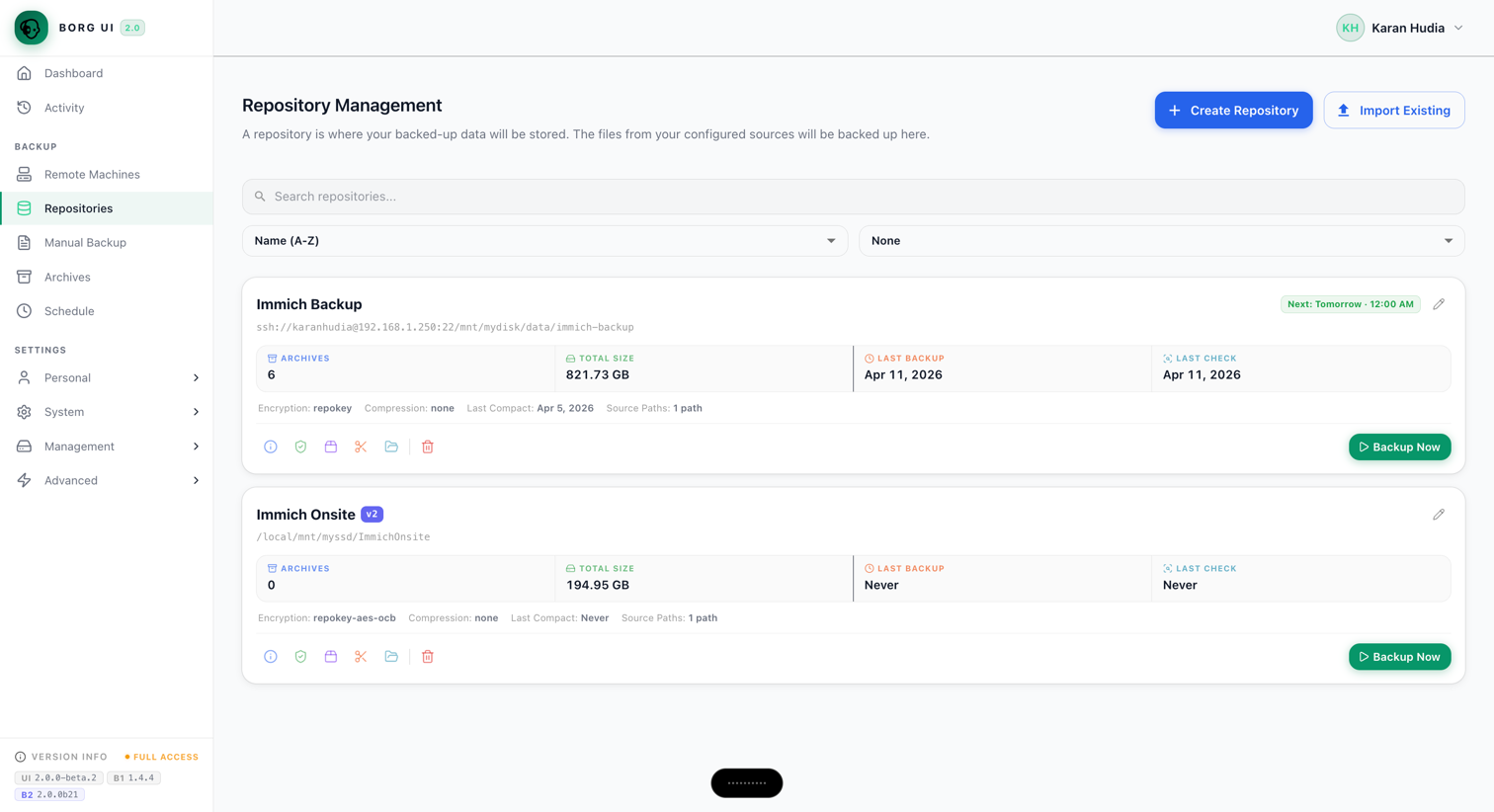
- Repository management for local, SSH, and SFTP destinations
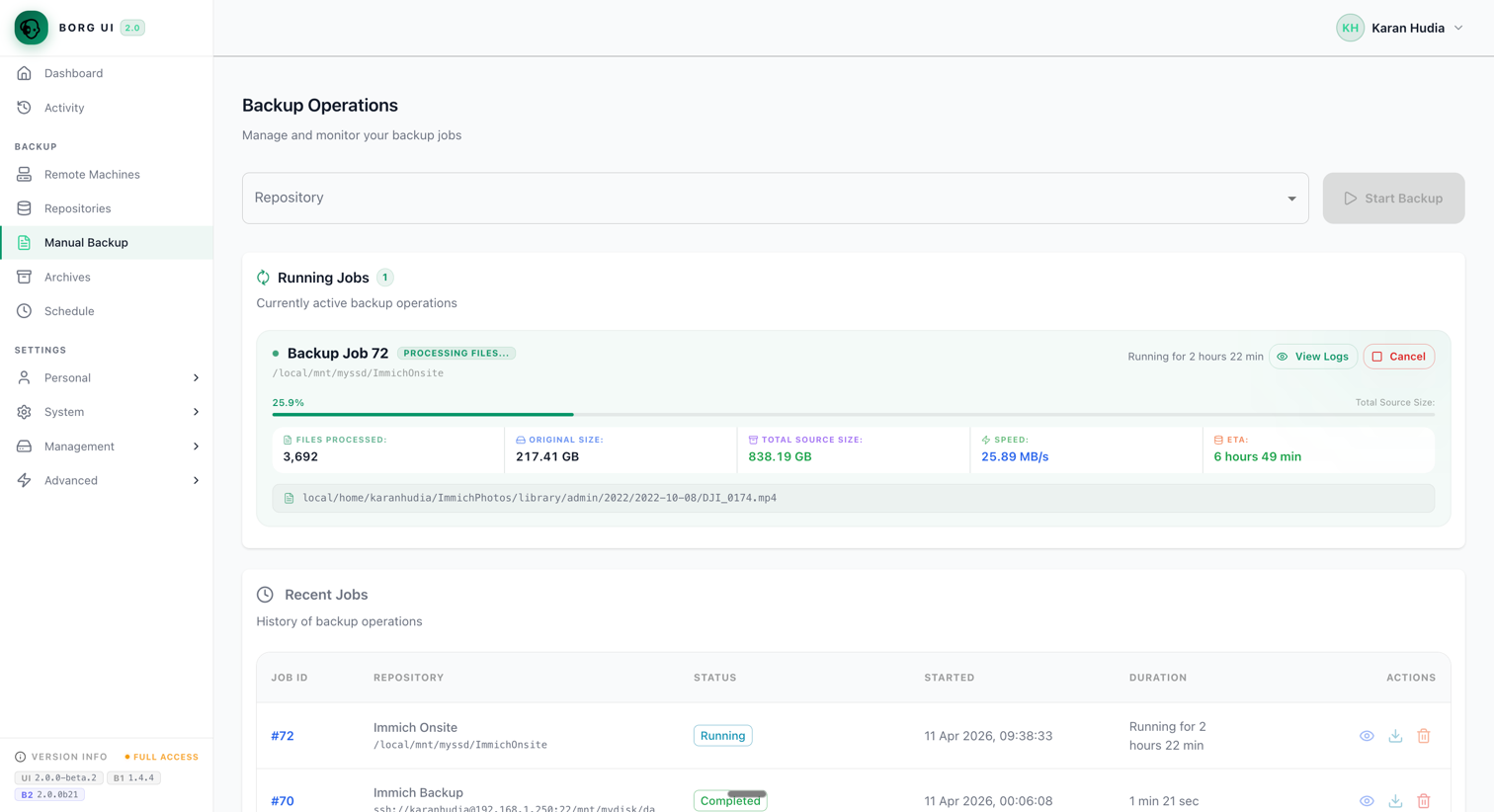
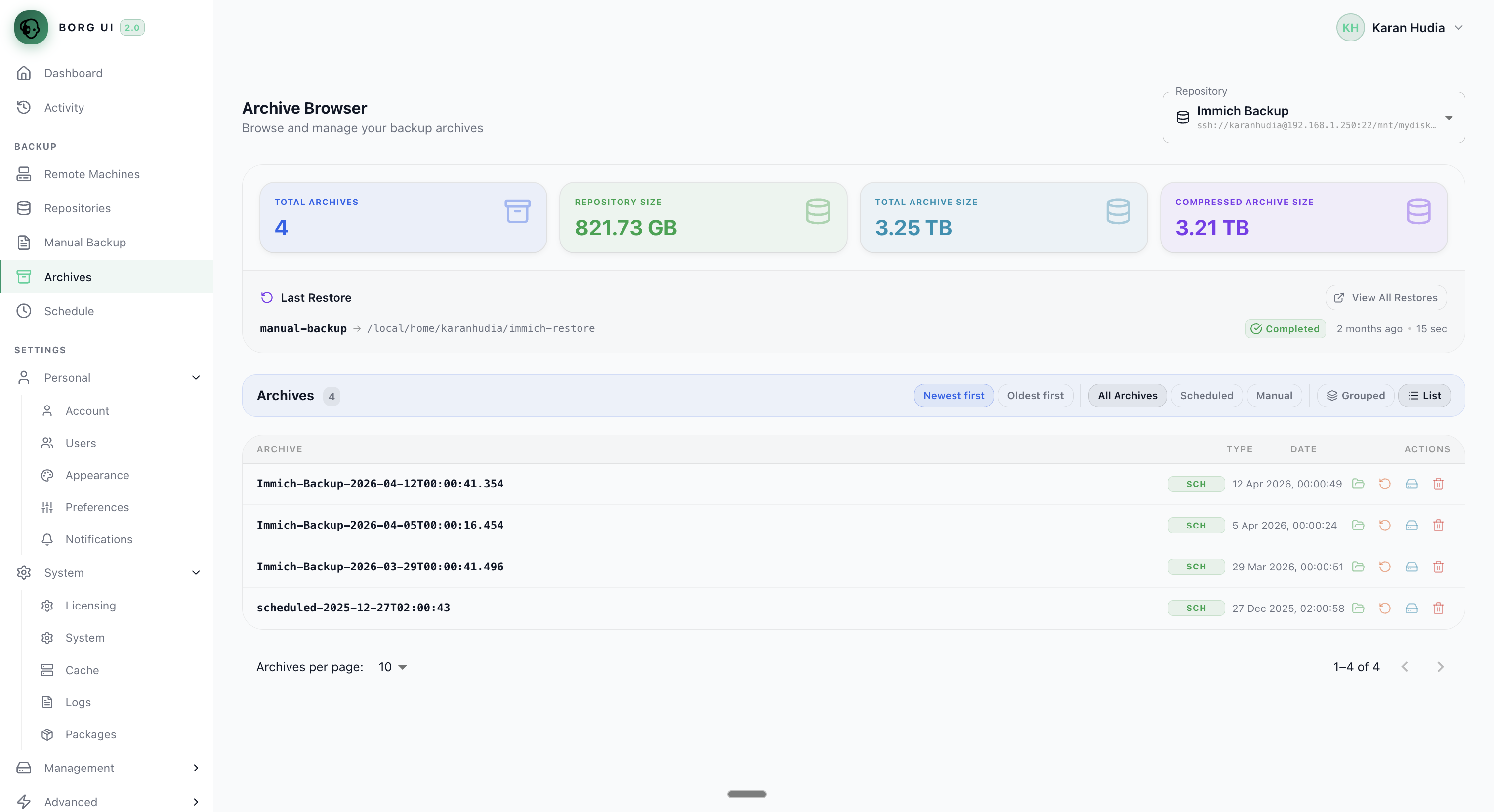
- Live backup progress, archive browsing, and restore workflows
- Automated schedules, maintenance actions, and pre/post backup hooks
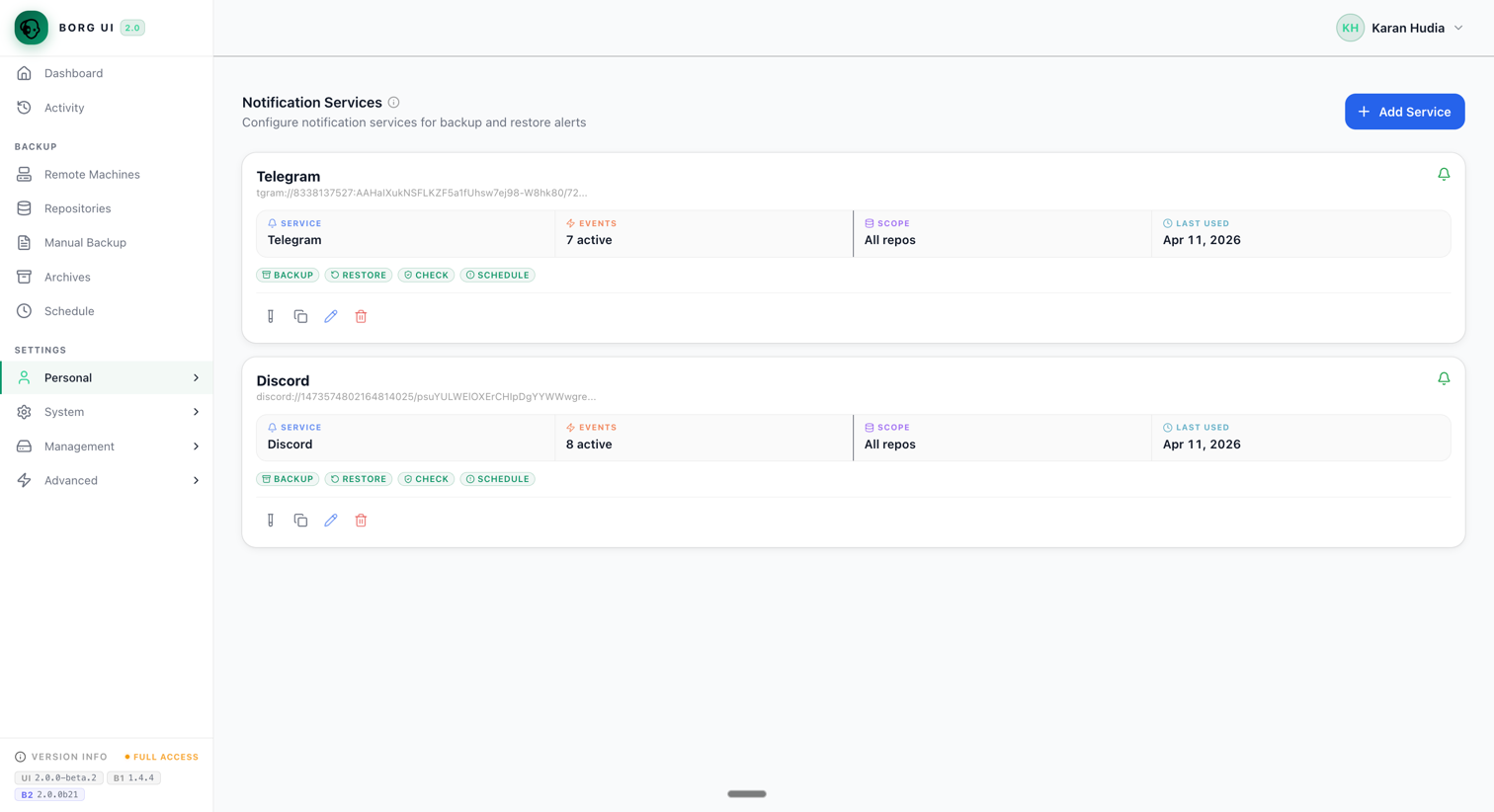
- Notifications through 100+ Apprise services
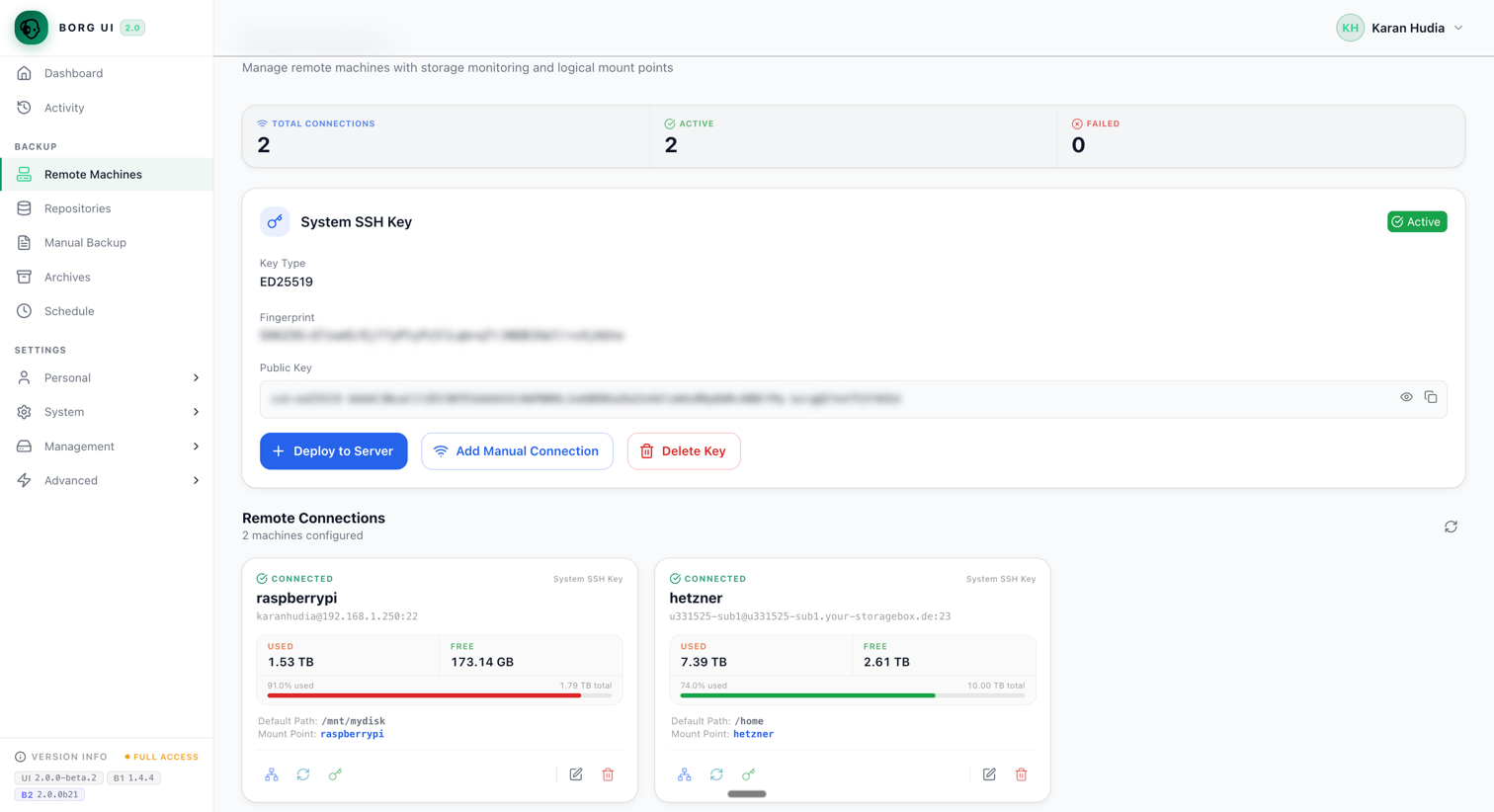
- Remote machine management with SSH key deployment and storage visibility
- Support for BorgBackup 1.x and BorgBackup 2 beta workflows
- Multi-architecture containers for
amd64,arm64, andarmv7
Interface
Operations Overview
Track repository health, recent activity, storage, and day-to-day backup execution from the main product surfaces.
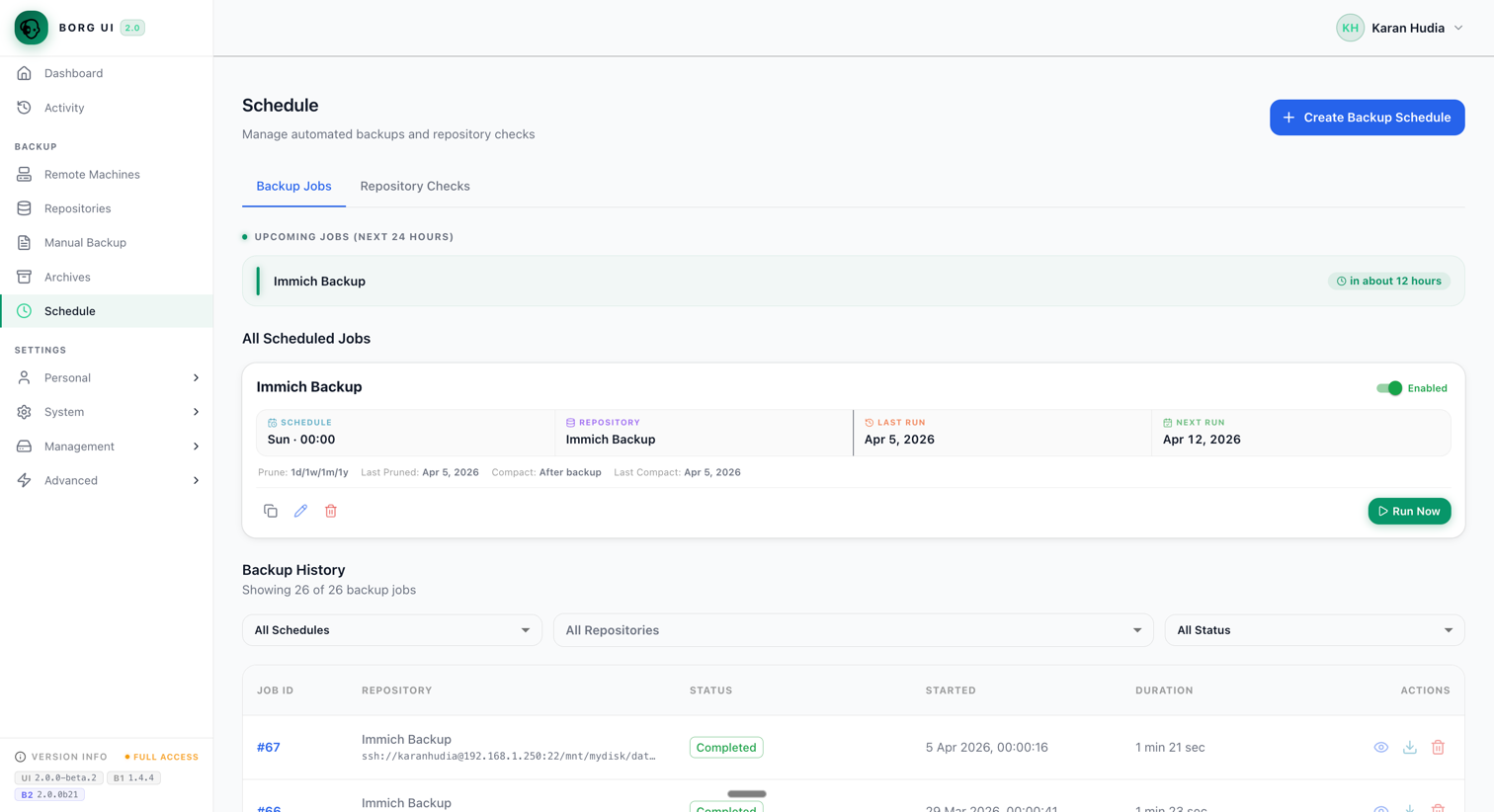
Backup and Restore Workflows
Monitor live backup progress, inspect archives, and work through restore flows without dropping to the CLI.
Automation and Integrations
Automate schedules, manage remote machines, and configure notifications for ongoing backup operations.
Getting Started
docker run -d \
  --name borg-web-ui \
  -p 8081:8081 \
  -v borg_data:/data \
  -v borg_cache:/home/borg/.cache/borg \
  -v /home/yourusername:/local:rw \
  ainullcode/borg-ui:latest
Access the app at http://localhost:8081 with admin / admin123.
No Docker? Install straight onto a Debian or Ubuntu host, whether that is bare metal, a VM, or an LXC container:
curl -fsSLO https://github.com/karanhudia/borg-ui/releases/latest/download/install.sh
curl -fsSL https://github.com/karanhudia/borg-ui/releases/latest/download/install.sh.sha256 | sha256sum -c - \
  && sudo bash install.sh
For setup details and the native install options, see the installation guide.
Documentation
Enterprise
For teams that need commercial support, larger rollouts, or an enterprise conversation, Borg UI can also support evaluation and deployment beyond the core open source setup.
- Learn more
- Contact: [email protected]
- You can also explore the live product and documentation at borgui.com
Support
Star History
Contributing
See the contributing guide and the development guide.
License
This project is licensed under the GNU Affero General Public License v3.0. See LICENSE.
Made with ❤️ by Karan Hudia
Tag summary
Content type
Image
Digest
sha256:7a51d2c6e…
Size
247.2 MB
Last updated
14 days ago
docker pull ainullcode/borg-ui