aiyuayaan/domus
A local-first smart-home hub for your home server, built using Rust and React web ui
608
aiyuayaan/domus repository overview
Domus
A local-first smart-home hub for your home server. Built with Rust, SQLite, React, and Electron, Domus brings your smart devices together under one roof.
Supports Tuya / Smart Life, TP-Link Tapo, Xiaomi Mi Home, Philips Hue, and MQTT.
- Automatic device discovery and pairing
- Live energy dashboard, electricity bill estimates, and air quality
- Rooms, groups, scenes, and automations
- Multiple users with admin, member, and guest roles
- HTTPS by default and encrypted credentials
- Docker deployment for AMD64 and ARM64
Links
- Source code: https://github.com/aiyu-ayaan/Domus
- Docker Hub: https://hub.docker.com/r/aiyuayaan/domus
- Releases: https://github.com/aiyu-ayaan/Domus/releases
- Deployment guide: DEPLOYMENT.md
- Integrations: INTEGRATIONS.md
- Architecture: ARCHITECTURE.md
Screenshots
Desktop
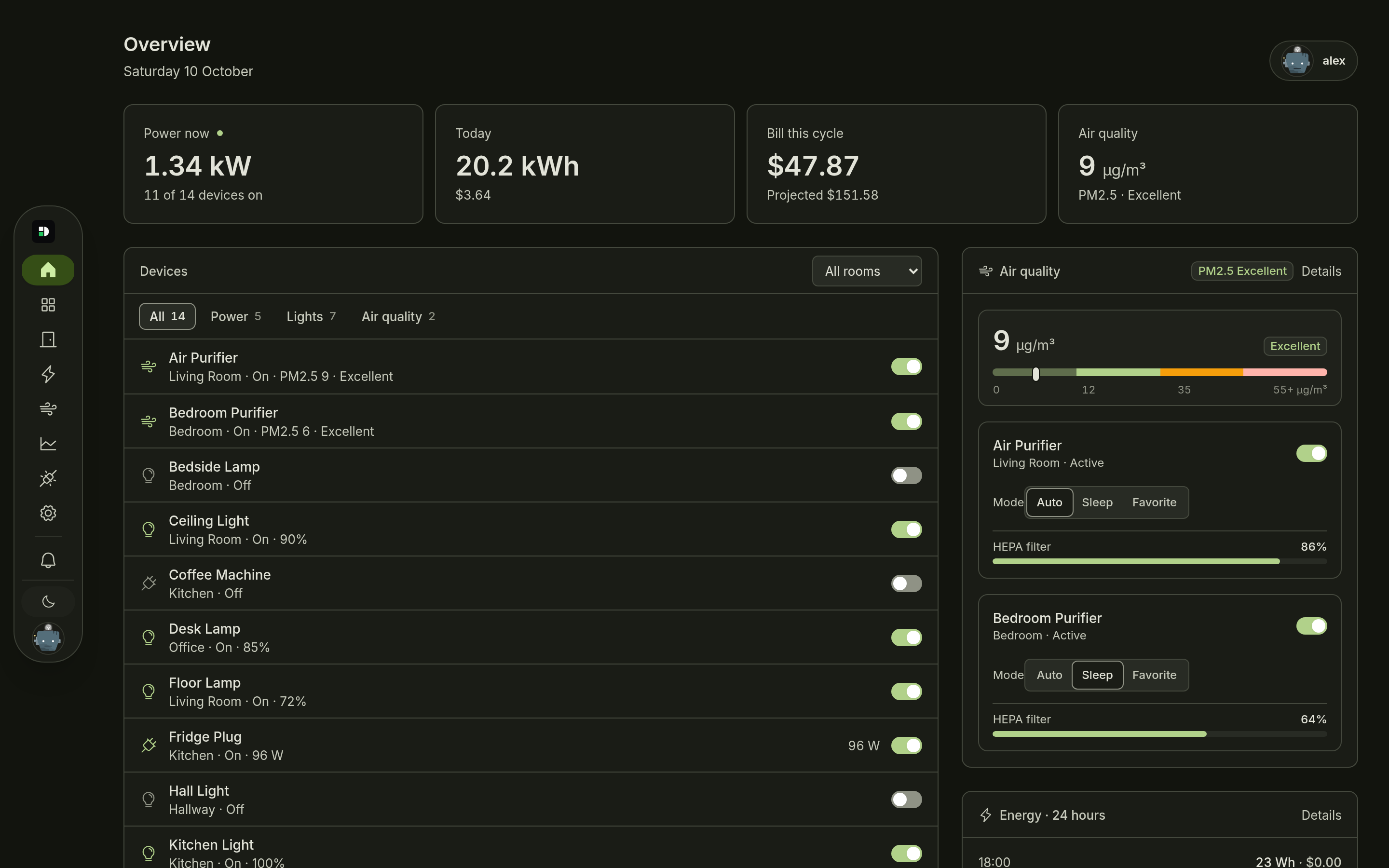
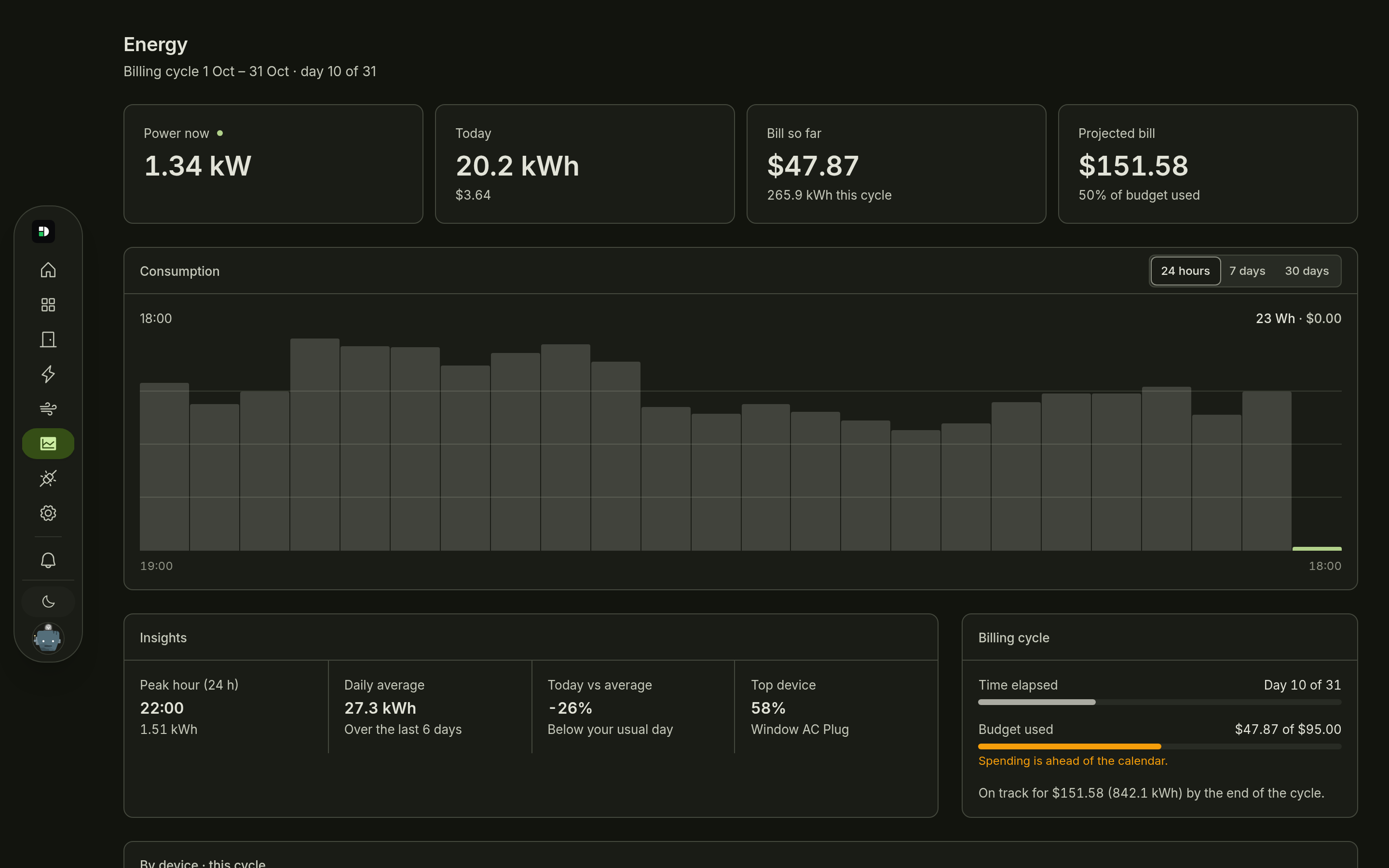
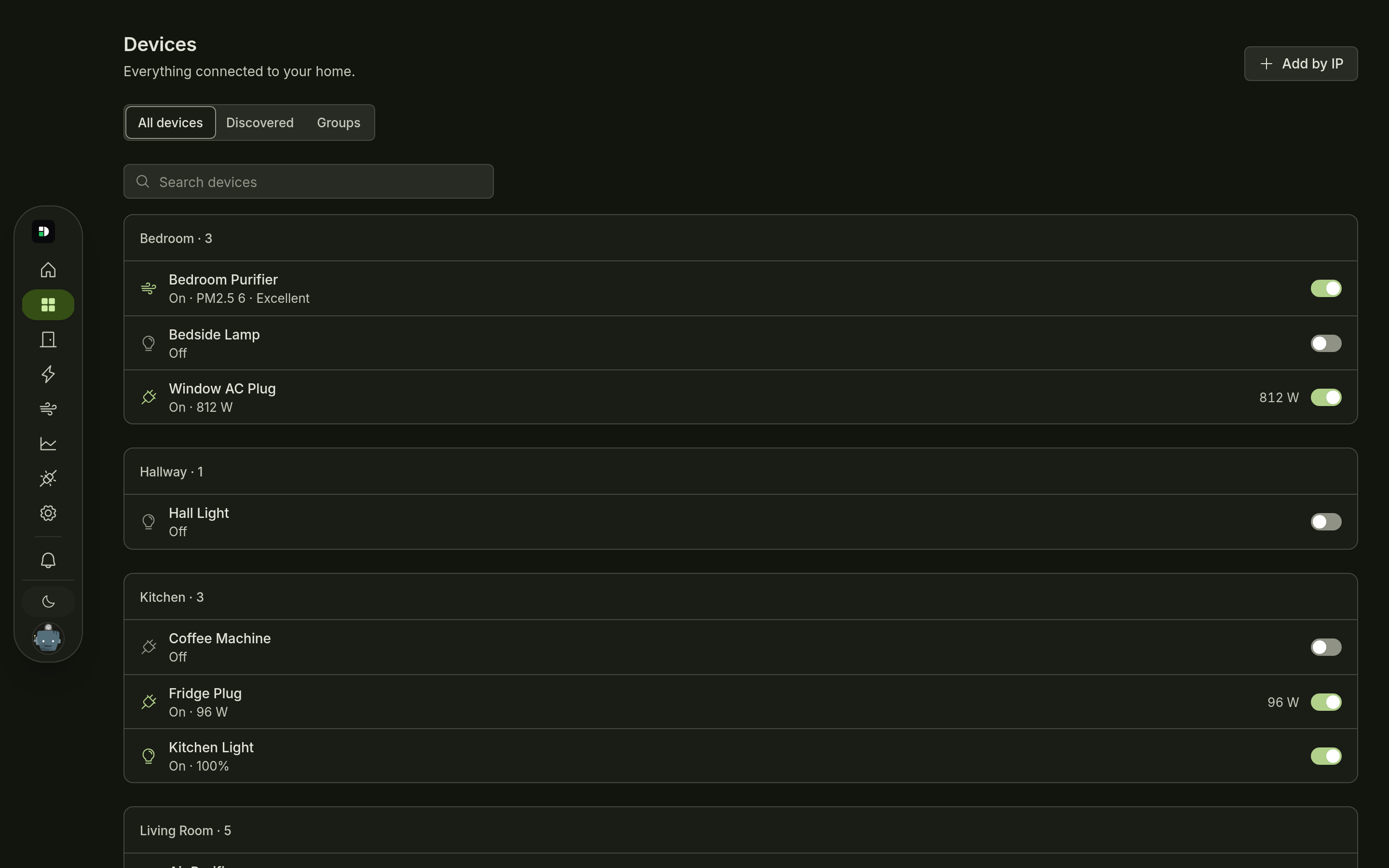
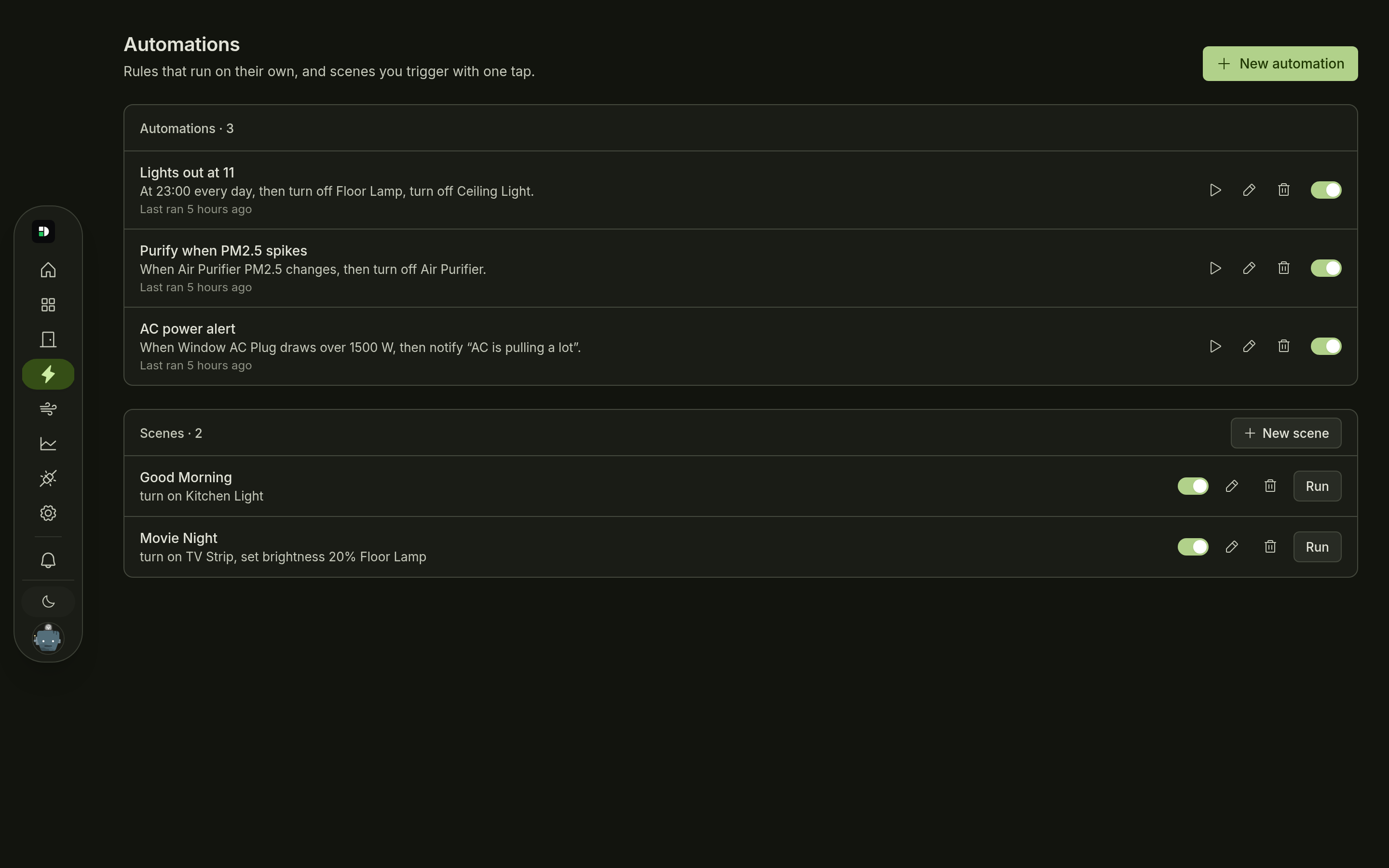
Android
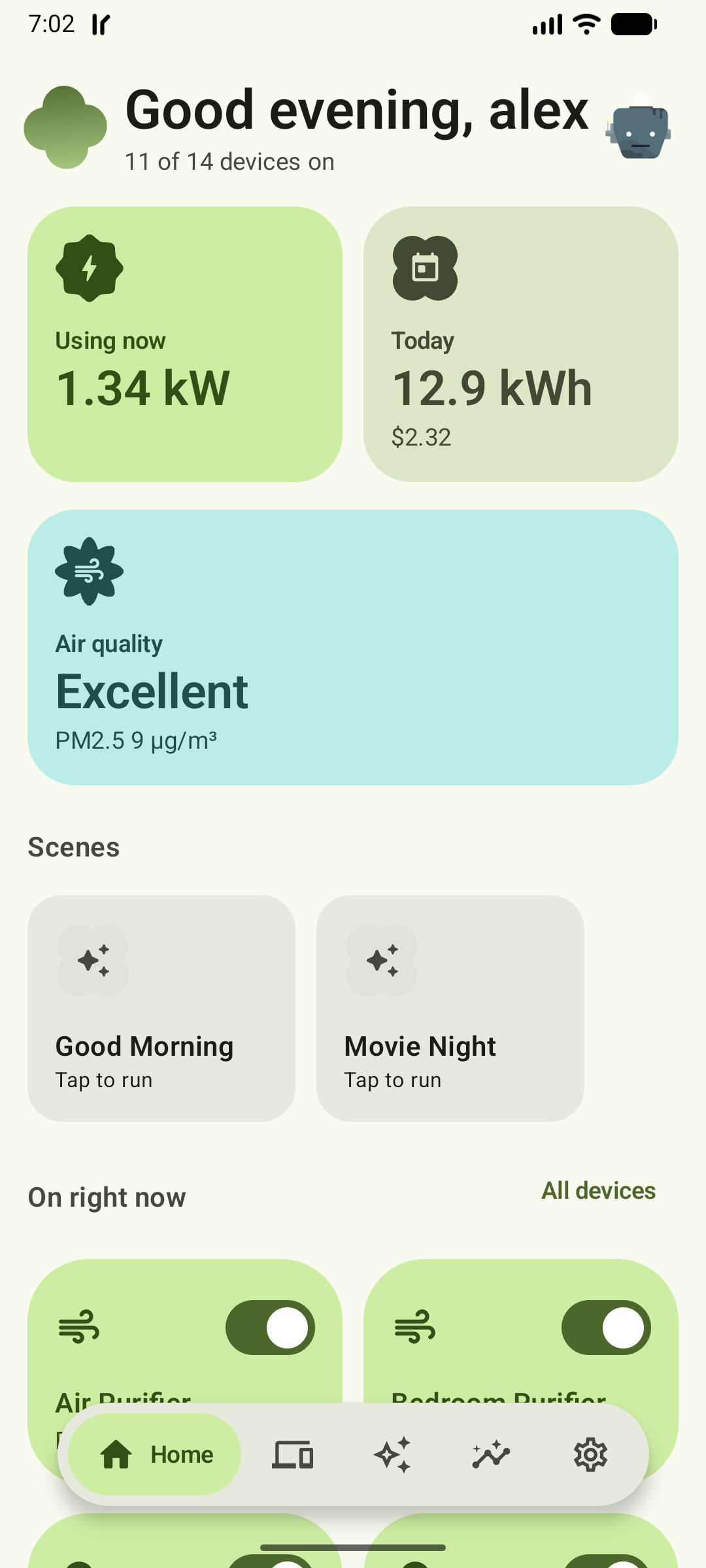
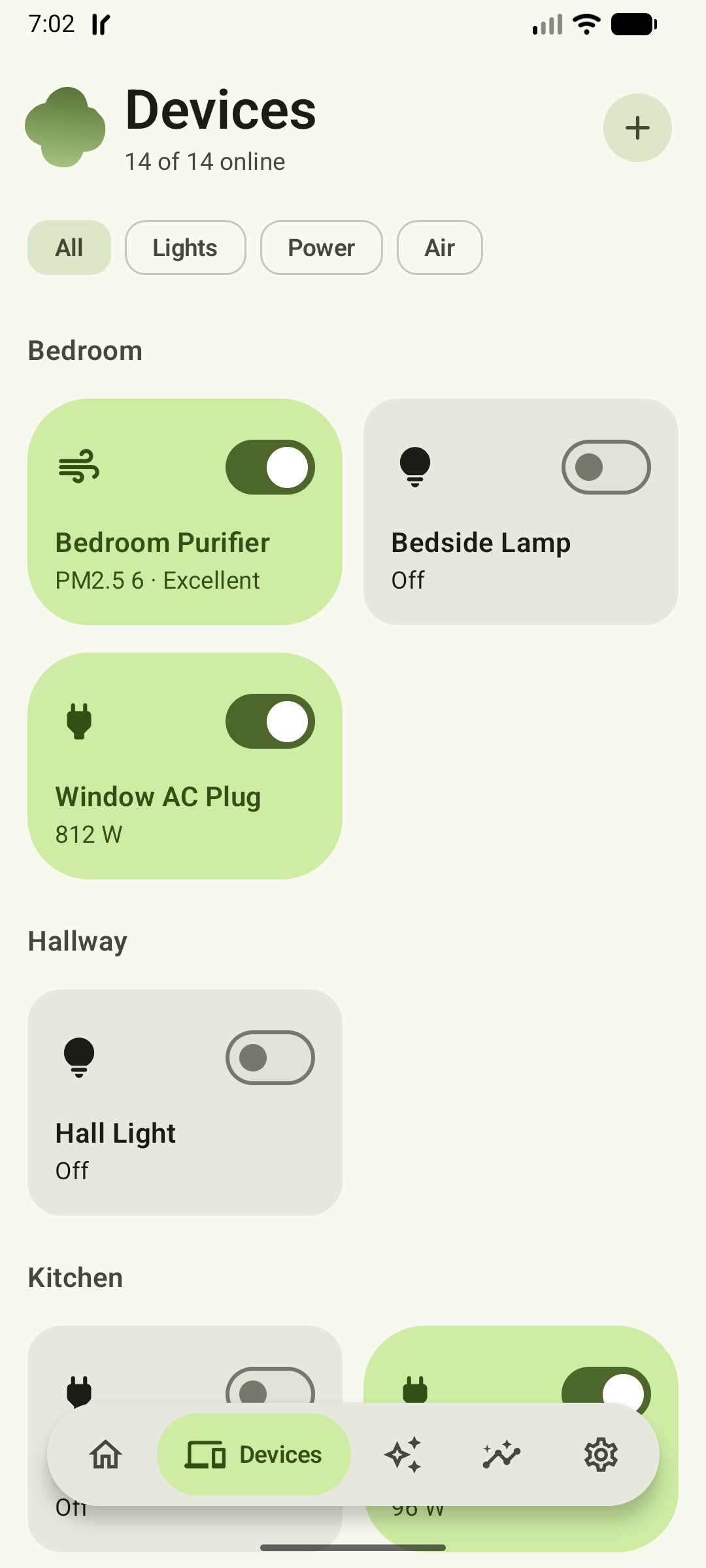
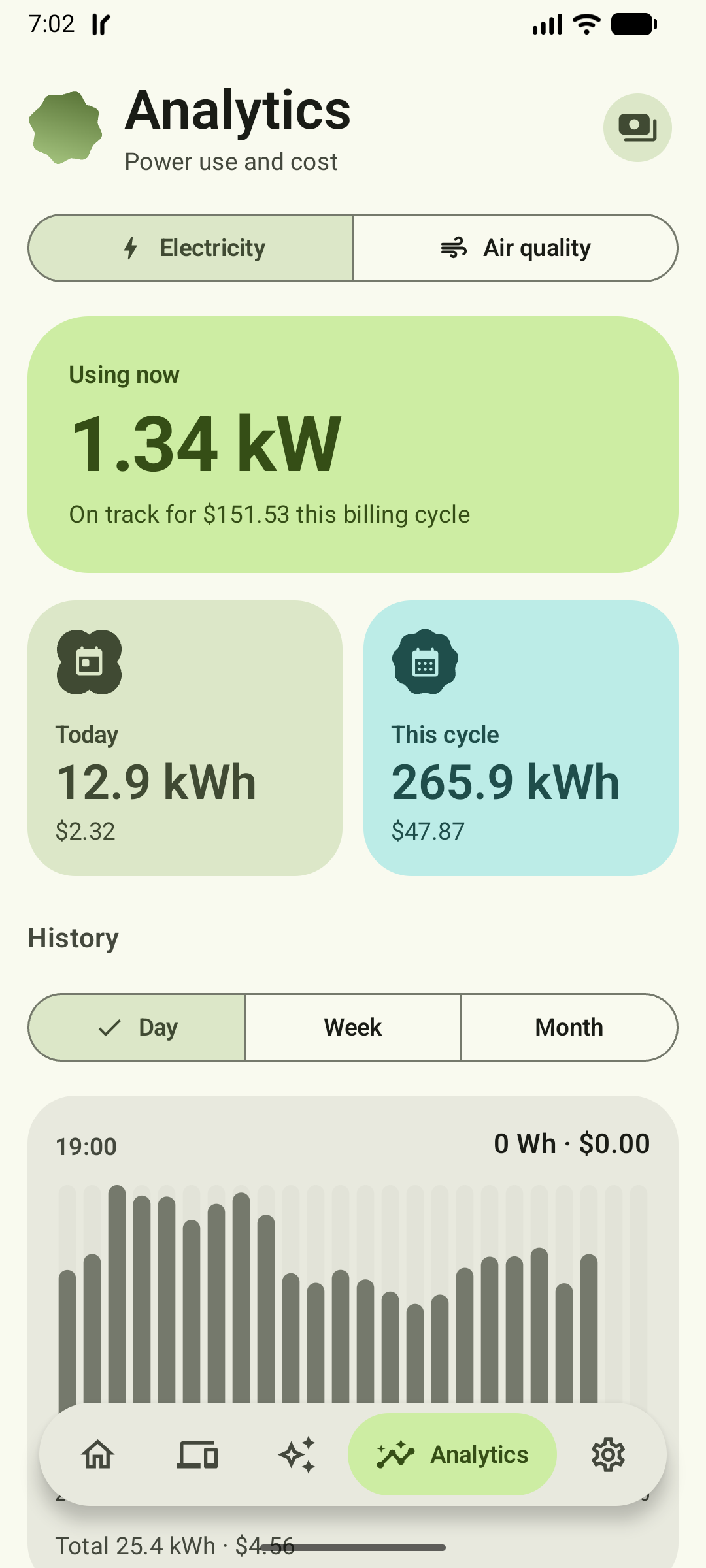
Mobile Web
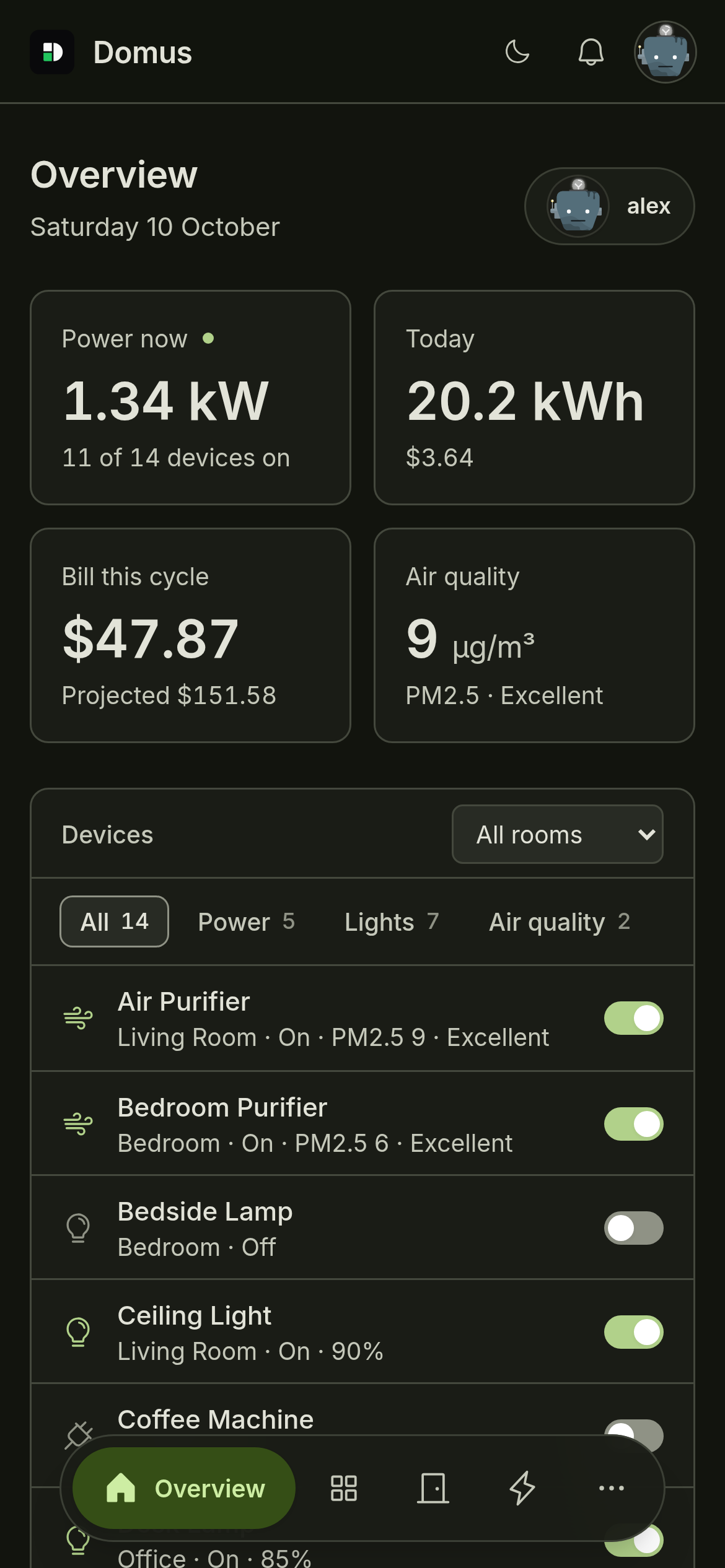
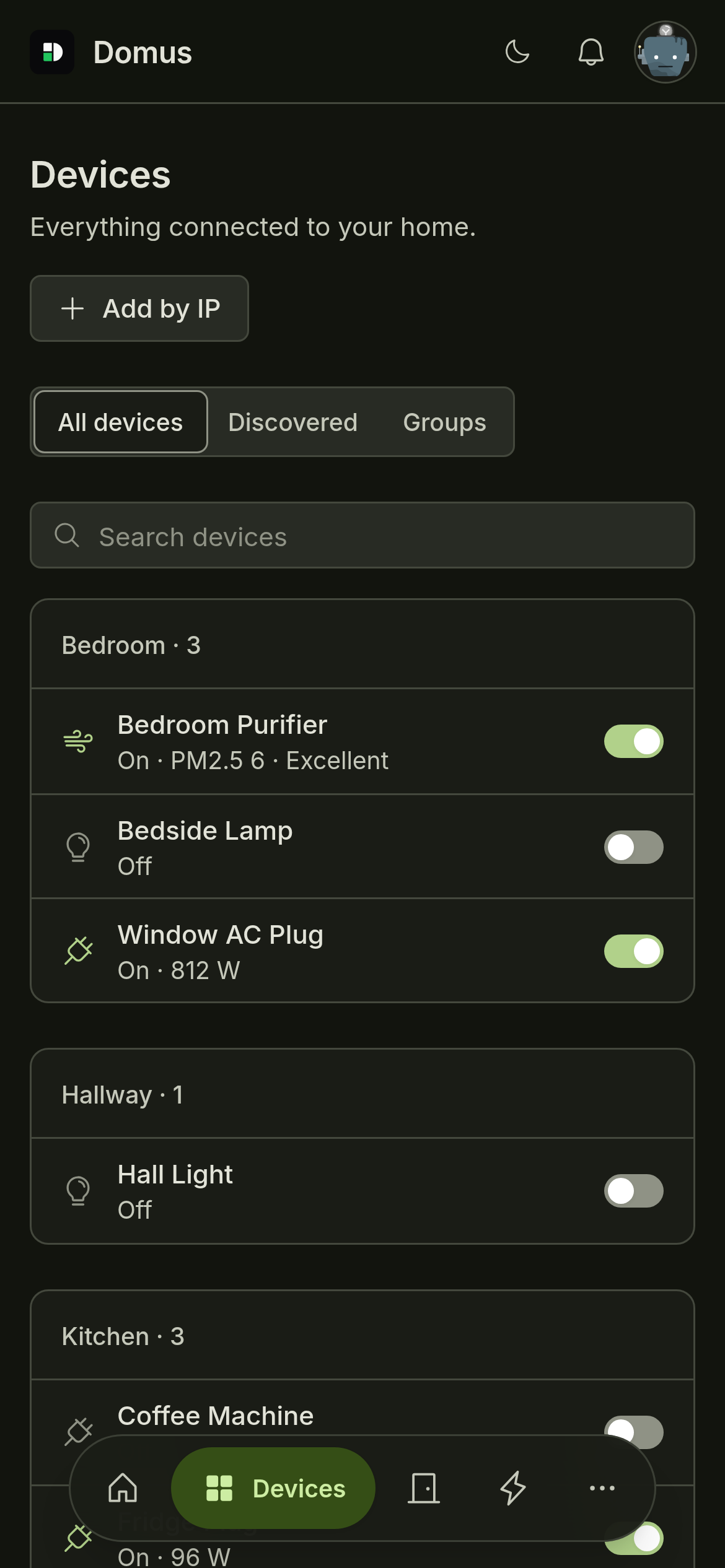
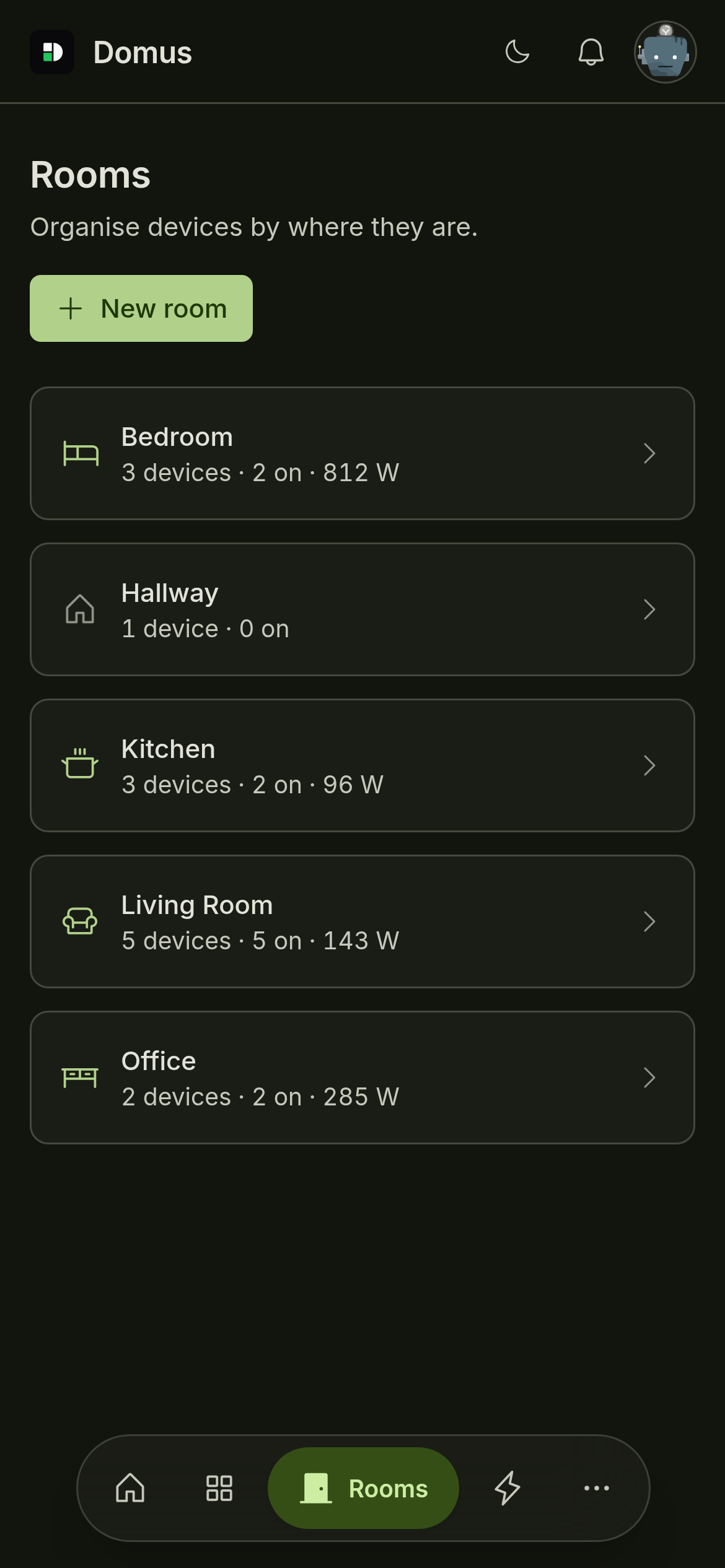
Walkthrough

Installation
Docker Server
Requirements: Docker Engine and Docker Compose.
mkdir domus && cd domus
wget https://raw.githubusercontent.com/aiyu-ayaan/Domus/master/docker-compose.yml
docker compose up -d
Open https://<server-ip>:8443 and create your administrator account.
View logs:
docker compose logs -f domus
Docker Configuration
Update to latest image:
docker compose pull && docker compose up -d
Use beta or alpha channel:
DOMUS_VERSION=beta docker compose up -d
DOMUS_VERSION=alpha docker compose up -d
Set timezone and custom port:
TZ=Asia/Kolkata DOMUS_PORT=9443 docker compose up -d
Start optional MQTT broker:
docker compose --profile mqtt up -d
Available image tags: latest (stable), beta, alpha, or an exact release version.
You can persist configuration in .env:
DOMUS_VERSION=latest
TZ=Asia/Kolkata
DOMUS_PORT=8443
Domus uses host networking for local device discovery. Persistent data lives in the domus_data Docker volume.
Important: Back up your database and master.key. Losing the master key prevents recovery of encrypted integration credentials.
Linux Desktop
Install latest release for current user without root access:
curl -fsSL https://raw.githubusercontent.com/aiyu-ayaan/Domus/master/scripts/install-linux.sh | sh
Install beta:
curl -fsSL https://raw.githubusercontent.com/aiyu-ayaan/Domus/master/scripts/install-linux.sh | sh -s -- --channel beta
Uninstall while keeping settings:
curl -fsSL https://raw.githubusercontent.com/aiyu-ayaan/Domus/master/scripts/install-linux.sh | sh -s -- --uninstall
Android
Download latest APK from GitHub Releases and open it. Future updates are available through Settings → Updates.
Windows
Download Domus-<version>-Setup.exe from GitHub Releases, when available for the selected release.
Development
Requirements:
- Rust 1.80+
- Node.js 18+
- pnpm
Install dependencies and start development:
pnpm install
npm run dev
Open http://localhost:3000.
Other development commands:
npm run dev:backend
npm run dev:web
npm run dev:desktop
Build Docker Image Locally
docker compose -f docker-compose.local.yml up -d --build
Run Backend Directly
pnpm build:web
APP_ENV=production cargo run --release --manifest-path backend/Cargo.toml
Open https://<server-ip>:8443.
Device Integrations
- Tuya / Smart Life: QR-code account linking.
- TP-Link Tapo: Local device discovery and control.
- Xiaomi Mi Home: Account linking and local device control.
- Philips Hue: Local bridge integration.
- MQTT: Zigbee2MQTT, ESPHome, and Home Assistant MQTT discovery.
See INTEGRATIONS.md for details.
Electricity Billing
Configure electricity plans using flat prices per kWh or tiered tariffs. Domus calculates billing-cycle costs, including fixed monthly charges, and estimates projected bills.
Data and Security
On first start, Domus creates:
| File | Purpose |
|---|---|
domus.db | SQLite database |
master.key | Encrypts integration credentials and device keys |
jwt.secret | Signs sessions |
tls/ | TLS certificates |
Back up your data directory securely. Keep master.key protected.
Tests
cargo test --workspace
pnpm --filter @domus/web exec tsc -b
License
See repository for license information.
Tag summary
Content type
Image
Digest
sha256:83fba5b5f…
Size
20 MB
Last updated
8 days ago
docker pull aiyuayaan/domus:alpha