alcapone1933/script-server
https://github.com/alcapone1933/docker-script-server
5.0K
alcapone1933/script-server repository overview
docker-script-server

FORK
Docker script-server the original is from github
https://github.com/bugy/script-server
Script-server is a Web UI for scripts.
As an administrator, you add your existing scripts into Script server and other users would be able to execute them via a web interface. The UI is very straightforward and can be used by non-tech people.
No script modifications are needed - you configure each script in Script server and it creates the corresponding UI with parameters and takes care of validation, execution, etc.
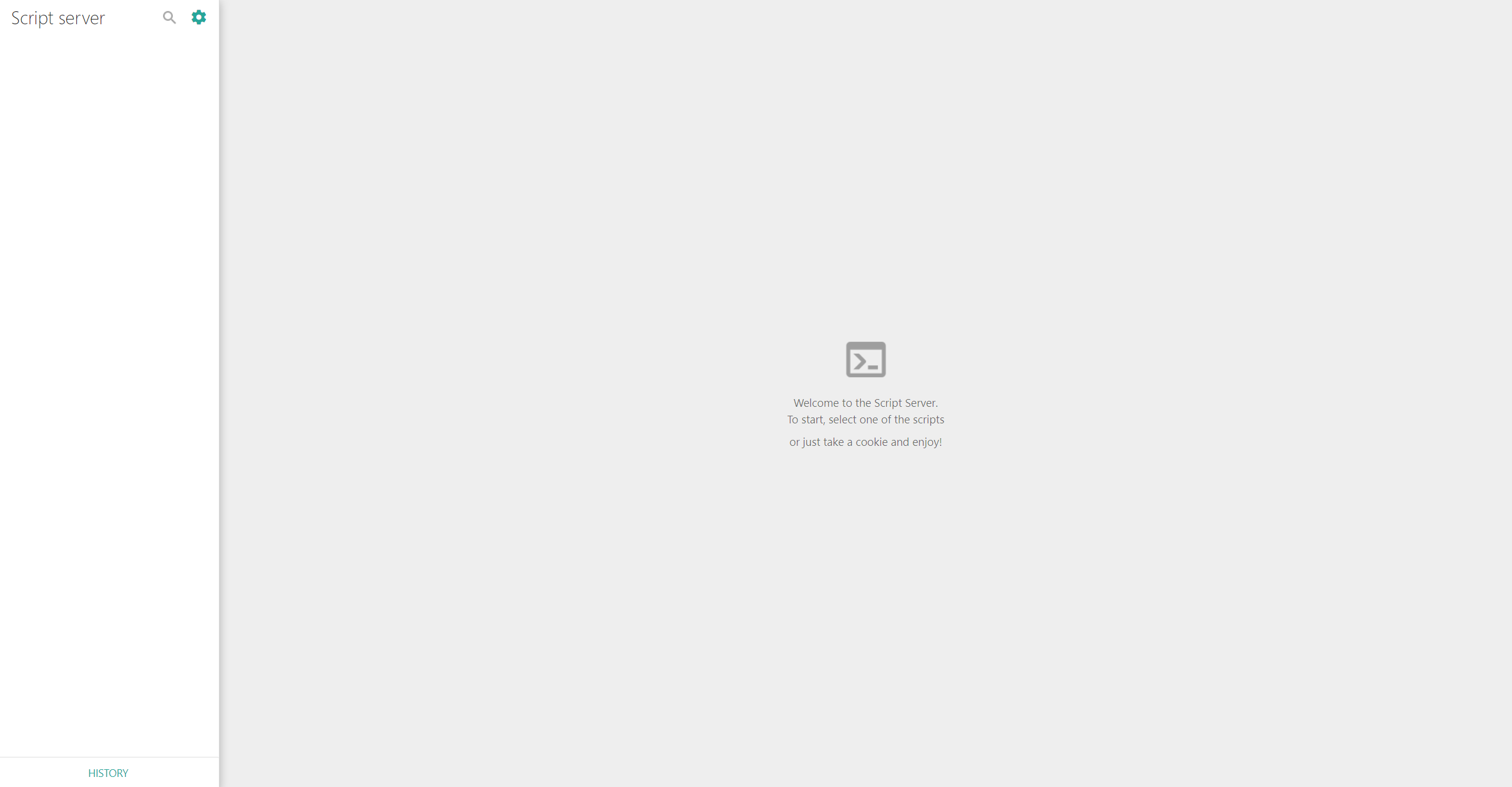
DEMO server
BY https://github.com/bugy/script-server
Admin interface screenshots
BY https://github.com/bugy/script-server
WIKI
BY bugy/script-server https://github.com/bugy/script-server/wiki
Usage
Setup and run
- Create configurations for your scripts in conf/runners/ folder (see script config page for details)
- Docker start
- Add/edit scripts on the admin page
By default, the server will run on http://localhost:5000
Server config
All the features listed above and some other minor features can be configured in conf/conf.json file. It is allowed not to create this file. In this case, default values will be used. See server config page for details
Admin panel
Admin panel is accessible on admin.html page (e.g. http://localhost:5000/admin.html)
Logging
All web/operating logs are written to the logs/server.log Additionally each script logs are written to separate file in logs/processes. File name format is {script_name}_{client_address}_{date}_{time}.log.
Docker CLI
docker run -d \
    -p 5000:5000 \
    -e TZ=Europe/Berlin \
    -v script-server_data:/app/ \
    --restart always \
    --name script-server \
    alcapone1933/script-server:latest
Docker Compose
version: "3.9"
services:
  script-server:
    image: alcapone1933/script-server:latest
    container_name: script-server
    restart: always
    ports:
      - 5000:5000
    environment:
      - TZ=Europe/Berlin
    volumes:
      data:/app/
      # - ./app/conf.json:/app/conf/conf.json

volumes:
  data:
Ports
| Name | Value | Example |
|---|---|---|
| Web Port | 5000 | 5000:5000 |
Volume params
| Name | Value | Example |
|---|---|---|
| Data | volume | script-server_data:/app/ |
Env params
| Name | Value | Example |
|---|---|---|
| Timezone | TZ | Europe/Berlin |
Tag summary
Content type
Image
Digest
sha256:9080ad21b…
Size
38.3 MB
Last updated
over 2 years ago
docker pull alcapone1933/script-server