allthingscloud/ohbot-rpi
Get up and running quickly using this docker file with the ohbot ==> http://www.ohbot.co.uk/
Image
0
1.1K
allthingscloud/ohbot-rpi repository overview
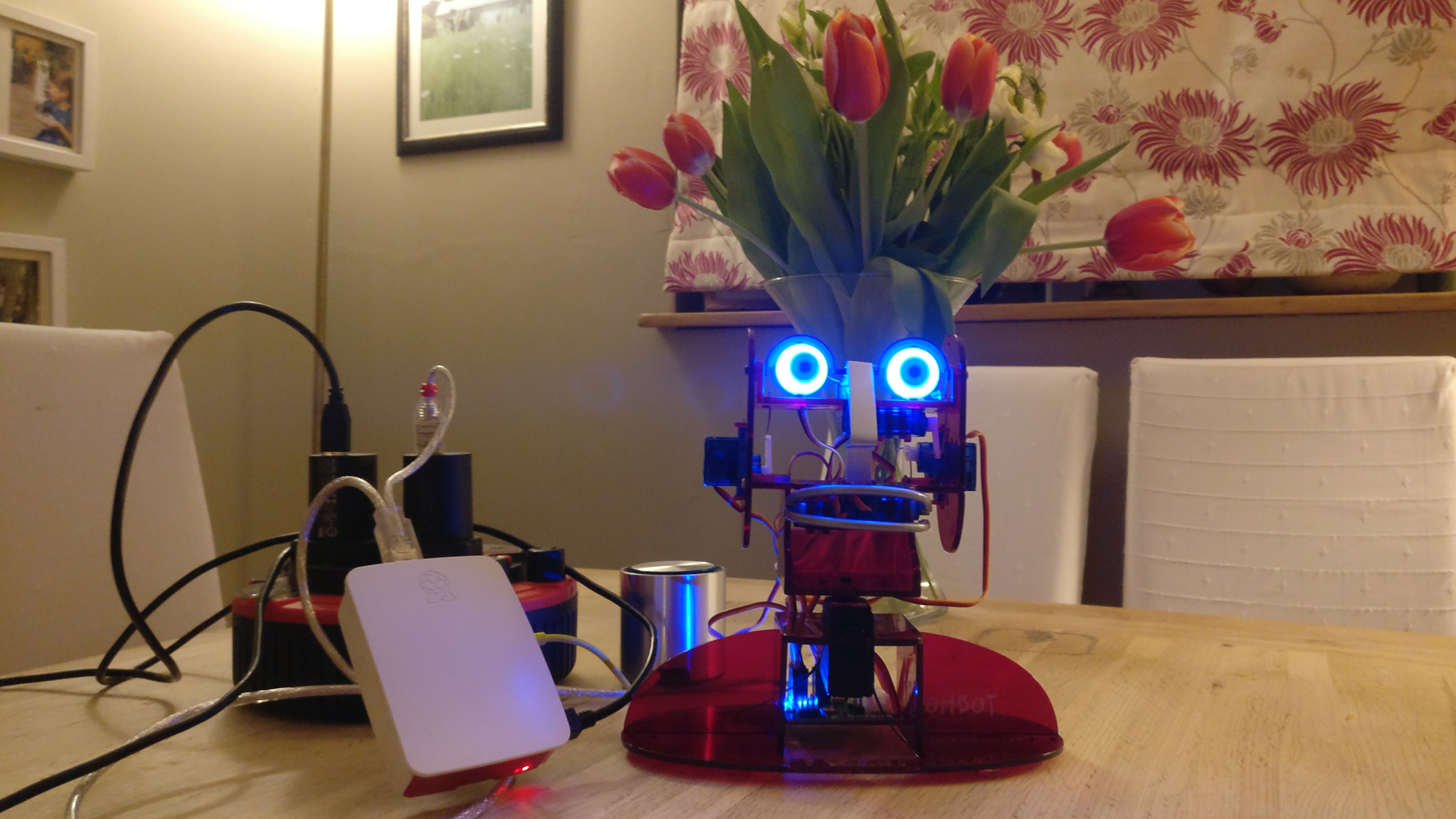
ohbot
Playing with http://www.ohbot.co.uk/
Prerequisites
Raspberry Pi 3 - Docker Installation
Please check the official documentation at https://docs.docker.com
I used the following steps :
sudo apt-get update

sudo apt-get install \
    apt-transport-https \
    ca-certificates \
    curl \
    software-properties-common

curl -fsSL https://download.docker.com/linux/$(. /etc/os-release; echo "$ID")/gpg | sudo apt-key add -
sudo apt-key fingerprint 0EBFCD88

echo "deb [arch=armhf] https://download.docker.com/linux/$(. /etc/os-release; echo "$ID") \
     $(lsb_release -cs) stable" | \
    sudo tee /etc/apt/sources.list.d/docker.list

sudo apt-get update

sudo apt-get install docker-ce
This dockerfile can be used to help quickly and consistently deploy the correct files within a container on the Raspberry Pi 3 (I haven't tried it on other Pi versions)
docker image
https://hub.docker.com/r/allthingscloud/ohbot-rpi/
Launch the image [runs helloworldohbot.py]:
docker container run -it --name ohbot10 --device /dev/ttyACM0 --device /dev/snd allthingscloud/ohbot-rpi
Launch the image for experimentation:
docker container run -it --name ohbot10 --device /dev/ttyACM0 --device /dev/snd allthingscloud/ohbot-rpi bash
Rebuild the image
docker image build --tag allthingscloud/ohbot-rpi -f Dockerfile .
Tag summary
Content type
Image
Digest
Size
440.1 MB
Last updated
almost 8 years ago
docker pull allthingscloud/ohbot-rpi