amane/maruberu repository overview
maruberu
maruberu is a simple resource-sharing server written in Python/Tornado.
Demo
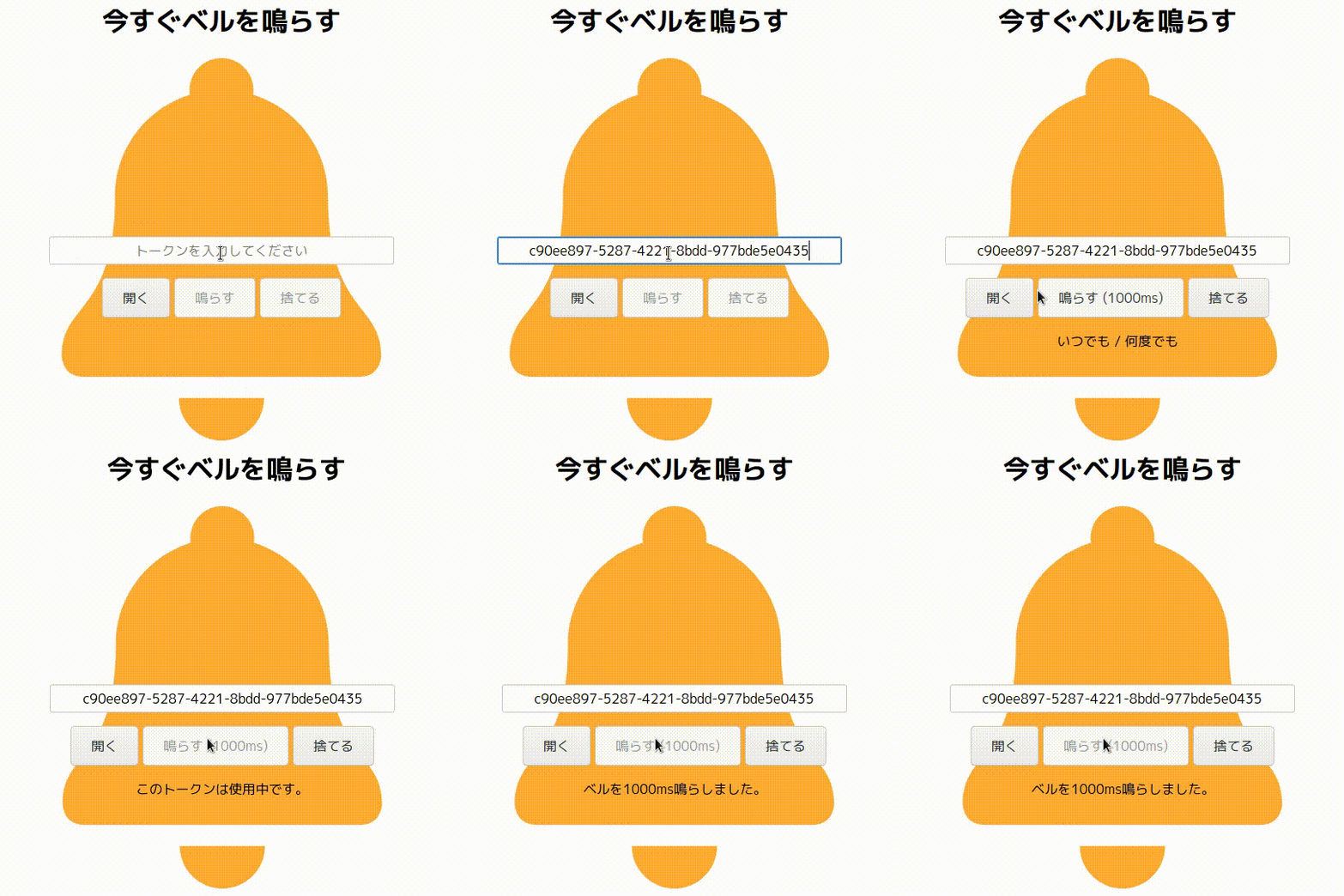
:bell: emoji is licensed under a CC BY 4.0 by Twitter, Inc and other contributors.
Let's visit test.maruberu.ama.ne.jp and ring bell right now.
Requirement

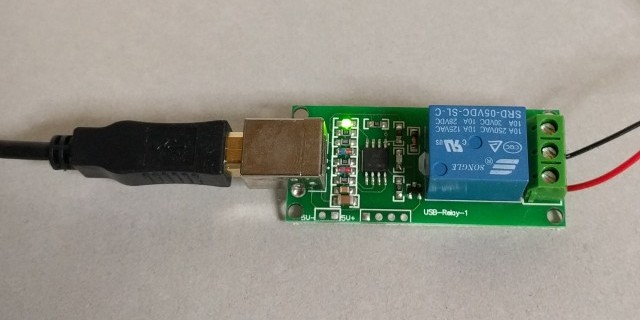
Quick start on Docker
Run with example config http://localhost:8000/.
docker run --rm $(for x in $(find /dev/bus/usb/ -type c); do echo --device $x; done) -p 8000:8000 amane/maruberu --admin_username="ADMIN" --admin_password="PASSWORD --debug=True"
Let's access http://localhost:8000/admin/login and login with ADMIN:PASSWORD. You can list sample tokens in the bottom of the admin page.
If you don't have any USB relay module, bell or buzzer, add --ring_command=:/bin/ring_dummy and see stdout.
Run with your own config.
Firstly, copy :maruberu/example-server.conf to /path/to/your/conf/dir/server.conf.
docker run --rm $(for x in $(find /dev/bus/usb/ -type c); do echo --device $x; done) -p 8000:8000 -v/path/to/your/conf/dir:/maruberu/maruberu/conf:ro amane/maruberu
Save tokens permanently
Use Redis binding to save tokens.
docker run -d --name maruberu-redis redis --appendonly yes
docker run -d $(for x in $(find /dev/bus/usb/ -type c); do echo --device $x; done) -p 8000:8000 --link maruberu-redis:redis amane/maruberu --admin_username="ADMIN" --admin_password="PASSWORD" --database="redis:6379/0" --env="REDIS"
Or, pull this repository and run make up.
Options
Use -h to see all options.
docker run --rm amane/maruberu --help
Licence
Author
Tag summary
Content type
Image
Digest
Size
359.4 MB
Last updated
about 7 years ago
docker pull amane/maruberu