aperimau/opencanary repository overview







OpenCanary Container
Not affiliated with the OpenCanary project.
OpenCanary by Thinkst Applied Research »
Report Bug
·
Request Feature
Table of Contents
About The Project
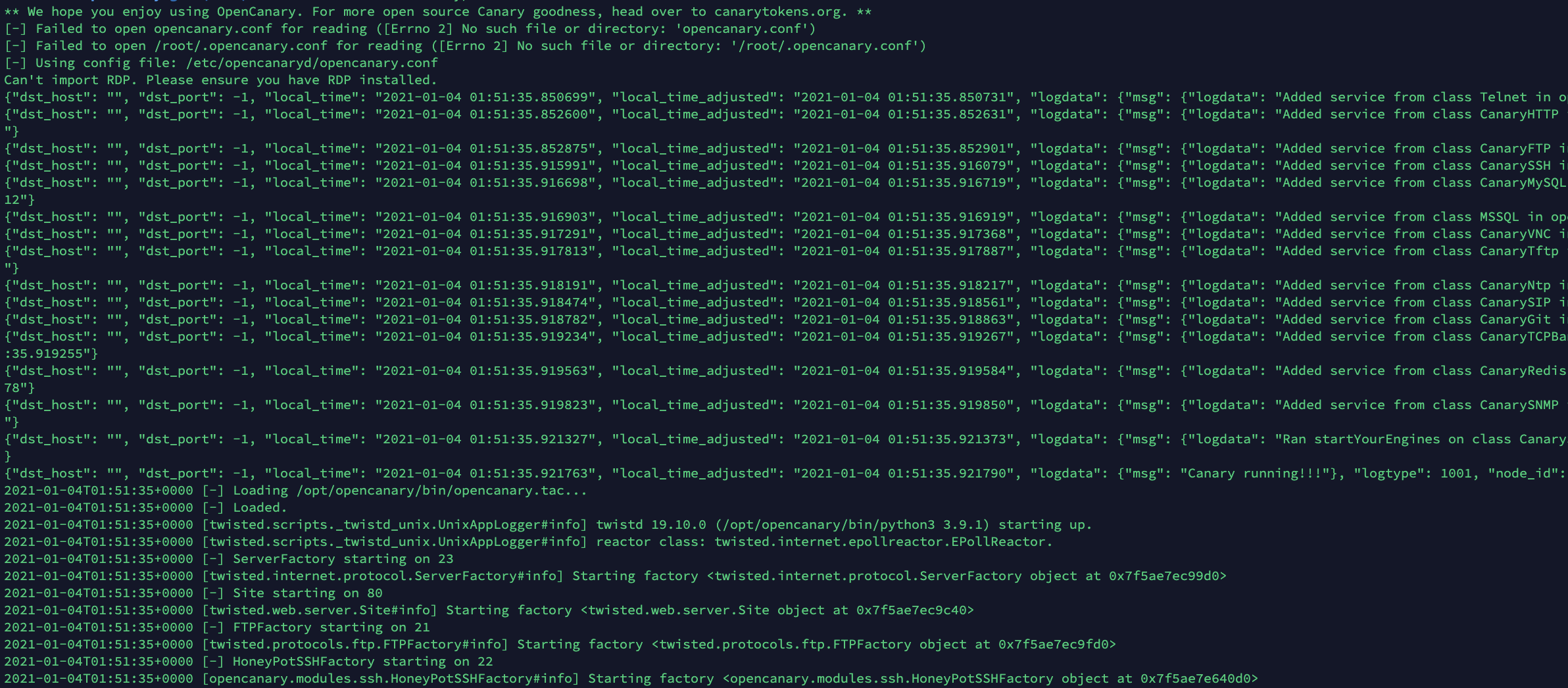
There are a few containers for OpenCanary publically available. This is just another one. It's simple, easily updated, and pretty slim.
Built With
I'm lazy so this was made inside VSCode and tested with docker.
Getting Started
There isn't much to do - you need a network, and something to run the container in.
We use VMware ESXi and for the guest operating system Photon OS.
Prerequisites
Not much - you need docker (or any other suitable container system such as Podman).
- docker
$ docker --version
Docker version 20.10.0, build 7287ab3
Starting OpenCanary using default config
- Get ready
- Start the container
$ docker run -d --network host --name opencanary --restart always aperimau/opencanary - Watch those logs
docker logs -f opencanary
Usage
You will get nearly no value out of OpenCanary unless you supply your own configuration file. To run the container and supply your own configuration file - do something like:
$ docker run -d --network host --name opencanary --restart always -v ~/opencanary.conf:/etc/opencanaryd/opencanary.conf aperimau/opencanary
For more details about the configuration file, please refer to the OpenCanary Documentation
Roadmap
See the open issues for a list of proposed features (and known issues).
Contributing
Contributions are what make the open source community such an amazing place to be learn, inspire, and create. Any contributions you make are greatly appreciated.
- Fork the Project
- Create your Feature Branch (
git checkout -b feature/AmazingFeature) - Commit your Changes (
git commit -m 'Add some AmazingFeature') - Push to the Branch (
git push origin feature/AmazingFeature) - Open a Pull Request
License
Distributed under the APACHE-2 License. See LICENSE for more information.
Contact
Your Name - @troykelly - [email protected]
Project Link: https://github.com/aperim/docker-opencanary
Acknowledgements
Tag summary
Content type
Image
Digest
Size
412.3 MB
Last updated
almost 6 years ago
docker pull aperimau/opencanary