aquapathos/cvml
Python 3 Docker Container for Machine Learning and Computer Vision
10K+
aquapathos/cvml repository overview
Python programming docker container for Machine Learning and Computer Vision
Contents
- python 3.5, miniconda 3
- numpy, scipy,matplotlib, pandas, jupyter
- scikiek-learn, TensorFlow
- opencv3
Type
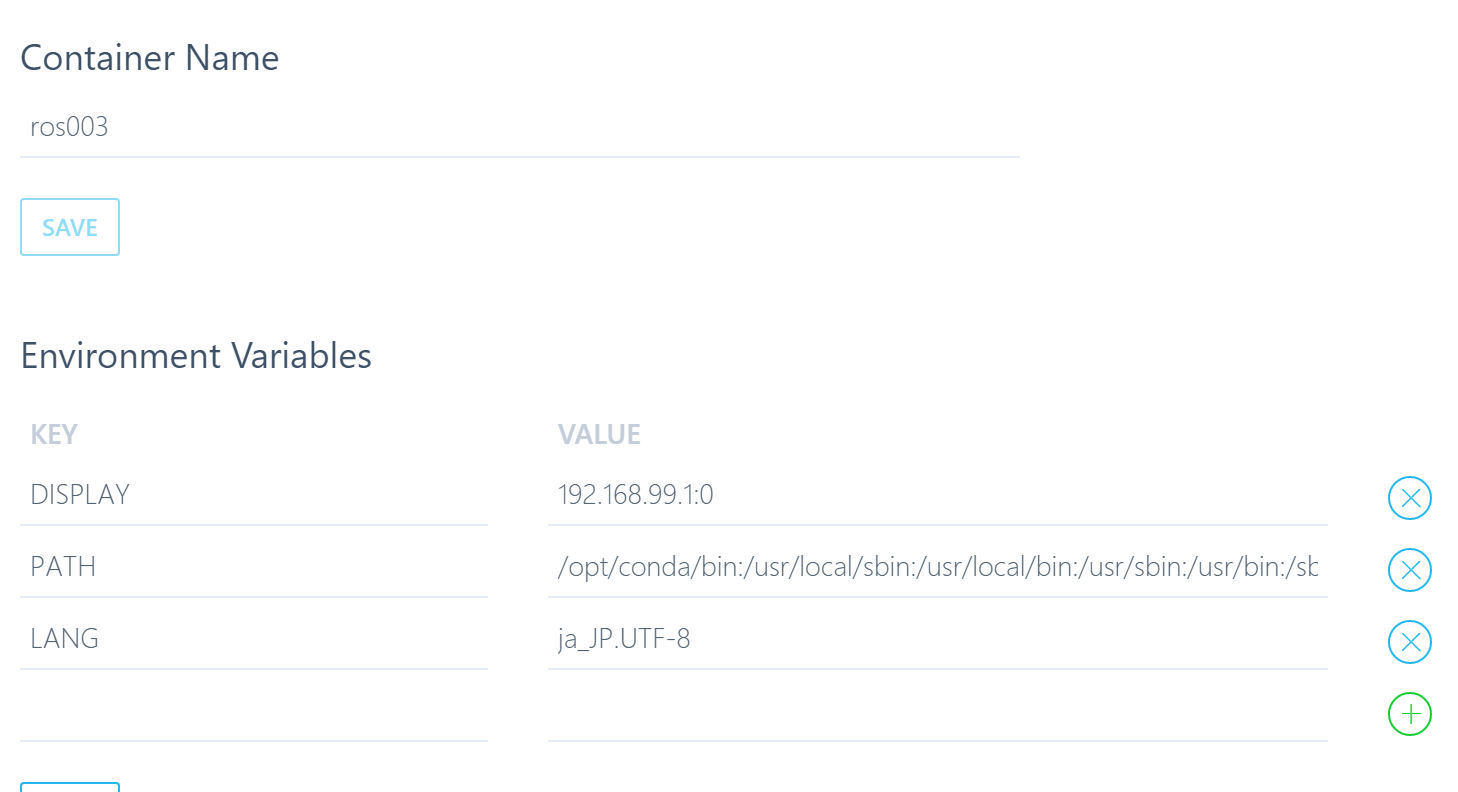
docker run -p 8888:8888 -p 6006:6006 -p 10022:22 -e DISPLAY=<your IP>:0 -i -t -d aquapathos/cvml /opt/conda/bin/jupyter notebook
or
jupyter lab
in the terminal of the docker host, and access
http://localhost:8888
with any browser on the docker host machine.
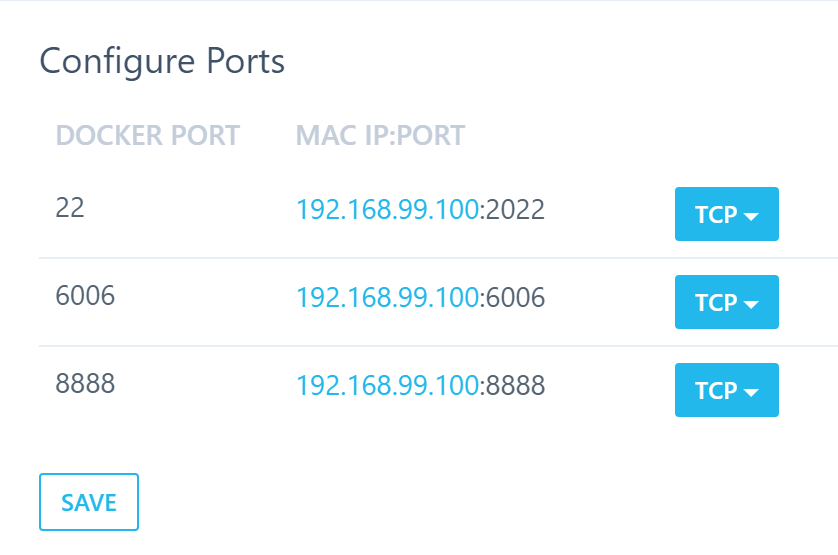
If you use Docker-Toolbox on Mac or Windows PC, you need to set up port forwarding on the preference of VirtualBox.
jupyter's password is empty
You may want to set a non-empty pasword. If so, edit /root/.jupyter/jupyter_notebook_config.py. Also, you can change assess port and access limitation by editing the file.
Or you may type
docker run -p 8888:8888 -p 6006:6006 -i -t aquapathos/cvml /bin/bash
and type in ther terminal on container,
jupyter lab &
jupyter notebook &
バージョン履歴、注意書き (in Japanese)
d00x シリーズが肥大化してきたため最初から作り直しました。(2016年9月20日) d01x シリーズの方がコンパクトです。ただし、2016年9月以前からこのコンテナを利用している場合、d00x と d01x ではシェアされている部分がないので仮想ディスクが不足すると思います。仮想ディスクの拡大の知識をお持ちの方はそうすればよいですが、そうでない場合はDockerの初期化(再インストールとか factory reset)するのが簡単な対処法です。
Tag summary
Content type
Image
Digest
Size
1.6 GB
Last updated
almost 10 years ago
docker pull aquapathos/cvml