arifcse21/dstats
Docker stats and docker network(s) connectivity graph with containers on browser.
10K+
arifcse21/dstats repository overview
dStats: real-time container stats and network map
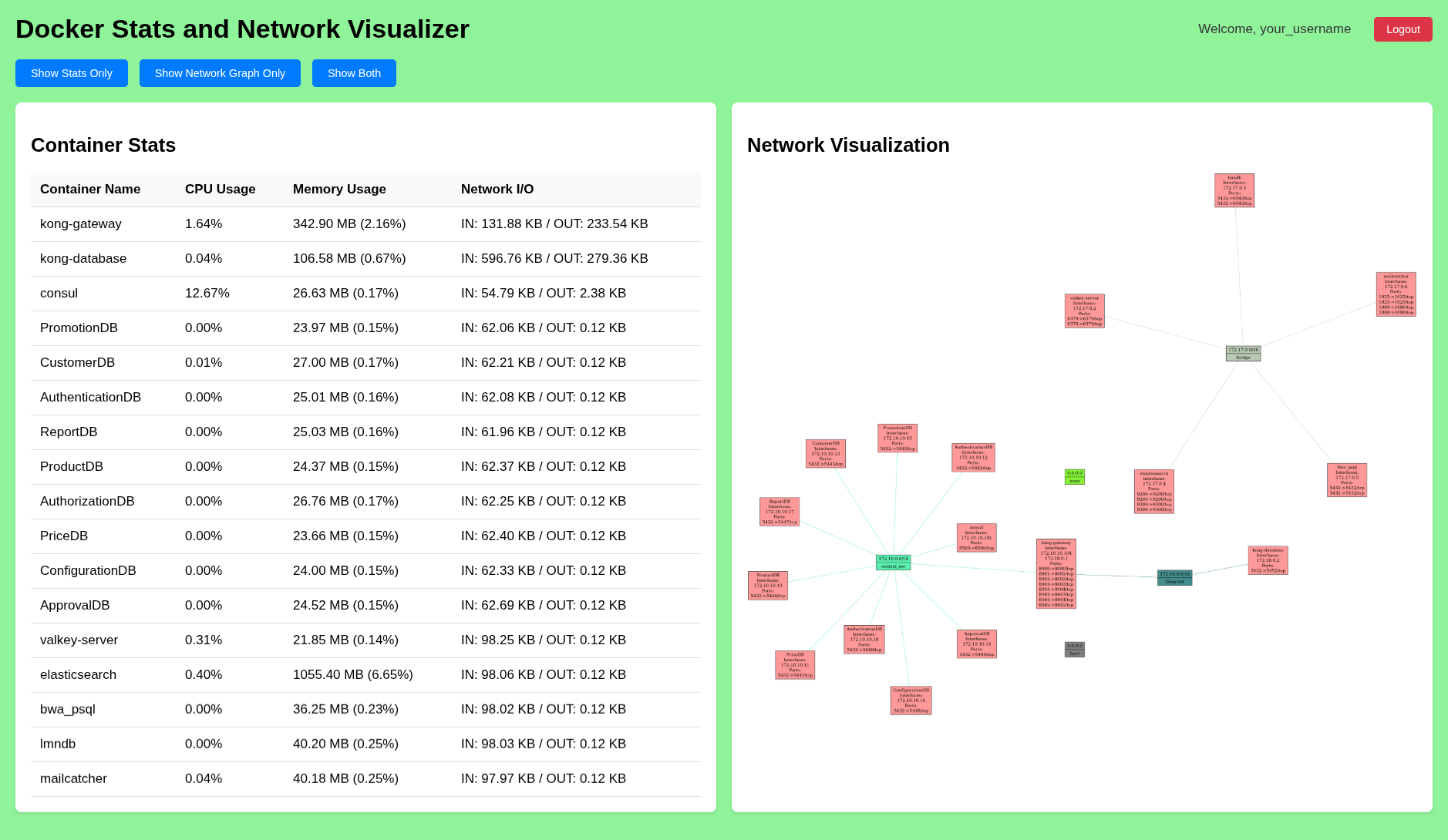
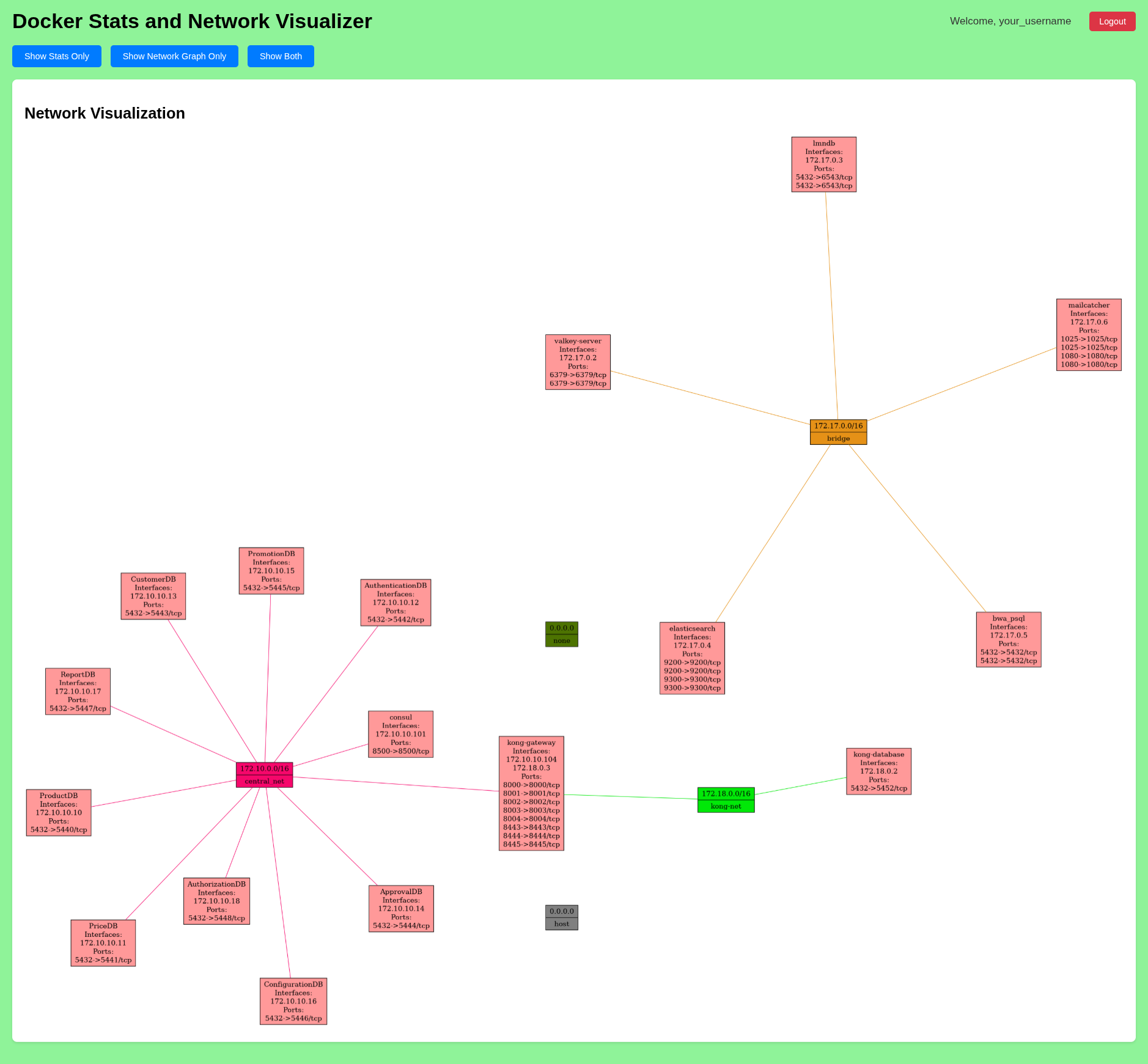
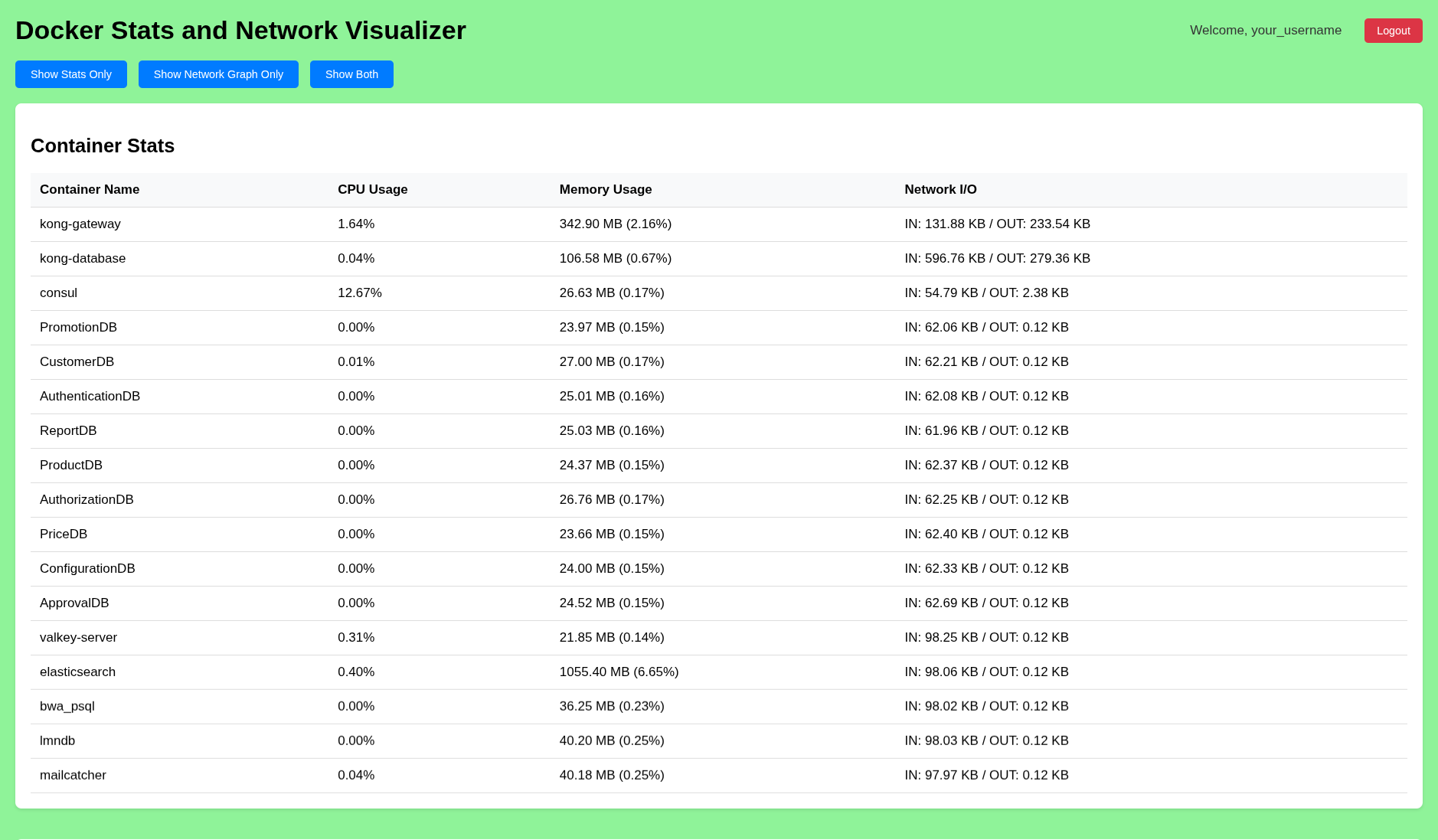
Monitor your Docker and Podman containers from the browser: live CPU, memory and network usage for every running container, and an interactive map of how containers and networks connect.
- Live stats for every running container, pushed to the browser every second
- Interactive network map: zoom, pan and drag inside the panel; click a container or network for its IPs, aliases, ports and members
- Docker, Podman, or both, with an engine toggle in the navbar
- Secure by default: published on this machine only, optional login with brute-force lockout, no privileged mode needed
- Works offline: everything the dashboard needs ships in the image
- Multi-arch:
linux/amd64andlinux/arm64, with a built-in healthcheck
Tags: latest, and one per release (e.g. 1.0.8).
Quick start
Monitor Docker, reachable from this machine only:
docker run -d --name dstats \
  --restart unless-stopped \
  -p 127.0.0.1:2743:2743 \
  -v /var/run/docker.sock:/var/run/docker.sock \
  arifcse21/dstats:latest
Open http://localhost:2743.
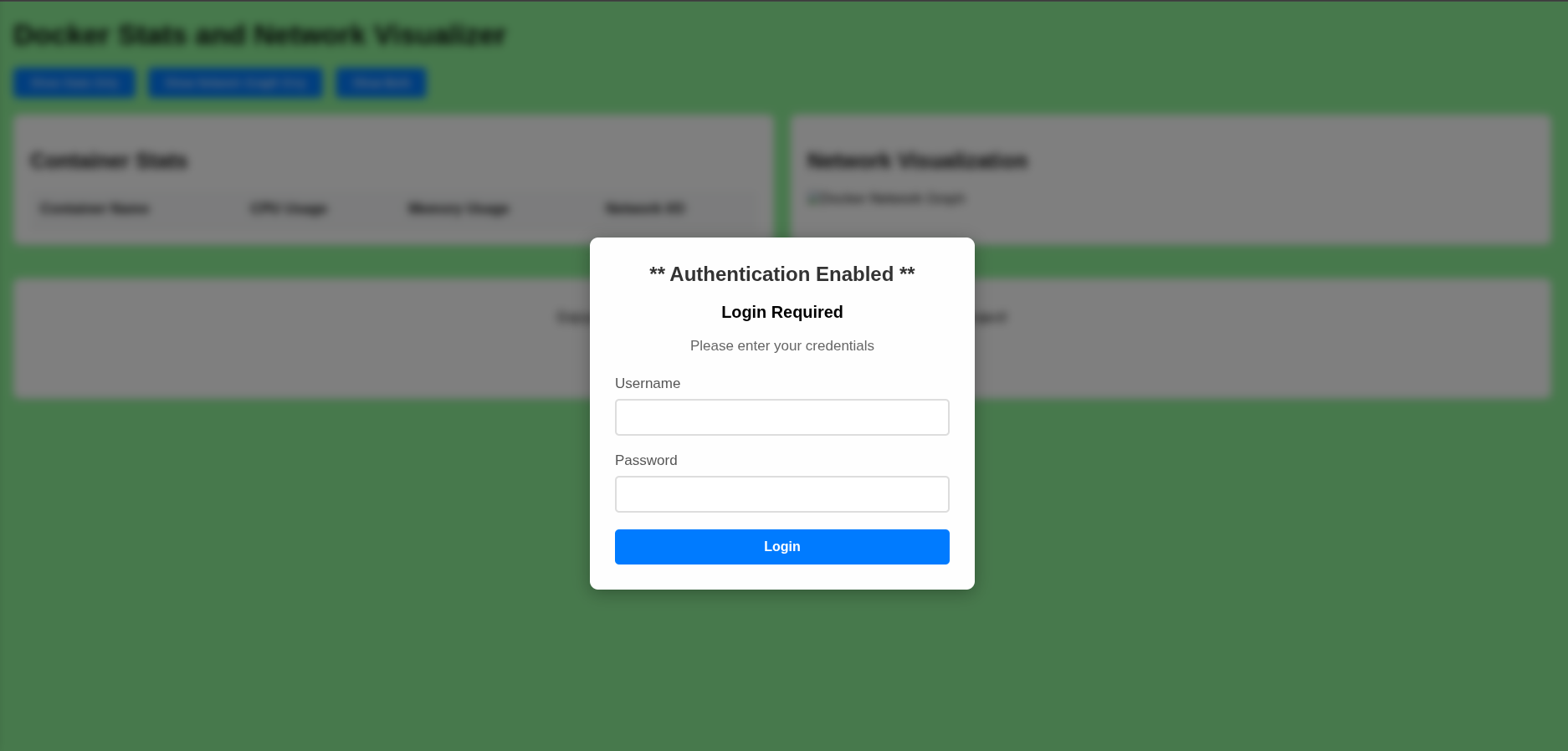
With a login, open to your network (recommended for servers)
docker run -d --name dstats \
  --restart unless-stopped \
  -e USE_AUTH=true -e AUTH_USERNAME=admin -e AUTH_PASSWORD=change-me \
  -p 2743:2743 \
  -v /var/run/docker.sock:/var/run/docker.sock \
  arifcse21/dstats:latest
Podman
Enable Podman's API socket once (no sudo for rootless):
systemctl --user enable --now podman.socket
podman run -d --name dstats \
  --restart unless-stopped \
  -e DSTATS_ENGINE=podman \
  -p 127.0.0.1:2743:2743 \
  -v /run/user/$(id -u)/podman/podman.sock:/run/podman/podman.sock \
  --security-opt label=disable \
  docker.io/arifcse21/dstats:latest
--security-opt label=disable lets the container use the socket on SELinux systems
(Fedora, RHEL) and is harmless elsewhere. For rootful Podman, mount
/run/podman/podman.sock and run with sudo podman.
Docker and Podman together
Switch between them with the toggle in the navbar:
docker run -d --name dstats \
  --restart unless-stopped \
  -e DSTATS_ENGINE=docker,podman \
  -p 127.0.0.1:2743:2743 \
  -v /var/run/docker.sock:/var/run/docker.sock \
  -v /run/user/$(id -u)/podman/podman.sock:/run/podman/podman.sock \
  --security-opt label=disable \
  arifcse21/dstats:latest
Running this under rootless Podman instead, Compose files, and starting dStats automatically with systemd (Quadlet) are covered in the full run guide.
Options
Add to any command above, before the image name.
| Option | Effect |
|---|---|
-e USE_AUTH=true -e AUTH_USERNAME=… -e AUTH_PASSWORD=… | Require a login. After 5 failed attempts an address is locked out for 5 minutes. |
-p 2743:2743 (instead of -p 127.0.0.1:2743:2743) | Reachable from other machines. Use it only together with the login. |
-p 127.0.0.1:8080:2743 | Another host port; the dashboard is then on http://localhost:8080. |
-e DSTATS_ENGINE=docker, podman or docker,podman | Which engines to monitor (default docker). |
-e ALLOWED_HOSTS=stats.example.com | Only answer to these host names (comma-separated). |
-e CSRF_TRUSTED_ORIGINS=https://stats.example.com -e SECURE_COOKIES=true | Behind an HTTPS reverse proxy. |
-e SECRET_KEY=<long random string> | Stay logged in across container restarts. |
Everyday commands
| Task | Command |
|---|---|
| Logs | docker logs -f dstats |
| Health | docker inspect --format '{{.State.Health.Status}}' dstats |
| Update | docker pull arifcse21/dstats:latest, docker rm -f dstats, then run your command again |
| Remove | docker rm -f dstats |
Security notes
- dStats needs the engine's API socket. Access to the Docker socket is equivalent to root on the host, so expose dStats beyond your own machine only with the login enabled, ideally behind HTTPS.
- dStats only reads from the socket; it never starts, stops or changes containers.
--privilegedis not needed. Remove it if you used it with an older version.- Rootless Podman is the most contained option: dStats then only sees your own user's containers.
Example UI
Also available
- Python package:
pip install dStats, thendStats.server(PyPI) - Source code, issues and contributions: https://github.com/Arifcse21/dStats
Tag summary
Content type
Image
Digest
sha256:2060833b1…
Size
96.8 MB
Last updated
about 14 hours ago
docker pull arifcse21/dstats