arose/qtrpi
Docker images for conveniently crosscompiling Qt for the Raspberry Pi
3.1K
arose/qtrpi repository overview
QtRpi
Purpose
Offer an easy-to-use environment to cross-compile Qt application on a Raspberry Pi. This repo contains all the scripts needed to prepare a sysroot, cross-compile Qt and deploy Qt libraries to your Raspberry.
For more information, go to the wiki
Difference between init-qtrpi-minimal and init-qtrpi-full
- init-qtrpi-minimal, the typical way: downloads ready-to-use Qt binaries for the Raspberry Pi and a minimal sysroot that we released on the download page
- init-qtrpi-full, the custom way: compiles on your computer the Qt binaries for the Raspberry Pi to let you tweak the configuration, enhance the compilation by adding some missing Qt modules to QtRpi or add some specific third-party dependencies
Summary
| init-qtrpi-minimal | init-qtrpi-full | |
|---|---|---|
| Raspbian image | from raspberrypi.org | |
| Toochain | from the github project | from the github project |
| Sysroot | from qtrpi team | generated from raspbian image |
| Qt binaries | from qtrpi team | compiled |
Tutorial of init-qtrpi-minimal.sh
This tutorial will help you to:
- Configure your host computer to be able to cross-compile Qt 5.7.0 applications for your Raspberry Pi 3
- Deploy the pre-compiled Qt binaries on your Raspberry Pi
- Cross-compile your application for a Raspberry Pi with the CLI or Qt Creator
Requirements
- A 64-bit Linux host computer
- A Raspberry Pi 3 with Raspbian Jessie (Raspbian Stretch is currently not supported!)
In this example, you already have an SSH access to your Raspberry Pi 3 at 192.168.1.12 with the user pi. The script will use sudo several times to install the packages on the board. You should add your SSH key in your Raspberry Pi. For example with ssh-copy-id:
ssh-copy-id [email protected]
Installation
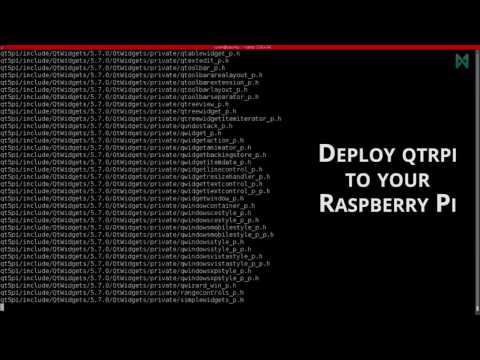
First, install the dependencies:
sudo apt-get install curl g++ gdb-multiarch git realpath unzip zip
Open a terminal and follow the steps below:
git clone https://github.com/neuronalmotion/qtrpi.git
cd qtrpi
export QTRPI_QT_VERSION='5.7.0'
export QTRPI_TARGET_DEVICE='linux-rpi3-g++'
export QTRPI_TARGET_HOST='[email protected]'
./init-qtrpi-minimal.sh
./deploy-qtrpi.sh --prepare-rpi
Note: You can also export the environment variables in your .bashrc.
Usage in CLI
cd myproject
/opt/qtrpi/bin/qmake-qtrpi
make
You can now copy and execute the generated binary file on your Raspberry Pi
Note: You can also add /opt/qtrpi/bin/ to your PATH in your .bashrc and call qmake-qtrpi without the full path.
Usage in Qt Creator
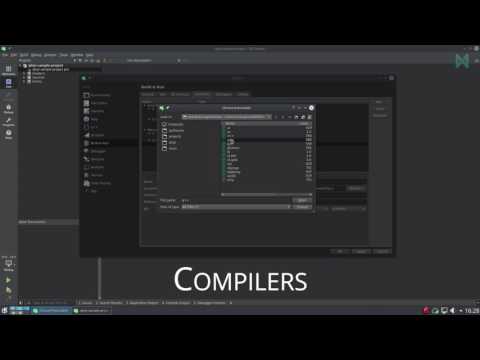
How to build a Raspberry Pi 3 application from your desktop Qt Creator (step by step video):
Tutorial of init-qtrpi-full.sh
How to add a new Qt module in QtRpi?
- In this case, you must use init-qtrpi-full.sh, because you will have to recompile it on your computer
- All the modules are cloned from the official Qt website (http://code.qt.io/)
- If you want to add a module, just add the repository name in the file qt-modules.txt
- You might have to add some packages in the sysroot, this can be done in utils/prepare-sysroot-full.sh
- Once you have modified these scripts, you should be able to re-execute init-qtrpi-full.sh and see the magic happen.
Docker images
The images are tagged according to their target configuration.
Currently the following tags are available:
rpi3-qt5.6.2: Crosscompile Qt 5.6.2 for the Raspbarry Pi 3
Choose the image which fits your needs.
Building a Qt project
To build a Qt project, mount the directory containing the sources and the project file to the /sources path inside the container and run it.
By default the image automatically executes qmake and make in the current working directory, which is set to /sources by default.
Example
docker pull arose/qtrpi:rpi3-qt5.6.2
docker run -v /someqtprojectfolder/:/source arose/qtrpi:rpi3-qt5.6.2
Tag summary
Content type
Image
Digest
Size
913.4 MB
Last updated
over 4 years ago
docker pull arose/qtrpi:rpi2-qt5.12.7