arthurhlt/db-dumper-service repository overview
db-dumper-service 


A Cloud Foundry service broker to dump and restore database on demand.
Currently supported databases are:
- mysql
- postgresql
- mongodb
- redis
More details in the specifications at https://docs.google.com/document/d/1Y5vwWjvaUIwHI76XU63cAS8xEOJvN69-cNoCQRqLPqU/edit
See also the backlog with label "service-db-dumper"
Requirements
- Cloud Foundry (>=192) with service broker api 2.6 at least
- A s3 service to store dumps (e.g: p-riakcs, s3-cf-service-broker or aws s3 given with cups)
- A database service to store models (e.g: p-mysql, cleardb)
Installation in 5 Minutes
- Download latest release.zip in releases (current: https://github.com/Orange-OpenSource/db-dumper-service/releases/download/v1.1.0/db-dumper-service.zip )
- Unzip the latest downloaded file
- Create a s3 service instance in your cloud foundry instance (e.g for p-riakcs:
cf cs p-riakcs developer riak-db-dumper-service) - Create a database service instance in your cloud foundry instance (e.g for p-mysql:
cf cs p-mysql 100mb mysql-db-dumper-service) - Update the manifest (
manifest.yml) file in the unzipped folder (Note: If you don't want to use uaa to protect access to dashboards, remove uaa profile fromspring_profiles_active) - Add cloudfoundry user which has access role for db-dumper-service following
cf_admin_userandcf_admin_passwordvar in manifest (This required to lookup databases by their service name using CC API) - Push to your Cloud Foundry (in the manifest.yml folder:
cf push) - Register and enable the service broker with:
$ cf create-service-broker db-dumper-service broker-user-from-manifest broker-password-from-manifest https://db-dumper-service.your.domain
$ cf enable-service-access db-dumper-service
Configure your UAA (Optional if you remove uaa profile)
You need to create a new uaa client if you want to use UAA to authenticate user in the dashboard, here the steps you need to do:
- use uaa-cli and run:
uaac client add db-dumper-service --name "db-dumper-service" --scope "openid,cloud_controller_service_permissions.read" --authorities "openid" -s "mysupersecretkey" --signup_redirect_url "http://your.db-dumper-service.url"(Note:--signup_redirect_urlis optional but highly recommended for security) - Update your
manifest.yml(see:CF_TARGET,security_oauth2_client_clientIdandsecurity_oauth2_client_clientSecretkeys)
Running locally
Note:
- Default user to access to dashboard is user/password
- By default when you activate profile it use a filesystem filer, to use a S3 filer instead activate the profile
s3(e.g.spring_profiles_default=local,s3) and set the uri of your s3 inconfig/spring-cloud.propertiesfile (change the value ofspring.cloud.mys3).
Linux 64 bits users
- Clone this project
- Run the script
bin/install-binariesto download all required binaries - You need to activate the spring profile
localto do this set an env varspring_profiles_default=local, you can either use with uaa profile to:spring_profiles_default=local,uaa(in this case you will need to set the envCF_TARGETwith the url of your uaa) - Run the application
Others
- Clone this project
- You will need to have binaries for driver you want to use
- These env vars need to be set (set only driver you want to use):
mysql_dump_bin_path(Path to mysqldump binary),mysql_restore_bin_path(Path to mysql binary),postgres_dump_bin_path(Path to pg_dump binary),postgres_restore_bin_path(Path to psql binary),mongodb_dump_bin_path(Path to mongodump binary),mongodb_restore_bin_path(Path to mongorestore binary),redis_rutil_bin_path(Path to rutil binary) - You need to activate the spring profile
localto do this set an env varspring_profiles_default=local, you can either use with uaa profile to:spring_profiles_default=local,uaa(in this case you will need to set the envCF_TARGETwith the url of your uaa) - Run the application
How to use
Note:
- The service broker will run tasks asynchronously.
- The user token is needed when you want to dump or/and restore a database by its service name to check if your user is able to access to this service (We are waiting for token delegation implementation to remove the need for a mandatory user token)
Use with a Cloud Foundry cli plugin
You may use the cli plugin associated to this broker:
- Download the latest release of the db-dumper-cli-plugin here: https://github.com/Orange-OpenSource/db-dumper-cli-plugin/releases (e.g.
curl -O -L https://github.com/Orange-OpenSource/db-dumper-cli-plugin/releases/download/v1.1.2/db-dumper_linux_amd64 chmod +x db-dumper_linux_amd64- Install it to your cli with this command:
cf install-plugin "path/of/db-dumper-cli-plugin" -f
Note: You can use this service without cli plugin, it was made only to have a more convenient way to use it than using broker arbitrary parameters.
Create a dump by passing a database uri
This command will create a dump for you:
cf cs db-dumper-service experimental service-name -c '{"db":"mysql://user:[email protected]:port/database-name"}'
Create a dump by passing a service name
For example you have a p-mysql service instance named my-mysql-db, you can create a dump with these parameters:
cf cs db-dumper-service experimental service-name -c '{"db":"my-mysql-db", "cf_user_token": "token retrieve from cf oauth-token", "org": "org of the service", "space": "space of the service"}'
Restore a dump by passing a database uri
cf update-service test -c '{"action": "restore", "db": "mysql://user:[email protected]:port/database-second-name"}'
Restore a dump by passing a service name
For example you have a p-mysql service instance named my-mysql-restore-db, you can restore a dump with these parameters:
cf update-service test -c '{"action": "restore", "db":"my-mysql-restore-db", "cf_user_token": "token retrieve from cf oauth-token", "org": "org of the service", "space": "space of the service"}'
Update a dump
If you want to update a dump you can use this command but it will replace your actual dump:
cf update-service test -c '{"action": "dump"}'
Delete a dump
This is equivalent to delete the service, your dumps will be deleted after 5 days to prevent mistake (set by dump_delete_expiration_days in manifest):
cf ds db-dumper-service experimental service-name
Access to dashboard
User access
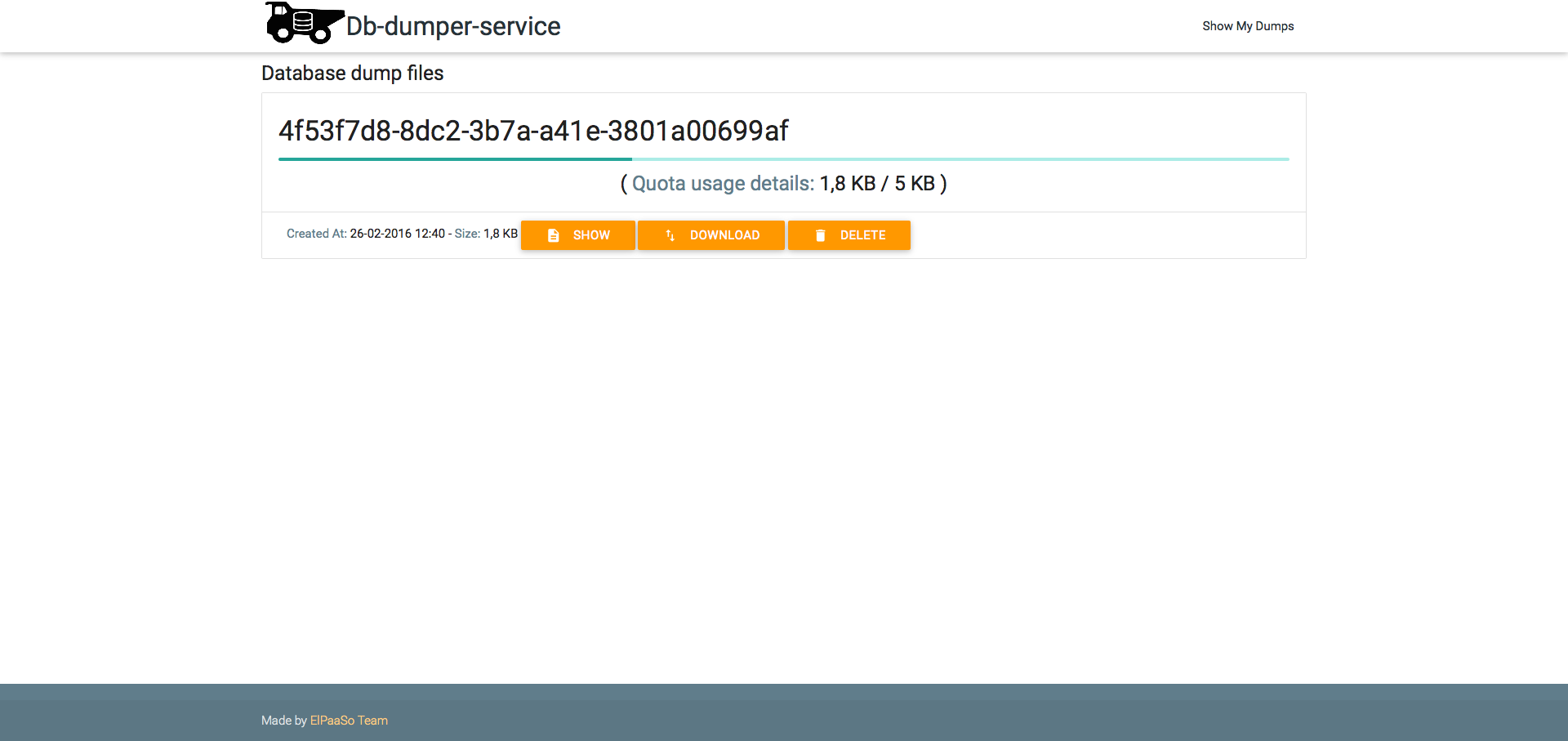
Users can see their dumps by using the dashboard URL accessible in each service instance, which has format: https://db-dumper-service.my.domain/manage
Preview:
Admin access
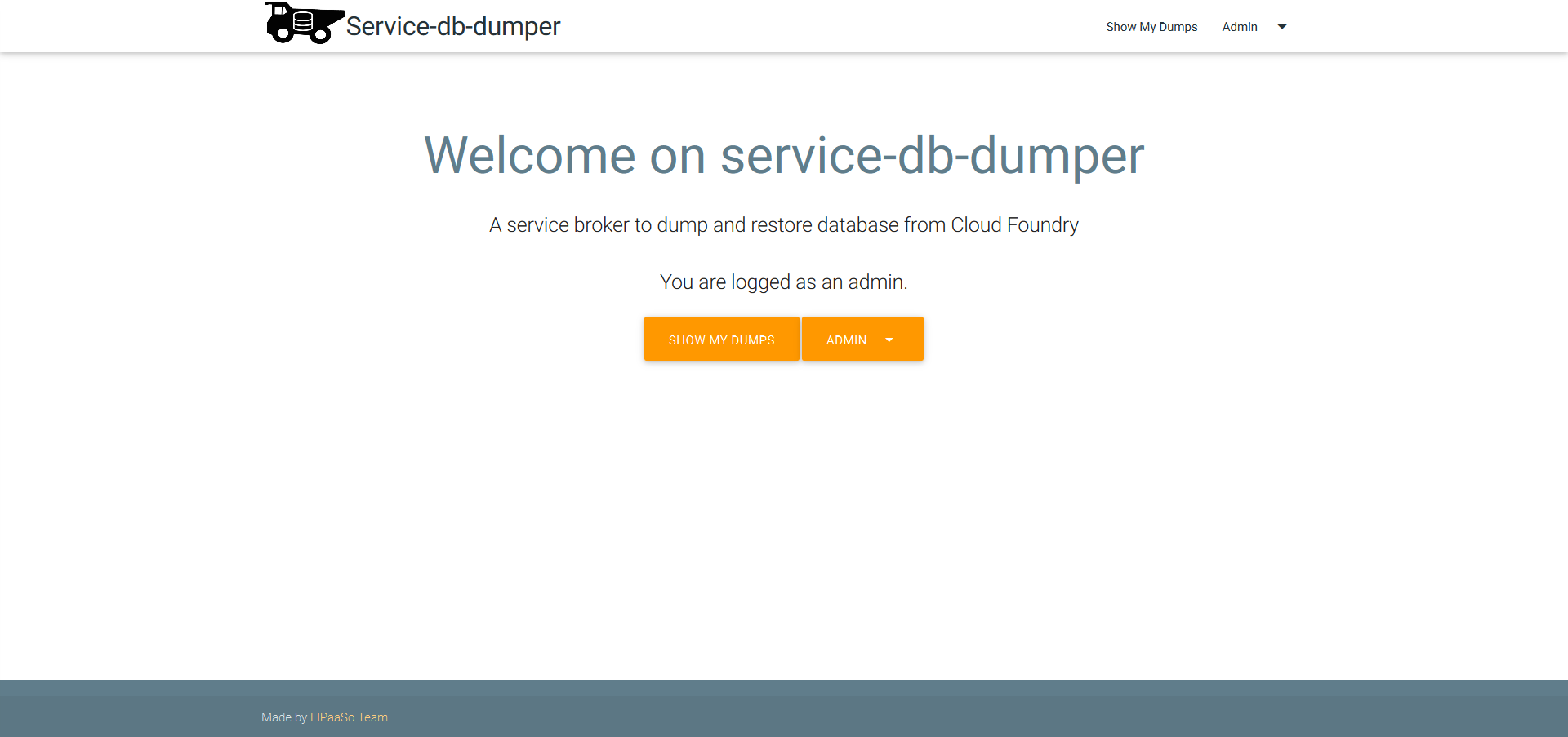
Admins have access to a backoffice UI available at https://db-dumper-service.my.domain/manage/admin (protected by basic auth with user and password set in the manifest, see admin_username and admin_password)
Preview:
Manage jobs
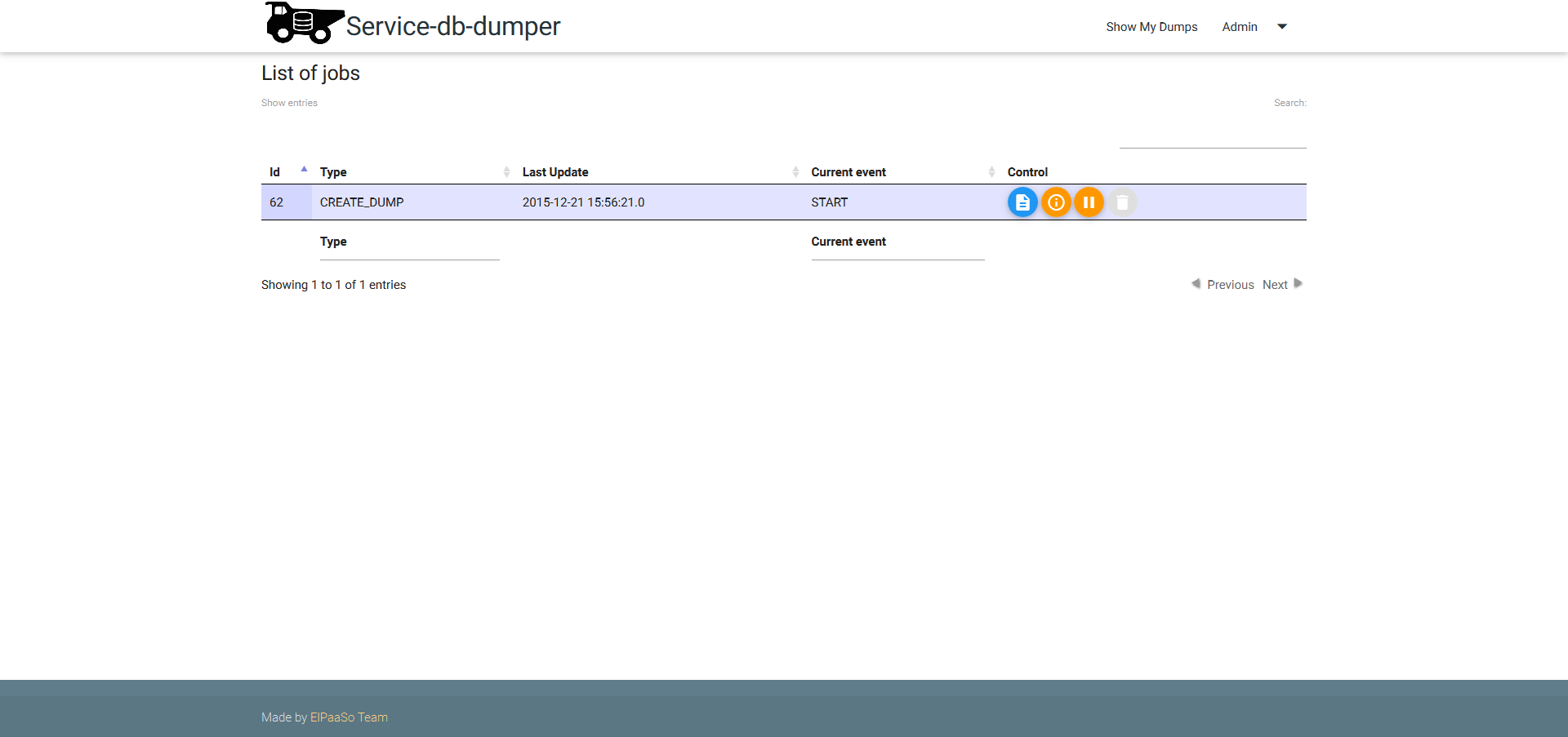
Sometimes, async jobs need to be managed, admins can use the job backoffice UI at https://db-dumper-service.my.domain/admin/control/jobs
Preview:
Run tests
In order to run all tests you need to clone this project
Unit test
- Install maven
- run
mvn clean testinside the project
Integration tests
Prepare environment
To run integration tests on a non linux system you will have to install and run each database type you want to test:
- MySQL (or mariadb which is preferred one): https://downloads.mariadb.org/mariadb/repositories/#mirror=urbach
- PostgreSQL: http://www.postgresql.org/download/
- MongoDB:
- To run database: https://www.mongodb.org/downloads#production
- To dump and restore, prefer to install those binaries (Waiting the PR related to be merged): https://github.com/ArthurHlt/mongo-tools
- Redis:
- To run database: http://redis.io/download
- To dump and restore: https://github.com/pampa/rutil
You will need to set java properties or env vars (replace '.' by '_' ) to specify dump and restore binaries path for each database type:
| Properties | Example Location |
|---|---|
| mysql.dump.bin.path | /usr/local/bin/mysqldump |
| mysql.restore.bin.path | /usr/local/Cellar/mariadb/10.1.8/bin/mysql |
| postgres.dump.bin.path | /usr/local/bin/pg_dump |
| postgres.restore.bin.path | /usr/local/bin/psql |
| mongodb.dump.bin.path | /usr/local/bin/mongodump |
| mongodb.restore.bin.path | /usr/local/bin/mongorestore |
| redis.rutil.bin.path | /Users/arthurhalet/go/bin/rutil |
TIP: If you are on linux 64 based OS you will do not need to do this, simply run the script bin/install-binaries
Run test with a real Cloud Foundry
If you want to test on a real Cloud Foundry you will need to set these properties or env var (replace '.' by '_' ):
| Properties | Default value | Description |
|---|---|---|
| cloud.controller.url | N/A | API url of your cloud foundry |
| cf.admin.user | N/A | Username to connect to cloud foundry |
| cf.admin.password | N/A | Password to connect to cloud foundry |
| int.cf.admin.org | N/A | Org to target to put services |
| int.cf.admin.space | N/A | Space to target to put services |
| int.cf.service.name.mysql | cleardb | Mysql service name from marketplace |
| int.cf.service.plan.mysql | spark (free plan) | Mysql service plan from marketplace |
| int.cf.service.name.postgresql | elephantsql | postgresql service name from marketplace |
| int.cf.service.plan.postgresql | turtle (free plan) | postgresql service plan from marketplace |
| int.cf.service.name.mongodb | mongolab | mongodb service name from marketplace |
| int.cf.service.plan.mongodb | sandbox (free plan) | mongodb service plan from marketplace |
| int.cf.service.name.redis | rediscloud | redis service name from marketplace |
| int.cf.service.plan.redis | 30mb (free plan) | redis service plan from marketplace |
Run test with a real s3 bucket
Set two env var:
DYNO=trueS3_URL=s3://accessKeyId:[email protected]/mybucket(Change the value with your own s3 url)
Other java properties
| Properties | Default value | Description |
|---|---|---|
| int.mysql.server | mysql://root@localhost/dbdumpertestsource | URI of your mysql server, you can have to change dbdumpertestsource by a real database created on your mysql server |
| int.postgres.server | postgres://postgres@localhost/dbdumpertestsource | URI of your mysql server, you can have to change dbdumpertestsource by a real database created on your postgresql server |
| int.redis.server | redis://localhost | URI of your redis server |
| int.mongodb.server | mongodb://localhost/dbdumpertestsource | URI of your mongodb server |
| http.proxyHost | N/A | host of your http proxy (if you have one) |
| http.proxyPort | N/A | port of your http proxy (if you have one) |
| http.proxyUsername | N/A | username of your http proxy (if you have one) |
| http.proxyPassword | N/A | password of your http proxy (if you have one) |
| skip.ssl.verification | false | Set to true if you want to skip ssl verification when connecting to cloud foundry or s3 bucket |
Run integration test
- Install maven
- run
mvn clean integration-testinside the project
Tag summary
Content type
Image
Digest
Size
411.7 MB
Last updated
about 10 years ago
docker pull arthurhlt/db-dumper-service