baealex/ocean-brain
Self-hosted knowledge base for organizing notes with backlinks, properties, views, reminders.
10K+
baealex/ocean-brain repository overview

Ocean Brain
A self-hosted writing space for connected notes, packaged for Docker.
One container runs the complete Ocean Brain web app and server.
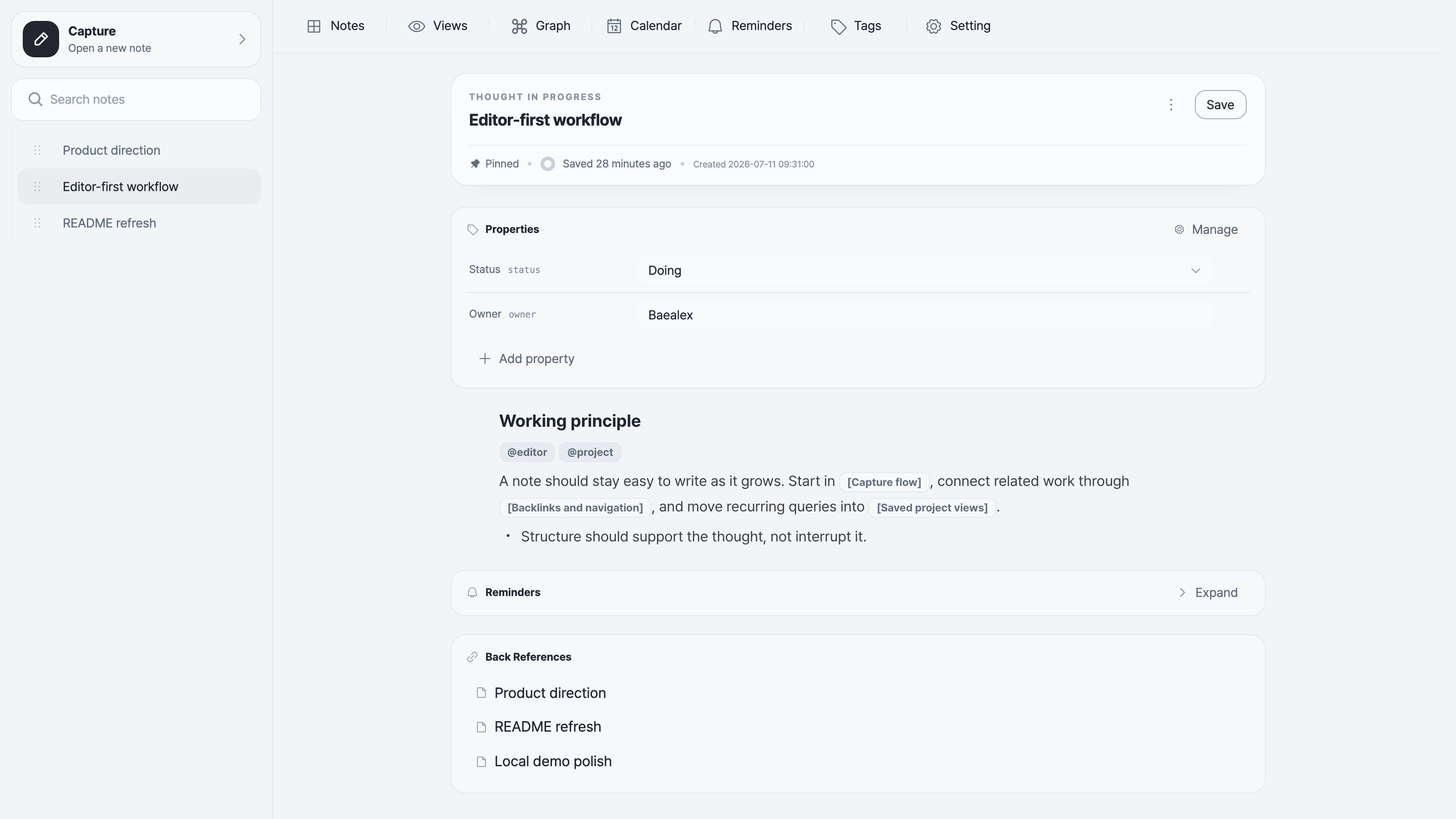
Full documentation · Releases · Source
Start a password-protected workspace
Generate a session secret once, keep it private, and reuse it when recreating the container:
openssl rand -hex 32
docker run -d \
  --name ocean-brain \
  --restart unless-stopped \
  -e OCEAN_BRAIN_PASSWORD='choose-a-strong-password' \
  -e OCEAN_BRAIN_SESSION_SECRET='paste-the-generated-session-secret-here' \
  -v "$PWD/data:/data" \
  -v "$PWD/assets:/assets" \
  -p 127.0.0.1:6683:6683 \
  baealex/ocean-brain:latest
Open http://localhost:6683.
latest is convenient for evaluation. For a workspace you intend to keep, choose an exact version from GitHub Releases and use baealex/ocean-brain:<version>. Docker tags omit the release tag's leading v.
The example publishes Ocean Brain on loopback only. Before exposing it beyond the host machine, keep password mode enabled, place the instance behind HTTPS, and change the bind address only when your network or reverse proxy requires it. See the canonical authentication and runtime guidance.
Local-only open mode
Open mode has no login. Use it only on your own machine, keep the loopback port binding, and do not combine it with the password variables.
docker run --rm \
  -e OCEAN_BRAIN_ALLOW_INSECURE_NO_AUTH=true \
  -v "$PWD/data:/data" \
  -v "$PWD/assets:/assets" \
  -p 127.0.0.1:6683:6683 \
  baealex/ocean-brain:latest
Persistent paths
| Content | Container path | Host path above |
|---|---|---|
| SQLite database | /data/db.sqlite3 | ./data/db.sqlite3 |
| Uploaded images | /assets/images | ./assets/images |
Stop the container and back up ./data and ./assets together before changing versions. The full data and recovery guide remains the source of truth for backup and restore behavior.
The image is published for linux/amd64 and linux/arm64.
Tag summary
Content type
Image
Digest
sha256:0537cb575…
Size
143.3 MB
Last updated
5 days ago
docker pull baealex/ocean-brain