baselhusam/daily-hub
A self-hosted personal command center for projects, tasks, habits, and daily planning.
139
baselhusam/daily-hub repository overview
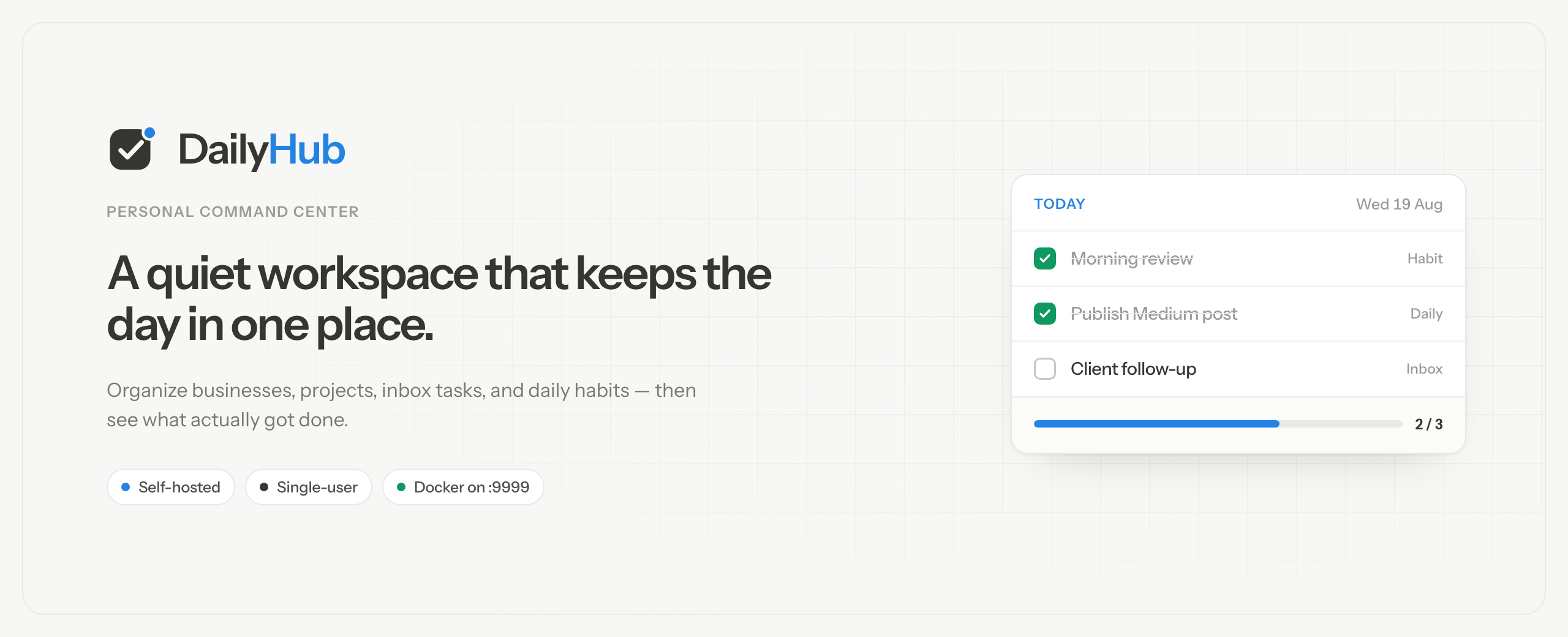





DailyHub
DailyHub is a self-hosted personal command center for people who juggle more than one project at a time. It brings projects, tasks, milestones, daily habits, and lightweight analytics into one focused workspace.
The image runs the complete Next.js application as a single non-root container, stores data locally in SQLite, and applies database migrations automatically when it starts. There is no separate database or API service to configure.
- One container — application and SQLite in a single image
- Persistent by design — database and uploads live under
/app/data - Multi-platform — published for
linux/amd64andlinux/arm64 - Automatic migrations — upgrades apply Prisma migrations on startup
- Local-first — no account or external database required
- Lightweight stack — built on Node.js 22 Alpine
Quick start
docker run -d \
  --name dailyhub \
  --restart unless-stopped \
  -p 9999:9999 \
  -v dailyhub_data:/app/data \
  baselhusam/daily-hub:latest
Open http://localhost:9999 after the container starts.
The named volume preserves the SQLite database and uploaded files when the container is replaced or upgraded.
Docker Compose
services:
  dailyhub:
    image: baselhusam/daily-hub:latest
    container_name: dailyhub
    restart: unless-stopped
    ports:
      - "9999:9999"
    volumes:
      - dailyhub_data:/app/data

volumes:
  dailyhub_data:
Save this as compose.yml, then run:
docker compose up -d
Image tags
| Tag | Use |
|---|---|
latest | Latest stable release |
X.Y.Z | Immutable release version matching the npm package, for example 0.2.1 |
next | Latest prerelease build |
For reproducible deployments, pin an exact version instead of latest:
docker pull baselhusam/daily-hub:0.2.1
The same tags are also published to the GitHub Container Registry:
docker pull ghcr.io/baselhusam/daily-hub:latest
Supported platforms
linux/amd64linux/arm64
Docker automatically selects the correct image for the host. The image works with a compatible Docker or OCI runtime on Linux, and through Docker Desktop on macOS and Windows.
Persistent data
Mount a volume or bind mount at /app/data.
| Path | Contents |
|---|---|
/app/data/data.db | SQLite database |
/app/data/uploads/ | Uploaded project and habit images |
To use a host directory instead of a named volume:
docker run -d \
  --name dailyhub \
  --restart unless-stopped \
  -p 9999:9999 \
  -v /absolute/path/to/dailyhub-data:/app/data \
  baselhusam/daily-hub:latest
Keep the data directory on a local disk. SQLite databases should not be stored in iCloud, Dropbox, or another file-synchronization directory.
Seed sample data
Populate an empty installation with sample projects, tasks, and habits:
docker exec dailyhub npm run db:seed
Seeding is optional and intended for a first-time evaluation.
Upgrade
With Docker Compose:
docker compose pull
docker compose up -d
With docker run:
docker pull baselhusam/daily-hub:latest
docker stop dailyhub
docker rm dailyhub
docker run -d \
  --name dailyhub \
  --restart unless-stopped \
  -p 9999:9999 \
  -v dailyhub_data:/app/data \
  baselhusam/daily-hub:latest
The dailyhub_data volume is retained, and pending database migrations run automatically when the new container starts. Back up the volume before significant upgrades.
Configuration
The published image includes these defaults:
| Setting | Default |
|---|---|
| Application port | 9999 |
| Data directory | /app/data |
| Database URL | file:/app/data/data.db |
| Runtime user | Non-root user nextjs (UID 1001) |
To expose a different host port, change only the value before the colon:
docker run -d --name dailyhub -p 3000:9999 -v dailyhub_data:/app/data baselhusam/daily-hub:latest
DailyHub will then be available at http://localhost:3000.
Security
DailyHub is currently a single-user application and does not include built-in login authentication. Run it on localhost or a trusted private network. If it must be reachable from the internet, place it behind an authenticated reverse proxy or VPN and configure TLS.
To bind it only to the local machine, publish the port on the loopback interface:
docker run -d \
  --name dailyhub \
  --restart unless-stopped \
  -p 127.0.0.1:9999:9999 \
  -v dailyhub_data:/app/data \
  baselhusam/daily-hub:latest
Links
- Project website
- Source code
- Deployment documentation
- Release notes
- Issue tracker
- npm package
- GitHub Container Registry
License
DailyHub is open-source software released under the MIT License.
Maintained by Basel Husam.
Tag summary
Content type
Image
Digest
sha256:ecbf9e98f…
Size
614.3 MB
Last updated
6 days ago
docker pull baselhusam/daily-hub