bitnik212/swingmusic
Swing Music is a beautiful, self-hosted music player for your local audio files
10K+
bitnik212/swingmusic repository overview
Swing music
Author Repository | Fork Author Repository
Screenshots
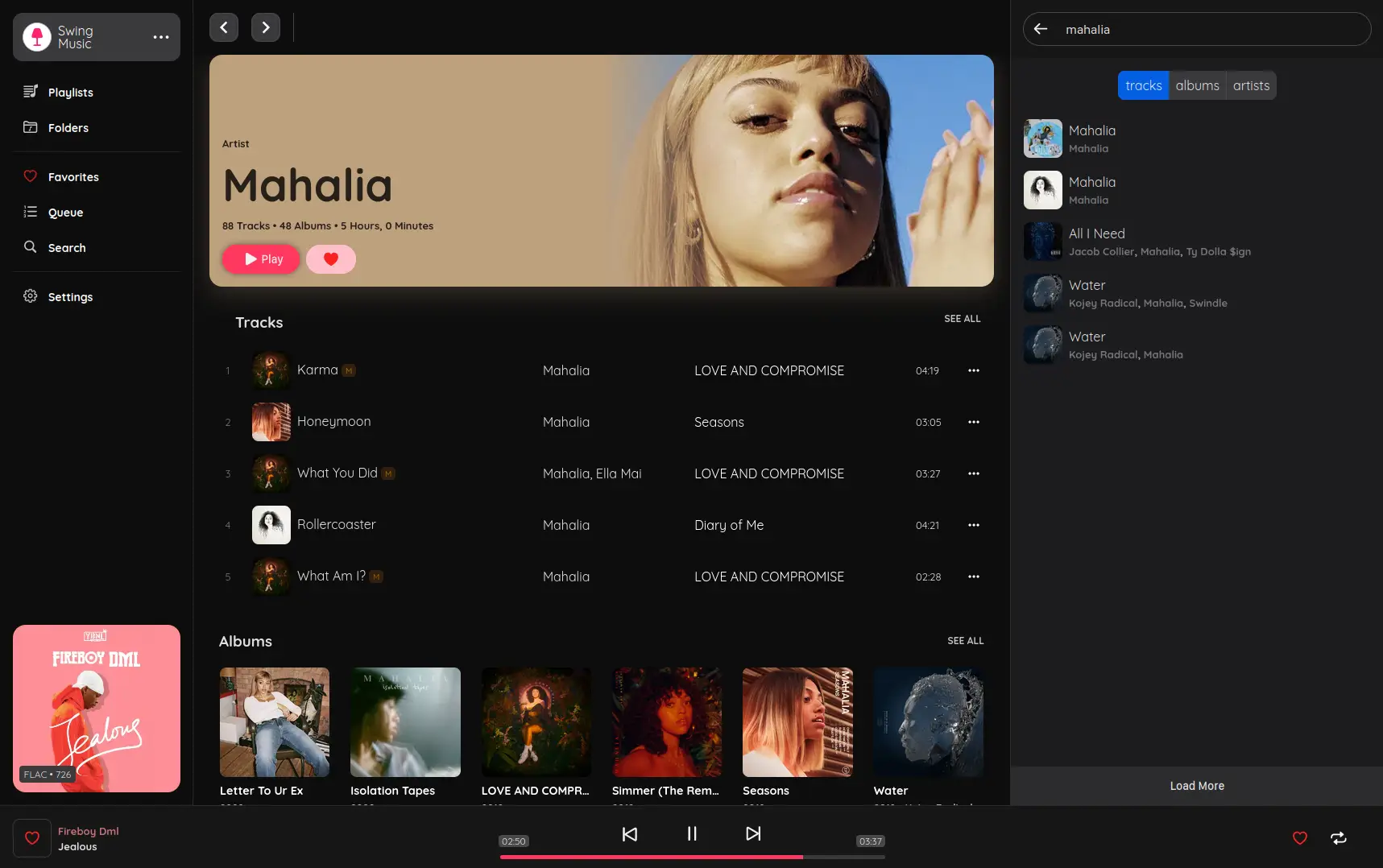 | 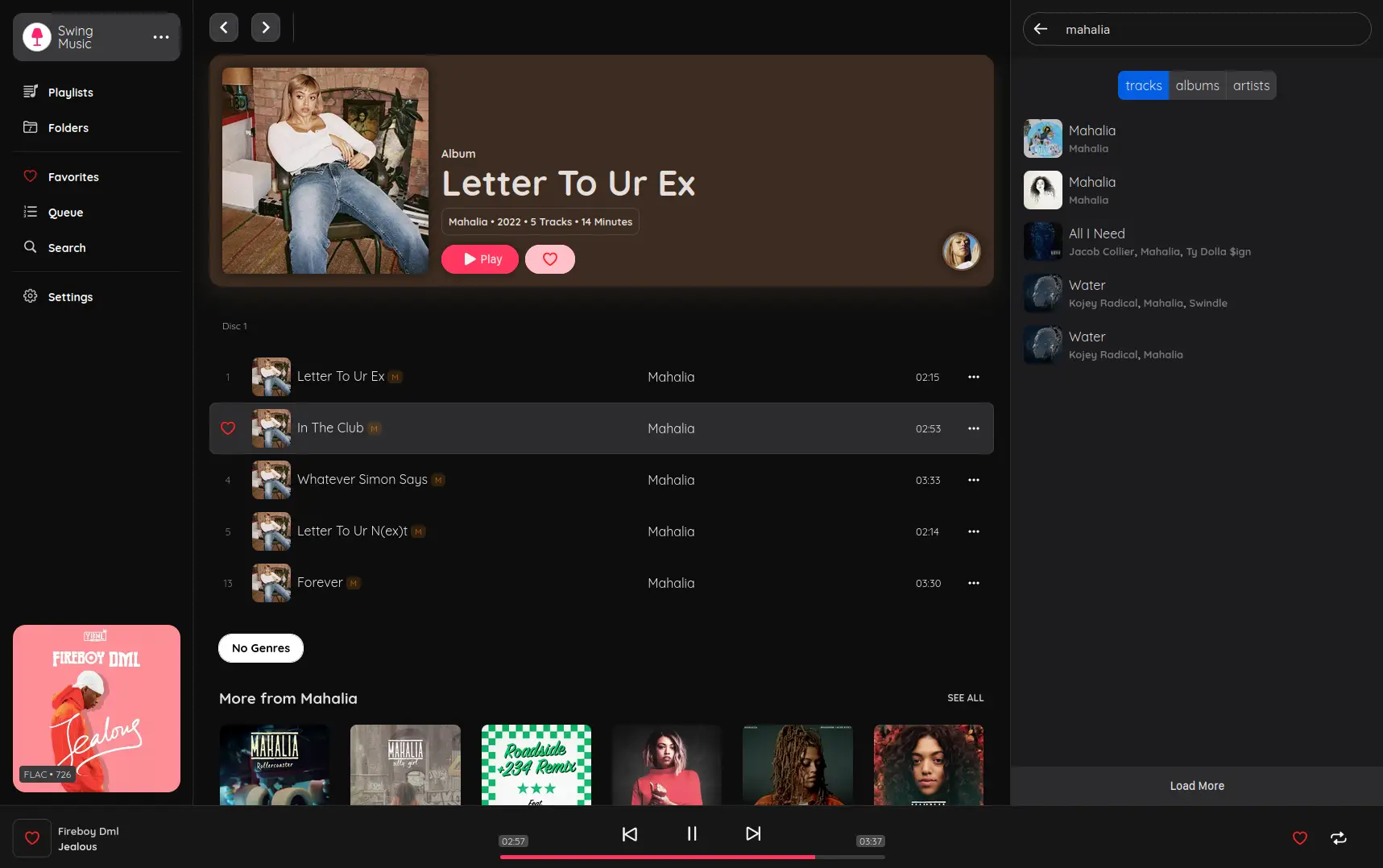 |
|---|---|
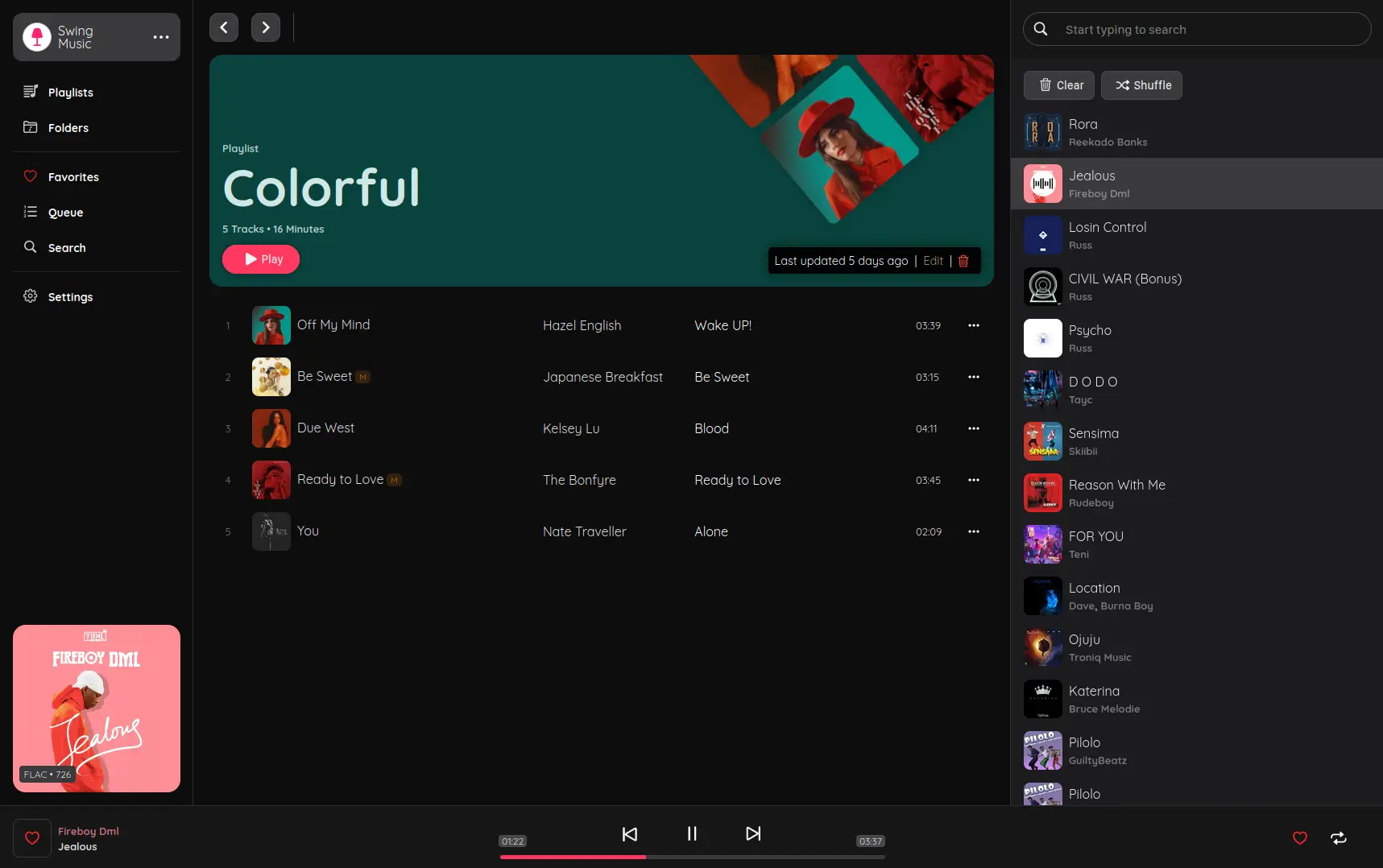 | 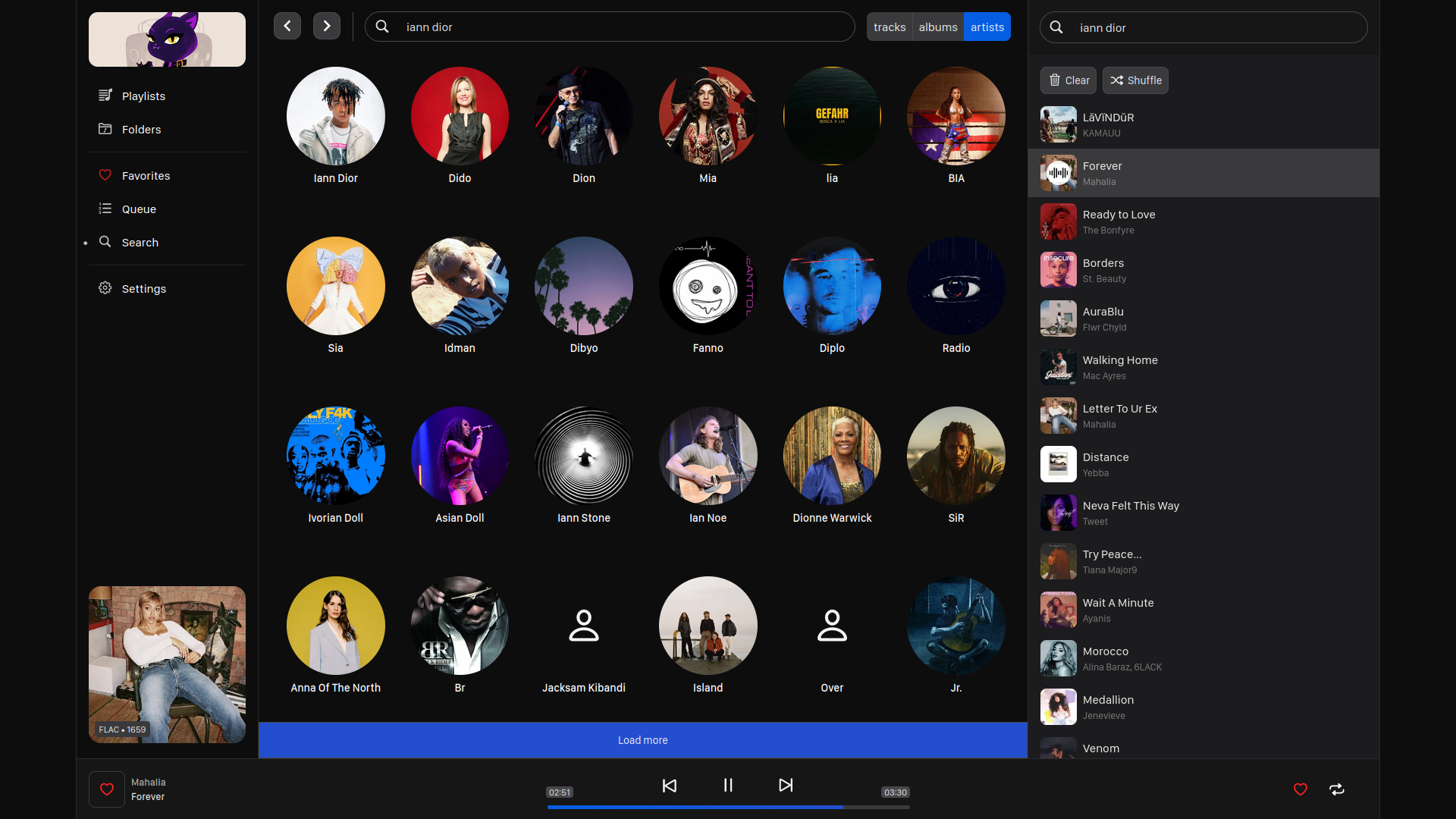 |
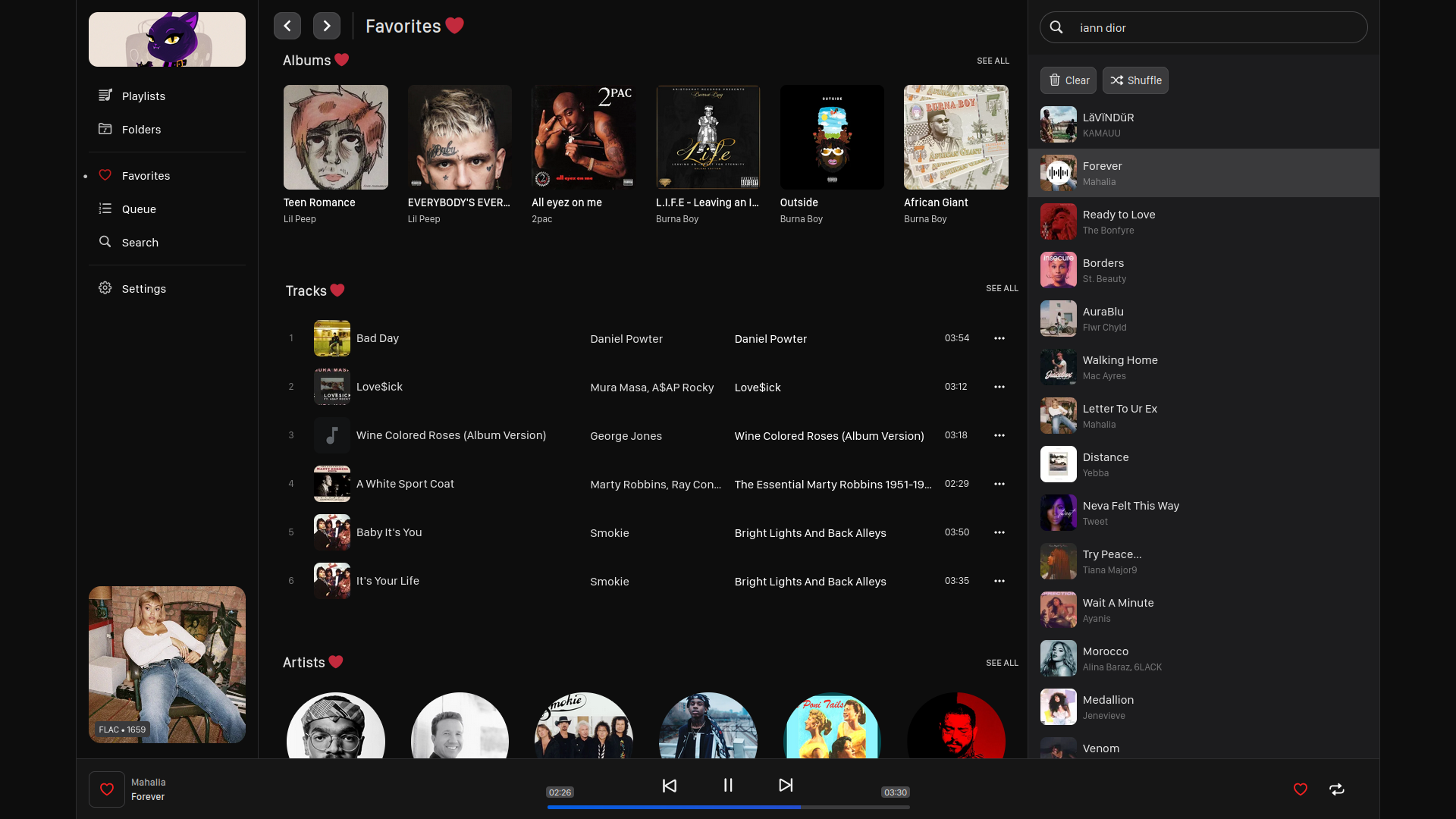 | 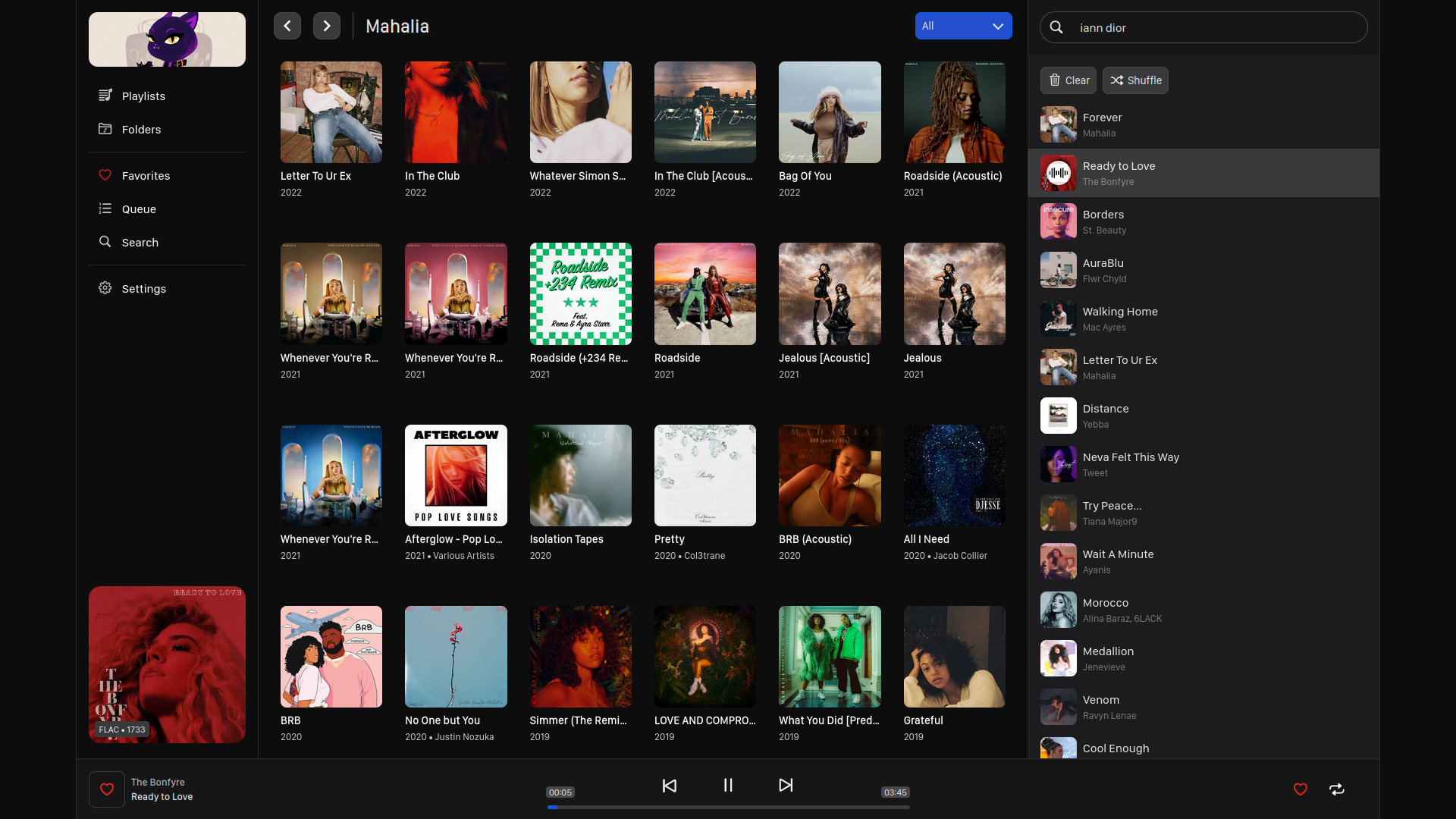 |
Make listening to your local music fun again.
Swing is a music player for local audio files built with both visual coolness and functionality in mind. Just run the app and enjoy your music library in a web browser.
For screenshots, see the screenshots page on the website.
Note: This project is in the early stages of development. Many features are missing but will be added with time.
Setup
Download the latest release from the release page and launch it. For Linux, you need to make the file executable first.
chmod a+x ./swingmusic

./swingmusic
The app should start at http://localhost:1970 by default.
Usage: swingmusic [options]

Options:
    --build: Build the application (in development)
    --host: Set the host
    --port: Set the port

    --show-feat, -sf: Do not extract featured artists from the song title
    --show-prod, -sp: Do not hide producers in the song title

    --help, -h: Show this help message
    --version, -v: Show the app version
To stream your music across your local network, use the --host flag to run the app in all ports. Like this:
swingmusic --host 0.0.0.0
The link to access the app will be printed on your terminal. Copy it and open it in your browser.
Setup with docker
Run by docker cli:
- Create docker volume for configs
docker volume create swingmusic-config
- Run with docker
Params:
- "music folder" - Your file with music (Replace it)
docker run -p 1970:1970 -v "music folder":/root/music -v swingmusic-config:/root/.config/swingmusic bitnik212/swingmusic:latest
Development
This project is broken down into 2. The client and the server. The client comprises of the user interface code. This part is written in Typescript, Vue 3 and SCSS. To setup the client, checkout the swing client repo on GitHub.
The second part of this project is the server. This is the main part of the app that runs on your machine, interacts with audio files and send data to the client. It's written in Python 3.
The following instructions will guide you on how to setup the server.
The project uses Python poetry as the virtual environment manager. Follow the instructions in their docs to install it in your machine.
It is assumed that you have
Python 3.10or newer installed in your machine. This project uses type hinting features so older version of Python will not work. If you don't have Python installed in your machine, get it from the python website.
Clone this repo locally in your machine. Then install the project dependencies and start the app.
git clone https://github.com/geoffrey45/swingmusic.git

cd swingmusic

# install dependencies using poetry
poetry install

# start the app
poetry run python manage.py
License
This software is provided to you with terms stated in the MIT License. Read the full text in the LICENSE file located at the root of this repository.
MIT License | Copyright (c) 2023 Mungai Njoroge
Tag summary
Content type
Image
Digest
sha256:8e6c9bb2c…
Size
441.8 MB
Last updated
over 3 years ago
docker pull bitnik212/swingmusic