bloodstar/drop-in
VIM IDE 中文化 集成开发环境。Remote VIm Development Environment. All in one。 > 集成中文字体,中文locale环境
Image
0
10K+
bloodstar/drop-in repository overview
Vim IDE 中文化集成开发环境
集成中文字体,中文locale环境
Remote Development Environment
- GitHub: appotry/drop-in
- Docker Hub:
appotry/drop-in:latest - 个人博客:
-blog.17lai.site-orange)
Edit From: JAremko/drop-in

Based on the bloodstar/vim:latest

Also you might want to look at Vim/Emacs hybrid jare/spacemacs 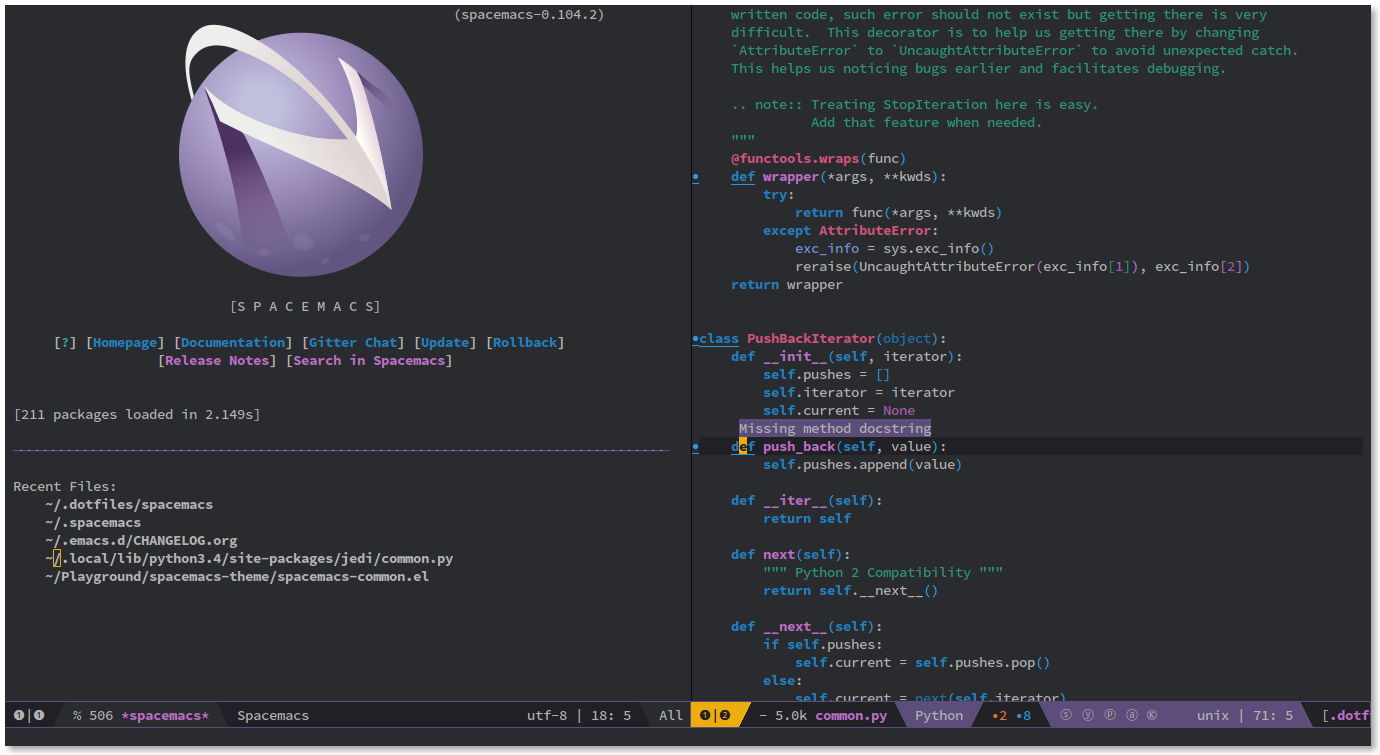
What's inside:
Alpine LinuxVim + a ton of awesome plugins seebloodstar/vim:latest- Good support of
Golang development withbloodstar/go-tools container tmuxpowerlineMosh- OpenSSH, Bash, OMF, Python, etc.
The Tmux prefix is C-q other than that both Tmux and Vim binding are mostly default tmux.conf, .vimrc
Make sure to use "Solarized Dark" compatible theme or color palette may look weird.
how to start the daemon(and all containers)
  docker create -v '/usr/lib/go' --name go-tools \
  'bloodstar/go-tools' '/bin/true'

  docker run -v $('pwd'):/home/developer/workspace \
  --volumes-from go-tools \
  -v ~/.ssh/pub_rsa:/etc/ssh_keys:ro \
  -v /etc/localtime:/etc/localtime:ro \
  -d -p 80:80 -p 8080:8080 -p 62222:62222 -p 60001:60001/udp \
  --name drop-in bloodstar/drop-in
-v /etc/localtime:/etc/localtime:ro - makes tmux display local time
how to connect:
mosh --ssh="ssh -p 62222" -- developer@$<ip> tmux -u
or without host identity check:
mosh --ssh="ssh -o StrictHostKeyChecking=no -p 62222" -- developer@$<ip> tmux -u
Useful Bash scripts
Connect
#!/bin/bash
ip=$(docker inspect --format '{{ .NetworkSettings.IPAddress }}' drop-in)
mosh --ssh="ssh -p 62222" -- developer@$ip tmux -u
start the daemon(and all containers)
#!/bin/bash
dtc_id=$(docker ps -a -q --filter 'name=vim-go-tools')
if [[ -z "${dtc_id}" ]]; then
 echo 'vim-go-tools container not found. Creating...'
 docker create -v '/usr/lib/go' --name 'vim-go-tools' \
   'bloodstar/go-tools' '/bin/true'
 echo 'Done!'
fi
echo 'starting daemon...'
docker run -v $('pwd'):/home/developer/workspace \
  --volumes-from vim-go-tools \
  -v ~/.ssh/pub_rsa:/etc/ssh_keys:ro \
  -v /etc/localtime:/etc/localtime:ro \
  -e "GEMAIL=<github email>" \
  -e "GNAME=<github name>" \
  -d -p 80:80 -p 8080:8080 -p 62222:62222 -p 60001:60001/udp \
  --name drop-in bloodstar/drop-in
echo 'Done!'
- If you want to use publicly build image it's a good idea to use
mosh ... --ssh="ssh -o StrictHostKeyChecking=no ..." ...to ignore server's identity. - If Vim or Powerline doesn't look right in the tmux try
tmux -2and make sure that client'sTERMvariable set to support 256 colors
Leave a comment if you found a bug or if you have a suggestion!
Tag summary
Content type
Image
Digest
sha256:cc1d598e9…
Size
577.5 MB
Last updated
almost 2 years ago
docker pull bloodstar/drop-in