buonzz/workspace repository overview
You can use this container to use commonly used cli tools without installing them in your machine
useful for:
- ensuring a consistent workflow across all team that is using different OS (Mac, Linux, Windows etc)
- quickly install all the tools you need by executing a single command (all you need is to have the docker engine installed)
- fetch the dependencies of an app you are working on.
Demo
Softwares Installed
- Node 9.3.0 (npm v5.5.1)
- Yarn 1.12.1
- PHP CLI 7.2 (with common, curl, intl, json, xml, mbstring, mysql, pgsql, sqlite, sqlite3, zip, bcmath, memcached, gd extensions)
- Composer 1.6.3
- Python 2.7
- Bower 1.8.4
- Gulp 3.9.1
- MySQL Client 14.14
- Git 2.7.4
- Curl
- vim
- nano
- Java 1.8.0_191
- Ruby 2.5.1p57
Usage
pull and run the container
docker run -it buonzz/workspace /bin/bash
this will fetch the image, run the container, and log you inside the container -- now all the tools is available in front of you by just executing that simple command
NOTE: for Windows users, you might need to prepend "winpty" on each of these commands.
winpty docker run -it buonzz/workspace bash
You can use the container without logging in.
the following commands will mount your current working directory ($(pwd)) to a path inside the container (/var/www), then executes the commands passed in bash command. The effect is, the bash commands is being executed as if you are executing it in your host machine.
NOTE: for Windows users using Git bash, you should replace the $(pwd) with /${PWD}
Fetch composer dependencies
in any folder on which you have composer.json file, just execute the following:
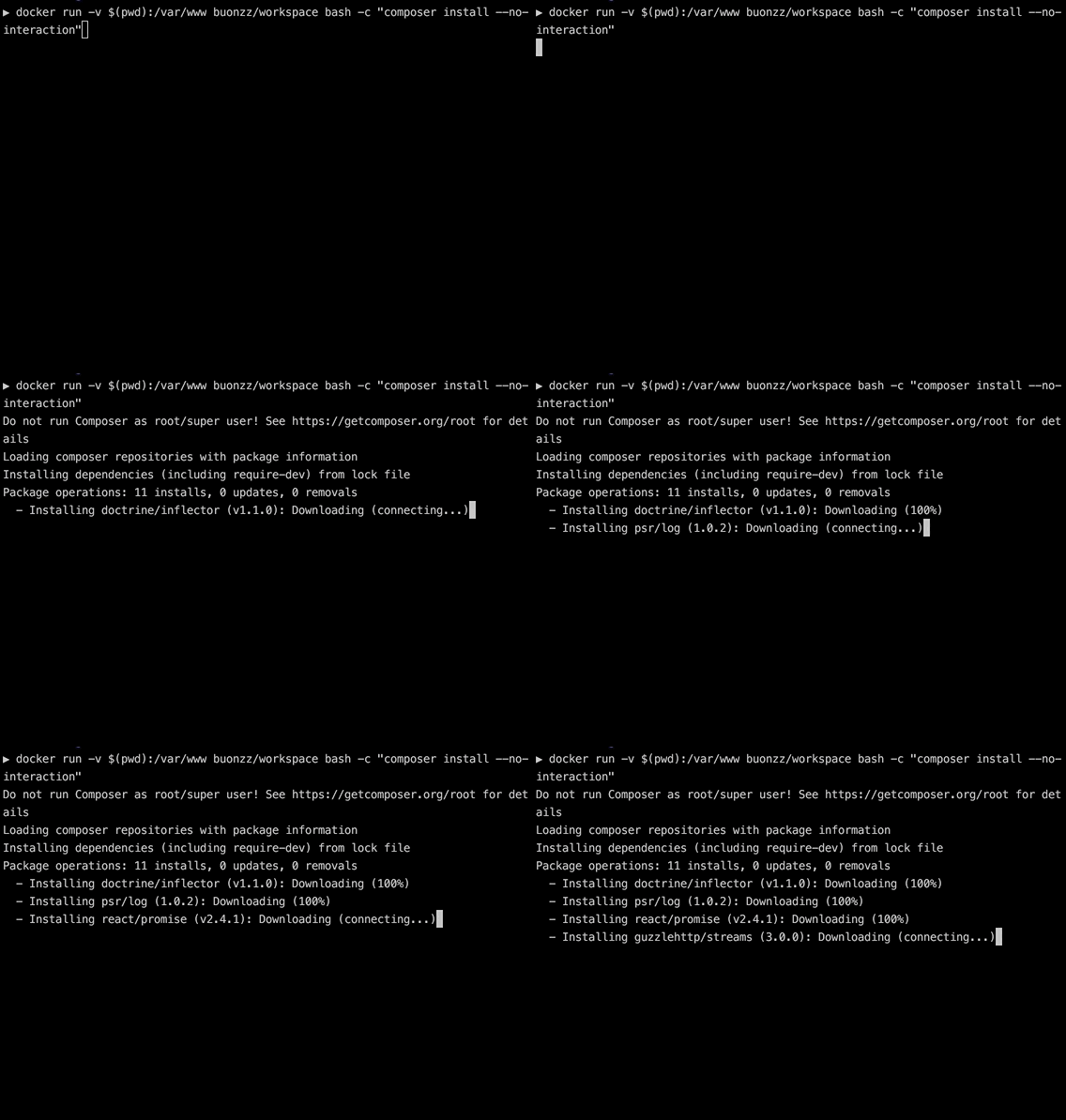
docker run -v $(pwd):/var/www buonzz/workspace bash -c "composer install --no-interaction"
this will run the workspace, and execute composer install command inside. The resulting vendor folder is generated in the current folder.
install or update a composer package
docker run -v $(pwd):/var/www buonzz/workspace bash -c "composer install elasticsearch/elasticsearch"
or
docker run -v $(pwd):/var/www buonzz/workspace bash -c "composer update elasticsearch/elasticsearch"
Fetch npm packages (using npm)
in any folder on which you have package.json file, just execute the following:
docker run -v $(pwd):/var/www buonzz/workspace bash -c "npm install"
Fetch npm packages (using yarn)
in any folder on which you have package.json file, just execute the following:
docker run -v $(pwd):/var/www --user=laradock buonzz/workspace bash --login -c "yarn install"
run python command
docker run -v $(pwd):/var/www buonzz/workspace bash -c "python -c \"for r in range(10): print 'hello'\""
Bower
docker run -v $(pwd):/var/www buonzz/workspace bash -c "bower --version"
Gulp
docker run -v $(pwd):/var/www buonzz/workspace bash -c "gulp --version"
run mysql commands
docker run -v $(pwd):/var/www buonzz/workspace bash -c "mysql -u root -psecret -h put_hostname_here -e \"SELECT * FROM users\" > users.sql"
this will connect to the put_hostname_here mysql server, execute the sql query and dump the result to the current directory in the host.
Java
docker run -v $(pwd):/var/www buonzz/workspace bash -c "java -version"
Ruby
docker run -v $(pwd):/var/www buonzz/workspace bash -c "ruby -v"
Jekyll
docker run -v $(pwd):/var/www -p 4000:4000 buonzz/workspace bash -c "jekyll serve"
Tag summary
Content type
Image
Digest
Size
793.2 MB
Last updated
almost 8 years ago
docker pull buonzz/workspace