
byte21516/bashpanel repository overview
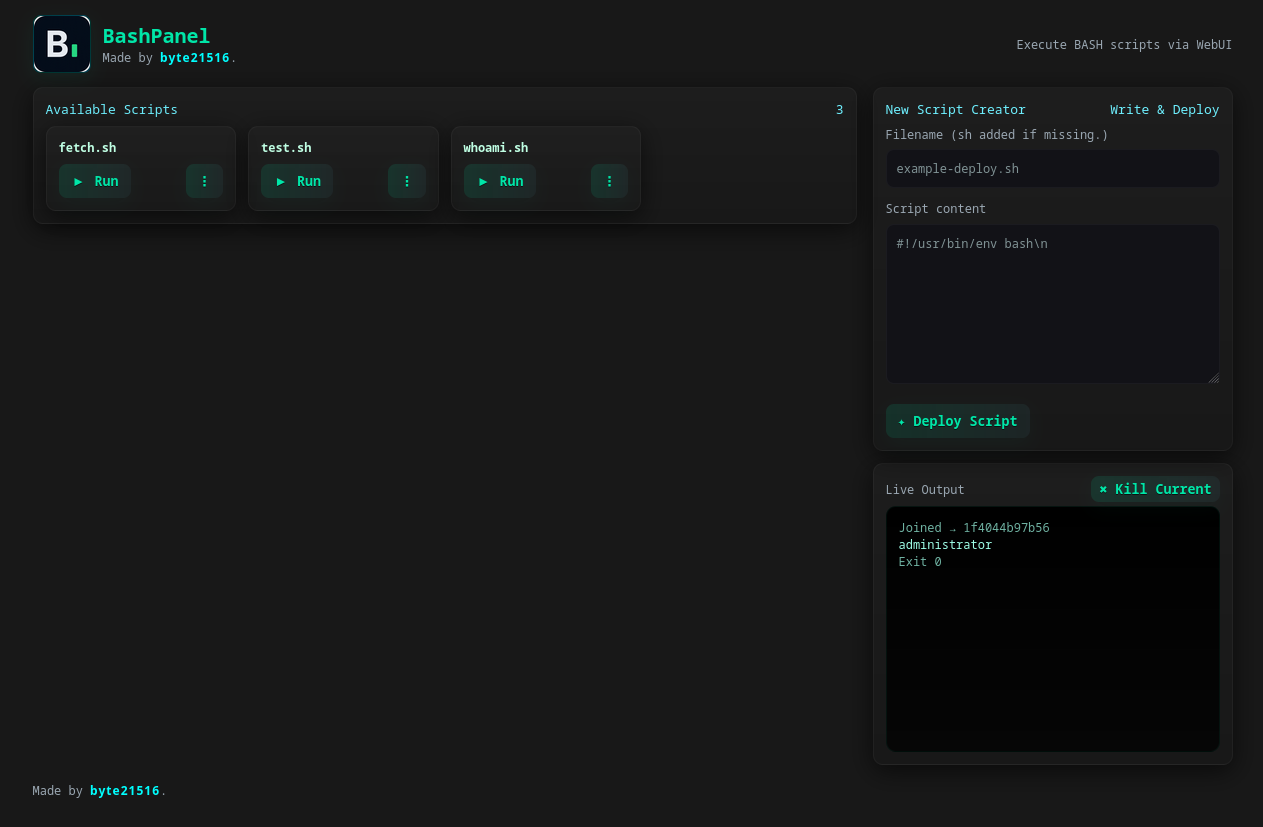
BashPanel
Execute BASH scripts via WebUI
Installation:
Setup SSH keys for the server:
# ssh-keygen -t ed25519 -f ~/.ssh/id_ed25519_bashpanel -N ""
# cat ~/.ssh/id_ed25519_bashpanel.pub >> ~/.ssh/authorized_keys
# eval "$(ssh-agent -s)"
# ssh-add ~/.ssh/id_ed25519_bashpanel
The container must be permitted to read the keys. This usually works with these commands:
You need to replace "USER" with your username.
$ chmod 700 /home/USER/.ssh
$ chmod 600 /home/USER/.ssh/id_ed25519_bashpanel
$ chmod 644 /home/USER/.ssh/id_ed25519_bashpanel.pub
docker-compose.yml
You need to replace "USER" with your username.
services:
  bashpanel:
    image: byte21516/bashpanel:latest
    container_name: bashpanel
    restart: unless-stopped
    network_mode: host
    volumes:
      - ./bashpanel-scripts:/app/scripts           # WebUI Upload/Download
      - /home/USER/.ssh/id_ed25519_bashpanel:/root/.ssh/id_ed25519:ro  # Mount SSH-Key read-only
      - /home/USER/.ssh/id_ed25519_bashpanel.pub:/root/.ssh/id_ed25519.pub:ro
    environment:
      - PORT=3001
      - HOST_USER=USER
      - SSH_KEY_PATH=/root/.ssh/id_ed25519
Opening the WebUI
The WebUI is accessible on port 3001.
Images:
Tag summary
Content type
Image
Digest
sha256:cd1f78400…
Size
383.7 MB
Last updated
about 1 year ago
docker pull byte21516/bashpanel