camksingh/data-fetcher
Data-fetcher is a Node.js based Full-stack web project to get data by supported services' url.
69
camksingh/data-fetcher repository overview
Data-Fetcher (Fetches clean data without writing code)
Steps to start fetching data:
Step 1: Pull this image by running --> docker pull camksingh/data-fetcher
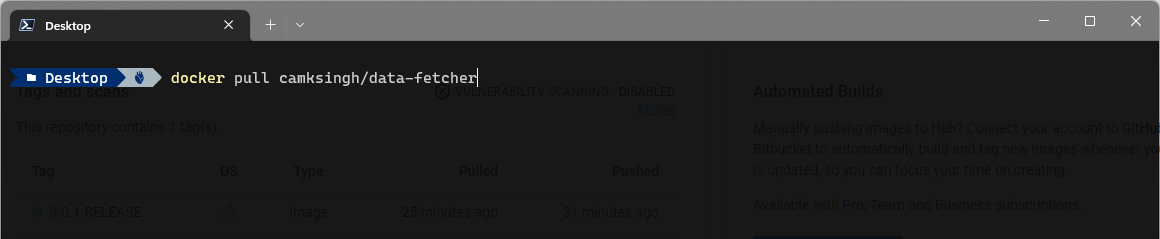
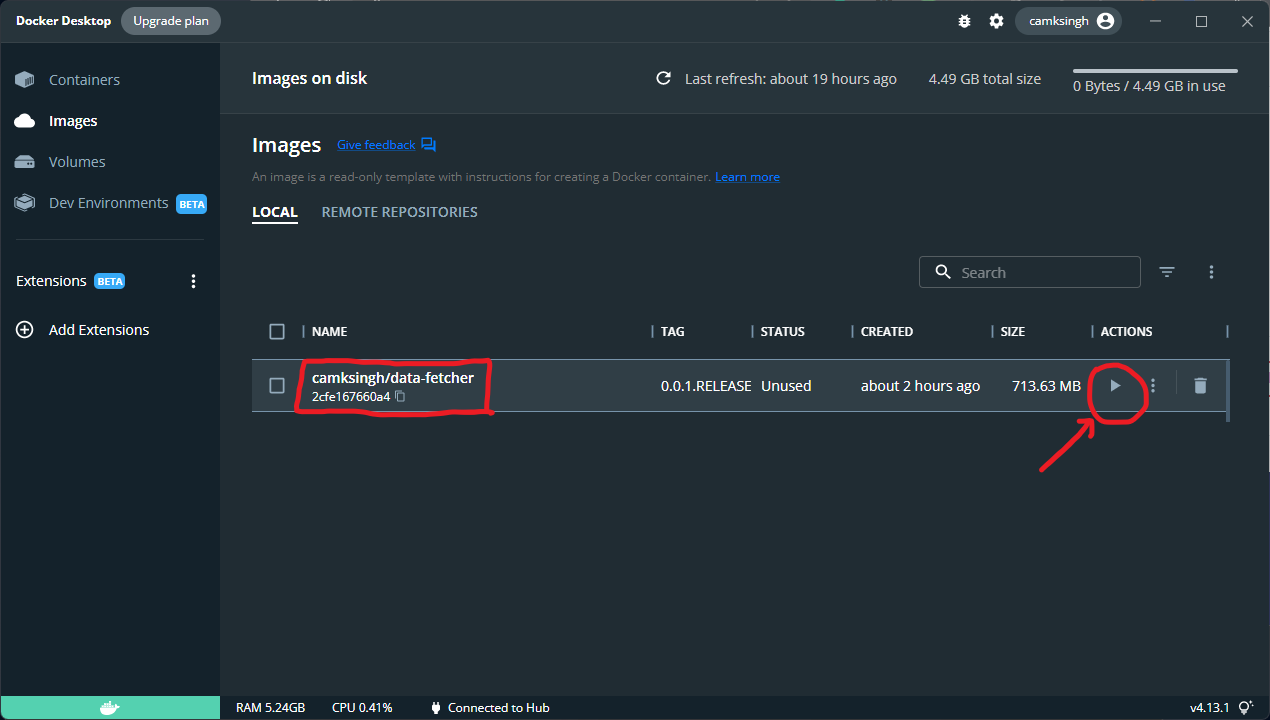
Then you will find camksingh/data-fetcher in your docker desktop app's image section.
Step 2: Now simply click on Run button
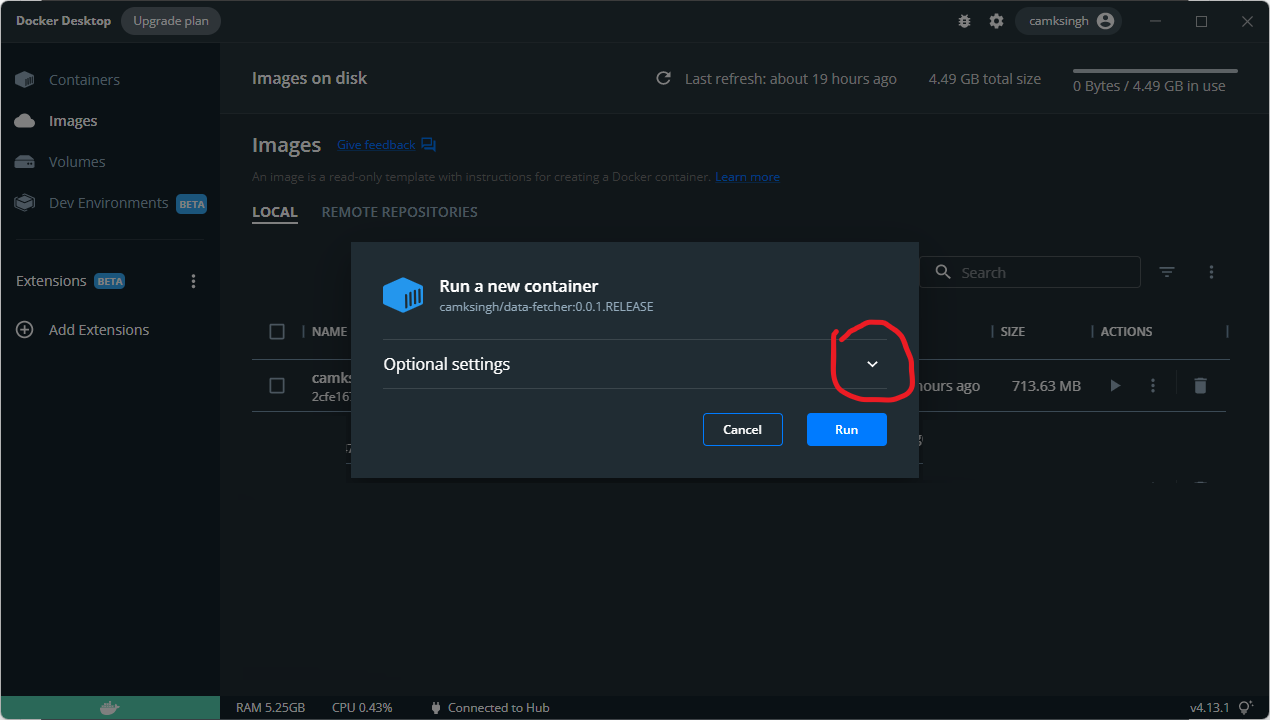
Step 3: Expand Additional details section
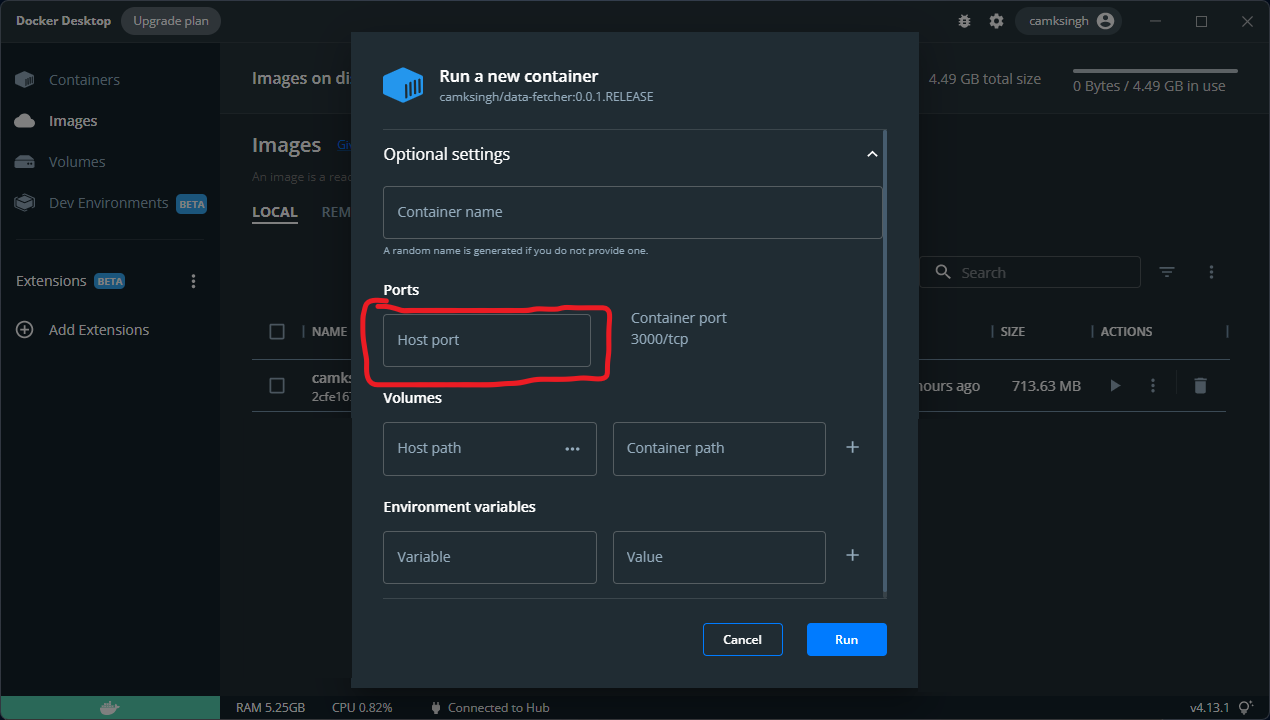
Step 4: Add PORT (like 4000) and click on RUN
Step 5: After Running the Image you will be redirected to "Containers" section and you will find your container running
Now click on "4000:3000" in PORT(S) column to open the page in your browser
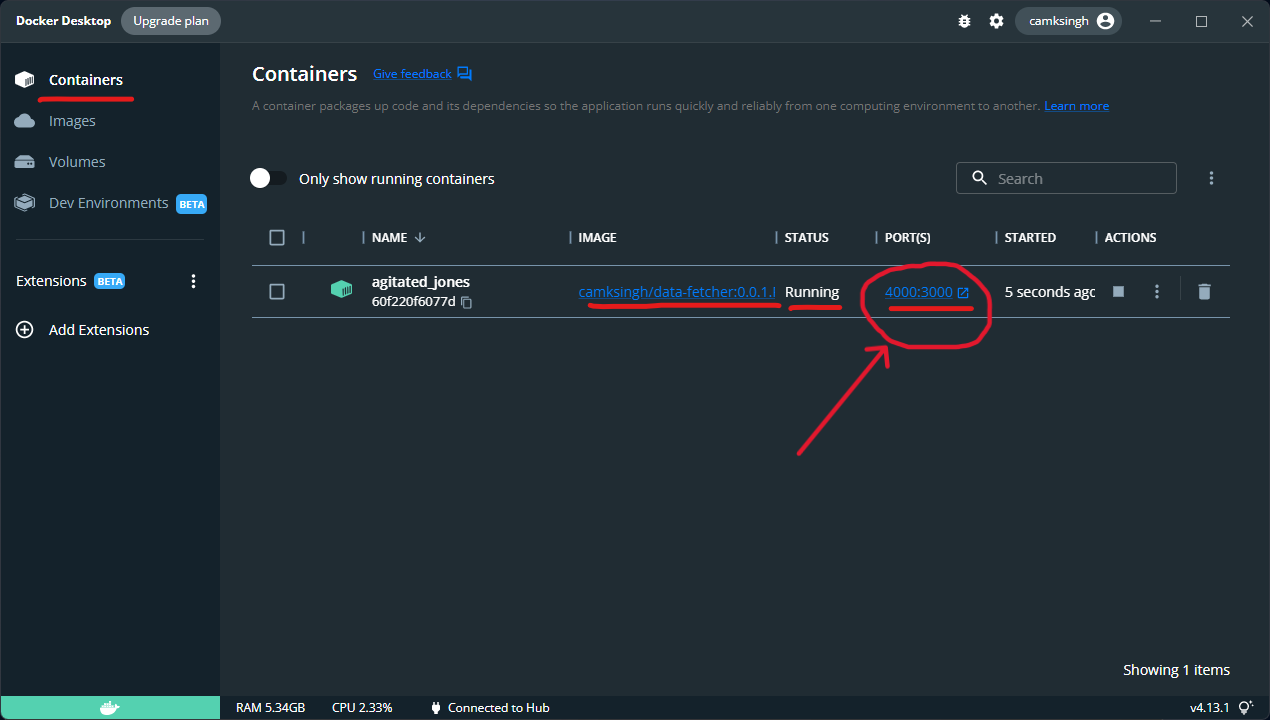
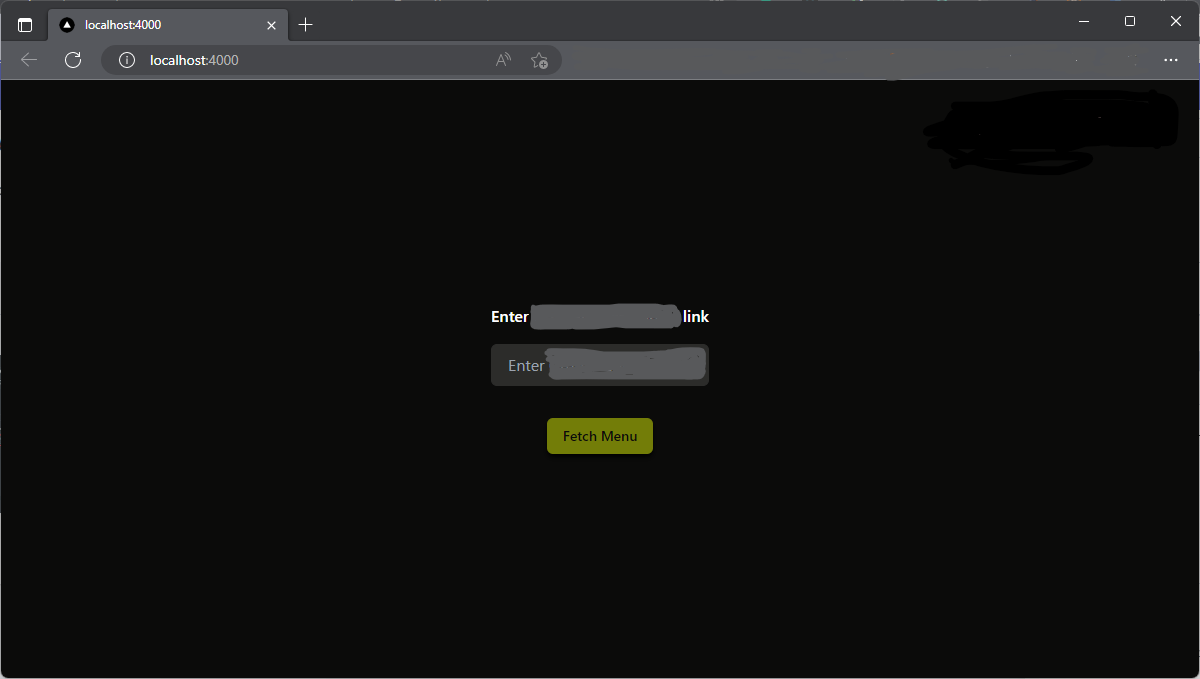
Step 6: You have successfully started the Data-Fetcher service
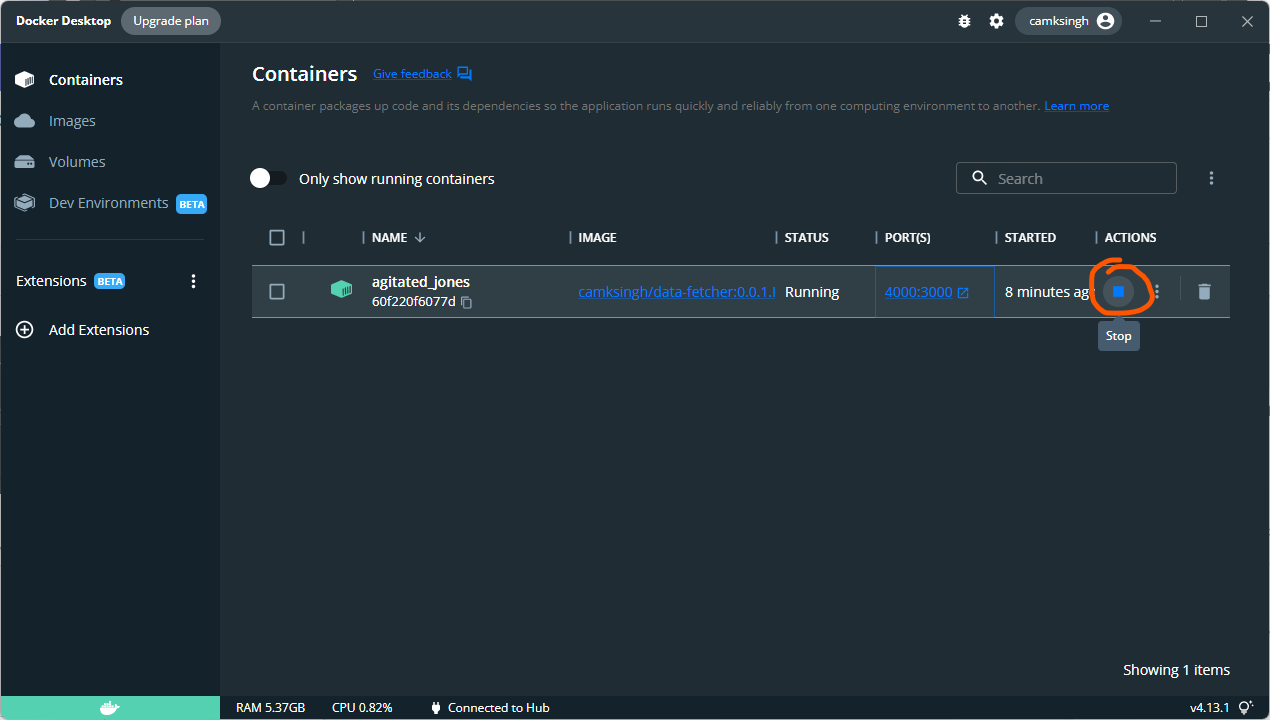
Stoping and Restarting the service
Stopping -> Go to your docker desktop app and click on STOP button of the above container
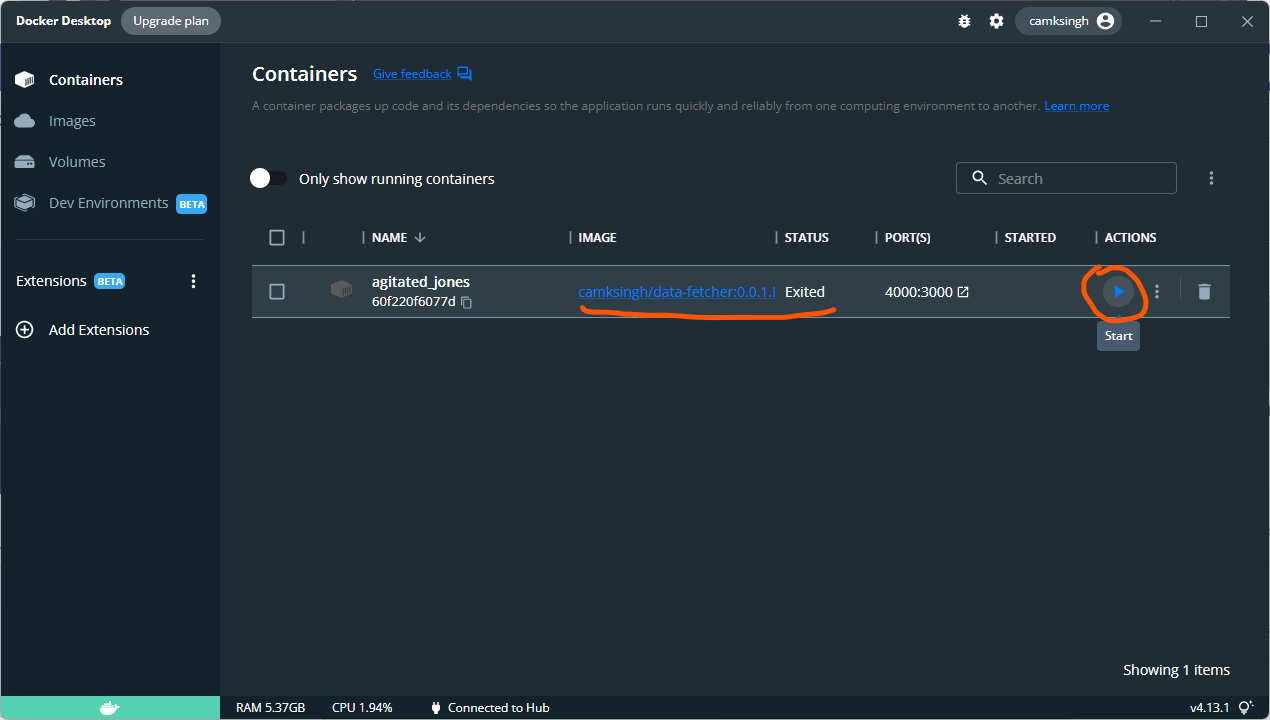
Restarting the service -> Go to your docker desktop app and click on RUN button next to that container
You will find all the supported services On the web page which has been started in 6th step.
Thank You!
Tag summary
Content type
Image
Digest
sha256:01c2a9d7d…
Size
203.1 MB
Last updated
almost 4 years ago
docker pull camksingh/data-fetcher:0.0.1.RELEASE