cephyrixzyth/oneirodex
Self-hosted household game library for Docker and Unraid, with metadata, artwork and play.
1.7K
cephyrixzyth/oneirodex repository overview
Oneirodex — your household game library
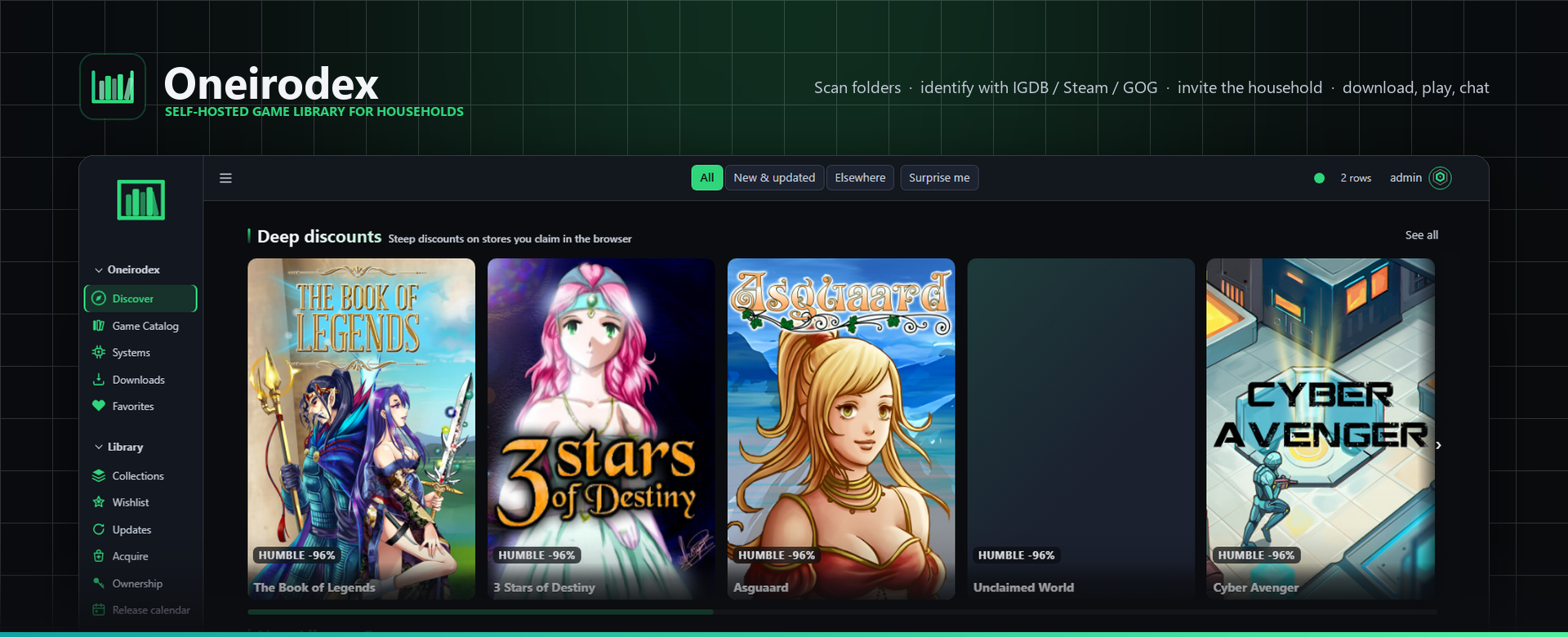
Oneirodex is a self-hosted home for the games you already own. Scan mounted folders, organize a shared catalog, enrich it with metadata and artwork, then give your household one place to browse, collect, discuss, download, and play supported titles.
Release 1.1.2 · Platforms: linux/amd64, linux/arm64 · License: AGPL-3.0
It runs as one container with PostgreSQL included. Your games stay on your storage and mount read-only for scanning. The database, settings, generated secrets, themes, covers, and uploads stay under persistent app data you control.
See Oneirodex
Browse your library
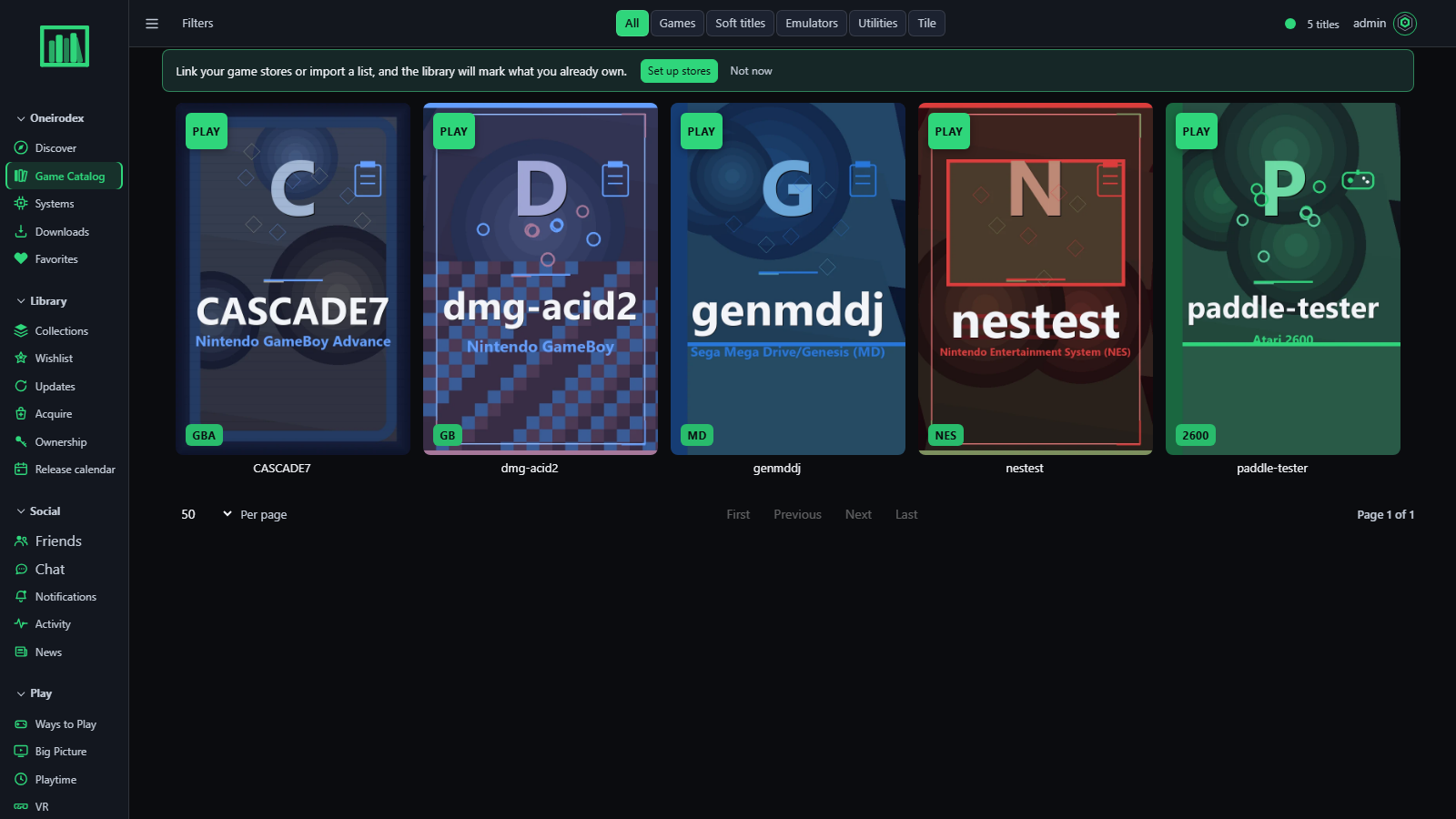
Search and filter one catalog, open a title for details, and organize household favorites and collections.
Discover what to play
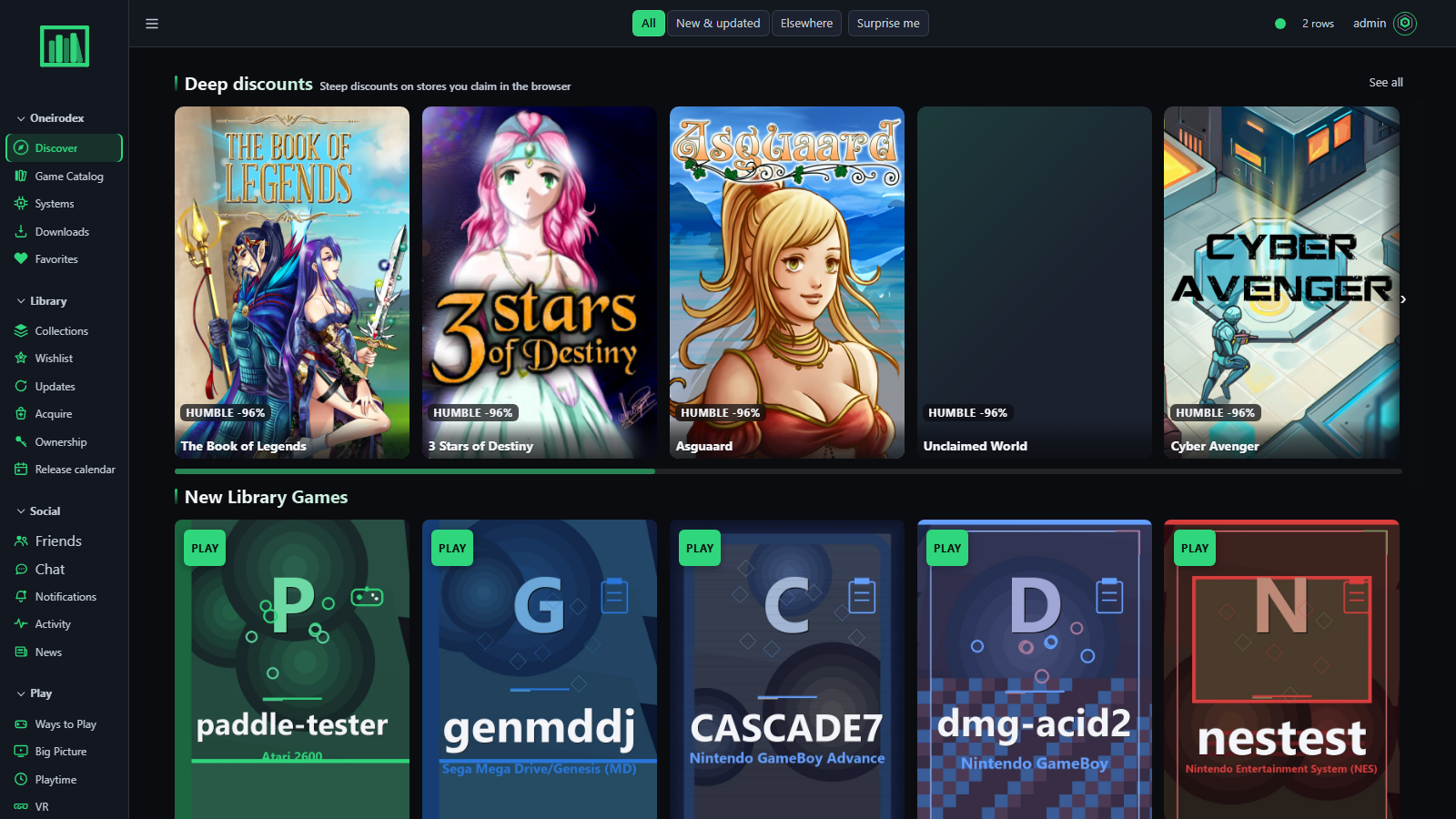
Curated shelves bring games, household activity, upcoming releases, news, and deals together.
Play from the couch
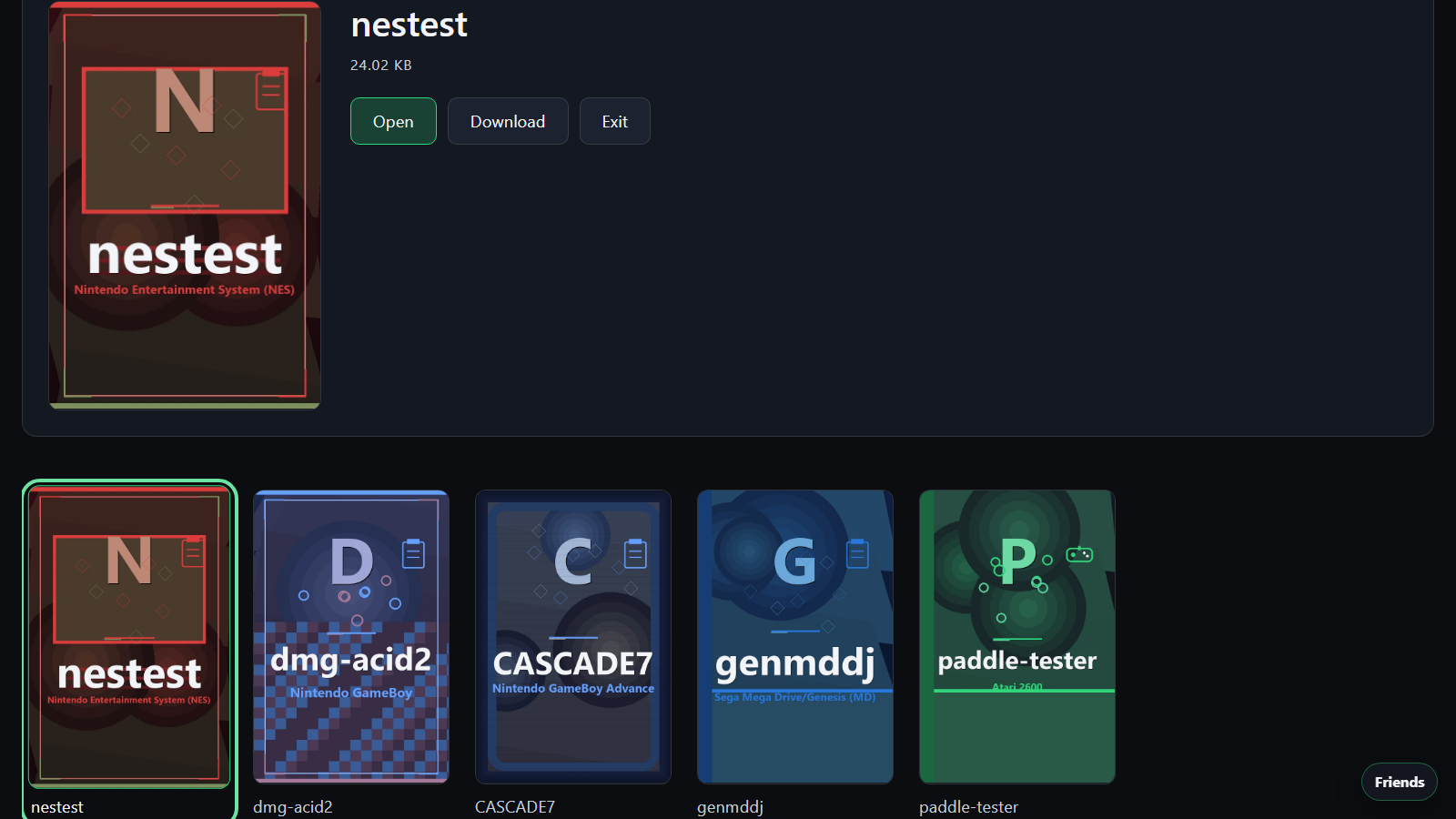
Big Picture is a readable, controller-friendly way to browse from a TV. Browser play is offered only for systems supported by the configured play engine.
Manage libraries and scans
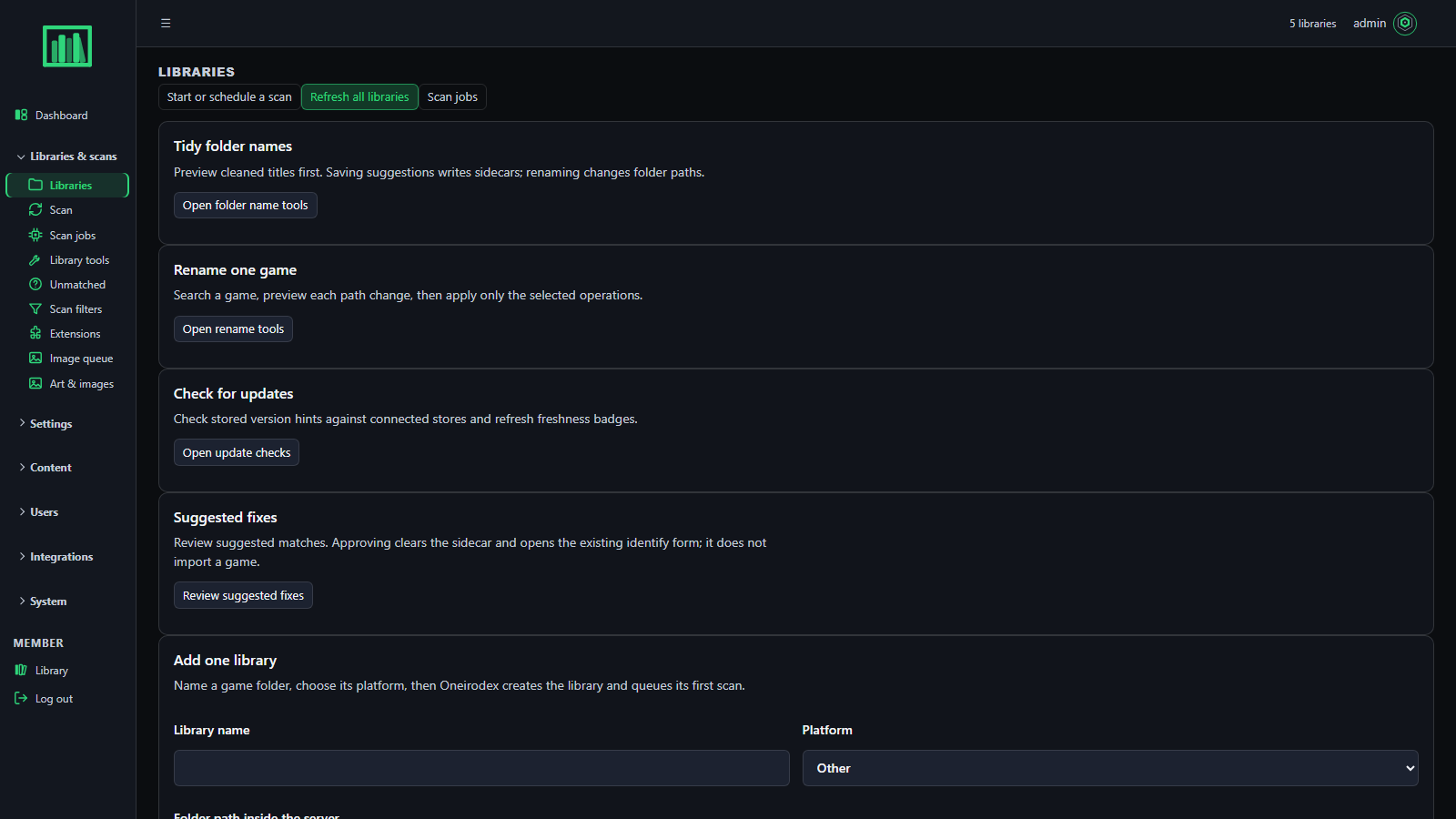
Admins configure scan roots, review matches, manage artwork and invitations, and check server health.
Watch the tour
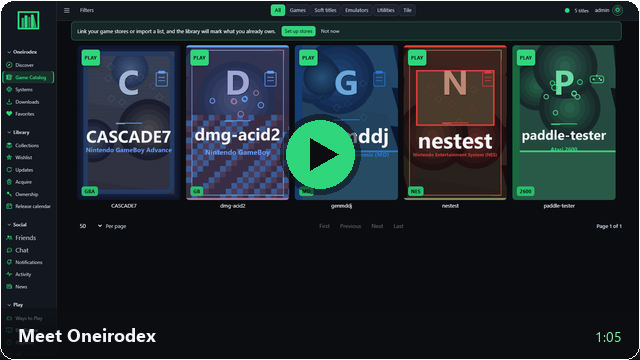
Browse all narrated feature videos · See all screenshots
What it includes
- A shared game catalog with libraries, systems, filters, match review, and household collections.
- Member accounts, invitations, chat, presence, and shared favorites.
- A browser UI for discovery, news, release information, downloads, and supported play paths.
- Optional desktop companion and TV-friendly Big Picture interface.
- Artwork tools, with an optional trusted-LAN connection to a Forge or AUTOMATIC1111 workstation.
- Optional metadata and game-store integrations configured by the administrator.
- One persistent app-data directory for PostgreSQL, generated secrets, settings, artwork, themes, and uploads.
Oneirodex does not include game files, firmware, BIOS files, or encryption keys. Use only software you are authorized to store and access.
Quick start with Docker Compose
Keep app data on reliable storage and mount game files read-only. Replace the host paths with folders on your server.
services:
  oneirodex:
    image: cephyrixzyth/oneirodex:1.1.2
    container_name: oneirodex
    restart: unless-stopped
    ports:
      - "5006:5006"
    environment:
      PUID: "99"
      PGID: "100"
      TZ: "UTC"
      ONEIRODEX_LIBRARY_DIR: /config/library
    volumes:
      - ./appdata:/config
      - /path/to/games:/storage:ro
      - ./appdata/library:/app/oneirodex/static/library
    stop_grace_period: 60s
Start it with docker compose up -d, then open http://SERVER-IP:5006/. The first visit starts setup. Back up /config; it contains the database and generated secrets.
Install and update on Unraid
Install Oneirodex from Community Applications. Set Appdata to a cache/SSD path and Games to the share you scan. The CA template keeps the database and artwork on persistent Appdata and mounts Games read-only. Artwork generation, malware scanning, and TRAWL are optional and stay disabled until configured.
For an installed container, use Unraid's Docker update action. If Unraid does not offer an update, switch to Advanced View and choose Force Update to pull the current image. Refreshing Community Applications updates the install template; it does not pull a new container image. After updating, check the app's /awake endpoint for version 1.1.2. Keep a current Appdata backup before upgrading.
Read the full Unraid install, storage, backup, and update guide.
Image tags
- 1.1.2 pins this release; 1.1.1 remains available as the previous exact release.
- 1.1 follows compatible patch updates in the 1.1 minor line.
- latest advances with each stable release.
Release checks run before multi-architecture images publish. Read the 1.1.2 release notes and keep /config backed up before upgrading.
Project links
Tag summary
Content type
Image
Digest
sha256:7b0d094d1…
Size
633.2 MB
Last updated
20 days ago
docker pull cephyrixzyth/oneirodex