chadhart/tensorflow-object-detection
TensorFlow Object Detection API experiments on HTML video tags and on WebRTC streams
100K+
chadhart/tensorflow-object-detection repository overview
Environment setup for Computer Vision on the Web with WebRTC and TensorFlow on webrtcHacks. This along with the webrtchacks/tfObjWebrtc source code is an example of how to turn the TensorFlow Object API into a web service. A Python Flask web server is used to interact with a JavaScript a client library. The example shows how you can extract frames from WebRTC's getUserMedia, upload them to the API, and then use the canvas to display them.
The project allows use of the TensorFlow Object API on any HTML <video> element.
Quick Start
docker run -it -p 5000:5000 chadhart/tensorflow-object-detection:runserver
Walkthrough from [webrtcHacks post]((https://webrtchacks.com/webrtc-cv-tensorflow/)
git clone https://github.com/webrtcHacks/tfObjWebrtc.git
cd tfObjWebrtc
docker run -it -p 5000:5000 --name tf-webrtchacks -v $(pwd):/code chadhart/tensorflow-object-detection:webrtchack
python setup.py install
python server.py
Then point your browser to https://localhost:5000/local or https://localhost:5000/video.
Demos
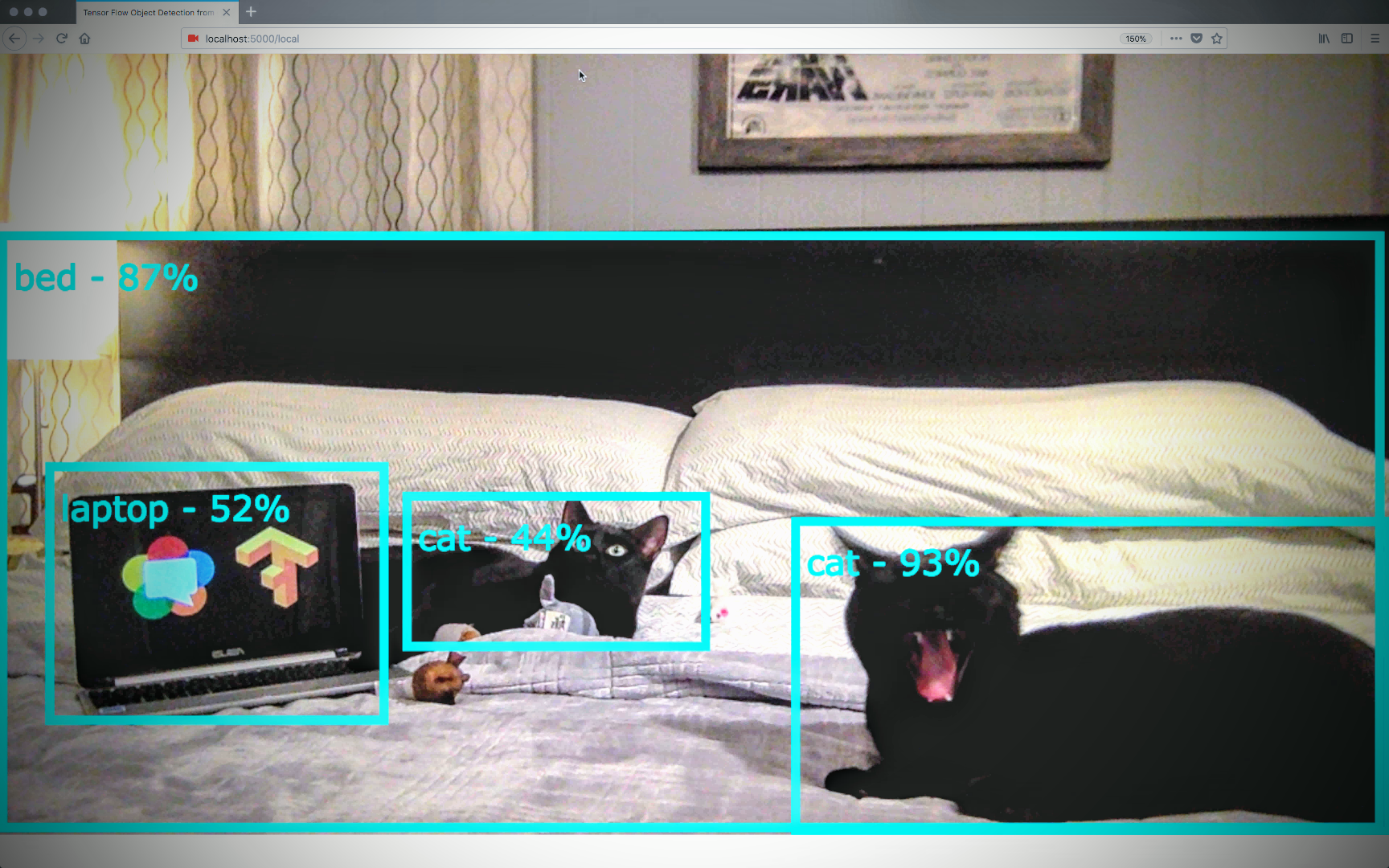
Example frame
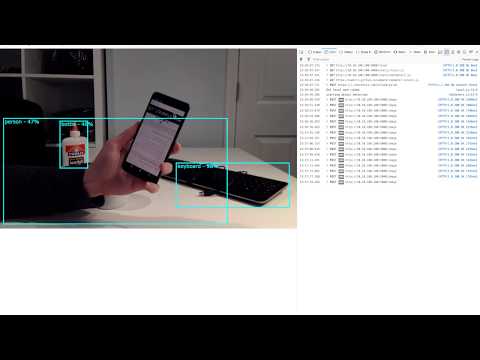
TensorFlow Object Detection API on a WebRTC getUserMedia stream demo video
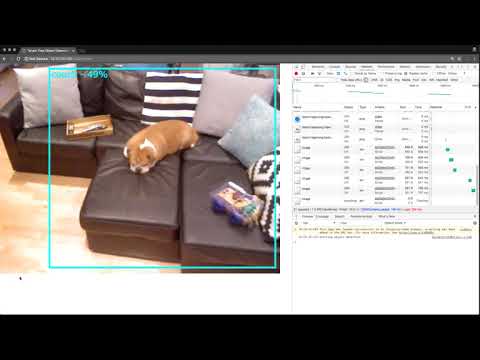
TensorFlow Object Detection API on a video element demo video
Tag summary
Content type
Image
Digest
Size
842.2 MB
Last updated
about 9 years ago
docker pull chadhart/tensorflow-object-detection