chainer/chainerui repository overview
ChainerUI


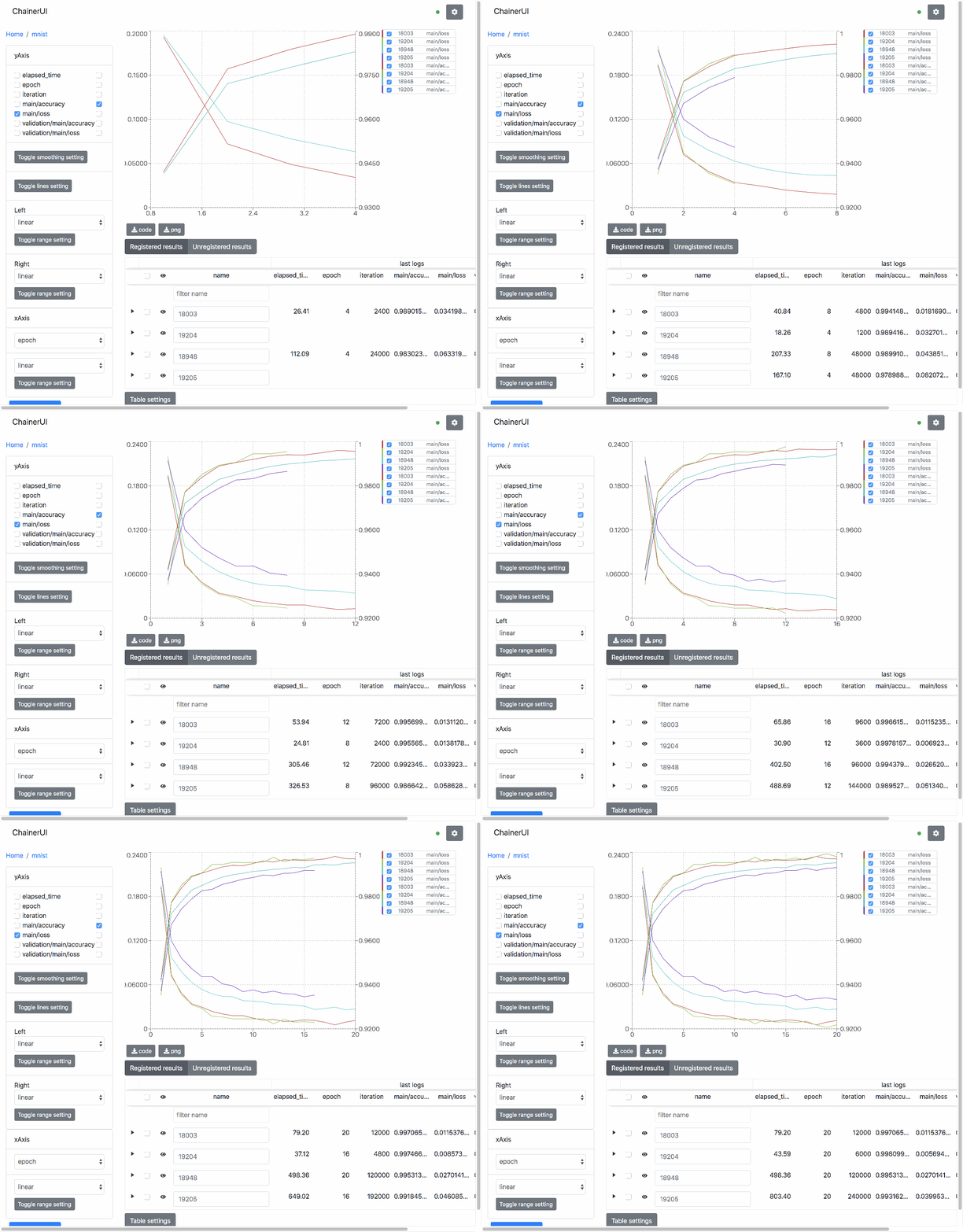
ChainerUI is a visualization and management tool for Chainer.
Installation
To install ChainerUI, use pip.
$ pip install chainerui
To install ChainerUI from source.
$ git clone https://github.com/chainer/chainerui.git
$ cd chainerui/frontend
$ npm install && npm run build && cd ..
$ pip install -e .
- ChainerUI uses
sqlite3module which is included in the standard Python library. If Python is built from source,sqlite3must be installed before building Python.- On Ubuntu, "libsqlite3-dev" must be installed before building Python (
$ apt-get install libsqlite3-dev). - On Windows, install Visual C++ Build Tools with the Default Install setting before building Python.
- On Ubuntu, "libsqlite3-dev" must be installed before building Python (
Quick start
Initialize ChainerUI database.
$ chainerui db create
$ chainerui db upgrade
Clone examples of train log and create a project.
$ git clone https://github.com/chainer/chainerui.git
$ cd chainerui

$ # create your first project
$ chainerui project create -d examples -n example-project

$ # run ChainerUI server
$ chainerui server
Open http://localhost:5000/ and select "example-project".
For more detailed usage, see getting started
Docker start
Get Docker container from DockerHub and start ChainerUI server. The container has installed ChainerUI module, setup a DB and a command to start the server.
$ git clone https://github.com/chainer/chainerui.git
$ cd chainerui

$ # replace tag to the latest version number
$ docker pull chainer/chainerui:v0.4.0
$ docker run -d -p 5000:5000 -v $PWD:/projects --name chainerui chainer/chainerui:v0.4.0

$ # then ChainerUI server is running
$ # create project via HTTP
$ curl http://localhost:5000/api/v1/projects -X POST -H "Content-Type: application/json" -d '{"project":{"name":"example-project","path_name":"/projects/examples"}}'
Open http://localhost:5000/ and select "example-project".
For more detailed usage, see docker start
Browser compatibility
ChainerUI is supported by the latest stable version of the following browsers.
- Firefox
- Chrome
License
MIT License (see LICENSE file).
Contribution
Any contribution to ChainerUI is welcome!
- Python codes follow the Chainer contribution guide.
Run tests
Install "pytest" package and run test
$ pytest
Build client side JS
$ cd frontend
$ npm install
$ npm run build:watch
Tag summary
Content type
Image
Digest
Size
126.5 MB
Last updated
over 7 years ago
docker pull chainer/chainerui