chat21/chat21-web-widget
Live Chat Widget built with Firebase and Angular4 for customer support .
100K+
chat21/chat21-web-widget repository overview

chat21-web-widget
Chat21-web-widget is a Free Live Chat Widget built on Firebase with Angular5 that lets you support and chat with visitors and customers on your website. More information about web widget here : http://www.tiledesk.com
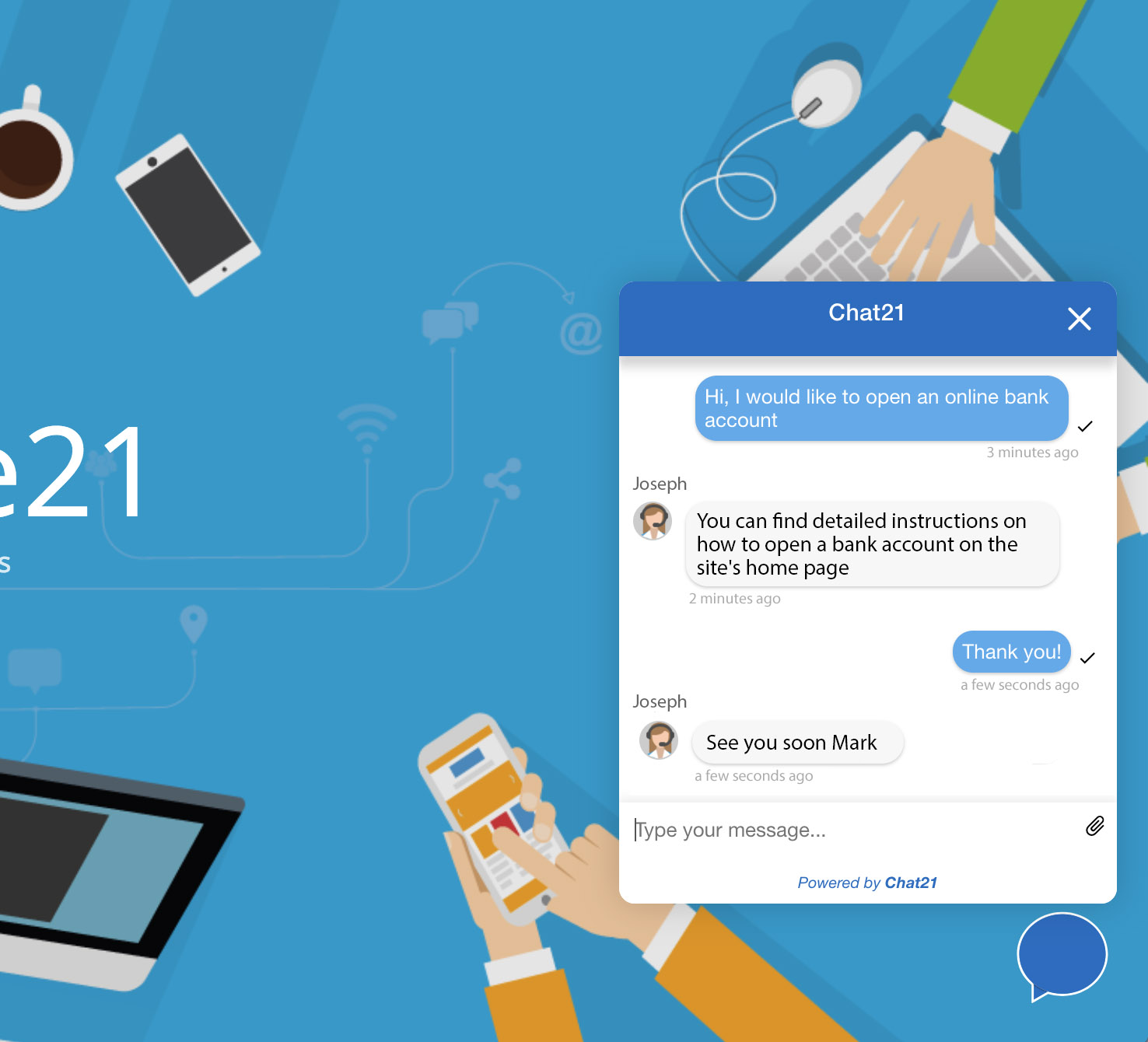
With Chat21-web-widget you can:
- Invite your website visitors to share feedback and suggestions to better understand their needs.
- Answer questions from website visitors instantly to increase trust
- Add a code snippet to your website easly
- It's a HTML5 widget built with Google Firebase, Angular5 and Bootstrap
Features
- Send a direct message to a preset user
- Receive realtime support from your team
- Form to enter the chat sentiment
- Configure the widget with company logo and colors
- Chat21 Web Widget is free and open source.
Prerequisites
- Install Git
- Install Angular CLI with
npm install -g @angular/cli. More info here https://github.com/angular/angular-cli#installation - Create a Firebase project. Create one free on
https://firebase.google.com - "Chat21 Firebase cloud functions" installed. Instructions:
https://github.com/chat21/chat21-cloud-functions
Run Tiledesk with Docker Compose
Do you want to install all the Tiledesk components on your server with just one click? Use Docker Compose Tiledesk installation guide
Installation
- Clone the repository from master (or use a tagged release) with command:
git clone https://github.com/chat21/chat21-web-widget <YOUR_PATH> - Move to the downloaded project path
cd <YOUR_PATH> - Build running:
npm install
Dev configuration
Configure the environment.ts file in src/environments/.
Use the Firebase configuration file from your Firebase project to correctly configure the 'firebase' section.
environment.ts
export const environment = {
  production: true,
  version: require('../../package.json').version,
  remoteConfig: false, // for performance don't load settings from remote
  chatEngine: 'mqtt' //or custom engine
  firebaseConfig: {
    apiKey: 'CHANGEIT',
    authDomain: 'CHANGEIT',
    databaseURL: 'CHANGEIT',
    projectId: 'CHANGEIT',
    storageBucket: 'CHANGEIT',
    messagingSenderId: 'CHANGEIT'
  },
  chat21Config: {
    appId: 'CHANGEIT',
    MQTTendpoint: 'CHANGEIT',
    APIendpoint: 'CHANGEIT',
    loginServiceEndpoint: 'CHANGEIT'
  },
  apiUrl: 'https://<YOUR_TILEDESK_SERVER>/',
  baseImageUrl: 'https://<YOUR_TILEDESK_SERVER>/',
  tenant: 'tilechat',
  defaultLang : 'en',
  shemaVersion : '1'
};
RUN in dev
Run the app with ng serve
Prod configuration
For production installation, configure the environment.prod.ts file in src/environments/.
environment.prod.ts
export const environment = {
  production: true,
  ...
};
Build for production
Run ng build to build the project. The build artifacts will be stored in the dist/ directory. Use the -prod flag for a production build.
Build for production with : ng build --prod --base-href --output-hashing none
Deploy
Deploy to a Web Server
Copy the content of the dist folder to your Web Server (for example Apache or Nginx)
Development server
Run ng serve for a dev server. Navigate to http://localhost:4200/. The app will automatically reload if you change any of the source files.
Widget in action
You can see a configuration of this widget in action on 'https://www.tiledesk.com'
Deploy
Deploy to a web Server
Copy the content of the dist folder to your Web Server (for example Apache or Nginx)
Deploy to AWS S3 (Optional)
Run : aws s3 sync . s3://tiledesk-widget
Or With a different AWS Profile:
Run : aws --profile f21 s3 sync . s3://tiledesk-widget
If you use AWS Cloud Front enable gzip compression.
Run with docker
To run Chat21-ionic on port 8080 run:
curl https://raw.githubusercontent.com/chat21/chat21-web-widget/master/env.sample --output .env

nano .env #configure .env file properly

docker run -p 4200:80 --env-file .env chat21/chat21-web-widget
Tag summary
Content type
Image
Digest
sha256:a62a9bfe3…
Size
13.6 MB
Last updated
5 days ago
docker pull chat21/chat21-web-widget