chrislongros/anki-desktop
Browser-accessible Anki Desktop with KasmVNC - Always Latest Version
5.9K
chrislongros/anki-desktop repository overview
Anki Desktop Docker (KasmVNC)



High-performance browser-accessible Anki Desktop using LinuxServer's KasmVNC for optimal streaming performance.
🆕 Unlike other projects, this uses Anki's official launcher system to always get the latest Anki version automatically.
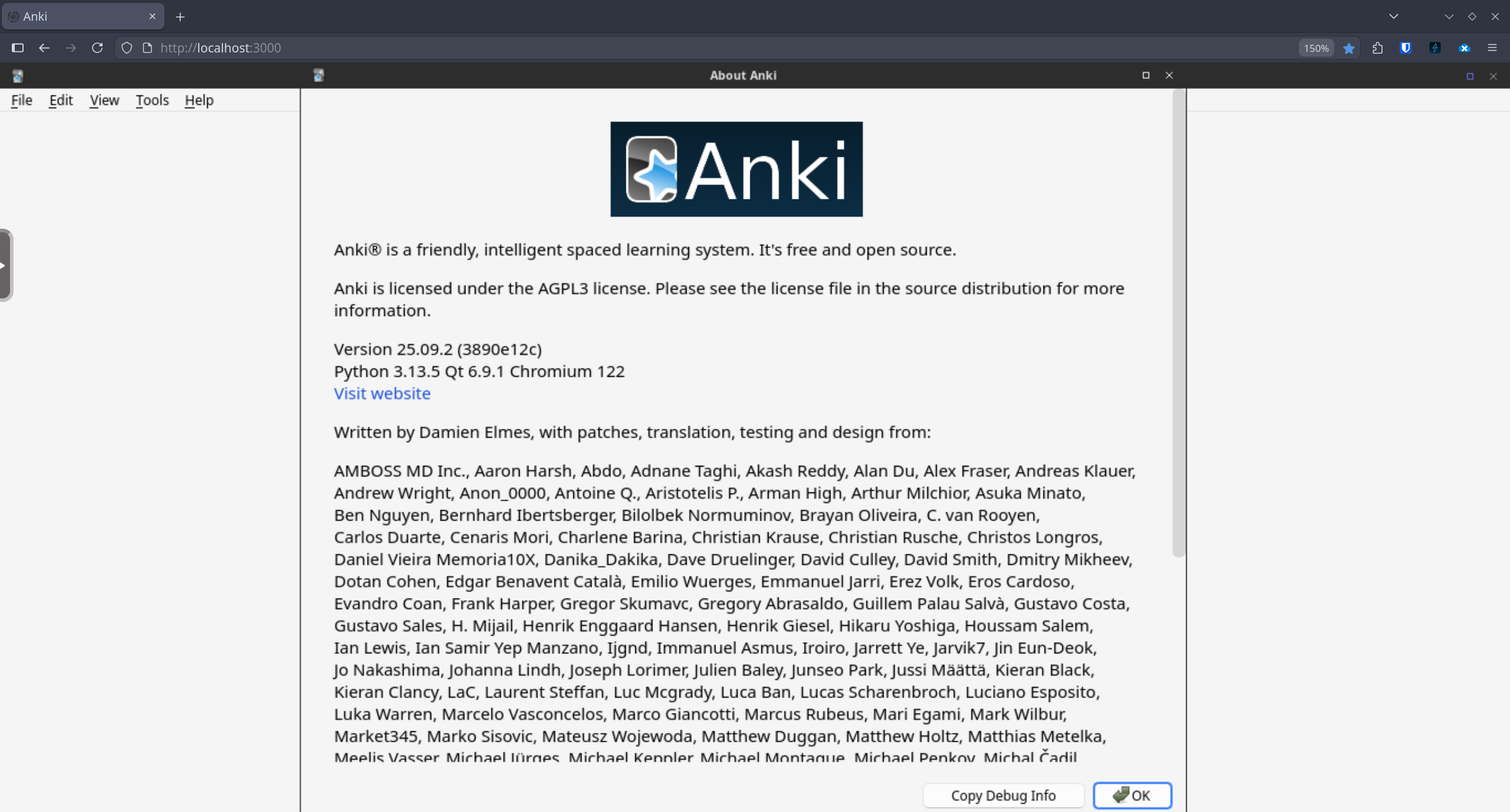
Features
- 🚀 High Performance - KasmVNC provides WebP compression and adaptive encoding for smooth browser experience
- 🆕 Always Latest - Uses Anki's official launcher to get the newest version on first run
- 🌐 Browser Access - No VNC client needed, just open your browser
- 🔄 Custom Sync Server - Configure your own Anki sync server via environment variable
- 🔌 AnkiConnect Ready - Port 8765 exposed, auto-configured when addon installed
- 📦 Multi-arch - Supports both amd64 and arm64 platforms
- 🔒 Secure - Optional HTTPS support on port 3001
- 💾 Persistent Data - Volume mount preserves Anki data AND downloaded program files
- ❤️ Healthcheck - Built-in container health monitoring
Comparison with Other Projects
| Feature | This Project | Others |
|---|---|---|
| Anki Version | Always Latest (via launcher) | Pinned to old versions (25.02.x) |
| VNC Technology | KasmVNC (high performance) | noVNC (basic) |
| AnkiConnect | Pre-configured | Manual setup |
| Healthcheck | ✅ Built-in | ❌ None |
| Multi-arch | ✅ amd64 + arm64 | Often amd64 only |
| Auto-updates | ✅ Via launcher | Requires rebuild |
Quick Start
Docker Run
docker run -d \
  --name anki-desktop \
  -p 3000:3000 \
  -v anki_data:/config \
  --security-opt seccomp=unconfined \
  --shm-size=1gb \
  chrislongros/anki-desktop:latest
Then open http://localhost:3000 in your browser.
On first run, the Anki Launcher will appear - press 1 then Enter to download the latest Anki version.
Docker Compose
services:
  anki-desktop:
    image: chrislongros/anki-desktop:latest
    container_name: anki-desktop
    ports:
      - "3000:3000"    # HTTP
      - "3001:3001"    # HTTPS (optional)
    volumes:
      - anki_data:/config
    environment:
      - PUID=1000
      - PGID=1000
      - TZ=Europe/Berlin
      # Optional: Custom sync server
      # - ANKI_SYNC_SERVER=http://your-sync-server:8080
    security_opt:
      - seccomp=unconfined
    shm_size: 1gb
    restart: unless-stopped

volumes:
  anki_data:
Environment Variables
| Variable | Default | Description |
|---|---|---|
PUID | 1000 | User ID for file permissions |
PGID | 1000 | Group ID for file permissions |
TZ | UTC | Timezone |
ANKI_SYNC_SERVER | - | Custom Anki sync server URL (e.g., http://192.168.1.100:8080) |
CUSTOM_PORT | 3000 | HTTP port |
CUSTOM_HTTPS_PORT | 3001 | HTTPS port |
Ports
| Port | Description |
|---|---|
3000 | HTTP web interface |
3001 | HTTPS web interface |
Volumes
| Path | Description |
|---|---|
/config | Anki data, launcher, and settings - must be persisted |
Custom Sync Server
To use your own anki-sync-server, set the ANKI_SYNC_SERVER environment variable:
docker run -d \
  --name anki-desktop \
  -p 3000:3000 \
  -v anki_data:/config \
  -e ANKI_SYNC_SERVER=http://192.168.1.100:8080 \
  --security-opt seccomp=unconfined \
  --shm-size=1gb \
  chrislongros/anki-desktop:latest
CJK Font Support
To add Chinese, Japanese, or Korean font support:
environment:
  - DOCKER_MODS=linuxserver/mods:universal-package-install
  - INSTALL_PACKAGES=fonts-noto-cjk
Building Locally
git clone https://github.com/chrislongros/anki-desktop-docker.git
cd anki-desktop-docker
docker build -t anki-desktop .
TrueNAS SCALE Deployment
For TrueNAS SCALE users, create a custom app with these settings:
Container Image: chrislongros/anki-desktop:latest
Security Context:
  - seccomp: unconfined
Resources:
  - Shared Memory Size: 1Gi
Ports:
  - 3000:3000 (Web UI)
  - 8765:8765 (AnkiConnect)
Storage:
  - Host Path or PVC → /config
Environment:
  - PUID: 1000
  - PGID: 1000
  - TZ: Europe/Berlin
  - ANKI_SYNC_SERVER: http://your-sync-server:8080 (optional)
Technical Details
Why KasmVNC?
Traditional noVNC setups suffer from high latency and poor image quality. KasmVNC provides:
- WebP adaptive compression
- Low-latency streaming optimized for web browsers
- Better color reproduction
- Reduced bandwidth usage
Why the Launcher?
Other Anki Docker projects pin to older versions (25.02.x) because Anki 25.09+ switched to a launcher-based installation. This project embraces the launcher system:
- Always get the latest Anki version
- Automatic updates when container restarts (optional)
- Same experience as native Anki installation
Required Docker Flags
--security-opt seccomp=unconfined- Required for Qt/Chromium sandboxing--shm-size=1gb- Prevents shared memory issues with Qt WebEngine
Troubleshooting
Black screen after launcher
Check container logs: docker logs anki-desktop
Common fixes:
- Ensure
--security-opt seccomp=unconfinedis set - Ensure
--shm-size=1gbis set - Try restarting the container
Slow performance
- Click the gear icon in KasmVNC toolbar to adjust quality settings
- Reduce video quality for slower networks
AnkiConnect
AnkiConnect is pre-configured once installed. Port 8765 is already exposed.
- Open Anki in the browser
- Go to Tools → Add-ons → Get Add-ons
- Enter code:
2055492159 - Restart Anki (right-click desktop → Anki)
The addon is automatically configured to listen on 0.0.0.0:8765 with CORS enabled.
Test it:
curl http://localhost:8765 -X POST -d '{"action": "version", "version": 6}'
License
MIT License - see LICENSE
Credits
- Anki - Powerful, intelligent flashcards
- LinuxServer.io - KasmVNC base image
- KasmVNC - High-performance VNC
Tag summary
Content type
Image
Digest
sha256:3b13ce24e…
Size
943.5 MB
Last updated
27 minutes ago
docker pull chrislongros/anki-desktop