ckeeney/raml-api-console
Run https://github.com/mulesoft/api-console in a docker image
Image
0
1.3K
ckeeney/raml-api-console repository overview
raml-api-console
Run https://github.com/mulesoft/api-console from a docker image.
Check it out on Dockerhub.
To get started, simply run the docker image making sure to provide port mappings
docker run -p 9000:9000 -p 35729:35729 ckeeney/raml-api-console
And then you can see the docs in your browser:
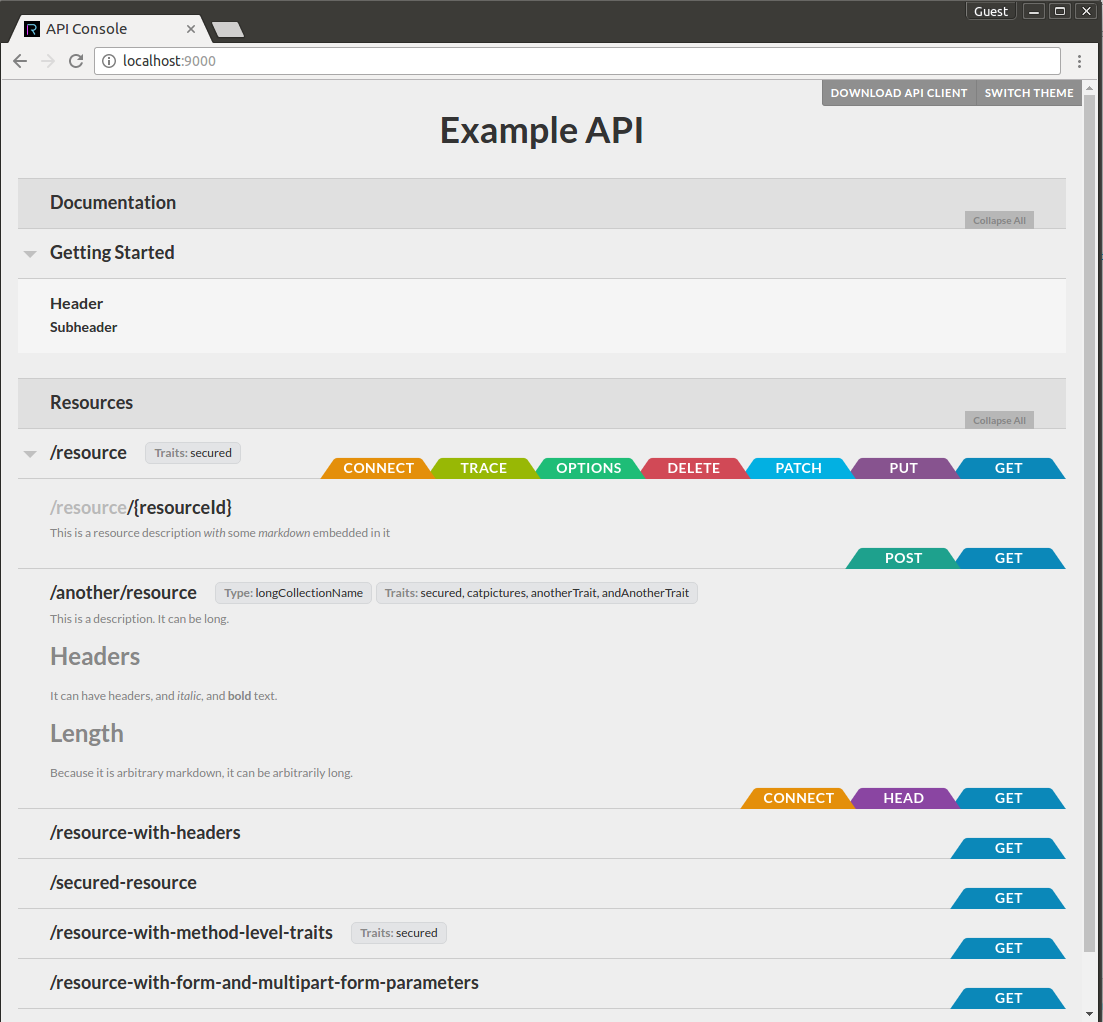
By default, this image displays the simple.raml documentation that comes bundled with mulesoft/api-console
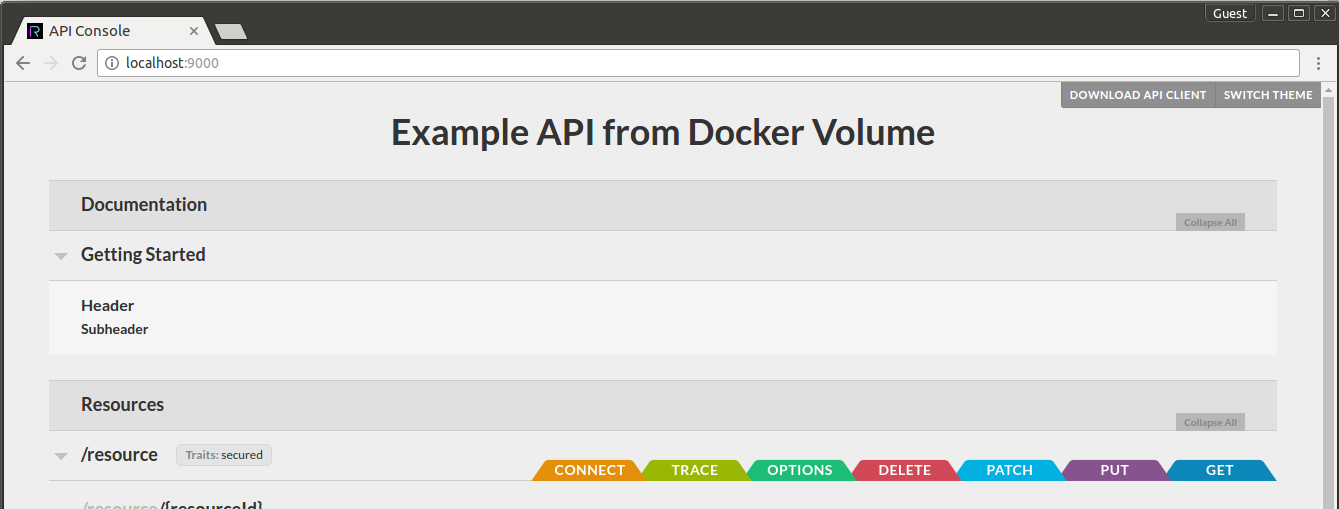
To show your own documentation, simply mount a volume at /apis in the container:
docker run -p 9000:9000 -p 35729:35729 -v $(pwd)/raml:/apis ckeeney/raml-api-console
Your main documentation must be available in the container at /apis/main.raml.
Tag summary
Content type
Image
Digest
Size
153.1 MB
Last updated
almost 10 years ago
docker pull ckeeney/raml-api-console