clickandmortar/gopubsub repository overview
Go Pub/Sub UI
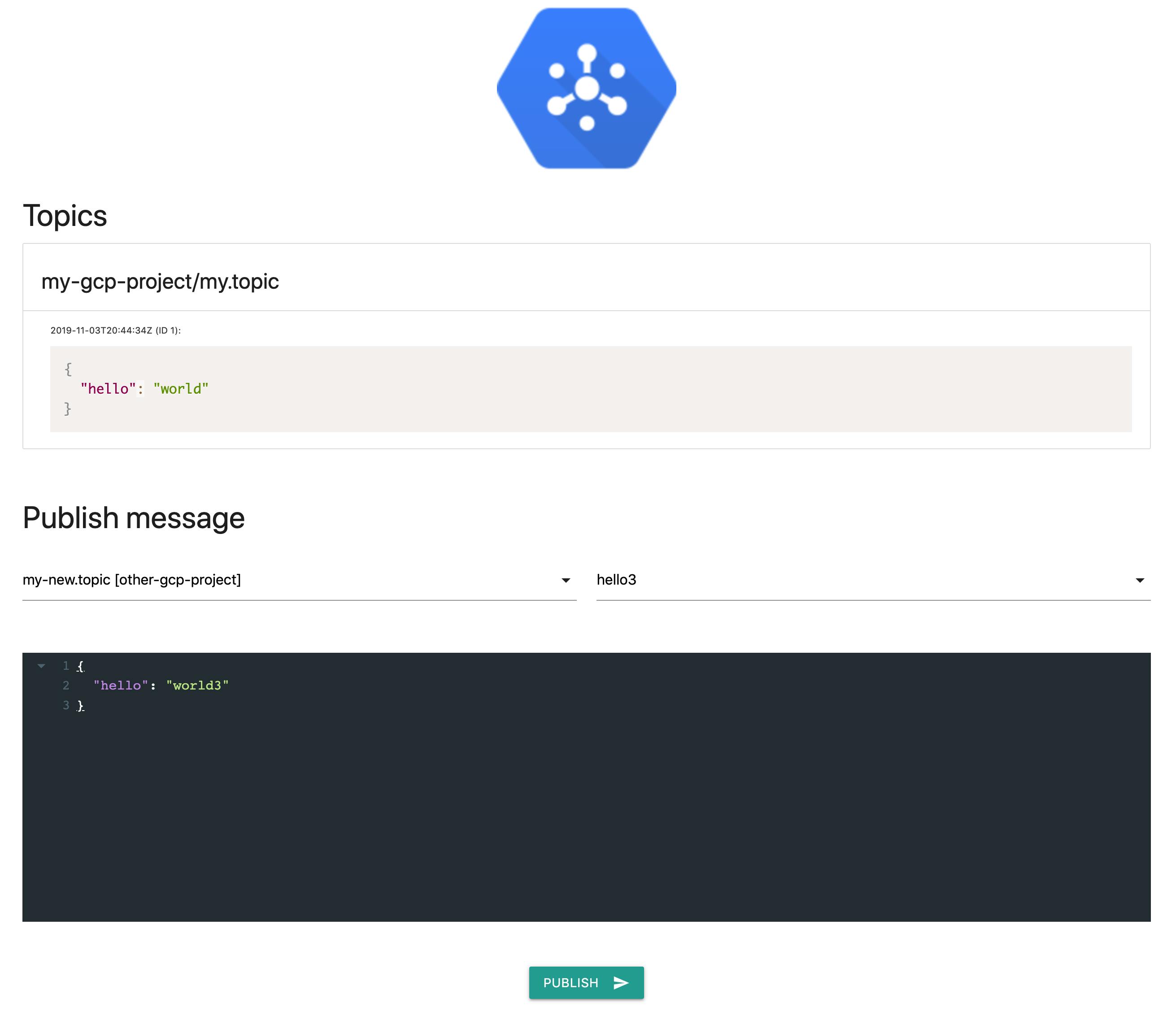
This tool eases debugging Google Clouds Pub/Sub with a simple UI.
Features include:
- Subscription to given topics
- Automatic creation of non-existent topics or subscriptions
- Publishing messages from UI to configured topics
- Configurable pre-defined payloads per topic
- Live update of received messages
- Multi-projects
Configuration
Following environment variables may be set:
| Variable | Usage | Default value |
|---|---|---|
GOPUBSUB_CONFIG | Config file path | config.yaml (within /go/src/app/ in Docker image) |
GOPUBSUB_PORT | Listening HTTP port | 8080 |
GOPUBSUB_MAX_MESSAGES | Only keep last n messages per topic | 10 |
GOOGLE_APPLICATION_CREDENTIALS | Path to JSON credentials file | none |
PUBSUB_EMULATOR_HOST | Host of emulator (see below) | none |
GOOGLE_CLOUD_PROJECT | Default project name | default-project |
The config.yaml file
To get GoPubSub working, you'll need to create config.yaml file with your topics and subscriptions info:
topics:
  -
    name: my-topic
    project: my-gcp-project
    subscription: my-subscription
  -
    name: my-other-topic
    project: other-gcp-project
    subscription: my-other-subscription
    payloads:
      -
        name: hello
        payload: |
          {"hello": "world"}
      -
        name: hello-again
        payload: |
          {"hello": "world again"}
  -
    name: my-last-topic
Note that all non-existant topic or subscription will be created. If no subscription is given for a topic, it will be created as sub-<topic-name>.
Usage
Using binary
Download latest release for your OS from the releases page, or run:
go get -u github.com/clickandmortar/gopubsub
Then:
export GOPUBSUB_CONFIG="/path/to/config.yaml"

# To use local emulator
export PUBSUB_EMULATOR_HOST=localhost:8085

# To use actual Pub/Sub service
export GOOGLE_APPLICATION_CREDENTIALS="/path/to/application_default_credentials.json"

gopubsub
And open http://localhost:8080.
Using Docker image
docker pull clickandmortar/gopubsub
docker run -d \
 -v $(pwd)/config.yaml:/go/src/app/config.yaml \
 -p 8080:8080 \
 --name="gopubsub" \
 -e PUBSUB_EMULATOR_HOST=pubsub:8085 \
 clickandmortar/gopubsub
With docker-compose
docker-compose up -d
From source
go run main.go
Build
Binaries
make
Linux and macOS (Darwin) binaries will be available under the bin/ directory.
Docker image
make docker
Improvements
- Remove initial AJAX call
- Output message attributes
- Use Vue.js for form
- Fetch available topics list
- Multi-project compatibility
- Live update (using SSE)
- JSON pretty-printing
- Working message publication
- Samples for message publication
Credits
This app is heavily inspired by Google's sample.
Tag summary
Content type
Image
Digest
Size
33.5 MB
Last updated
about 6 years ago
docker pull clickandmortar/gopubsub