cloudwerxlabs/x-tracks
X-Tracks: self-hosted music download, radio rip, organize, and playback for YT Music
10K+
cloudwerxlabs/x-tracks repository overview

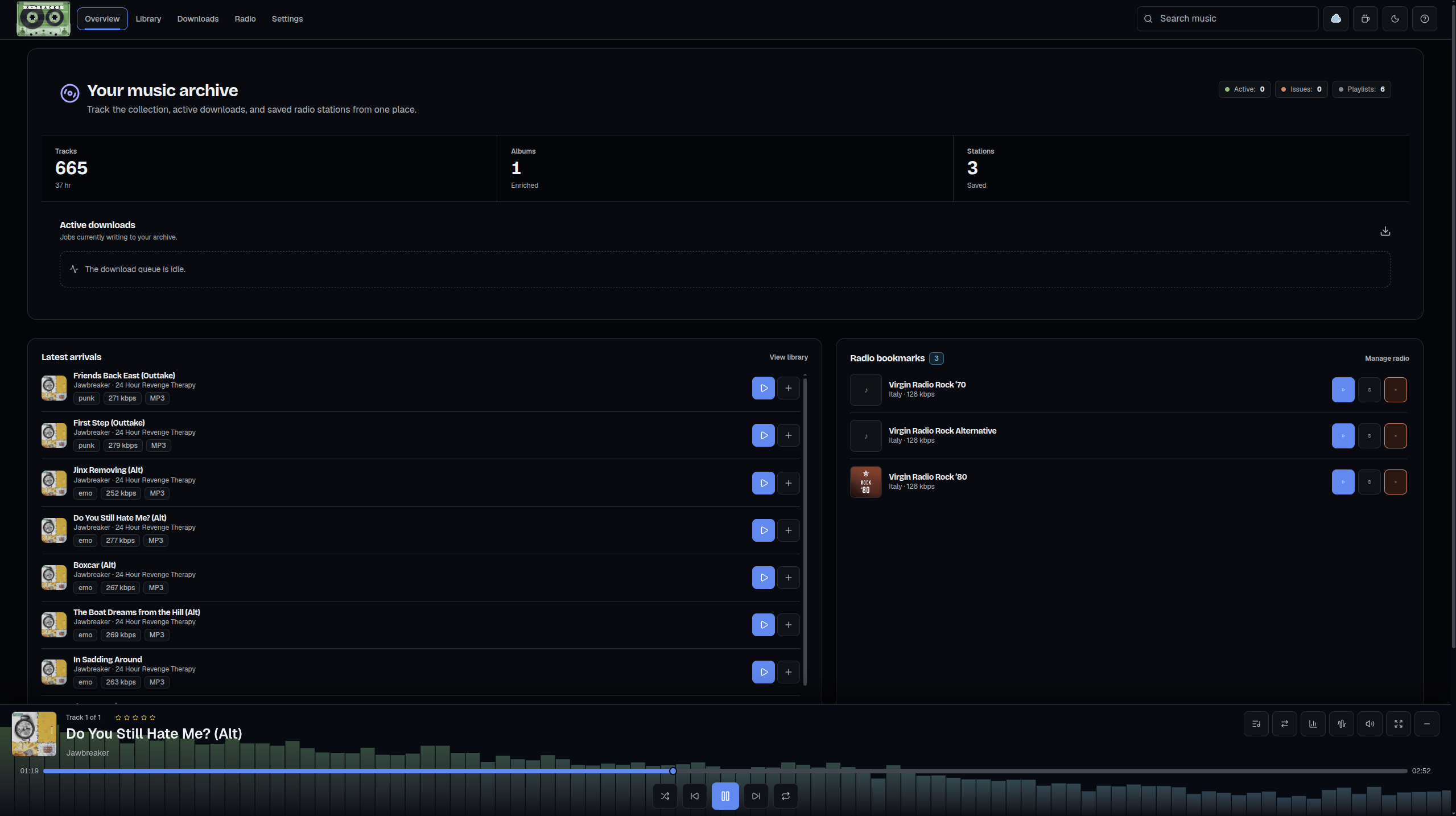
X-Tracks turns a personal computer, NAS, or homelab into a local music ingestion, organization, and playback service. Import Spotify and YouTube Music tracks, albums, and playlists, manage a local library, listen to internet radio, record streams, split broadcasts into songs, and keep the resulting media under your control.
Spotify supplies metadata and artwork. X-Tracks resolves downloadable audio through YouTube with yt-dlp. It does not download audio from Spotify.
Highlights
- Import Spotify and YouTube Music tracks, albums, and playlists without API keys
- Preserve artwork and metadata, with Spotify and MusicBrainz review tools
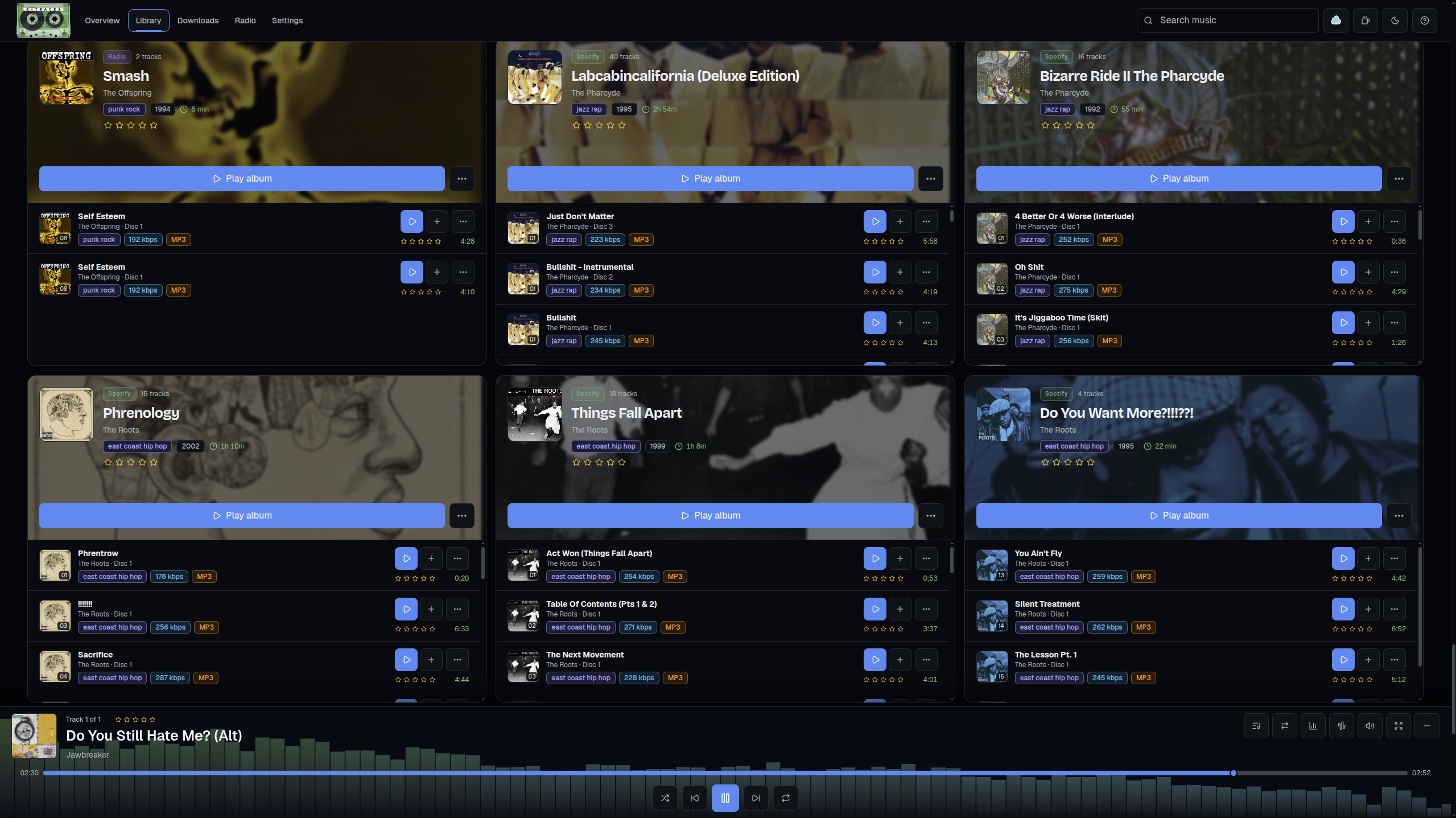
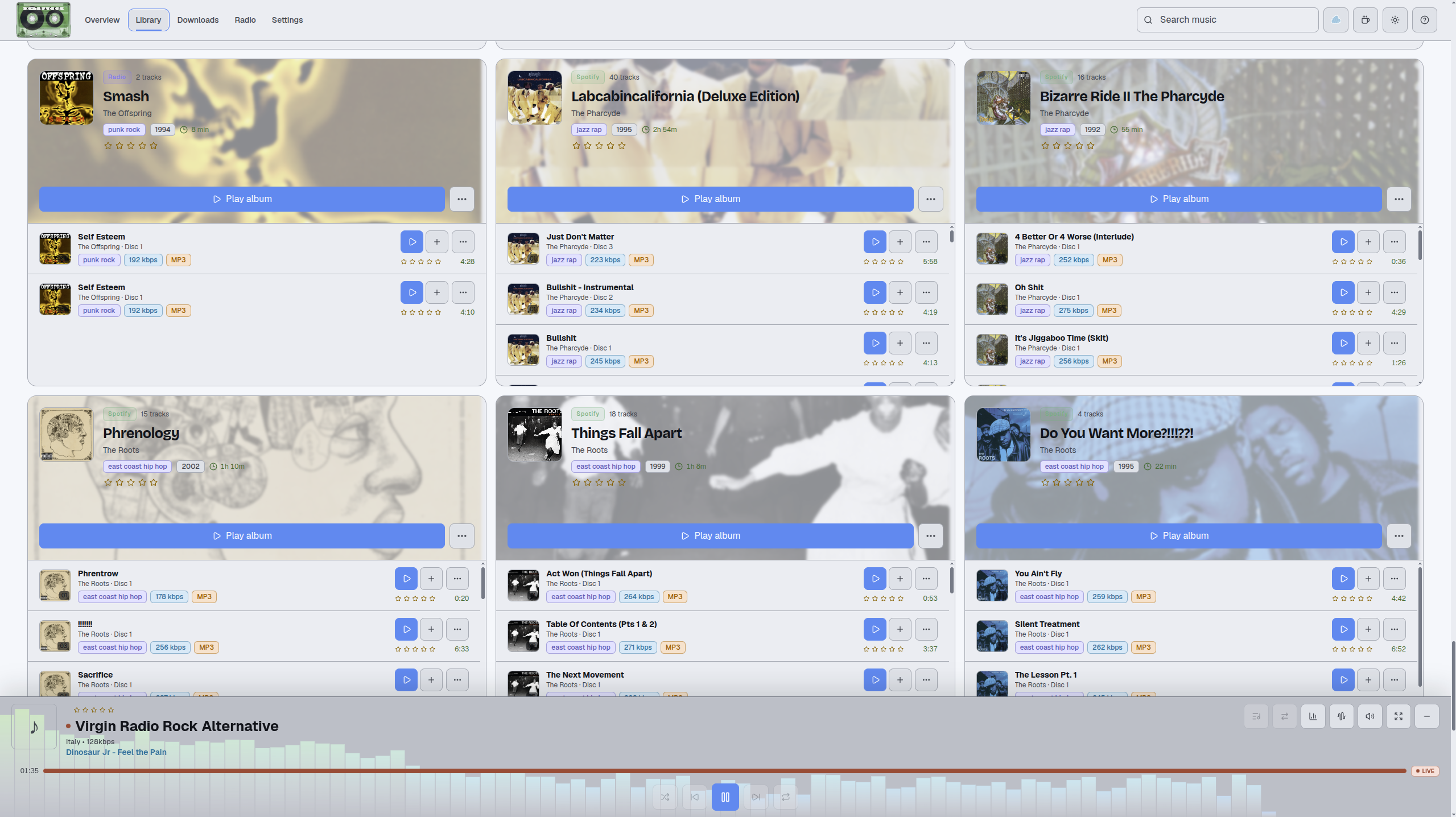
- Build a local library with grid, list, album, ratings, playlists, queue, search, and filtering
- Play music with shuffle, repeat, crossfade, a 10-band equalizer, and 28 audio visualizers
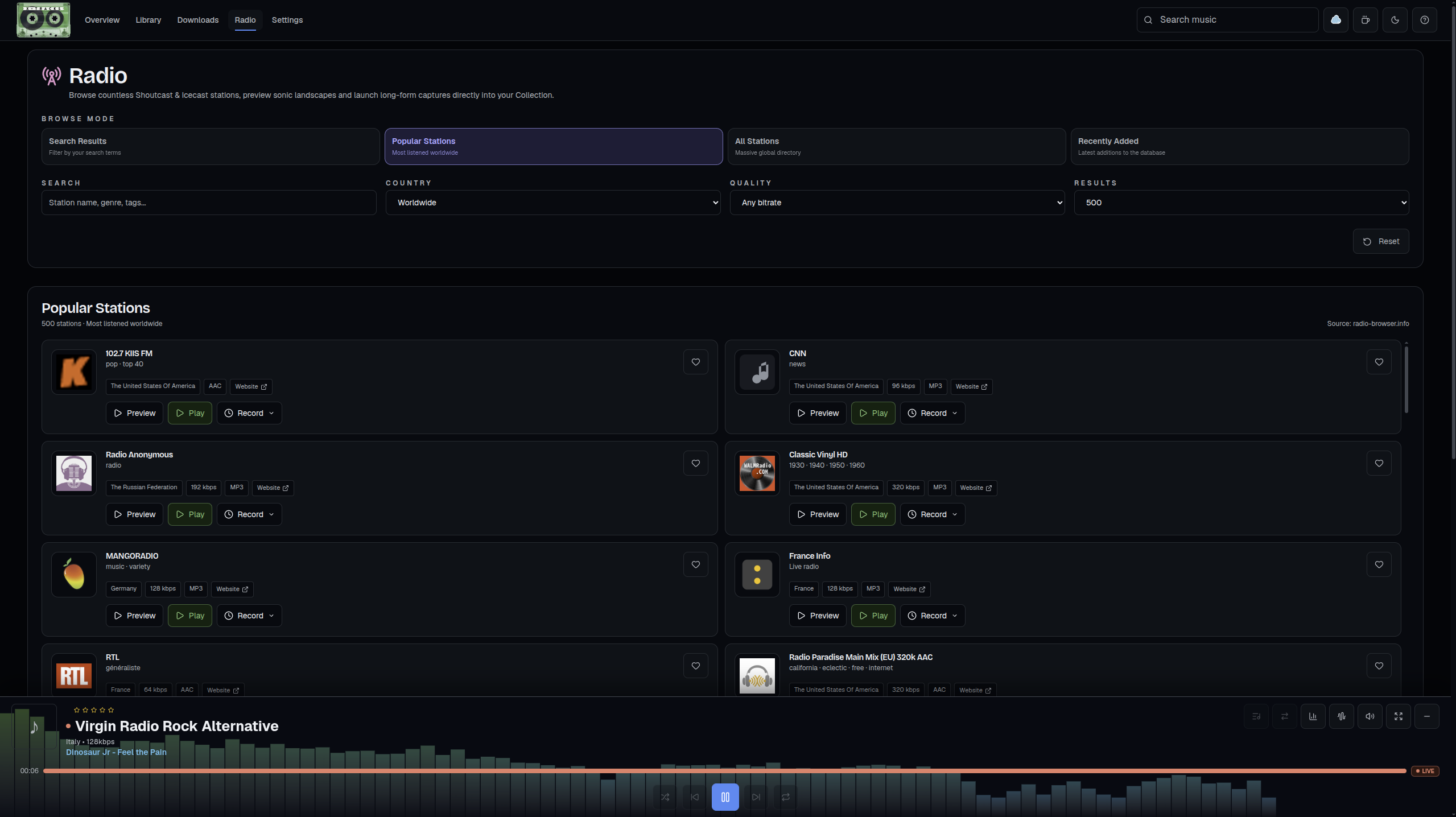
- Discover, preview, save, rate, record, and split internet radio streams with Track Ripper
- Resume durable downloads after restarts, with per-track status, retries, pacing, and proxy support
- Run one image across
amd64,arm64, andarmv7, including Raspberry Pi 3, 4, and 5 - Keep data in bind-mounted SQLite and media directories that you own
Screenshots
Overview
Library
Library, light appearance
Radio
Downloads
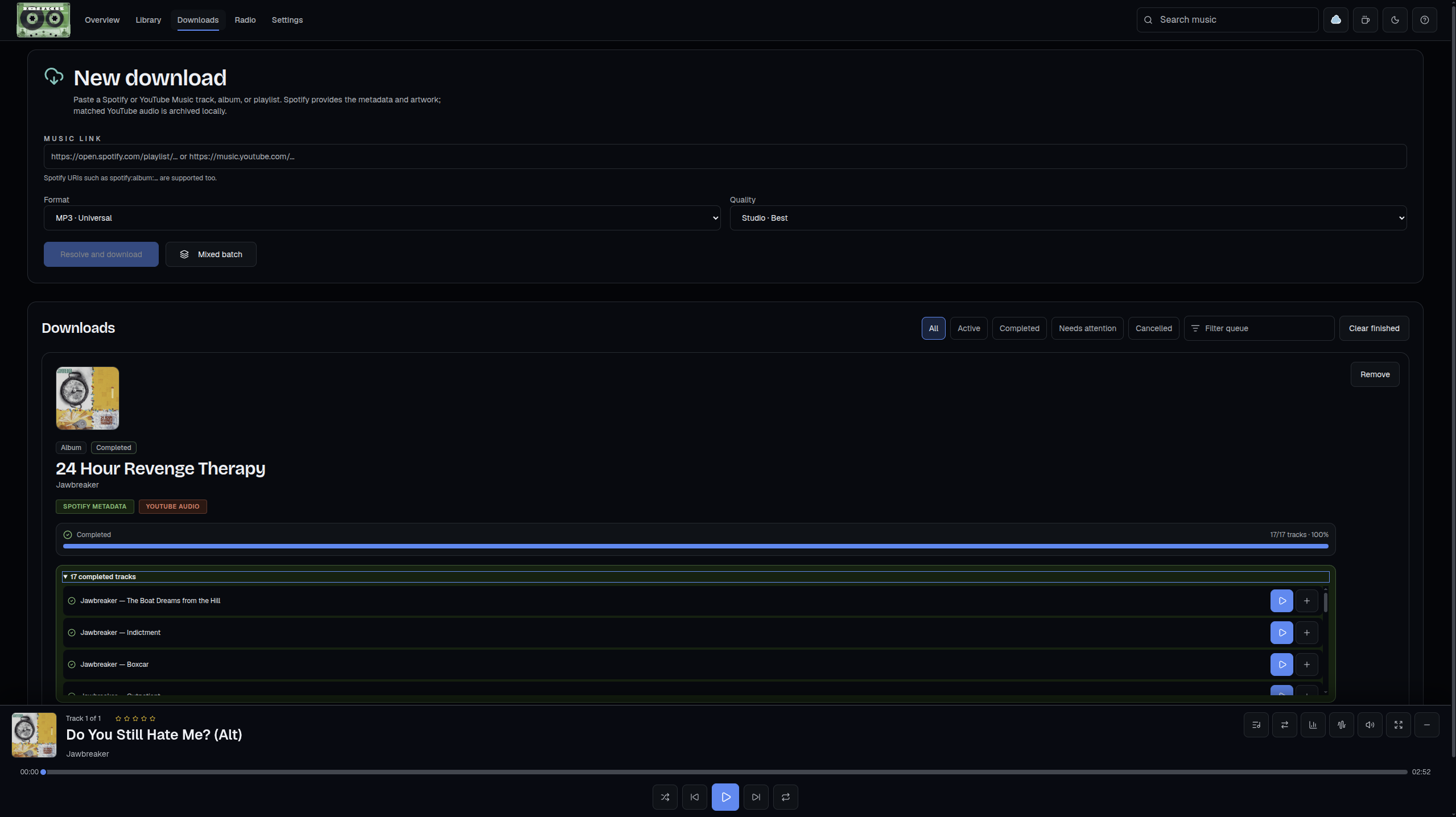
Settings
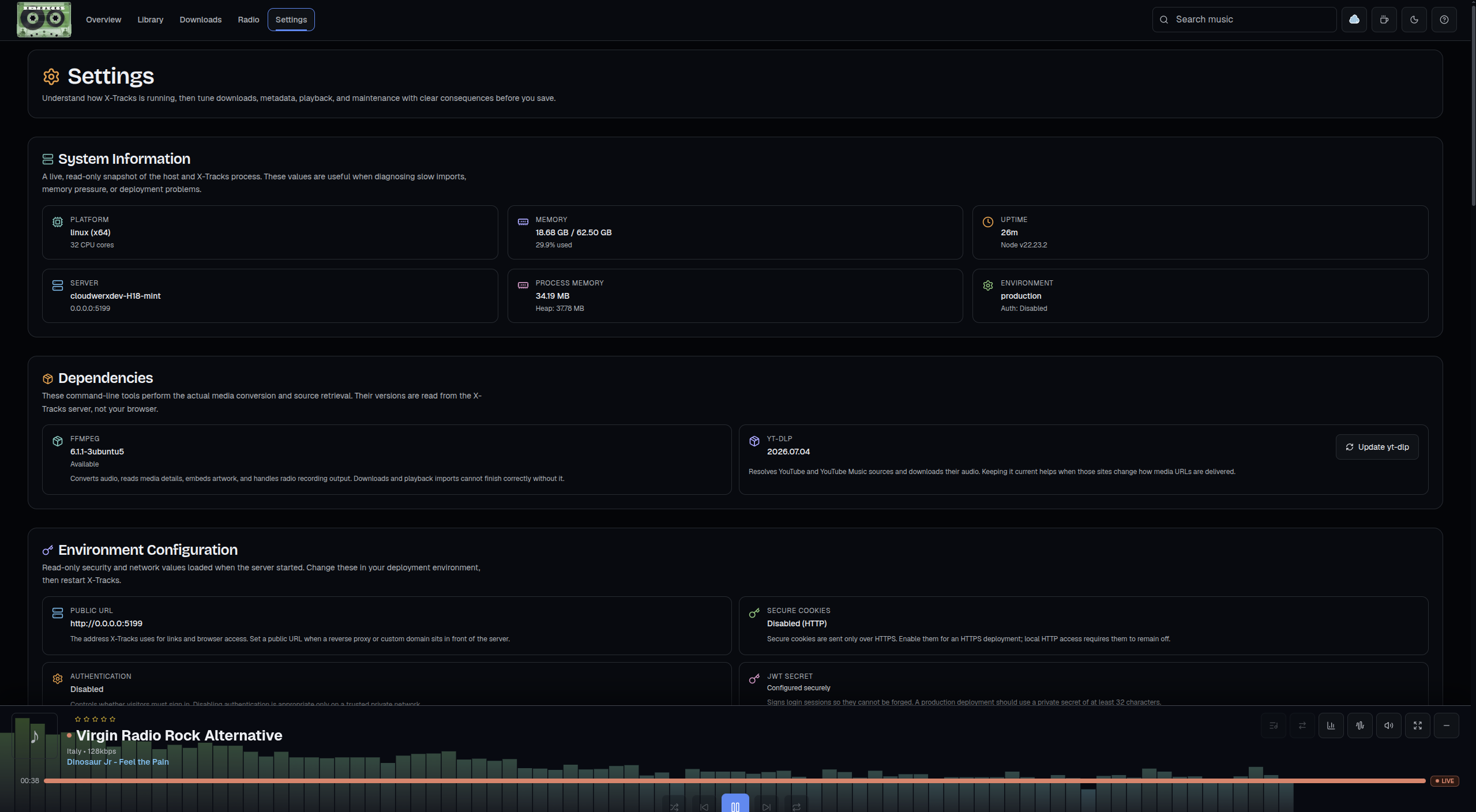
The complete project README includes all 18 current product screenshots.
Quick start
Create persistent directories, then run the image. Replace the example password and JWT secret before exposing the service beyond a trusted network.
mkdir -p data media

docker run -d --name x-tracks \
  --restart unless-stopped \
  -p 4455:4455 \
  -e MASTER_PASSWORD="choose-a-secure-password" \
  -e JWT_SECRET="$(openssl rand -base64 32)" \
  -v "$(pwd)/media:/app/media" \
  -v "$(pwd)/data:/app/data" \
  cloudwerxlabs/x-tracks:latest
Open http://localhost:4455 or replace localhost with your server's IP address.
To disable authentication for a trusted local network, use an empty password:
docker run -d --name x-tracks \
  --restart unless-stopped \
  -p 4455:4455 \
  -e MASTER_PASSWORD="" \
  -e JWT_SECRET="$(openssl rand -base64 32)" \
  -v "$(pwd)/media:/app/media" \
  -v "$(pwd)/data:/app/data" \
  cloudwerxlabs/x-tracks:latest
On Windows, run the commands from Git Bash or WSL. In PowerShell, replace $(pwd) volume paths with ${PWD}.
Docker Compose
Save this as compose.yaml beside data/ and media/, set real secrets in .env, then run docker compose up -d.
services:
  x-tracks:
    image: cloudwerxlabs/x-tracks:latest
    container_name: x-tracks
    restart: unless-stopped
    ports:
      - "4455:4455"
    env_file:
      - .env
    volumes:
      - ./media:/app/media
      - ./data:/app/data
    read_only: true
    tmpfs:
      - /tmp:size=256m,mode=1777
    security_opt:
      - no-new-privileges:true
MASTER_PASSWORD=choose-a-secure-password
JWT_SECRET=replace-with-openssl-rand-base64-32-output
The image runs as the unprivileged node user, UID/GID 1000. On Linux or a NAS, the mounted directories must be writable by that user:
sudo chown -R 1000:1000 data media
Configuration
The image includes ffmpeg, yt-dlp, and the built client. X-Tracks listens on port 4455 by default.
| Variable | Default | Purpose |
|---|---|---|
MASTER_PASSWORD | empty | Login passphrase. Empty disables authentication. |
JWT_SECRET | required when auth is enabled | Long random secret for signed sessions. Generate with openssl rand -base64 32. |
BACKEND_HOST | 0.0.0.0 | Backend bind address. |
BACKEND_PORT | 4455 | Backend port inside the container. |
PUBLIC_URL | empty | Public origin used by the header logo and home link. |
COOKIE_SECURE | false | Set to true when serving over HTTPS. |
COOKIE_SAMESITE | lax | Session-cookie SameSite policy. |
CORS_ORIGINS | empty | Comma-separated allowed origins for split frontend deployments. |
MEDIA_ROOT | ./media | Host-persisted media directory. |
DATA_ROOT | ./data | Host-persisted SQLite and application-data directory. |
YTDLP_COOKIES_FILE | empty | Optional Netscape-format YouTube cookie file path. |
YTDLP_MAX_ATTEMPTS | 3 | yt-dlp retry limit. |
YTDLP_RETRY_DELAY_SECONDS | 2 | Delay between yt-dlp retries. |
For every supported setting and the split frontend/backend configuration, see the Configuration reference.
YouTube cookies
YouTube may block anonymous extraction with a sign-in or bot-check message. Export Netscape-format cookies from a browser session and mount them inside data/, then set:
YTDLP_COOKIES_FILE=./data/cookies.txt
Treat this file like a password. It grants access to the signed-in account, so use a separate Google account and never commit or share the file. The YouTube authentication guide has the full process.
Synology and NAS deployment
X-Tracks works well on Synology, QNAP, Unraid, and comparable systems. Use the Compose example above with bind mounts for data and media. On affected Synology systems, use host networking or a custom macvlan/ipvlan network rather than bridge networking if downloads, metadata requests, or radio streams cannot reach the internet.
For a custom domain, terminate HTTPS at your reverse proxy, point it to port 4455, enable WebSocket support, and set:
PUBLIC_URL=https://music.example.com
COOKIE_SECURE=true
The Synology deployment guide covers Container Manager, reverse proxy, certificates, storage permissions, and troubleshooting.
Back up and restore
Back up both mounted folders together. data/ contains the SQLite database, playlists, settings, job state, bookmarks, and recording history. media/ contains audio, covers, recordings, and Track Ripper output.
For a consistent backup, stop the service first:
docker stop x-tracks
tar --create --gzip --file "x-tracks-backup-$(date +%Y-%m-%d).tar.gz" data media
docker start x-tracks
To restore, stop X-Tracks, preserve the current folders somewhere safe, extract the archive into the original parent directory, confirm UID/GID 1000 can write both folders, and start the container. Keep backups outside the project directory and test restores periodically.
Updating
docker pull cloudwerxlabs/x-tracks:latest
docker compose up -d
If you use docker run, recreate the container with the same ports, environment variables, and persistent mounts after pulling the new image. Never remove the host data/ or media/ directories while updating.
Security and privacy
X-Tracks stores library data locally in the mounted folders. Authentication comparisons are timing-safe, media routes follow the API authentication policy, and remote image and stream URLs are restricted to public-network targets.
When exposing the service outside a trusted LAN:
- Set a strong
MASTER_PASSWORDand randomJWT_SECRET. - Serve it behind HTTPS, then set
COOKIE_SECURE=true. - Restrict reverse-proxy access and firewall rules to intended users.
- Keep
data/,media/, and any YouTube cookie export private.
Read the project's security guidance before an internet-facing deployment.
Documentation and support
- Complete documentation
- Installation guide
- Configuration guide
- Backup and recovery guide
- Troubleshooting guide
- CLOUDWERX LAB
Released under the AGPL-3.0 license.
Tag summary
Content type
Image
Digest
sha256:6b8b4f0d0…
Size
322.4 MB
Last updated
about 2 months ago
docker pull cloudwerxlabs/x-tracks