crowdb/crowdb-iceberg
Run Apache Iceberg with a REST Catalog and Web Console in one container.
424
crowdb/crowdb-iceberg repository overview
CROWDB Iceberg
Run Apache Iceberg locally with one Docker container.
CROWDB Iceberg includes an Iceberg REST Catalog, native table storage, FileIO, and a Web Console for inspecting tables and Parquet files.
Quick start
docker run -d --name crowdb-iceberg \
  --mount type=volume,source=crowdb-iceberg-data,target=/opt/crowdb/data \
  -p 127.0.0.1:9090:9090 \
  -p 127.0.0.1:9092:9092 \
  crowdb/crowdb-iceberg:latest
Open the Web Console:
http://127.0.0.1:9090
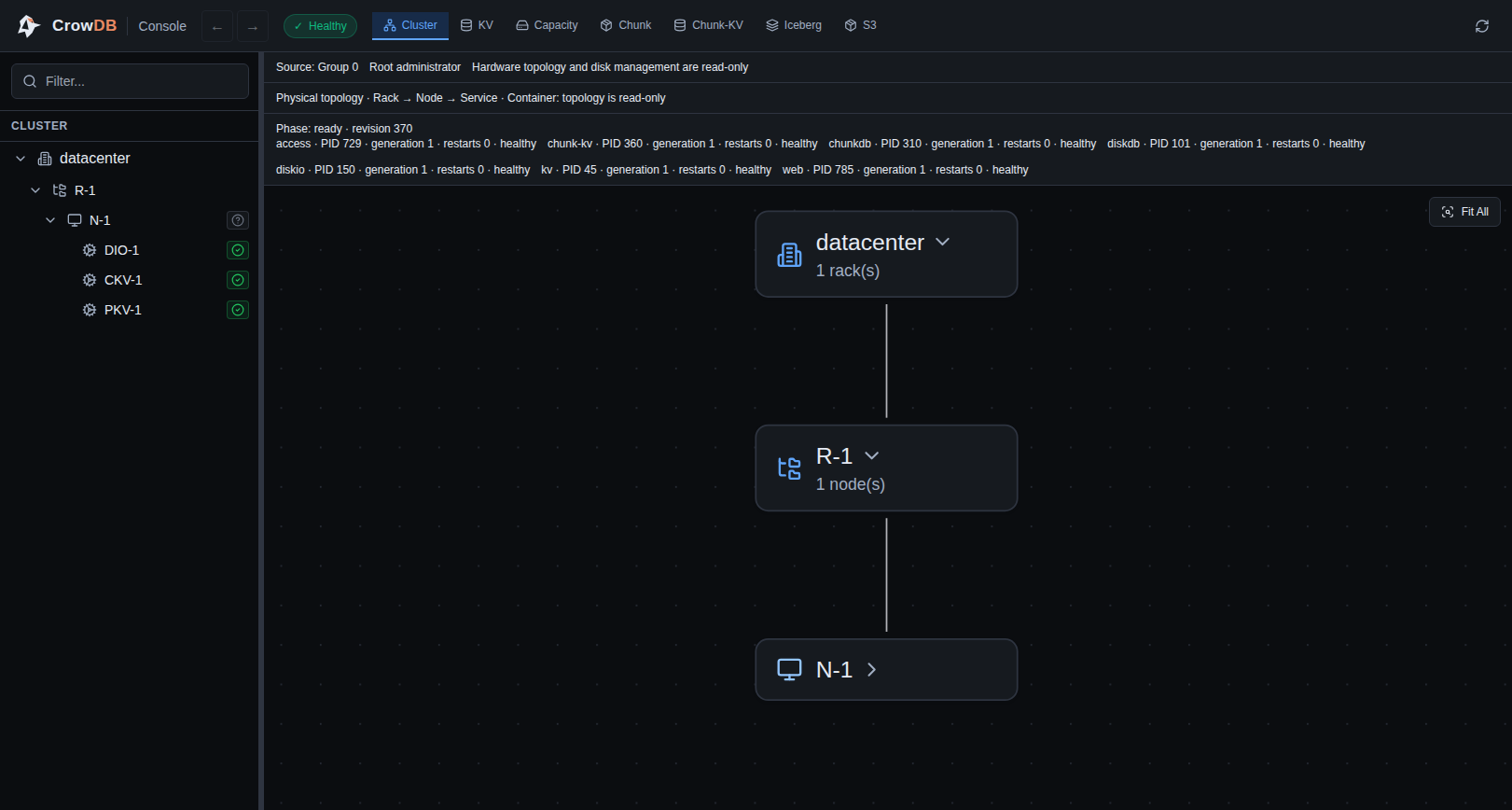
The Console should show Healthy.
Iceberg endpoint
The Iceberg REST Catalog is available at:
http://127.0.0.1:9092
Get the generated client credentials:
docker exec crowdb-iceberg \
  crowdb-monitor credentials show --format env
Inspect Iceberg metadata
Open the Iceberg tab in the Console and browse:
namespace
  table
    snapshot
      manifest
        Parquet file
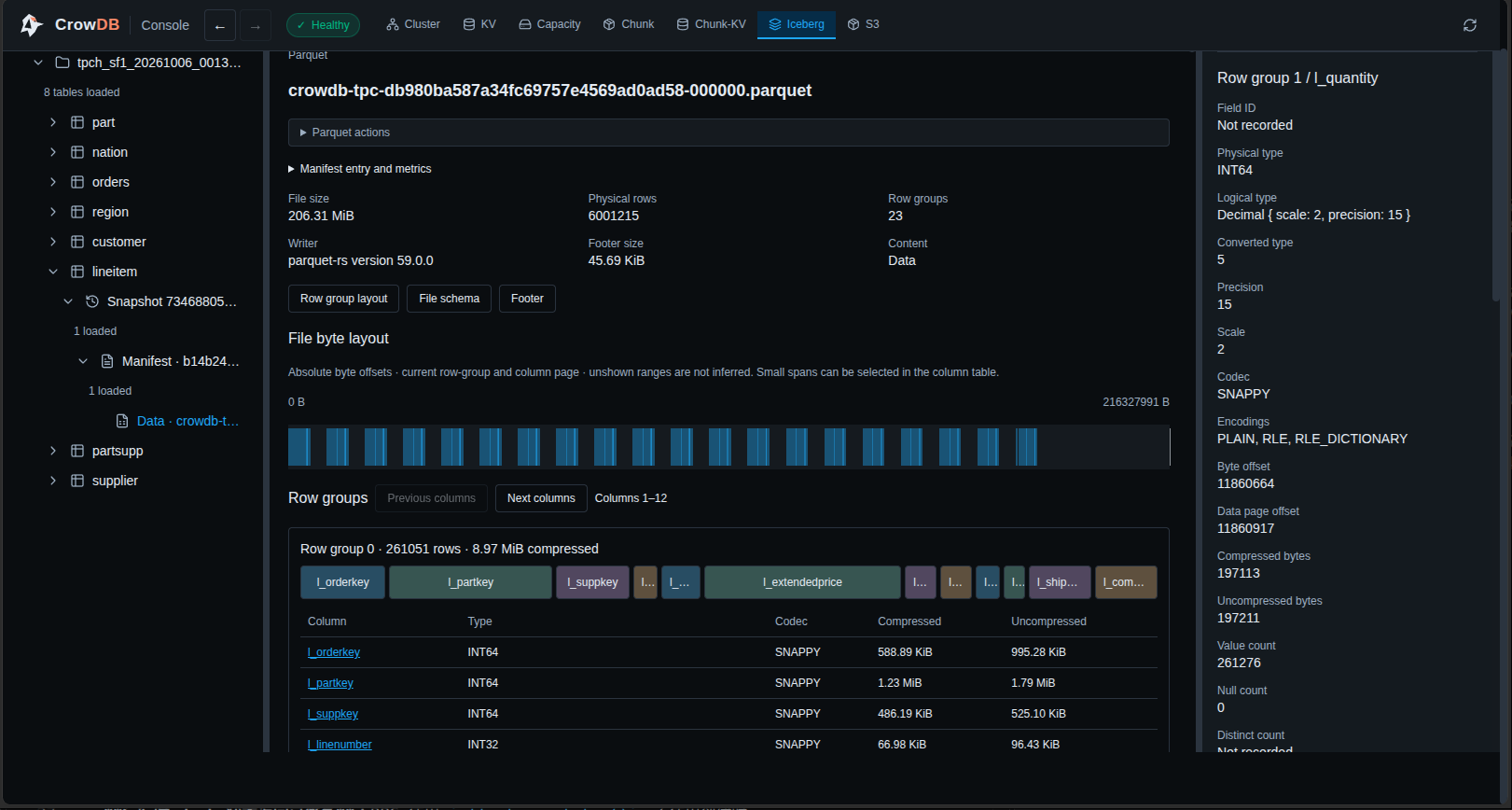
You can inspect:
- namespaces and tables
- table snapshots
- manifest files
- Parquet file size and row count
- row groups
- column types and compression
- file byte layout
- table and file metadata
Example: a TPC-H table inspected from its snapshot and manifest down to the Parquet file, row groups, and column metadata:
Example clients
Use the generated credentials with:
- PyIceberg
- DuckDB
- Apache Spark
- other Iceberg REST Catalog clients
Tutorials:
- Write an Iceberg table with CROWDB and pandas
- Load TPC-H and TPC-DS into CROWDB Iceberg
- CROWDB on GitHub
This image is intended for local development, testing, and learning.
Tag summary
Content type
Image
Digest
sha256:320a55ed5…
Size
93.5 MB
Last updated
25 days ago
docker pull crowdb/crowdb-iceberg