crypt010/vitransfer
ViTransfer - A modern selfhosted video feedback and sharing solution
50K+
crypt010/vitransfer repository overview
ViTransfer
⚠️ Development Status: > Docker repo change: From v1.0.0 onward, the Docker image moved from
crypt010/vitransfertomansivisuals/vitransfer. If you are upgrading an existing setup, update your Docker Compose, Quadlet, or manual pull commands to use the new repository.
Professional Video Review & Approval Platform for Filmmakers
ViTransfer is a self-hosted web application designed for video professionals to share work with clients, collect feedback, and manage approval workflows. Built with modern technologies and designed for easy self-hosting.
NOTE: Coded with Claude AI, built to achieve security and best practices.




💖 Support Development: If you find ViTransfer useful, consider supporting on Ko-fi to help fund continued development!
✨ Features
Core Functionality
- 📹 Video Upload & Processing - Automatic transcoding to multiple resolutions (720p/1080p)
- 💧 Watermarking - Customizable watermarks for preview videos
- 💬 Timestamped Comments - Collect feedback with precise video timestamps
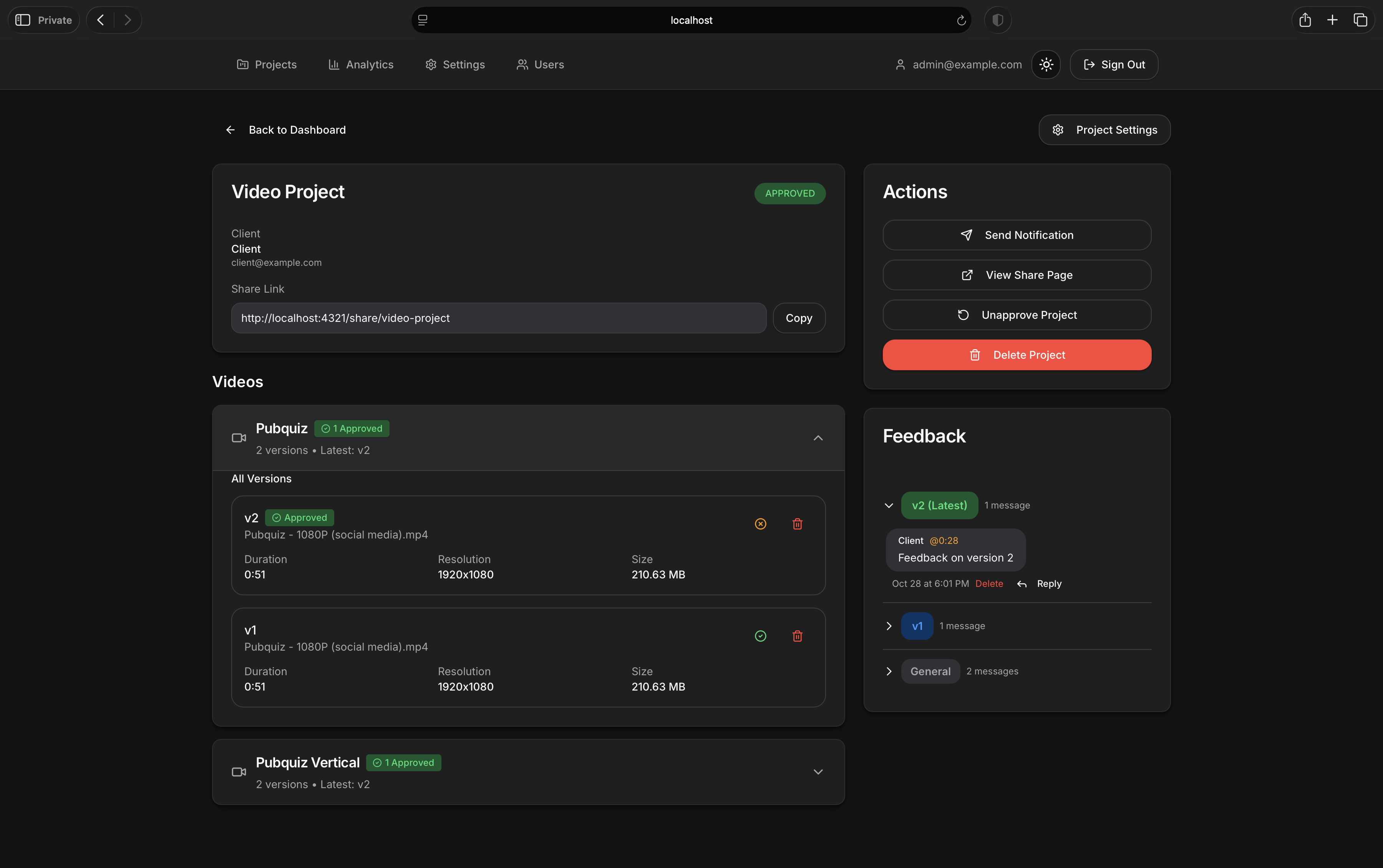
- ✅ Approval Workflow - Client approval system with revision tracking
- 🔒 Password Protection - Secure projects with client passwords
- 📧 Email Notifications - Automated notifications for new videos and replies
- 🎨 Dark Mode - Beautiful dark/light theme support
- 📱 Fully Responsive - Works perfectly on all devices
Admin Features
- 👥 Multi-User Support - Create multiple admin accounts
- 📊 Analytics Dashboard - Track page visits, downloads, and engagement
- 🔐 Security Logging - Monitor access attempts and suspicious activity
- 🎯 Version Management - Hide/show specific video versions
- 🔄 Revision Tracking - Limit and track project revisions
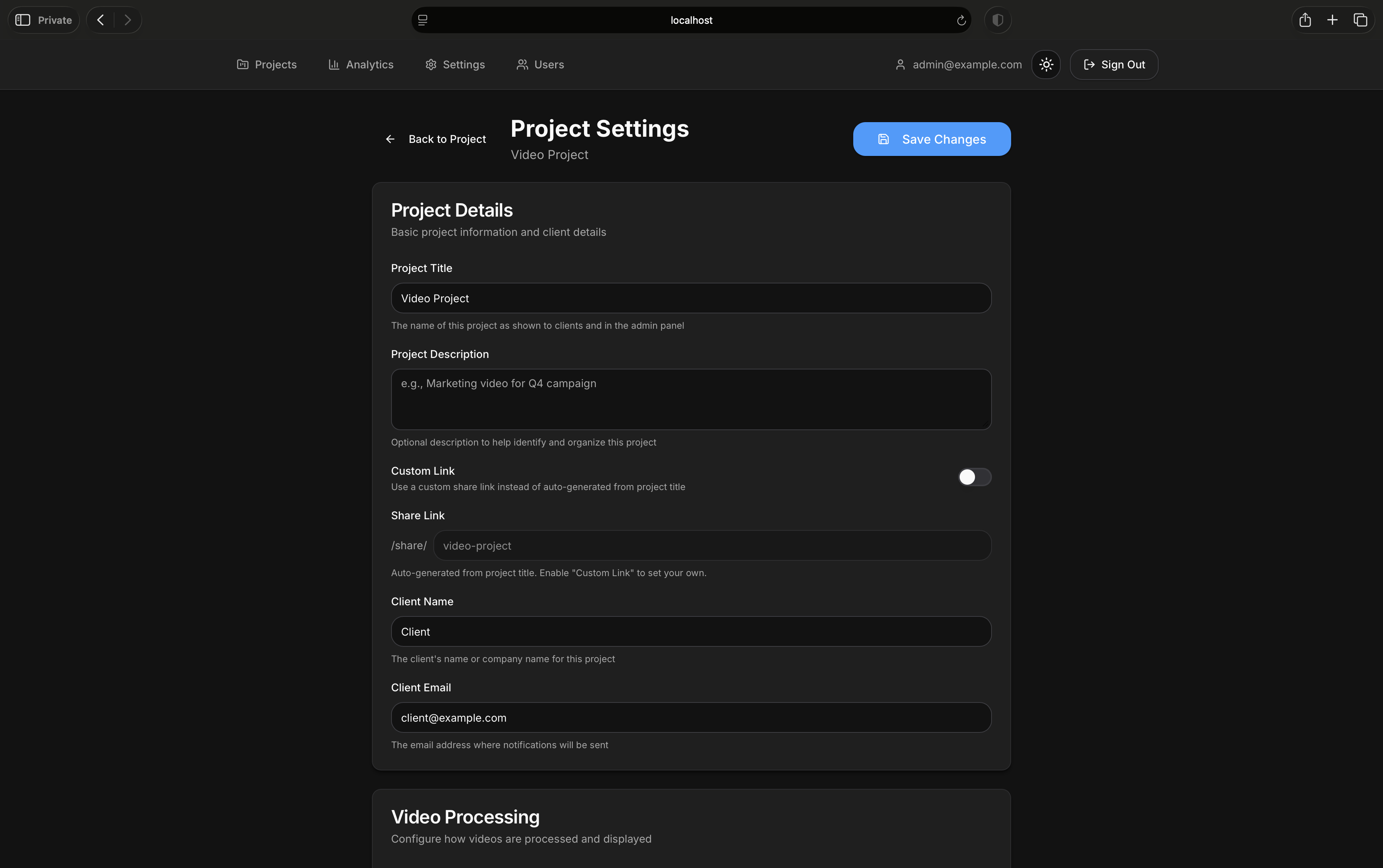
- ⚙️ Flexible Settings - Per-project and global configuration options
Technical Features
- 🐳 Docker-First - Easy deployment with Docker Compose
- 🚀 High Performance - Built with Next.js 16 and React 19
- 📦 Redis Queue - Background video processing with BullMQ
- 🎬 FFmpeg Processing - Industry-standard video transcoding
- 🗄️ PostgreSQL Database - Reliable data storage with Prisma 6
- 🔐 JWT Authentication - Secure session management
- 🌐 TUS Protocol - Resumable uploads for large files
📸 Screenshots
Login
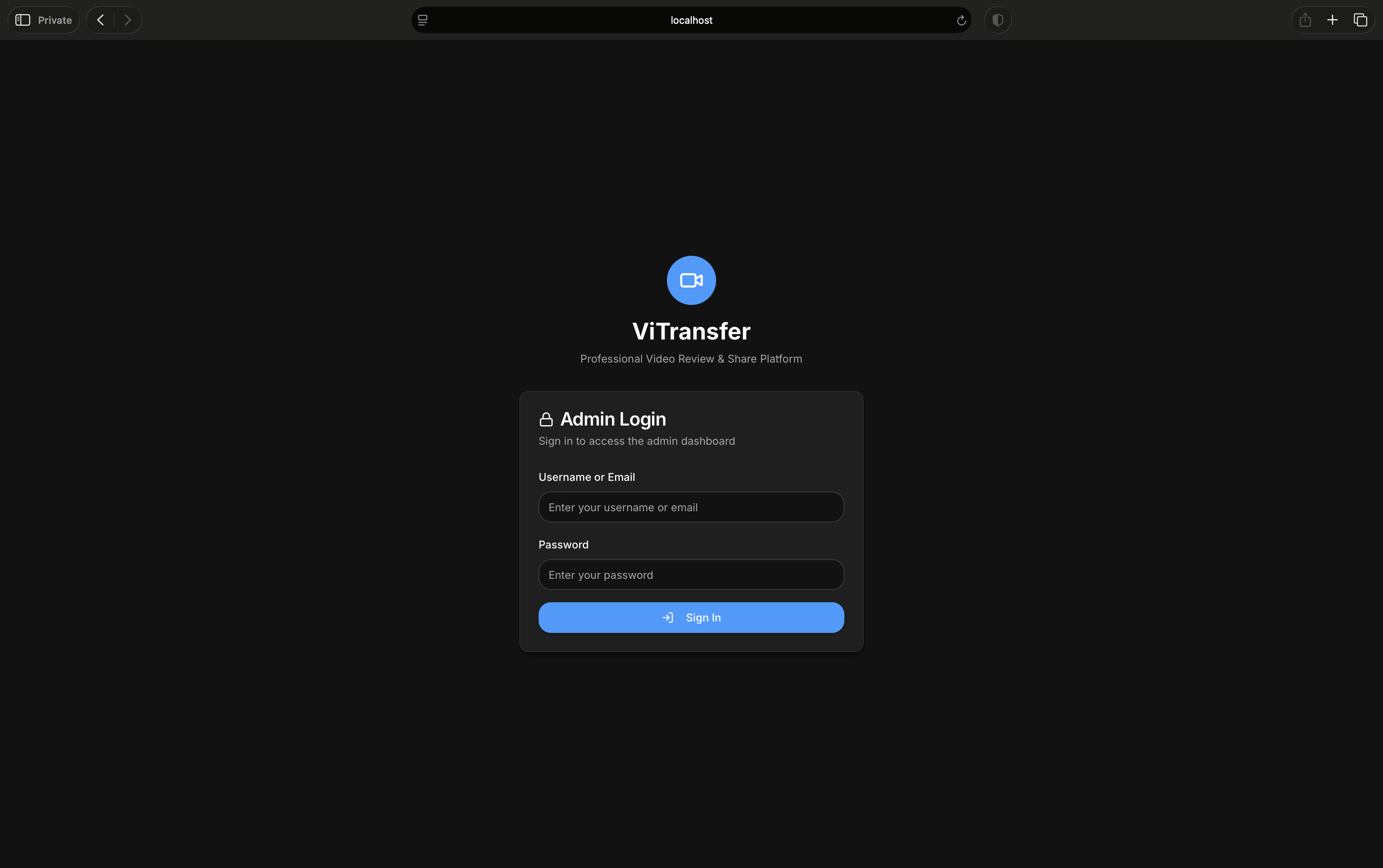
Admin Dashboard
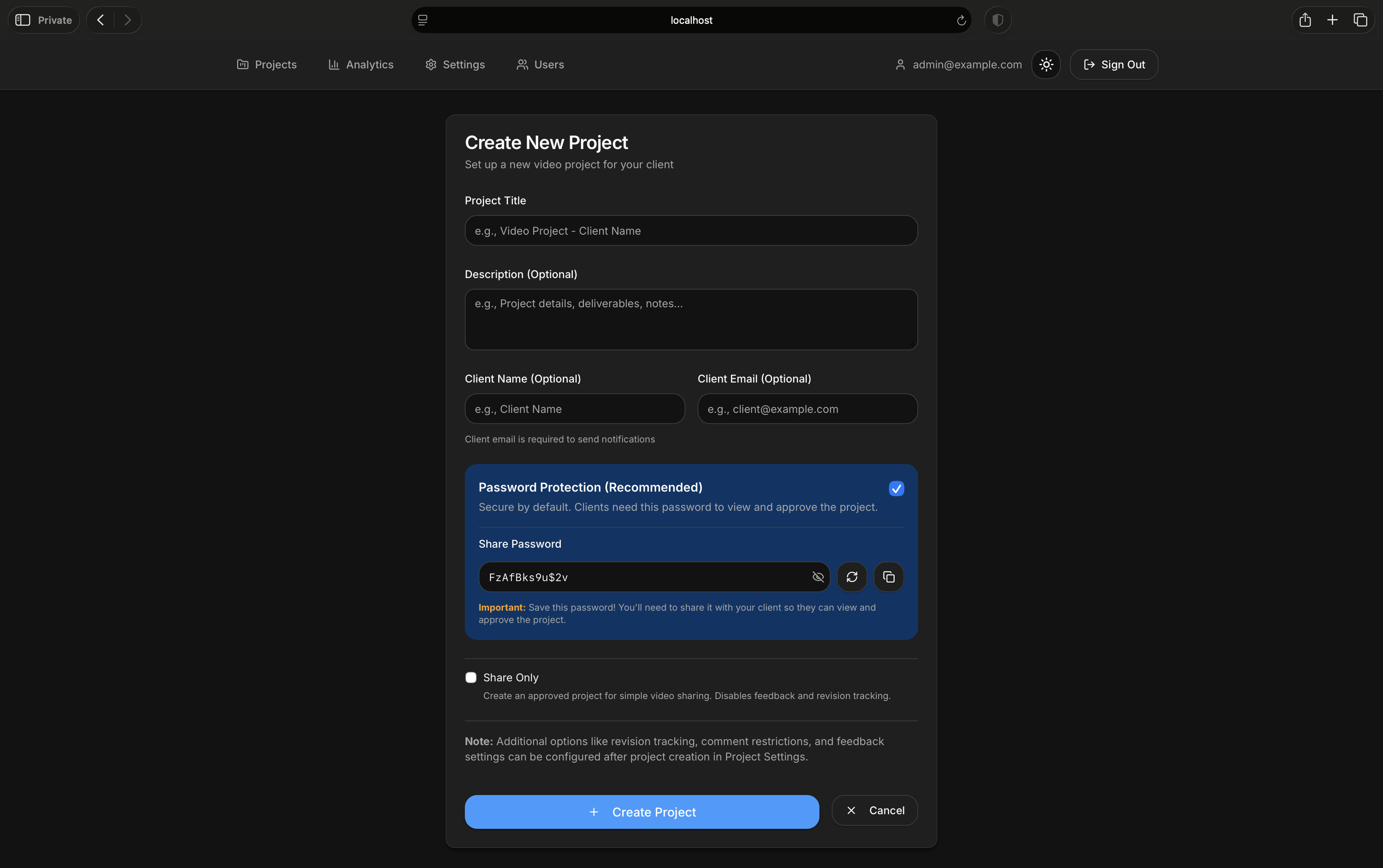
Project Creation
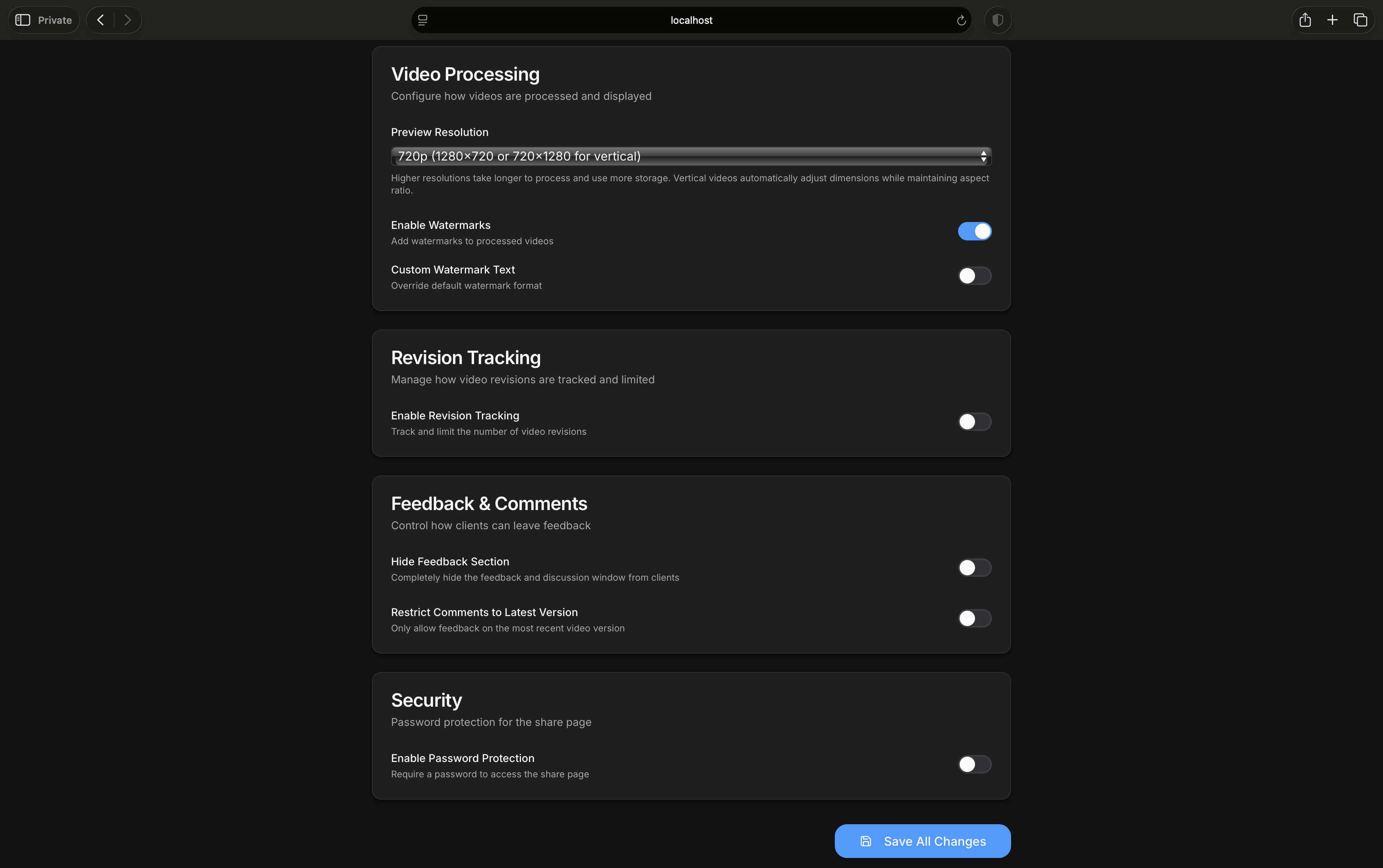
Project Settings
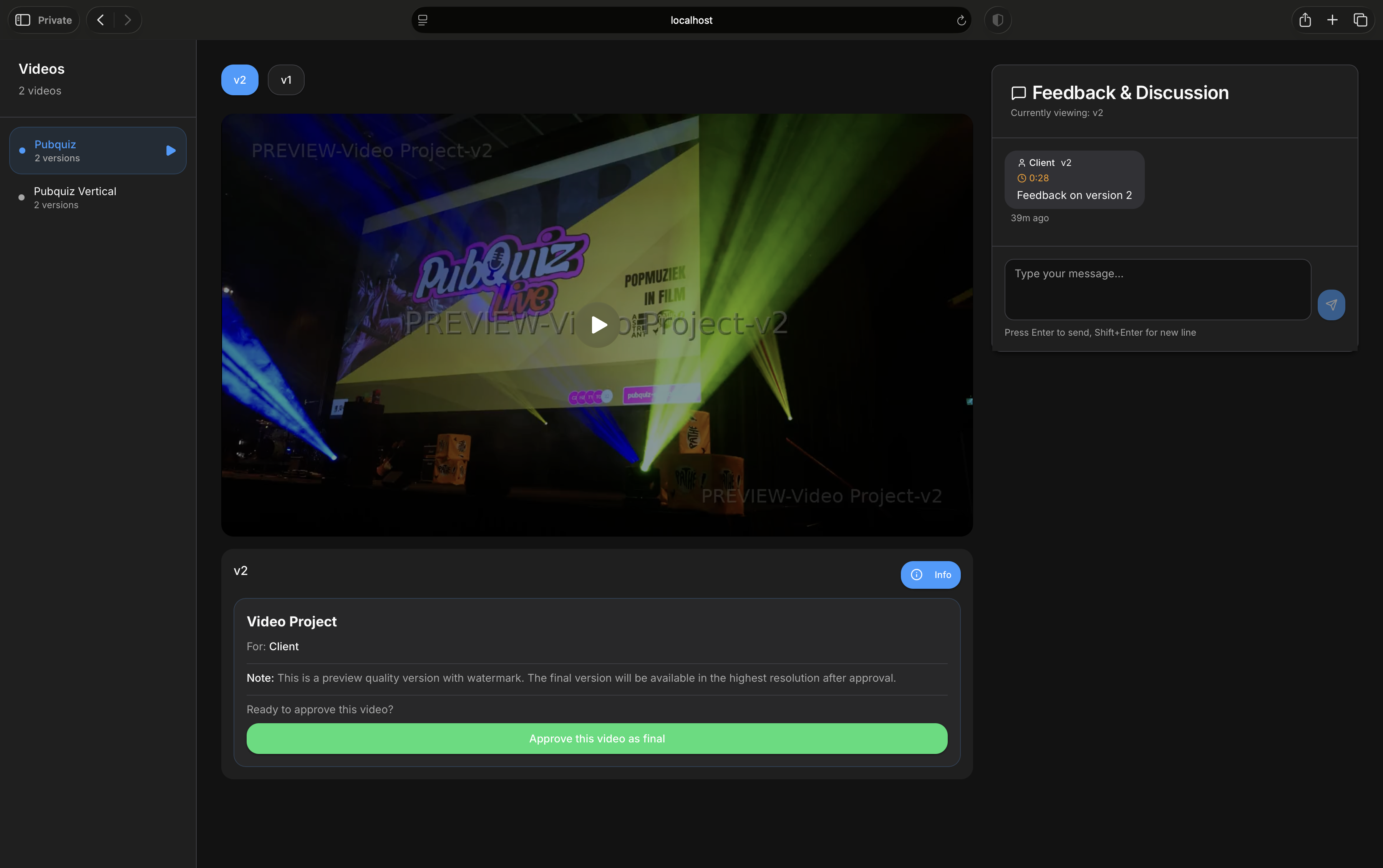
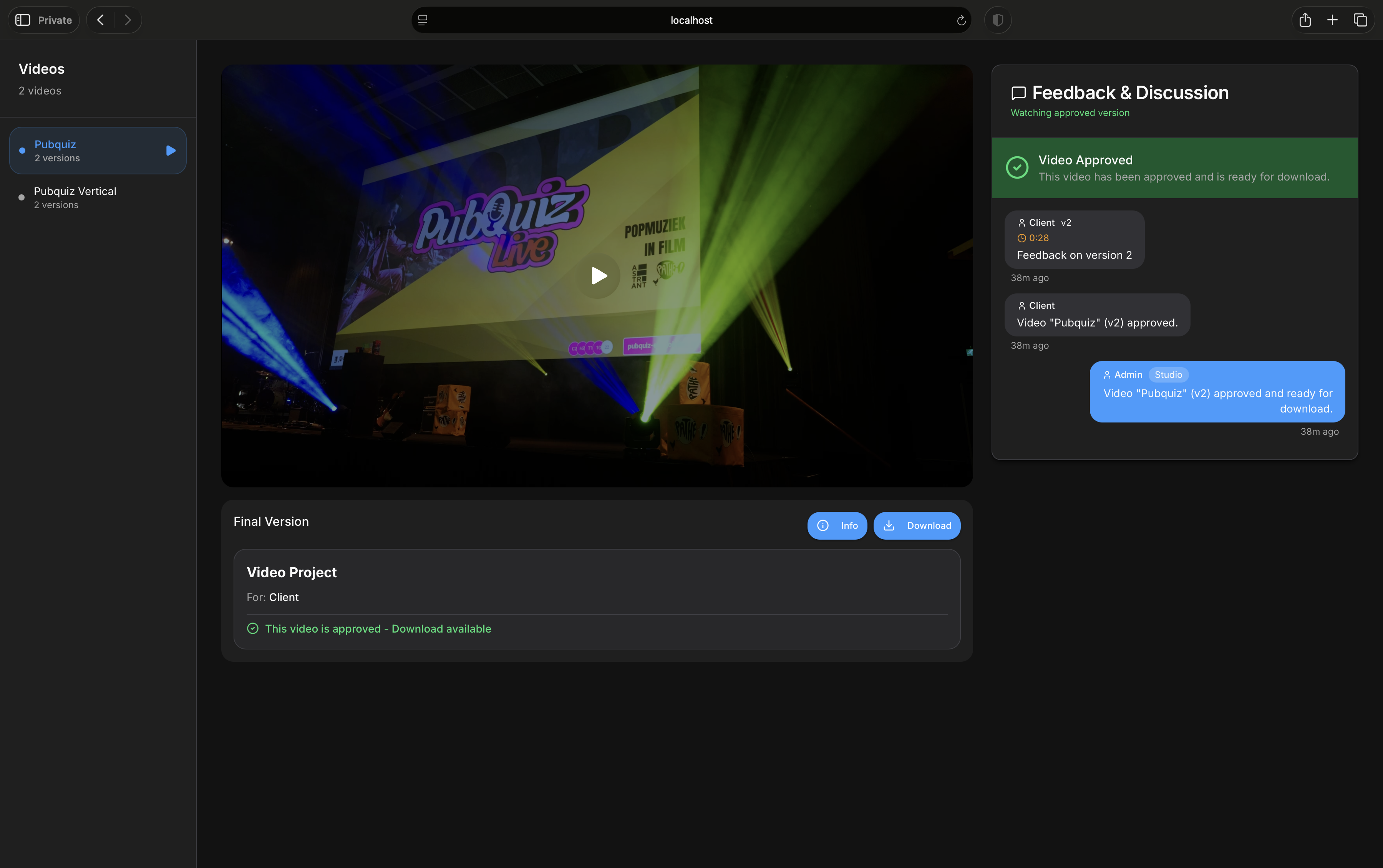
Client Share Page
🚀 Quick Start
Prerequisites
- Docker and Docker Compose installed
- At least 4GB RAM
- 20GB+ free disk space (more for video storage)
Installation Method 1: Docker Hub (Recommended - 3 Minutes)
Pull pre-built images and run immediately:
- Download the configuration files
# Create directory
mkdir vitransfer && cd vitransfer

# Download docker-compose.yml and .env.example
curl -O https://raw.githubusercontent.com/MansiVisuals/ViTransfer/main/docker-compose.yml
curl -O https://raw.githubusercontent.com/MansiVisuals/ViTransfer/main/.env.example
- Create and configure environment file
# Copy and edit the file
cp .env.example .env
nano .env
Generate 5 unique secure values:
# Generate these 5 values (each must be different):
openssl rand -hex 32      # 1. For POSTGRES_PASSWORD
openssl rand -hex 32      # 2. For REDIS_PASSWORD
openssl rand -base64 32   # 3. For ENCRYPTION_KEY
openssl rand -base64 64   # 4. For JWT_SECRET
openssl rand -base64 64   # 5. For JWT_REFRESH_SECRET
Replace each placeholder in .env:
POSTGRES_PASSWORD=<<REPLACE_WITH_openssl_rand_hex_32>>REDIS_PASSWORD=<<REPLACE_WITH_openssl_rand_hex_32>>ENCRYPTION_KEY=<<REPLACE_WITH_openssl_rand_base64_32>>JWT_SECRET=<<REPLACE_WITH_openssl_rand_base64_64>>JWT_REFRESH_SECRET=<<REPLACE_WITH_openssl_rand_base64_64>>
Default admin credentials (change in production):
[email protected]ADMIN_PASSWORD=Admin1234
- Start the application
docker-compose up -d
- Access ViTransfer
- Open http://localhost:4321 (or your configured port)
- Login with your admin credentials
- Complete setup in admin settings
That's it! 🎉
Installation Method 2: Build from Source (Advanced)
For developers or contributors who want to build from source:
- Clone the repository
git clone https://github.com/MansiVisuals/ViTransfer.git
cd ViTransfer
-
Follow steps 2-6 from Method 1 above
-
Build and start
docker-compose up -d --build
The source code will be built into Docker images locally instead of pulling from Docker Hub.
🌐 Platform Support
ViTransfer uses standard Docker Compose and should work on most platforms.
Planned Platform Guides:
- Unraid (Docker Compose Manager)
- TrueNAS SCALE
- Synology NAS
Community contributions welcome! If you've successfully deployed on a specific platform, consider contributing installation guides.
🔧 Configuration
Environment Variables
| Variable | Required | Description | Example |
|---|---|---|---|
APP_PORT | No | Port to expose | 4321 |
PUID | No | User ID for file permissions | 1000 |
PGID | No | Group ID for file permissions | 1000 |
POSTGRES_PASSWORD | Yes | PostgreSQL password | Generated |
REDIS_PASSWORD | Yes | Redis password | Generated |
ENCRYPTION_KEY | Yes | Data encryption key | Generated |
JWT_SECRET | Yes | JWT signing secret | Generated |
JWT_REFRESH_SECRET | Yes | JWT refresh secret | Generated |
ADMIN_EMAIL | Yes | Initial admin email | [email protected] |
ADMIN_PASSWORD | Yes | Initial admin password | Secure password |
NEXT_PUBLIC_APP_URL | No | Public URL for emails | https://videos.example.com |
SMTP Configuration (Optional)
Configure email notifications in the admin panel:
- Settings > Email Configuration
- Add your SMTP server details
- Test the connection before saving
- Supports Gmail, Outlook, custom SMTP servers
Reverse Proxy Setup
Tested with Cloudflare Tunnels.
📖 Usage Guide
Creating Your First Project
- Login to the admin panel
- Create Project with:
- Project title and description
- Client name and email
- Password protection (recommended)
- Upload Videos to the project
- Share Link with your client
- Collect Feedback via timestamped comments
- Approve when client accepts the final version
Client Workflow
- Receive share link from filmmaker
- Enter password (if protected)
- Watch videos and leave timestamped feedback
- Submit approval when satisfied
- Download approved videos (if enabled)
Admin Tips
- Use Custom URLs for memorable share links
- Enable Revision Tracking for complex projects
- Configure Watermarks globally or per-project
- Monitor Analytics to see client engagement
- Use Security Logs to track access attempts
🔒 Security Features
- 🔐 Password-Protected Projects - Optional client passwords
- 🔑 JWT Authentication - Secure admin sessions
- 🛡️ Rate Limiting - Protection against brute force
- 📝 Security Logging - Track all access attempts
- 🚫 Hotlink Protection - Prevent unauthorized embedding
- 🔒 Encrypted Passwords - AES-256 encryption at rest
- 🌐 HTTPS Support - SSL/TLS for secure connections
- ⏱️ Session Monitoring - 15-minute inactivity timeout with warnings
Security Notice
ViTransfer uses Alpine Linux and FFmpeg which may show CVEs in vulnerability scanners. These are indirect dependencies with minimal risk. See SECURITY.md for detailed CVE analysis and risk assessment. All packages are kept at their latest available versions.
🛠️ Maintenance
Backup
Important data to backup:
# Docker volumes
docker-compose down
tar -czf vitransfer-backup.tar.gz \
  /var/lib/docker/volumes/vitransfer_postgres-data \
  /var/lib/docker/volumes/vitransfer_uploads

# Or use your host paths if using bind mounts
Updates
# Pull latest images from Docker Hub
docker-compose pull

# Or pull specific version
docker pull crypt010/vitransfer:0.1.0

# Restart with new images
docker-compose up -d

# Database migrations run automatically
Logs
# View application logs
docker-compose logs app

# View worker logs
docker-compose logs worker

# Follow logs in real-time
docker-compose logs -f
Database Management
# Access PostgreSQL
docker exec -it vitransfer-postgres psql -U vitransfer -d vitransfer

# Backup database
docker exec vitransfer-postgres pg_dump -U vitransfer vitransfer > backup.sql

# Restore database
docker exec -i vitransfer-postgres psql -U vitransfer vitransfer < backup.sql
🐛 Troubleshooting
Container won't start
# Check logs
docker-compose logs app

# Verify environment variables
docker-compose config

# Restart all services
docker-compose restart
Videos not processing
# Check worker logs
docker-compose logs worker

# Verify FFmpeg is installed
docker exec vitransfer-worker ffmpeg -version

# Check disk space
df -h
Can't login
- Verify
ADMIN_EMAILandADMIN_PASSWORDin.env - Check database connection:
docker-compose logs postgres - Reset password in database if needed
Upload fails
- Check
client_max_body_sizein reverse proxy - Verify disk space available
- Check upload permissions on volumes
🤝 Contributing
We welcome contributions! ViTransfer is actively developed and we're looking for help to reach v1.0.
How to Contribute
- Fork the repository - https://github.com/MansiVisuals/ViTransfer
- Create a feature branch -
git checkout -b feature/amazing-feature - Make your changes - Follow the existing code style
- Test thoroughly - Ensure everything works
- Submit a pull request - We'll review it as soon as possible
Areas We Need Help
- 🐛 Bug fixes - Report or fix issues
- 📖 Documentation - Improve guides and examples
- 🌍 Translations - Help make ViTransfer multilingual
- ✨ Features - Propose and implement new features
- 🧪 Testing - Help test on different platforms
See CONTRIBUTING.md for detailed guidelines.
📄 License
This project is licensed under the GNU AFFERO GENERAL PUBLIC LICENSE Version 3 (AGPL-3.0 license).
This means:
- ✅ You can use ViTransfer for free
- ✅ You can modify the source code
- ✅ You can distribute your modifications
- ⚠️ Any derivative work must be open-source under AGPL-3.0 license
- ⚠️ You must include the original license and copyright notice
See the LICENSE file for full details.
Why AGPL-3.0 license? We believe in keeping video tools accessible to all creators while preventing commercial exploitation. If you use or modify ViTransfer, your version must remain free and open-source.
💬 Support
- 🐛 Issues: GitHub Issues
- 📖 Documentation: This README and inline code comments
- 💬 Discussions: GitHub Discussions
- 🐳 Docker Hub: crypt010/vitransfer
💖 Support Development
If ViTransfer helps you in your work, consider supporting its development:

Your support helps fund:
- 🚀 New features and improvements
- 🐛 Bug fixes and maintenance
- 📖 Better documentation
- 🎯 Faster development towards v1.0
🙏 Acknowledgments
Built with:
- Next.js - React framework
- Prisma - Database ORM
- BullMQ - Job queue
- FFmpeg - Video processing
- PostgreSQL - Database
- Redis - Queue and cache
- Tailwind CSS - Styling
Made with ❤️ for filmmakers and video professionals
Tag summary
Content type
Image
Digest
sha256:f52965bf9…
Size
761.2 MB
Last updated
5 months ago
docker pull crypt010/vitransfer