cyberillo/kali-mcp-server
A Python MCP Server that connects Large Language Models to Kali Linux tools.
2.0K
cyberillo/kali-mcp-server repository overview
🐉 Kali Linux MCP Server
GitHub: https://github.com/cyberillo/kali-mcp-server
Website: https://cyberillo.com/kali-mcp-server
📖 Project Overview
The Kali Linux MCP Server is a specialized Model Context Protocol (MCP) implementation designed to connect Large Language Models natively to a comprehensive suite of offensive security, reconnaissance, and enumeration tools. Powered by the FastMCP Python SDK, this server translates natural language requests into safe, encapsulated command-line executions of standard Kali Linux utilities.
By exposing these tools as MCP resources, AI agents can autonomously perform WHOIS lookups, run Nmap scans, fuzz web directories, search exploit databases, and even interface with the Metasploit Framework, all while returning structured standard output and error logs back to the LLM's context window.
Key Features
- 🎯 Comprehensive Offensive Security Toolkit: Natively exposes distinct categories of penetration testing tools to your LLM. The server logically categorizes capabilities, including dedicated modules for Password Cracking & Brute Forcing, as well as Exploitation & Sniffing.
- 📦 Automated & Isolated Containerization: The included Docker configuration ensures a frictionless, reproducible setup. It utilizes the
DEBIAN_FRONTEND=noninteractiveenvironment variable to suppress manual prompts during Debian package installations, guaranteeing a fully automated build process. - Native MCP SDK Integration: Built robustly on top of the official
mcpPython SDK. The environment is flexible, allowing the SDK to be installed globally within the isolated container (--break-system-packages) or via a localized Python virtual environment. - ⚡ Standardized
stdioTransport: Utilizes direct standard input/output for JSON-RPC communication, bypassing complex network configurations and ensuring out-of-the-box compatibility with AI IDEs (like Cursor and VS Code) and desktop clients (like Claude Desktop).
Demo
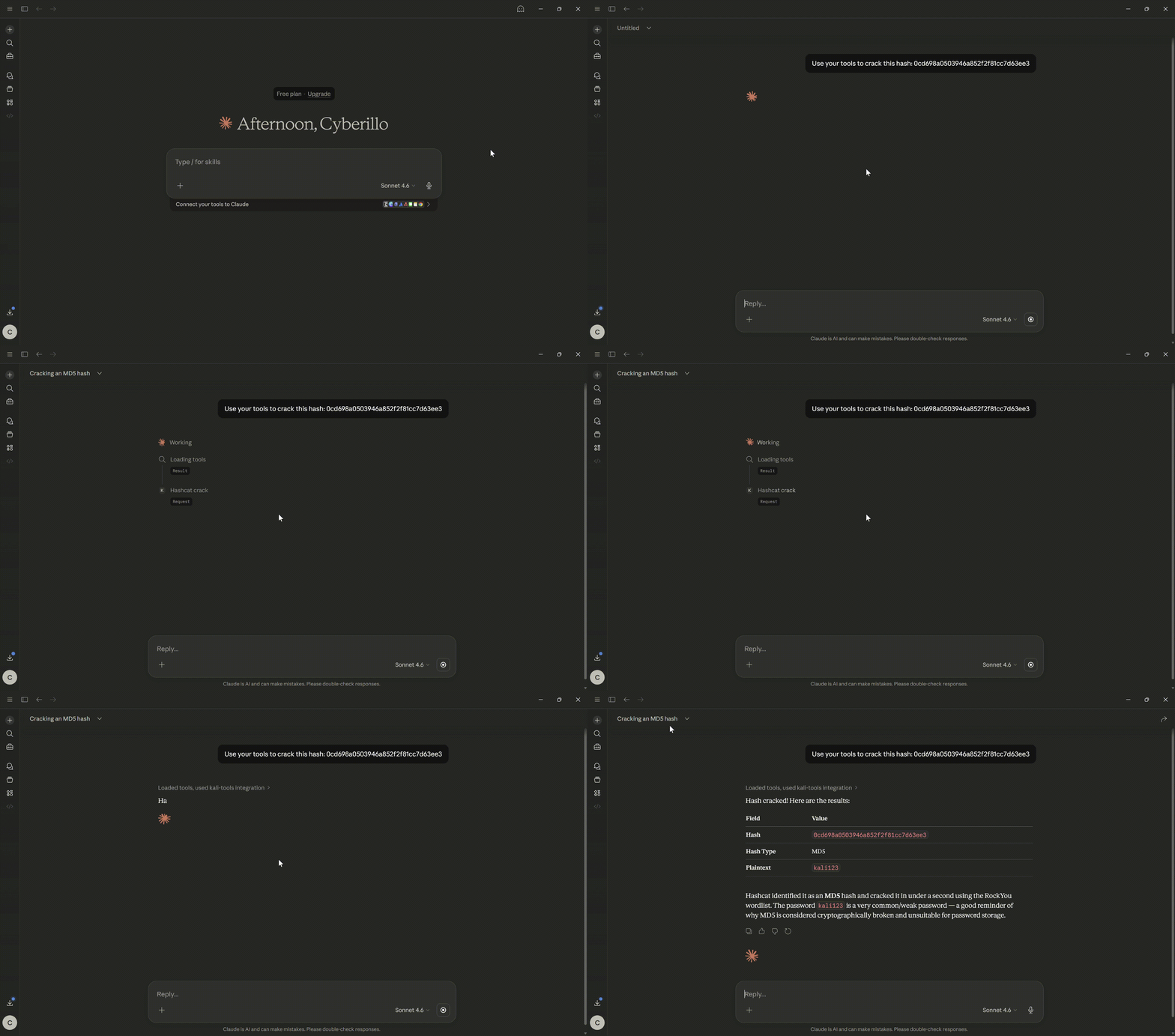
Hash Crack
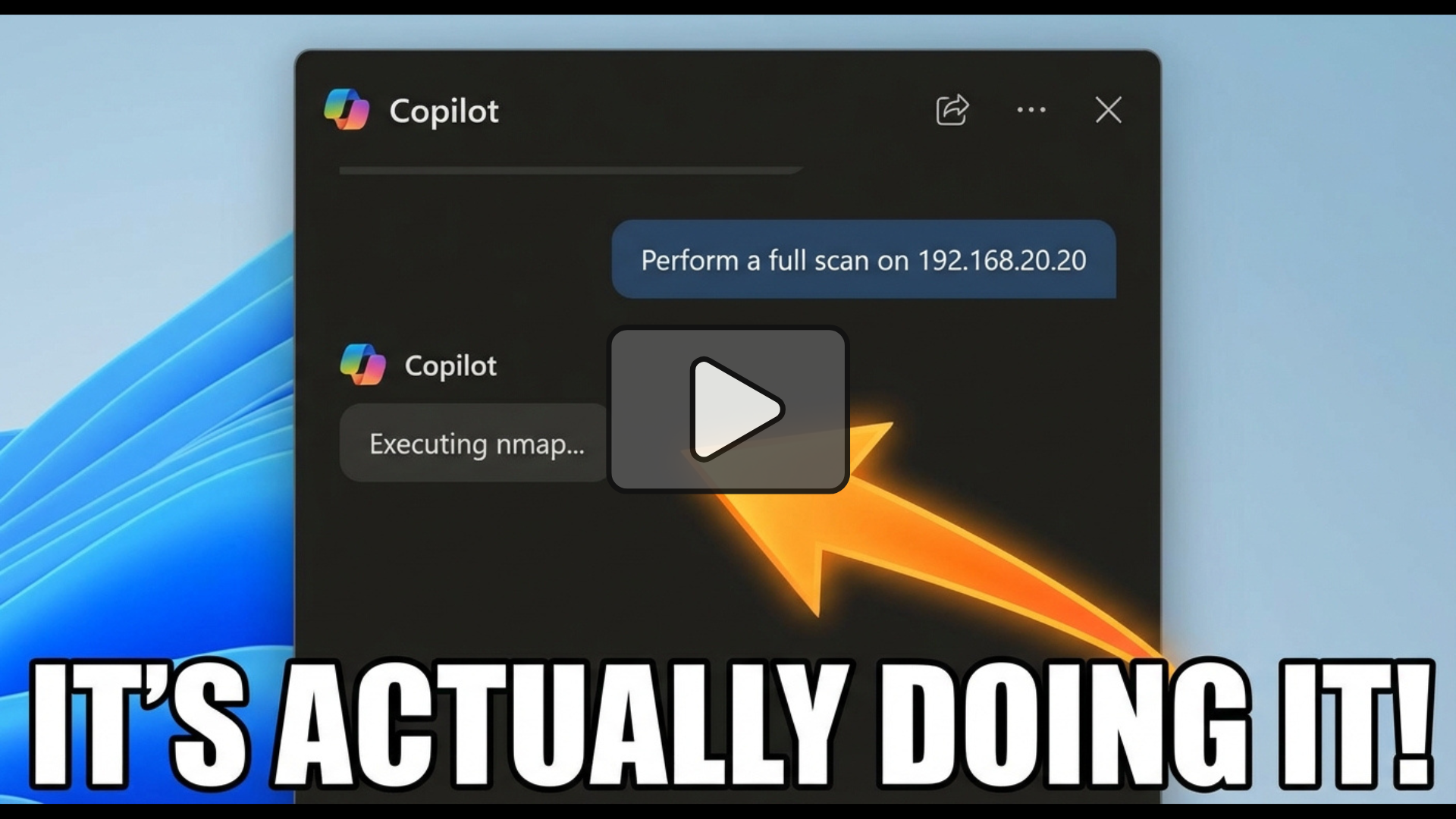
Vulnerability Scan
Prerequisites
By using Docker, the server runs in an isolated container that automatically provisions Python 3, pip, and an extensive suite of Kali Linux tools (including nmap, sqlmap, tcpdump, and metasploit-framework).
- Docker Engine: Must be installed and running. This method works perfectly on Windows, macOS, and Linux without requiring any local security tools.
How to Set Up
🐳 Option A: Docker Implementation
Because this server relies on dozens of specific binary tools, packaging it via Docker is the "Gold Standard" approach.
The fastest way to get started is to pull the official image from Docker Hub.
docker pull cyberillo/kali-mcp-server:latest
To run the container interactively using the stdio transport required by MCP clients:
docker run -i --rm kali-mcp-server
(Note: Some tools like tcpdump or netdiscover require elevated privileges. If you explicitly need these, you may need to append --privileged or specific --cap-add flags to your docker run command, though this is heavily discouraged for general use).
🤖 How to Use
1. Claude Desktop Configuration
Add the following to your claude_desktop_config.json file (usually located at ~/Library/Application Support/Claude/claude_desktop_config.json on Mac or %APPDATA%\Claude\claude_desktop_config.json on Windows).
Go to File > Settings > Developer > Edit Config if you don't find it in the above paths.
{
  "mcpServers": {
    "kali-tools": {
      "command": "docker",
      "args": [
        "run",
        "-i",
        "--rm",
        "kali-mcp-server"
      ]
    }
  }
}
2. GitHub Copilot (VS Code)
- If it does not exist, add a directory
.vscodein your workspace. - Add the MCP server by updating
.vscode/mcp.jsonas follows.
{
    "servers": {
        "kali-mcp-server": {
            "type": "stdio",
            "command": "docker",
            "args": [
                "run",
                "-i",
                "--rm",
                "kali-mcp-server"
            ]
        }
    },
    "inputs": []
}
3. Cursor / Other IDEs
For IDEs supporting the Model Context Protocol, configure a new MCP server utilizing the stdio transport type.
- Type:
stdio - Command:
docker - Arguments:
run -i --rm kali-mcp-server
Tag summary
Content type
Image
Digest
sha256:bdb871daa…
Size
1.3 GB
Last updated
8 months ago
docker pull cyberillo/kali-mcp-server