cyberjacob/regard-backend repository overview
Regard
Regard is a self hosted personal video management platform, which allows you to keep track of, download automatically and watch the content you want to see.
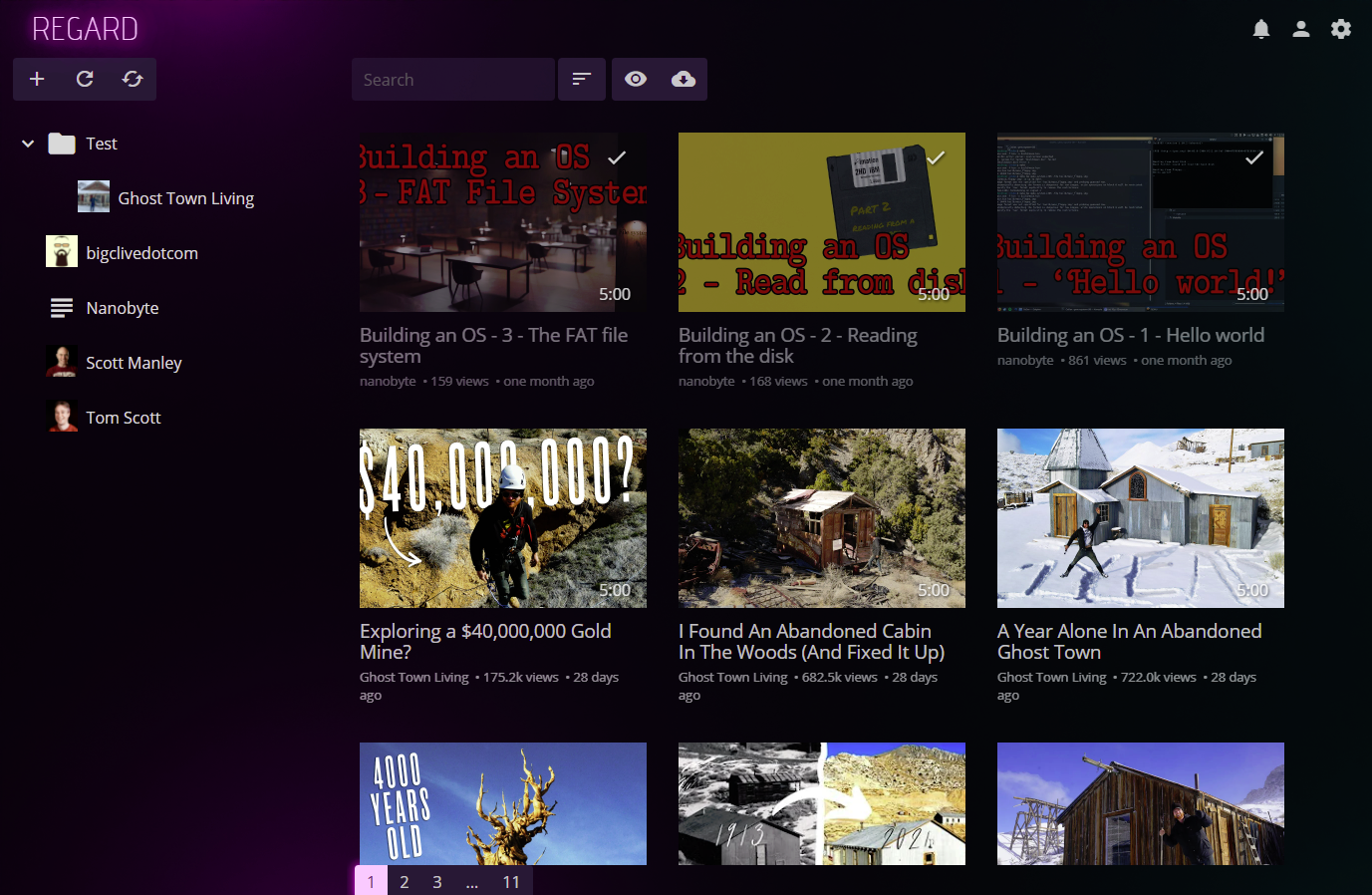
The project is still in development, many things are buggy and don't work properly.
If you need any help, or would like to discuss with us, you are welcome to join our Discord.
Installation (Docker)
The easiest method to install Regard is to use Docker. Check the docker-compose.yml file for a full setup example. The RunDocker.sh script will perform all the required setup steps, like setting up a database and user.
There are 3 things needed for Regard to work:
-
the database, so far only Microsoft SQL is supported. You can use this database image:
mcr.microsoft.com/mssql/server:2019-latest -
the backend
chibicitiberiu/regard-backend:latest. For the backend, you need to setup the following environment variables:DB_MSSQL- contains the Microsoft SQL connection stringREGARD_DATA_DIR- data directory that will be used for storing application data. This directory should be mounted as a volume to prevent data loss. Default:/data/REGARD_DOWNLOAD_DIR- directory where videos downloads will be stored. This directory should be mounted as a volume to prevent data loss. Default:/data/downloads
Also, you need to expose port
80(the backend needs to be publicly accessible, since the frontend will make the requests from the browser). -
the frontend
chibicitiberiu/regard-frontend:latest. Set theBACKEND_URLvariable to point to the backend. The frontend will be accessible on port80.
For both, frontend and backend, the following 2 tags are available on the Docker Hub:
latestcontains the latest versionlatest-debugcontains the latest version, setup for debugging. This version is setup with additional logging, as well as debug symbols, but may be slower and less optimized.
Development setup
Required software:
- Visual Studio 2019 with the ASP.NET and web development and .NET Core cross-platform development workloads installed
- SQL Server (any edition should work); SQL Server Management Studio is recommended for server management.
- Python 3.x
- Web Compiler extension for Visual Studio, which compiles
.scssfiles - Entity Framework CLI which can be installed by running the command:
dotnet tool install --global dotnet-ef
Steps:
- Clone the repository
- Create a new database in SQL Server
- Set the connection string in
Regard.Backend\appsettings.json. At the moment, only SQL Server is supported. - (optional) Modify data and download directories in
Regard.Backend\appsettings.json. - Run migrations, by running
Regard.Backend\MigrateSQLServer.cmd - Open
Regard.slnin Visual Studio - Set both the
Regard.FrontendandRegard.Backendprojects as startup projects; to do this, right clicking the solution, select Set startup projects..., select the Multiple startup projects option, and set the action for both projects to Start. - Run project.
Tag summary
Content type
Image
Digest
Size
114.3 MB
Last updated
over 5 years ago
docker pull cyberjacob/regard-backend