davidelanz/vanishing_points
Vanishing Point Detection using Inverse Gnomonic Projection [Caffe on Python 2.7]
Image
0
271
davidelanz/vanishing_points repository overview
Deep Learning for Vanishing Point Detection Using an Inverse Gnomonic Projection
Copyright disclaimer
The copyright in this software is being made available under the BSD LICENSE Copyright (c) 2017-present Leibniz University Hannover (LUH) Institut fuer Informationsverarbeitung (TNT)
The code provided here was adapted from:
@inproceedings{kluger2017deep, title={Deep learning for vanishing point detection using an inverse gnomonic projection}, author={Kluger, Florian and Ackermann, Hanno and Yang, Michael Ying and Rosenhahn, Bodo}, booktitle={German Conference on Pattern Recognition (GCPR)}, year={2017} }The paper can be found on arXiv. Refer to fkluger/vanishing_points_2017 for additional information and resources.
Getting Started
Requirements
- Caffe 1.0-RC5 on Python 2.7
- ImageMagick
- Python
requirements.txtpackages
Setup
- Launch the docker container from https://hub.docker.com/repository/docker/davidelanz/vanishing_points
docker pull davidelanz/vanishing_points - Test the software:
cd /home/vanishing_points
pytest test.py
Manual Setup
- Launch a docker container from https://hub.docker.com/r/bvlc/caffe (Python 2.7 + Caffe)
or any other suitable tag, e.g.:
docker pull bvlc/caffe:cpudocker pull bvlc/caffe:gpu - Initialize the repository
git clone https://github.com/Davidelanz/vanishing_points.git cd vanishing_points pip install -r requirements.txt - Download the CNN weights and image mean files from the releases
and put them into the
cnnfolder. - Adjust
config.pyso that it contains the path to your Caffe installation and the paths where you store the benchmark datasets.
Run
You can run the vanishing point detector on the example images and visualise the results.
Computation may take a few moments. Adjust the gpu_id in the main.py file if necessary. Then run:
python main.py
Examples
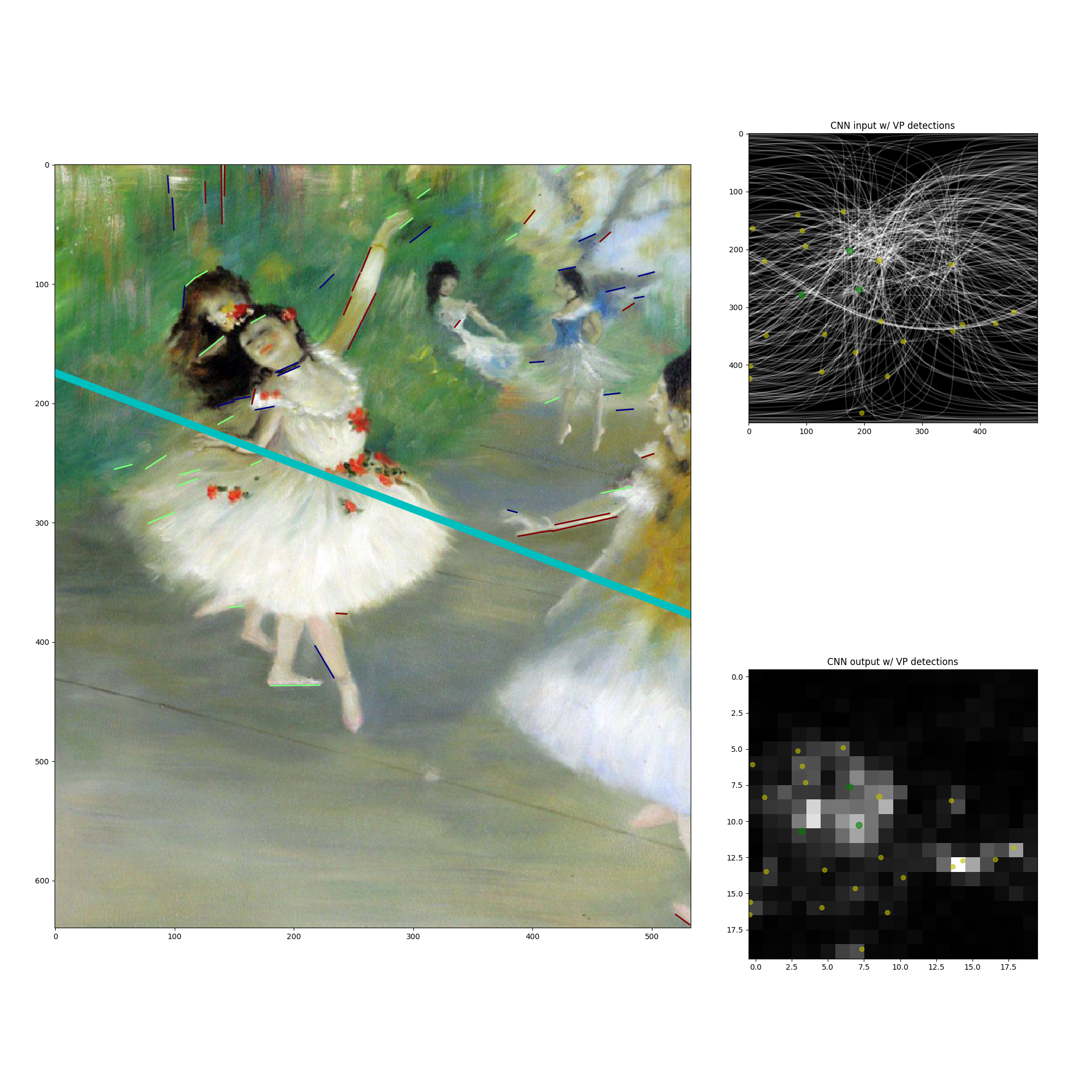
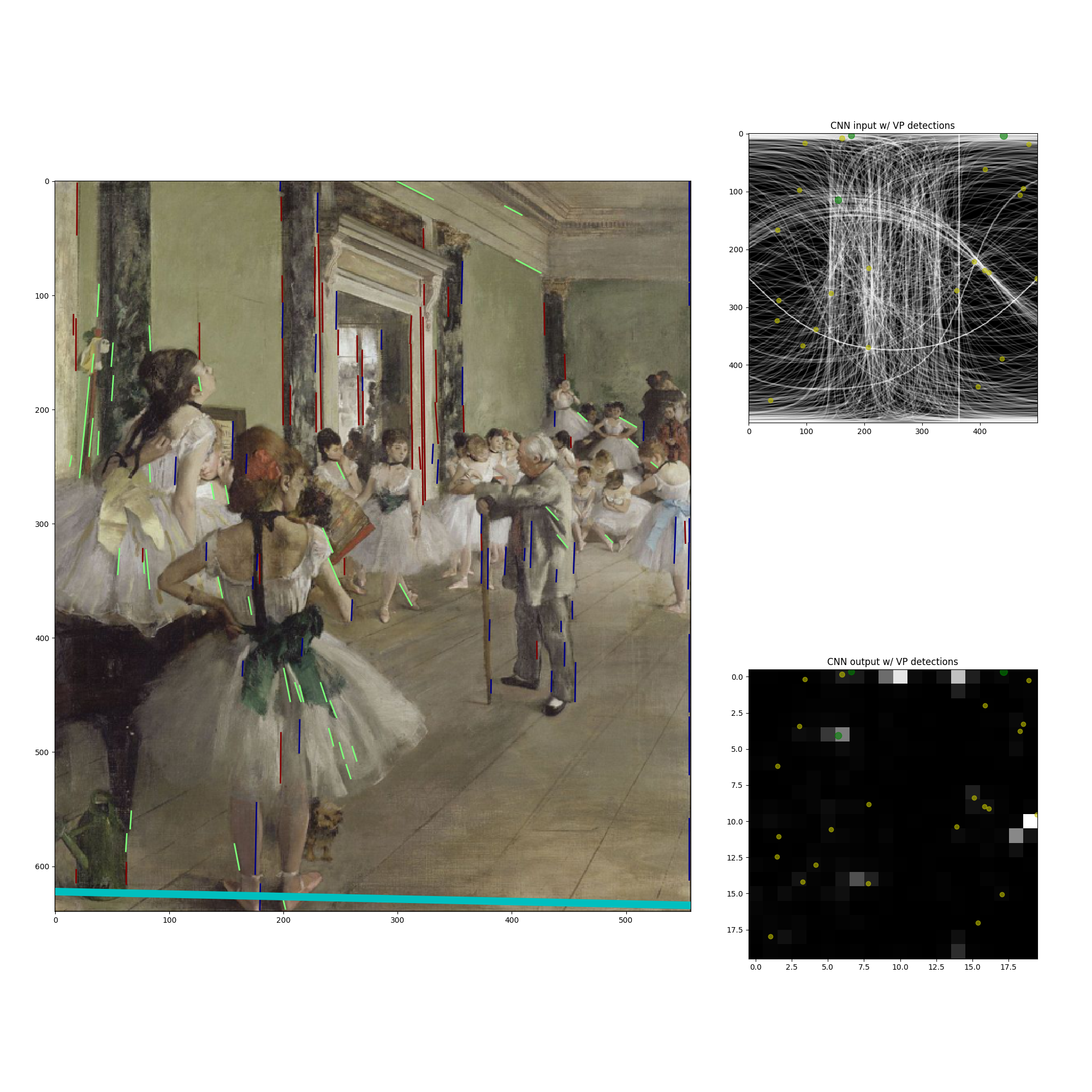
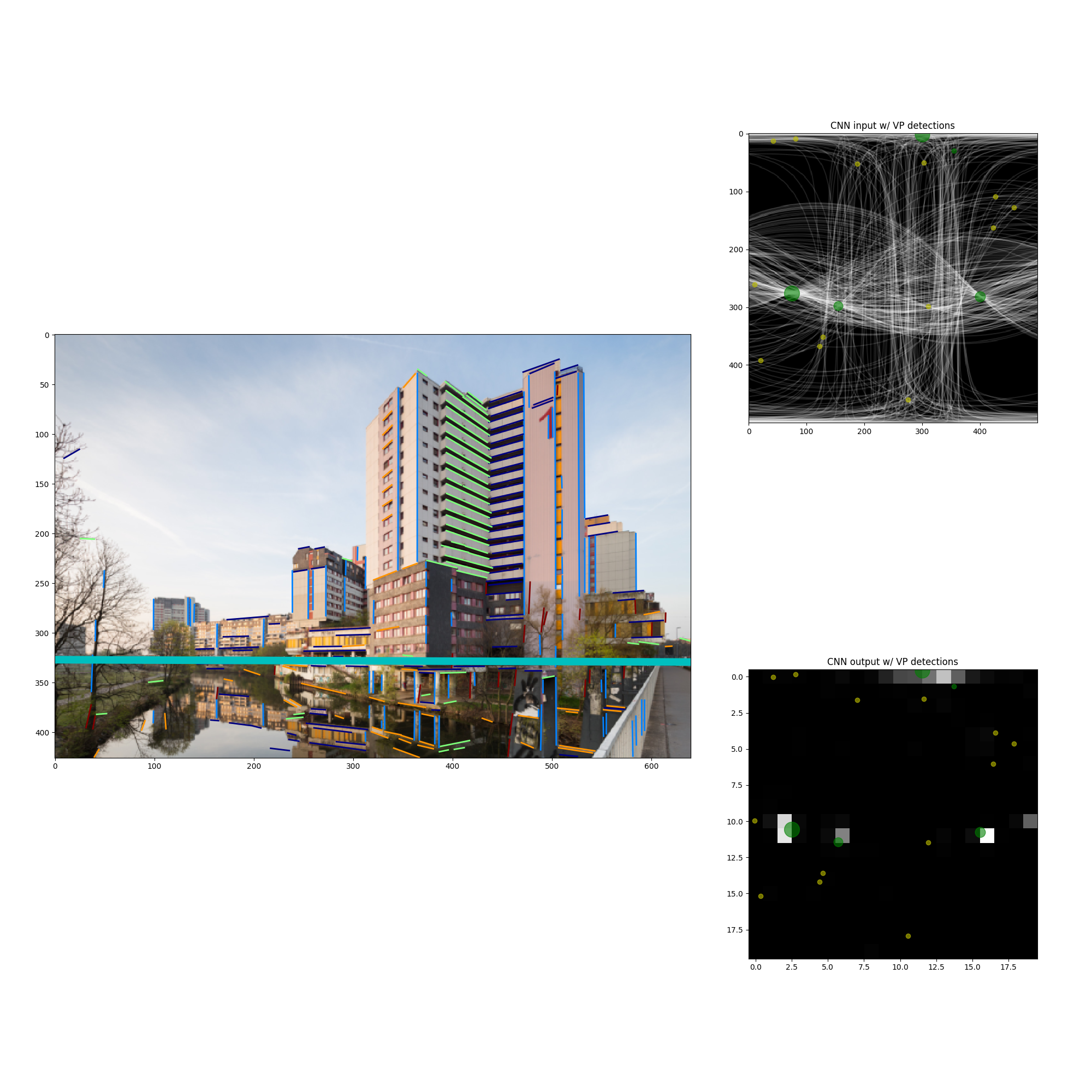
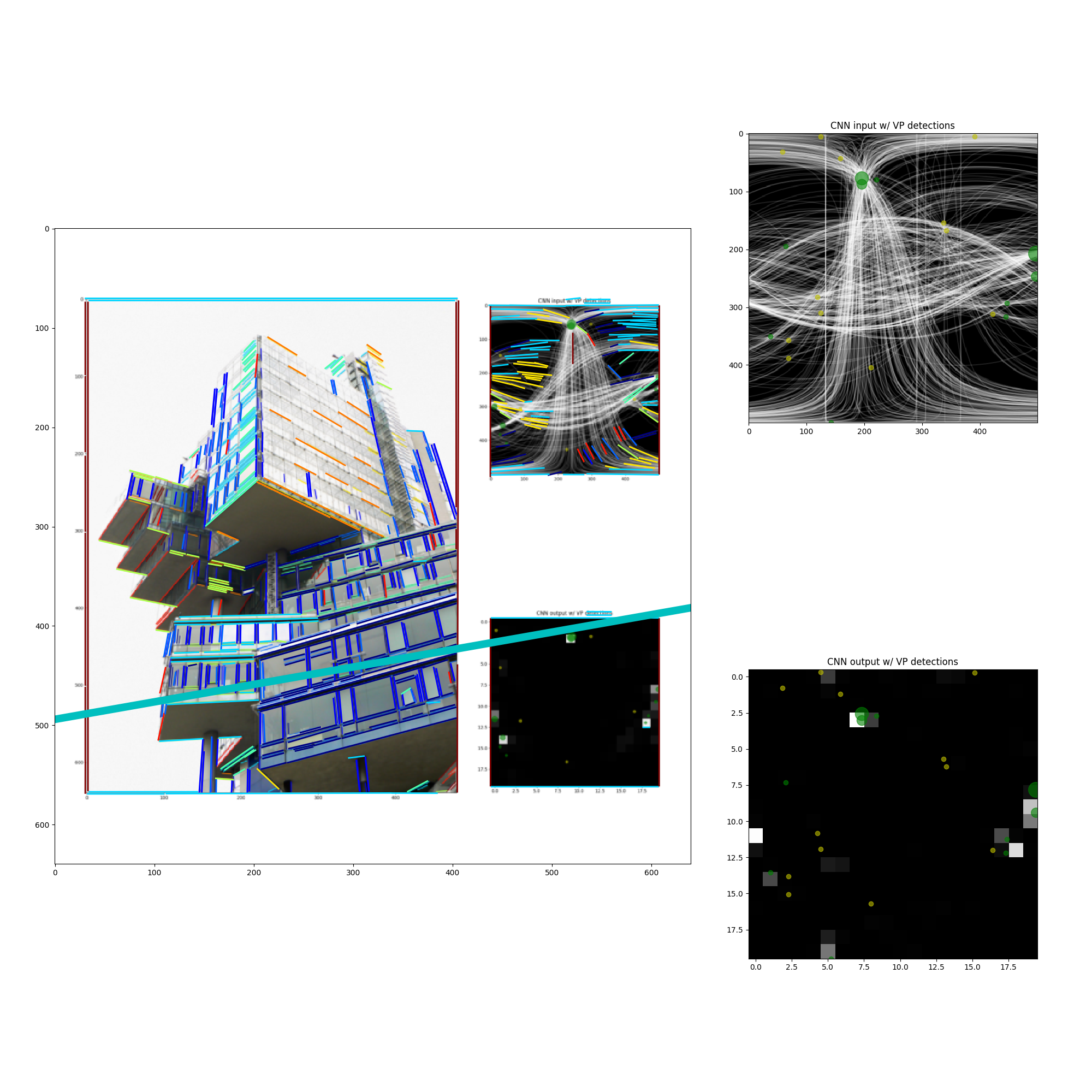
Run
A single-image test is available:
pytest test.py
Tag summary
Content type
Image
Digest
Size
1.7 GB
Last updated
almost 6 years ago
docker pull davidelanz/vanishing_points