didc/dashmachine
Fork of rmountjoy/dashmachine -- another application bookmark dashboard, with fun features.
10K+
didc/dashmachine repository overview
DashMachine
Another web application bookmark dashboard, with fun features.
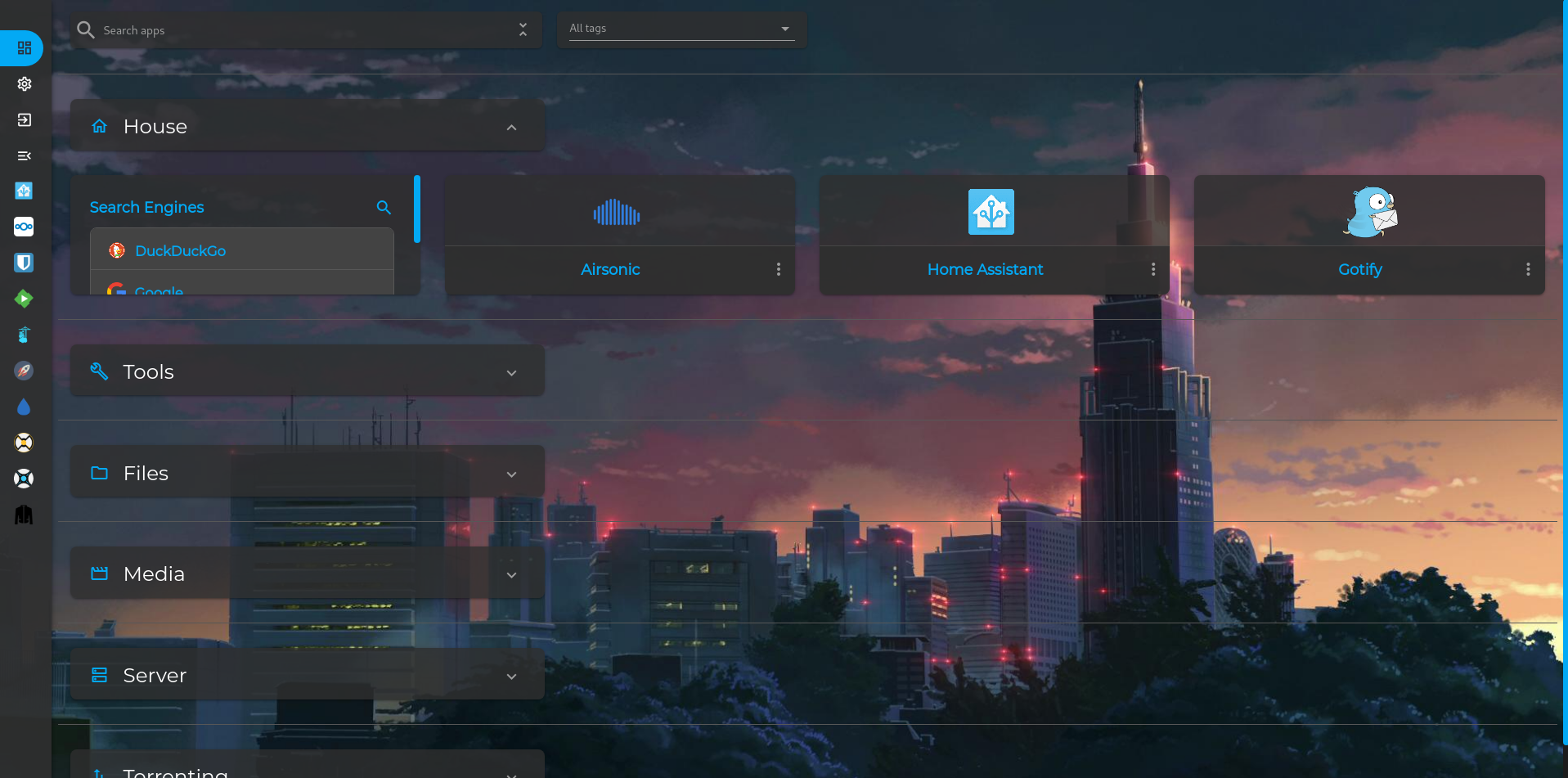
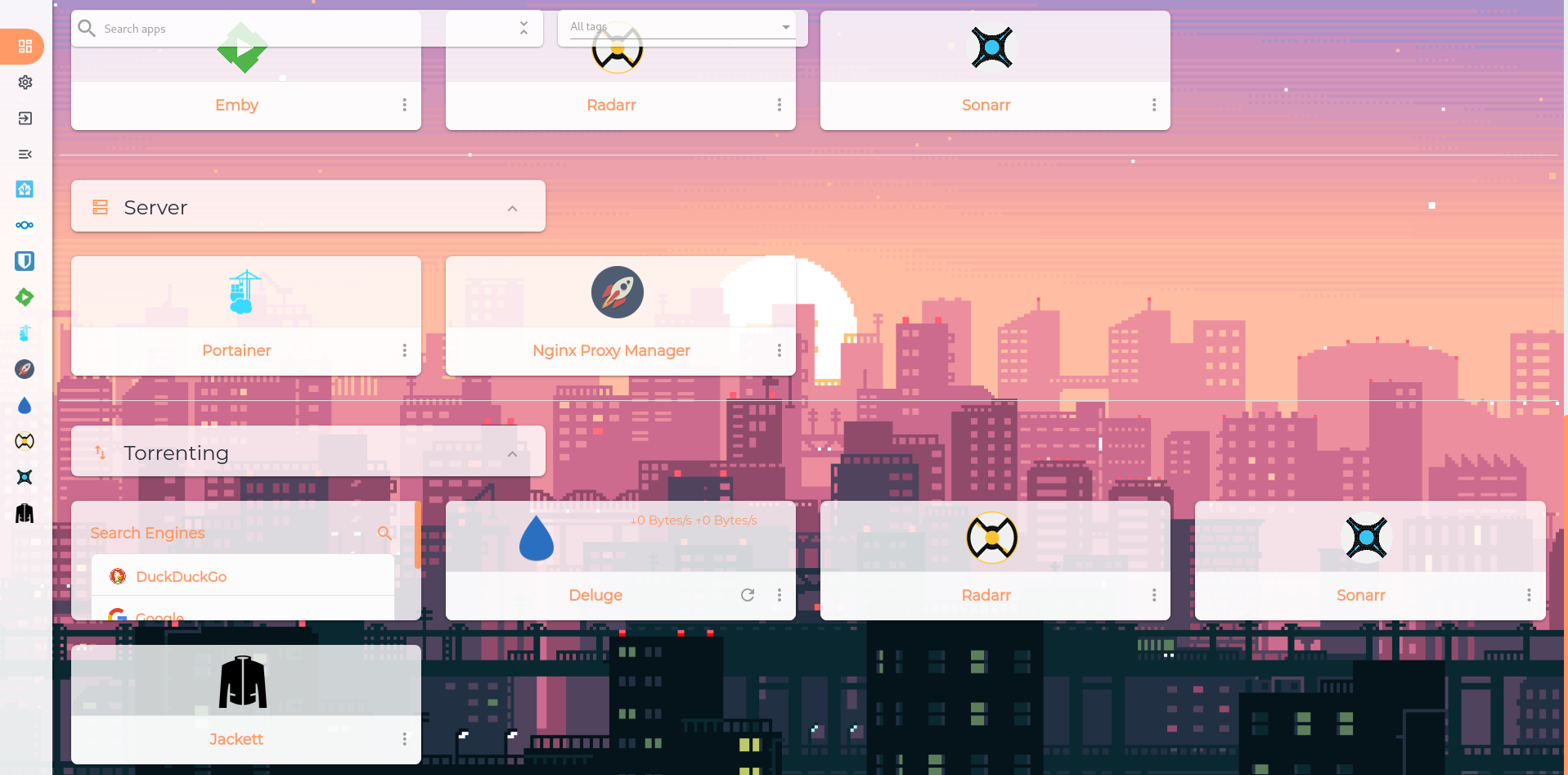
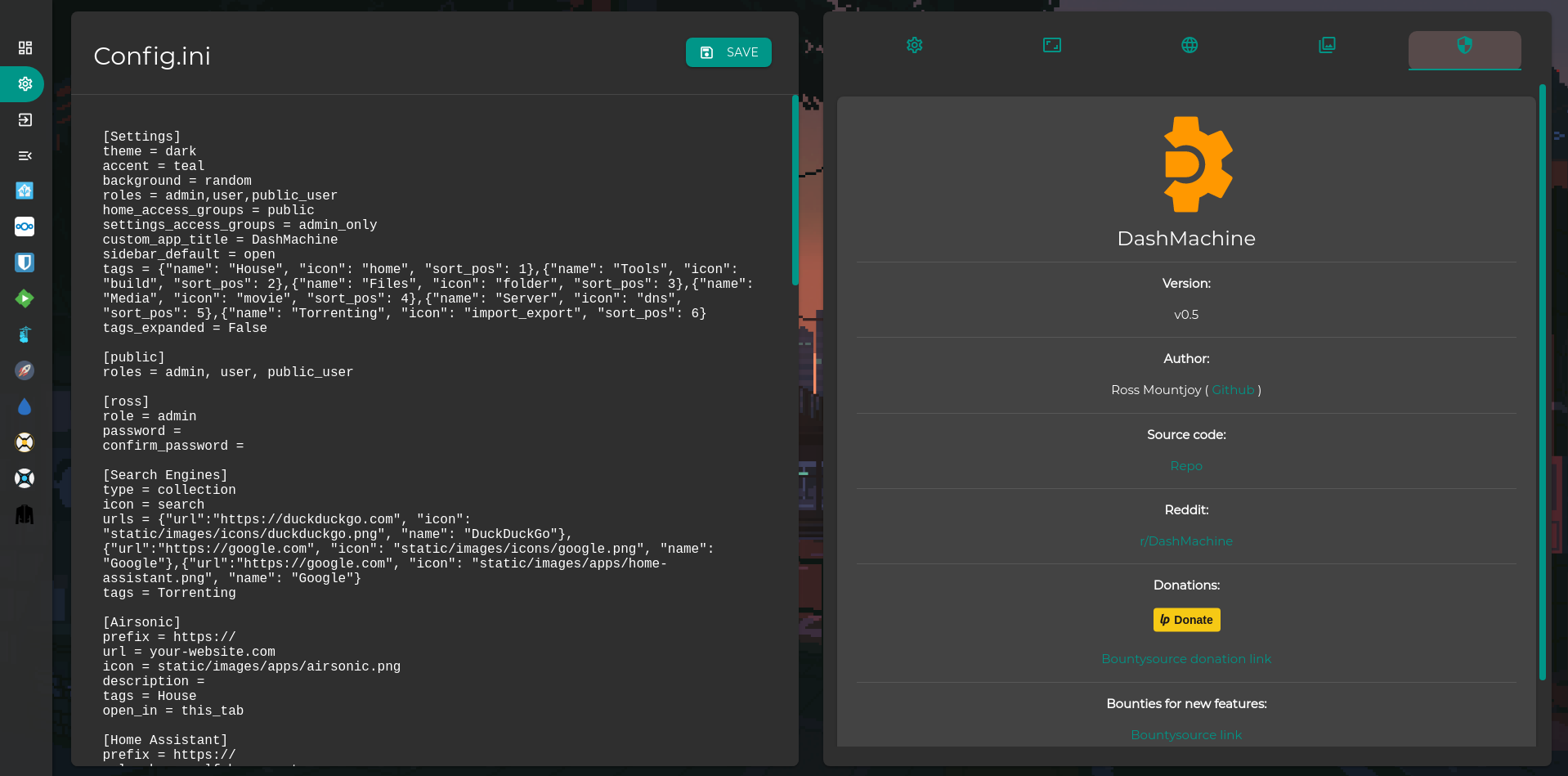
Features
- creates a dashboard to view web pages
- uses a single .ini file for configuration
- dark mode/light mode and accent colors
- custom backgrounds and icons
- web interface to edit the config file and add image files
- ability to open web pages in current tab, new tab or iframe
- hideable sidebar with dragable reveal button
- user login system
- 'app templates' which are sample config entries for popular self hosted apps
- powerful plugin system for adding data from various sources to display on cards
- multiple users, access groups, access settings
- tagging system
Installation
Docker
docker create \
  --name=dashmachine \
  -p 5000:5000 \
  -v path/to/data:/dashmachine/dashmachine/user_data \
  --restart unless-stopped \
  rmountjoy/dashmachine:latest
To run in a subfolder, use a CONTEXT_PATH environment variable. For example, to run at localhost:5000/dash:
docker create \
  --name=dashmachine \
  -p 5000:5000 \
  -e CONTEXT_PATH=/dash
  -v path/to/data:/dashmachine/dashmachine/user_data \
  --restart unless-stopped \
  rmountjoy/dashmachine:latest
Python
Instructions are for linux.
virtualenv --python=python3 DashMachineEnv
cd DashMachineEnv && source bin/activate
git clone https://git.wolf-house.net/ross/DashMachine.git
cd DashMachine && pip install -r requirements.txt
python3 run.py
Then open a web browser and go to localhost:5000
Default user/password
User: admin
Password: adminadmin
Updating
For python, use git. For docker, just pull the latest image and recreate the container.
Note: if you update DashMachine and it fails to start, it's possible something is messed up with your database file. Backup your files in the user_data folder, delete the contents and restart DashMachine. This will reset your user table, so log in with the default user/pass.
Configuration
The user data folder is located at DashMachine/dashmachine/user_data. This is where the config.ini, custom backgrounds/icons, and the database file live. A reference for what can go into the config.ini file can be found on the settings page of the dashmachine by clicking the info icon next to 'Config'.
Note
If you change the config.ini file, you either have to restart the container (or python script) or click the 'save' button in the config section of settings for the config to be applied. Pictures added to the backgrounds/icons folders are available immediately.
Want to contribute?
Please use the pull request template at: https://github.com/rmountjoy92/DashMachine/blob/master/pull_request_template.md
See this link for how to create a pull request: https://help.github.com/en/github/collaborating-with-issues-and-pull-requests/creating-a-pull-request
Subreddit
https://www.reddit.com/r/DashMachine
Tech used
- Flask
- SQLalchemy w/ SQLite
- Jinja2
- Materialize css
- JavaScript/jQuery/jQueryUI
- Requests (python)
FAQs
- does not work in iframe see https://github.com/rmountjoy92/DashMachine/issues/6
Tag summary
Content type
Image
Digest
Size
74.1 MB
Last updated
over 6 years ago
docker pull didc/dashmachine