dimedrol/servicerepo
Searchable repository of REST/JSON endpoints
1.9K
dimedrol/servicerepo repository overview
Service Repo
Searchable repository of REST/JSON endpoints.
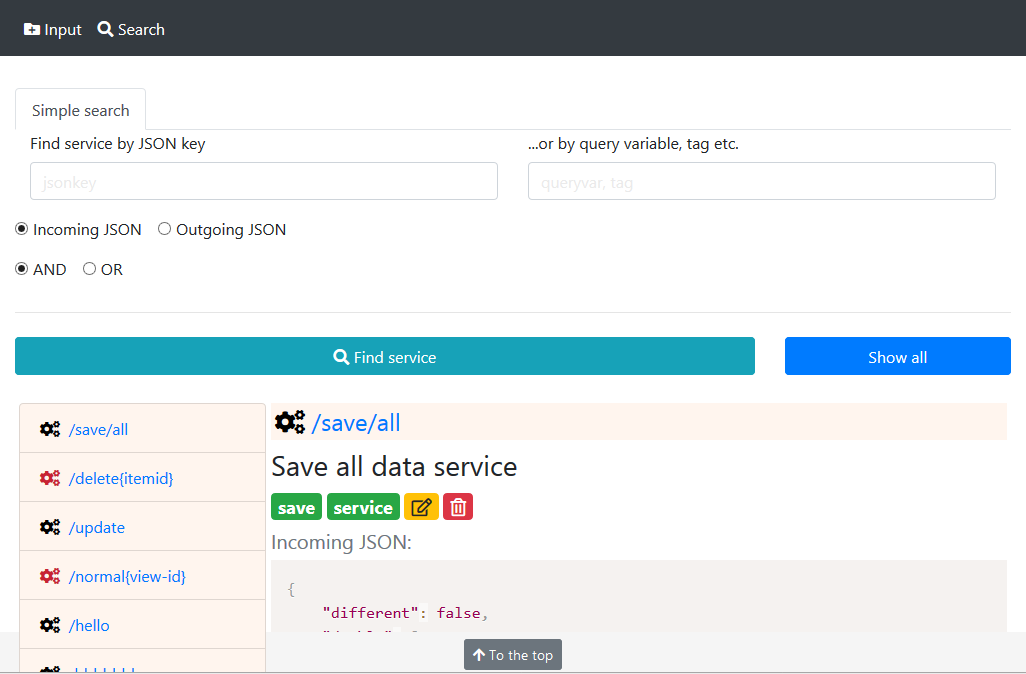
...and see the ServiceRepo in action:
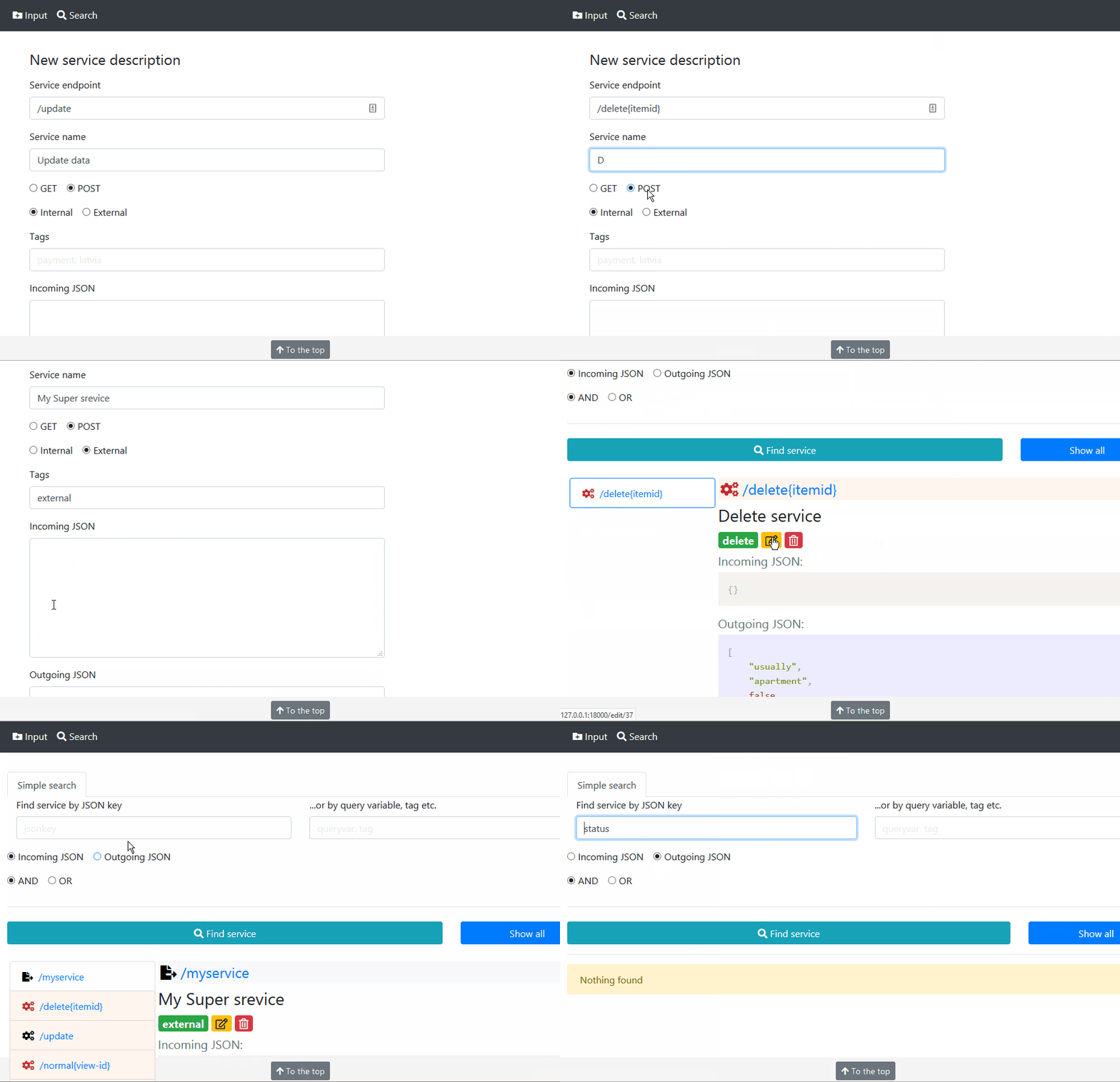
How to use all this?
Let's use a Vagrant instance.
-
Make sure Oracle Virtual Box and HashiCorp Vagrant are installed on your target system
-
Checkout the source from GitHub:
git clone https://github.com/divlv/servicerepo -
Go to
servicerepodirectory -
Start your Vagrant instance:
vagrant up. Wait for machine to boot and provision. This may take a few minutes first time... -
After Vagrant instance started, go to
http://127.0.0.1:18000- you should see home page of Service Repo project. -
Use PostgreSQL client and connect to
jdbc:postgresql://127.0.0.1:15432/servicerepo(JDBC driver used here). User:sreapp, password:scheme54inverse63Frenzy -
Switch to your local
servicerepodirectory; create initial database structure, usingservicerepo/database/servicerepo.sqlfile. -
To insert data, we use Python 3.6+ on your current machine. Make sure it is installed and all requirements are present as well:
cd servicerepo; pip install -r requirements.txt -
Assuming we've got our Postman/Documentarian html file here, insert data in the database, running on vagrant instance:
servicerepo\parser> python parser.py index.html(many output information is expected at this step) -
With your browser press "Show all" button - there should be many of just insterted services
-
Enjoy.
-
After your work is done, don't forget to switch off your Vagrant instance: run
vagrant haltfrom theservicerepodirectory. Next time start the instance as before:vagrant upfrom theservicerepodirectory.
eof
Tag summary
Content type
Image
Digest
Size
119.7 MB
Last updated
over 6 years ago
docker pull dimedrol/servicerepo