dmmeteo/youtuberrr
A simple web application for downloading YouTube videos and playlists.
1.2K
dmmeteo/youtuberrr repository overview
Youtuberrr
A simple web application for downloading YouTube videos and playlists.
About The Project
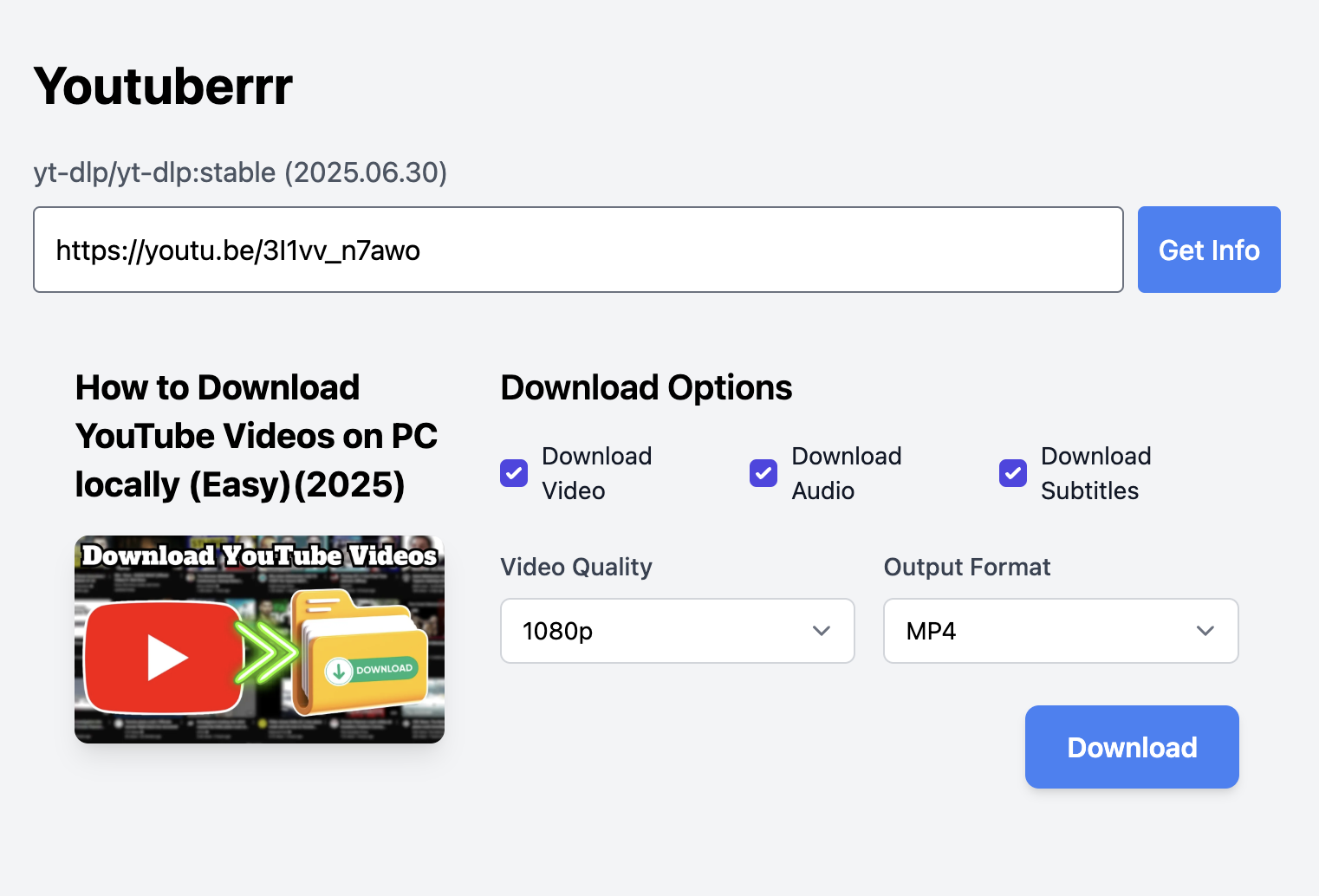
Youtuberrr is a lightweight web service designed for conveniently downloading content from YouTube. You can paste a link to a single video or an entire playlist, select your desired options, and get the files.
Key Features
- Download single videos.
- Download entire playlists.
- Simple and clean web interface.
- Option to choose format and quality (in development).
Tech Stack
-
Backend:
-
Frontend:
- HTMX: Allows creating dynamic interfaces without writing complex JavaScript.
- Tailwind CSS: A utility-first CSS framework for rapidly building modern designs.
Running with Docker
You can also run the application using Docker. This is the recommended method for production or if you prefer not to manage Python dependencies locally.
Option 1: Using Docker
This method uses the official pre-built image from Docker Hub.
-
Pull the image:
docker pull dmmeteo/youtuberrr:main -
Run the container: This command starts the application and maps port
8000on your host to the container. It also creates adownloadsdirectory in your current working directory and mounts it to the container to store the downloaded videos.docker run -d -p 8000:8000 -v "$(pwd)/downloads:/app/downloads" --name youtuberrr dmmeteo/youtuberrr:main -
Open your browser and navigate to
http://localhost:8000.
Option 2: Using Docker Compose
This method builds the image locally and runs it using the configuration in the compose.yaml file.
-
Build and run the container:
docker compose up --build -d -
Open your browser and navigate to
http://localhost:8000.
To stop the container, run:
docker compose down
Tag summary
Content type
Image
Digest
sha256:9d6d434b2…
Size
90.3 MB
Last updated
about 1 year ago
docker pull dmmeteo/youtuberrr