dockernexusm/nexusm
NexusM is your personal media server. Organize and stream your medias.
Image
Web servers
Content management system
0
4.6K
dockernexusm/nexusm repository overview
NexusM — Self-Hosted Media Server
NexusM is a fast, self-hosted media server for Movies, TV Shows, Music, Music Videos, Audiobooks, Pictures, Anime, Podcasts, and Internet TV (IPTV/M3U). It runs as a single binary with a built-in web UI — no separate app server, database engine, or Node.js required.
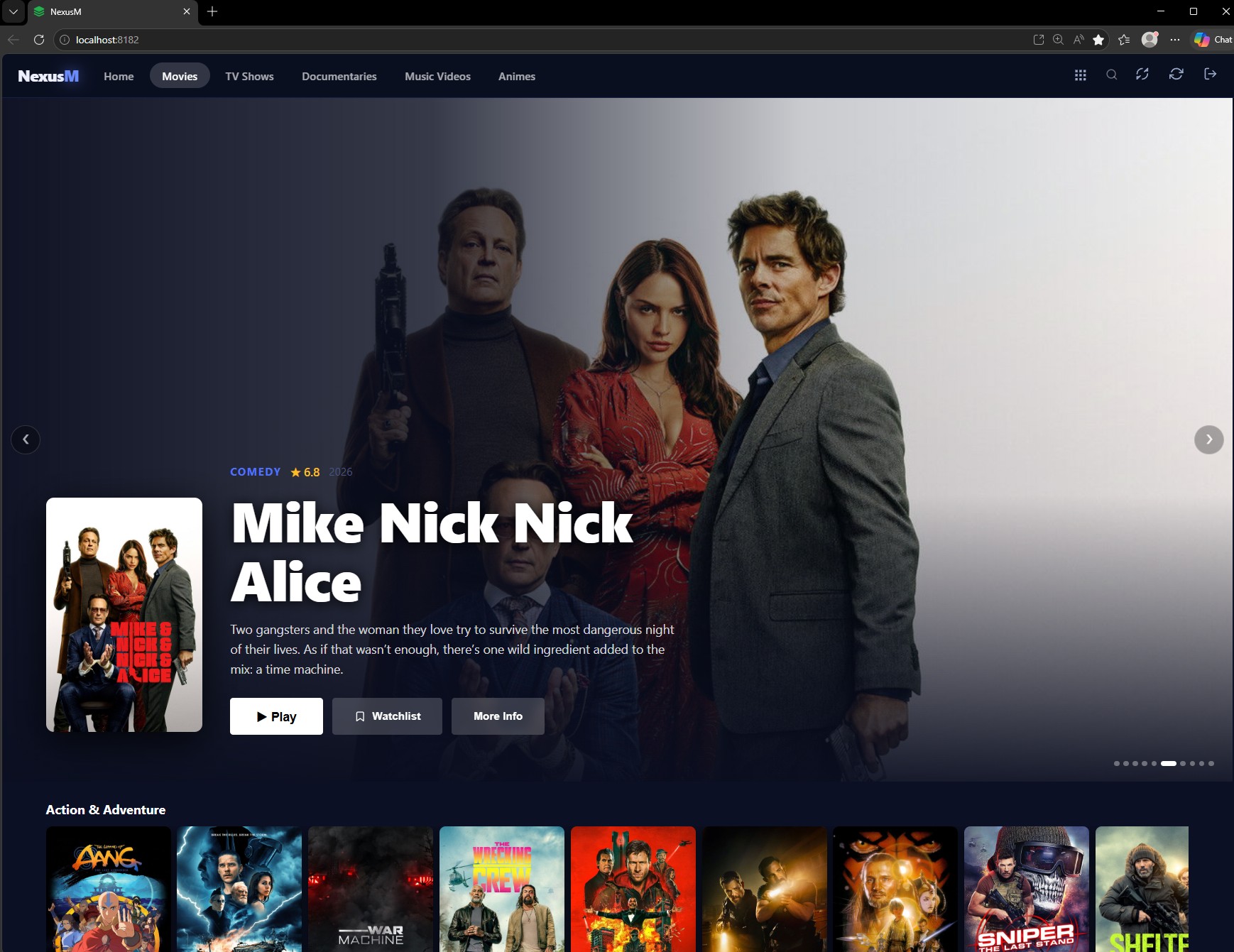
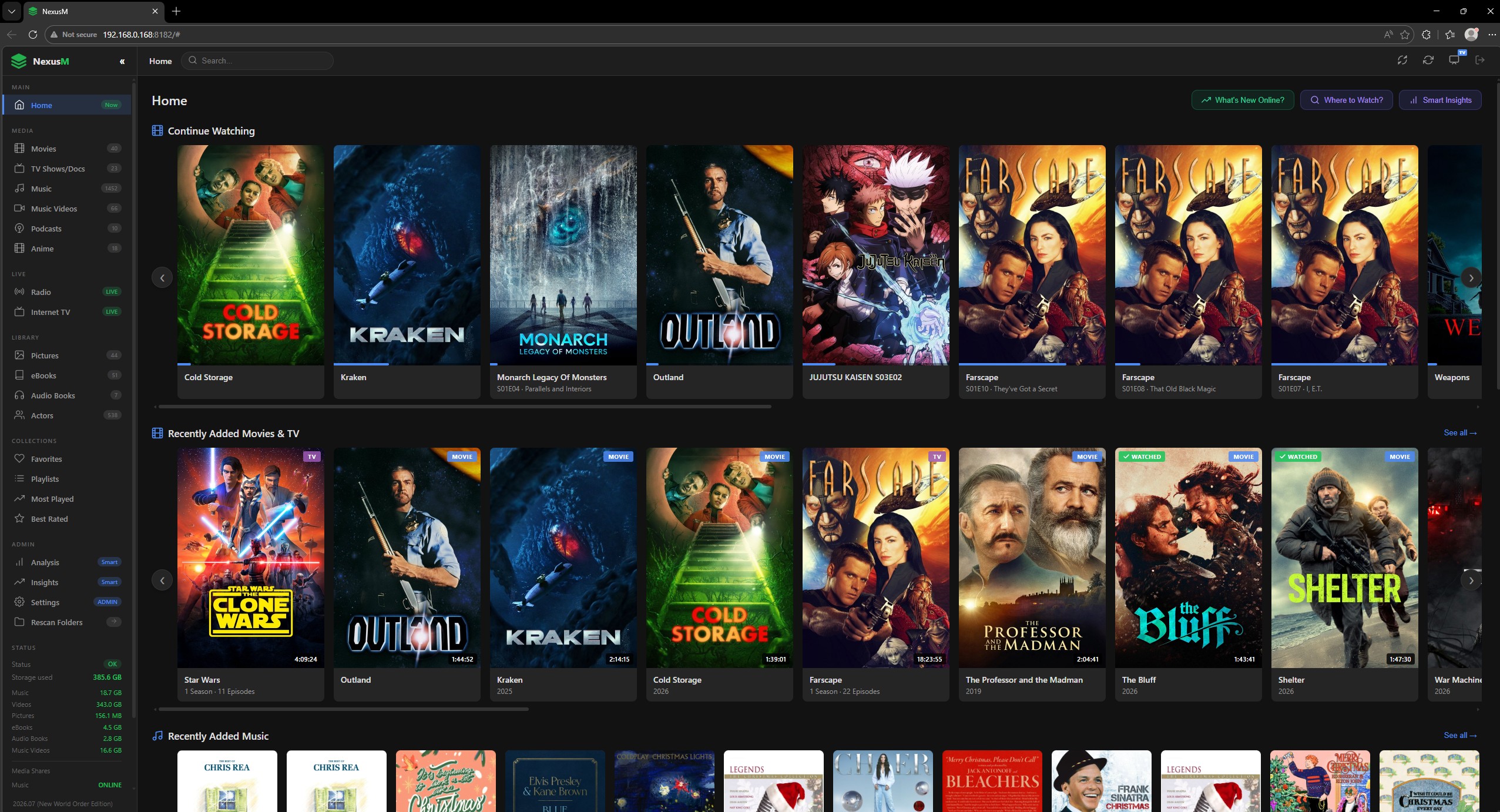
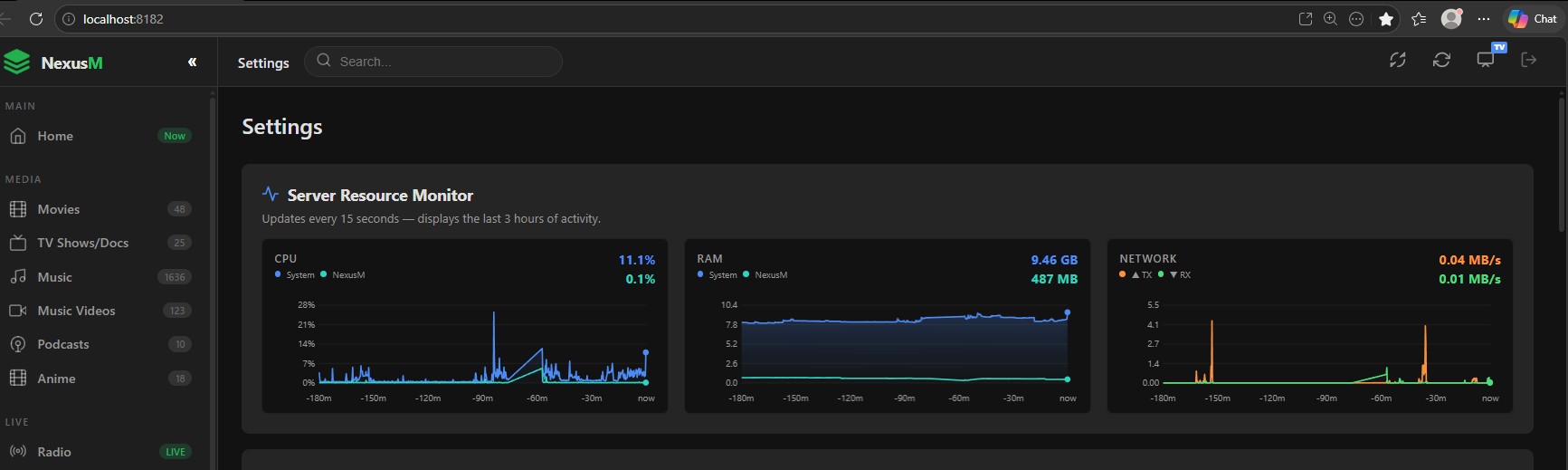
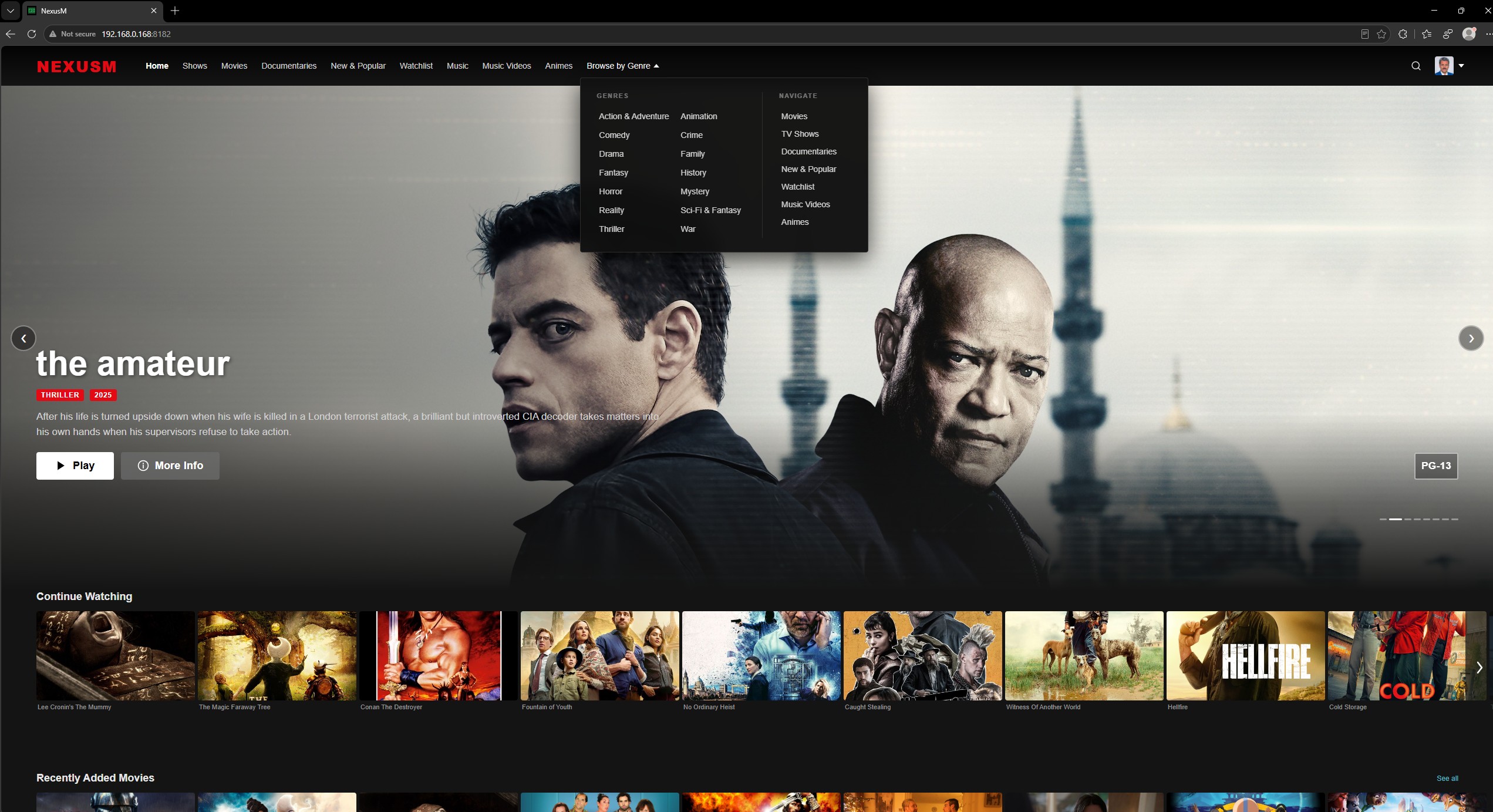
🌐 Website & docs: nexusm.org
Features
- Movies & TV — TMDB metadata, trailers, cast, ratings, watched state, Trakt.tv scrobbling
- Music — full library scanner, Last.fm scrobbling, auto-generated playlists, lyrics
- Audiobooks — chapter navigation, playback position sync, speed control, sleep timer
- Anime — MyAnimeList metadata via Jikan API
- Internet TV — M3U/IPTV import with EPG programme guide (XMLTV)
- Pictures — gallery with slideshow
- Podcasts — RSS feed management
- Transcoding — FFmpeg-powered HLS streaming, HDR→SDR tone-mapping, hardware acceleration (VAAPI/NVENC/AMF)
- DLNA/UPnP — browse and stream to smart TVs and media players on your LAN
- Multi-user — per-user PIN auth, favourites, watch history, profile pictures
- HTTPS — auto-generated self-signed certificate with LAN IP SANs
- 26 UI languages — English, German, French, Spanish, Italian, Japanese, Chinese, and more
- Chromecast — Android app cast support
Quick Start — 5 commands (Linux / macOS)
curl -fsSL https://get.docker.com | sh
mkdir -p /opt/nexusm/docker
curl -o /opt/nexusm/docker-compose.yml https://nexusm.org/docker/docker-compose.yml
curl -o /opt/nexusm/docker/NexusM.conf  https://nexusm.org/docker/NexusM.conf
cd /opt/nexusm && docker compose up -d

NexusM will be available at http://<your-server-ip>:8182

Default login: admin — PIN 000000

---

## Quick-Start Windows (PowerShell)

Requires Docker Desktop (https://www.docker.com/products/docker-desktop/) installed first.

New-Item -ItemType Directory -Force "C:\nexusm\docker"
Invoke-WebRequest https://nexusm.org/docker/docker-compose.yml -OutFile "C:\nexusm\docker-compose.yml"
Invoke-WebRequest https://nexusm.org/docker/NexusM.conf       -OutFile "C:\nexusm\docker\NexusM.conf"
Set-Location "C:\nexusm"
docker compose up -d

---
Manual docker run

docker run -d \
  --name nexusm \
  -p 8182:8182 \
  -p 8183:8183 \
  -v /opt/nexusm/docker:/app/docker \
  -v /your/media:/media \
  --restart unless-stopped \
  dockernexusm/nexusm:latest

---
Ports

- 8182 — HTTP (Web UI and API)
- 8183 — HTTPS (Web UI and API with TLS)

---
Volumes

- /app/docker — config file (NexusM.conf), databases, cert, logs
- /your/media — mount your media folders here (any path you choose)

After the first start, edit /opt/nexusm/docker/NexusM.conf to add your media folder paths under [Library], then restart the container:

docker restart nexusm

---
Links

- 🌐 https://nexusm.org/support.html — Full documentation and other OS downloads (Included the Android client)
- 🐳 Docker Hub (https://hub.docker.com/r/dockernexusm/nexusm)
Tag summary
Content type
Image
Digest
sha256:6c3f07a0a…
Size
348.2 MB
Last updated
7 days ago
docker pull dockernexusm/nexusm