dokkaner/teemii-backend
Server backend for teemii (https://github.com/dokkaner/teemii)
50K+
dokkaner/teemii-backend repository overview
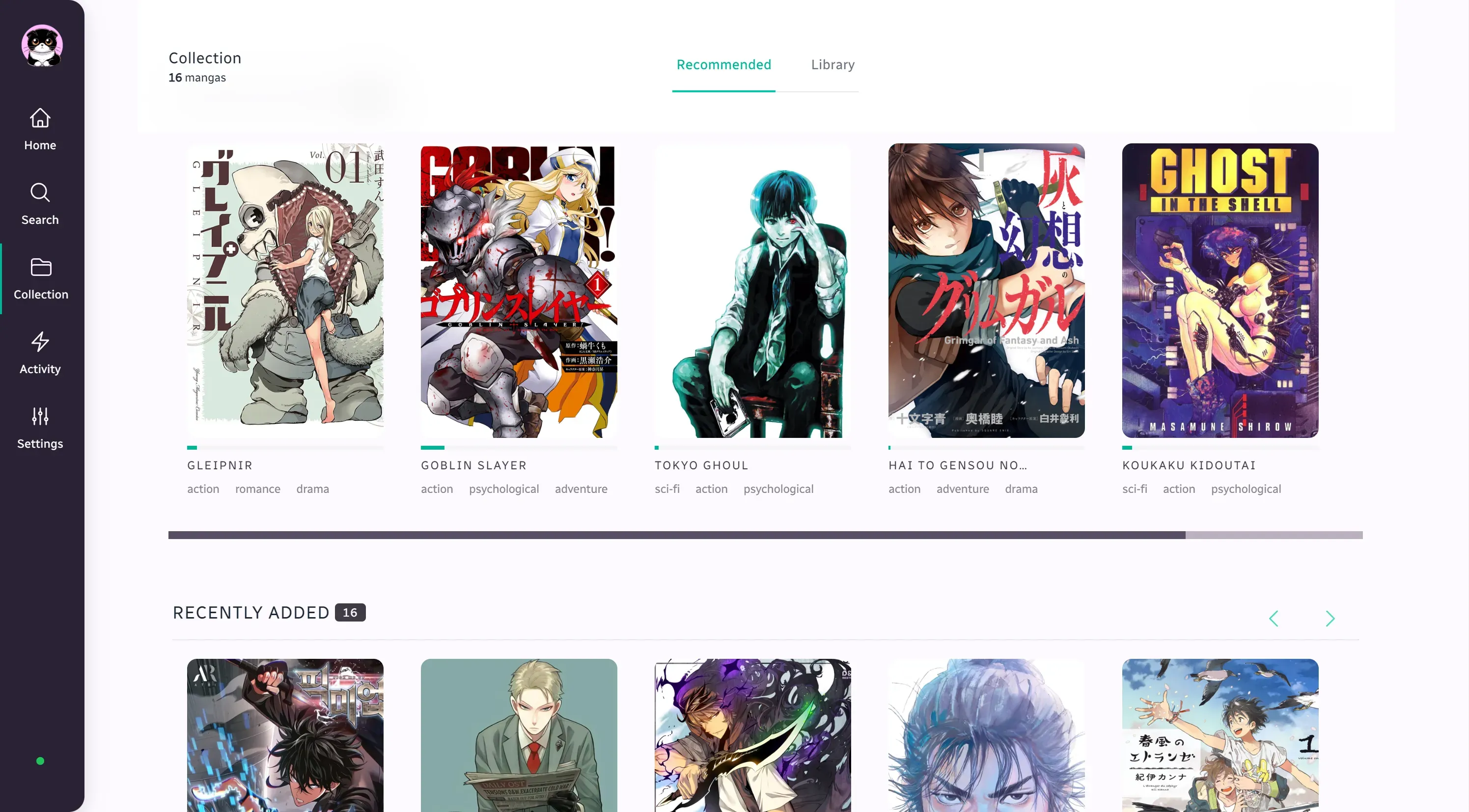
Teemii
Teemii is a streamlined web application designed for the avid manga reader. It offers a straightforward and efficient platform for reading and managing a manga collection. Key features include cross-platform access, in-browser reading, a powerful metadata aggregator, and automated updates of your collection.
Teemii Docker Deployment Guide
Deploy Teemii using pre-built Docker images from Dockerhub. This guide provides instructions for setting up Teemii's frontend and backend using these images.
Prerequisites
- Docker installed on your system.
- Docker Hub account (optional, for accessing public images).
Deployment Steps
-
Create a Docker Network
This network allows your Docker containers to communicate with each other:
docker network create teemii-network -
Create a Docker Volume
For persistent storage:
docker volume create teemii-data -
Pull and Run the Backend Image
Pull the backend image from Dockerhub and run it:
docker pull dokkaner/teemii-backend:develop docker run -d --name teemii-backend --network teemii-network -v teemii-data:/app/data dokkaner/teemii-backendThe backend will be available on port 3000, and the WebSocket server on port 1555.
-
Pull and Run the Frontend Image
Similarly, pull and run the frontend image:
docker pull dokkaner/teemii-frontend:develop docker run -d -p 8080:80 --name teemii-frontend --network teemii-network dokkaner/teemii-frontendThe frontend will be accessible on port 8080.
-
Access Teemii
Once the containers are up and running, Teemii is accessible via:
Stopping and Cleanup
To stop and remove the containers:
docker stop teemii-frontend teemii-backend docker rm teemii-frontend teemii-backend
Additional Notes
- Ensure Docker is running before executing these commands.
- For specific version deployment, replace
developwith the desired tag in the pull commands. - The frontend and backend are linked through the network
teemii-network, ensuring seamless internal communication.
Tag summary
Content type
Image
Digest
sha256:75d3492c5…
Size
566.8 MB
Last updated
over 2 years ago
docker pull dokkaner/teemii-backend