dorianim/landingpage
A landingpage for users with some links and options to change their ldap password and email.
100K+
dorianim/landingpage repository overview
Landingpage




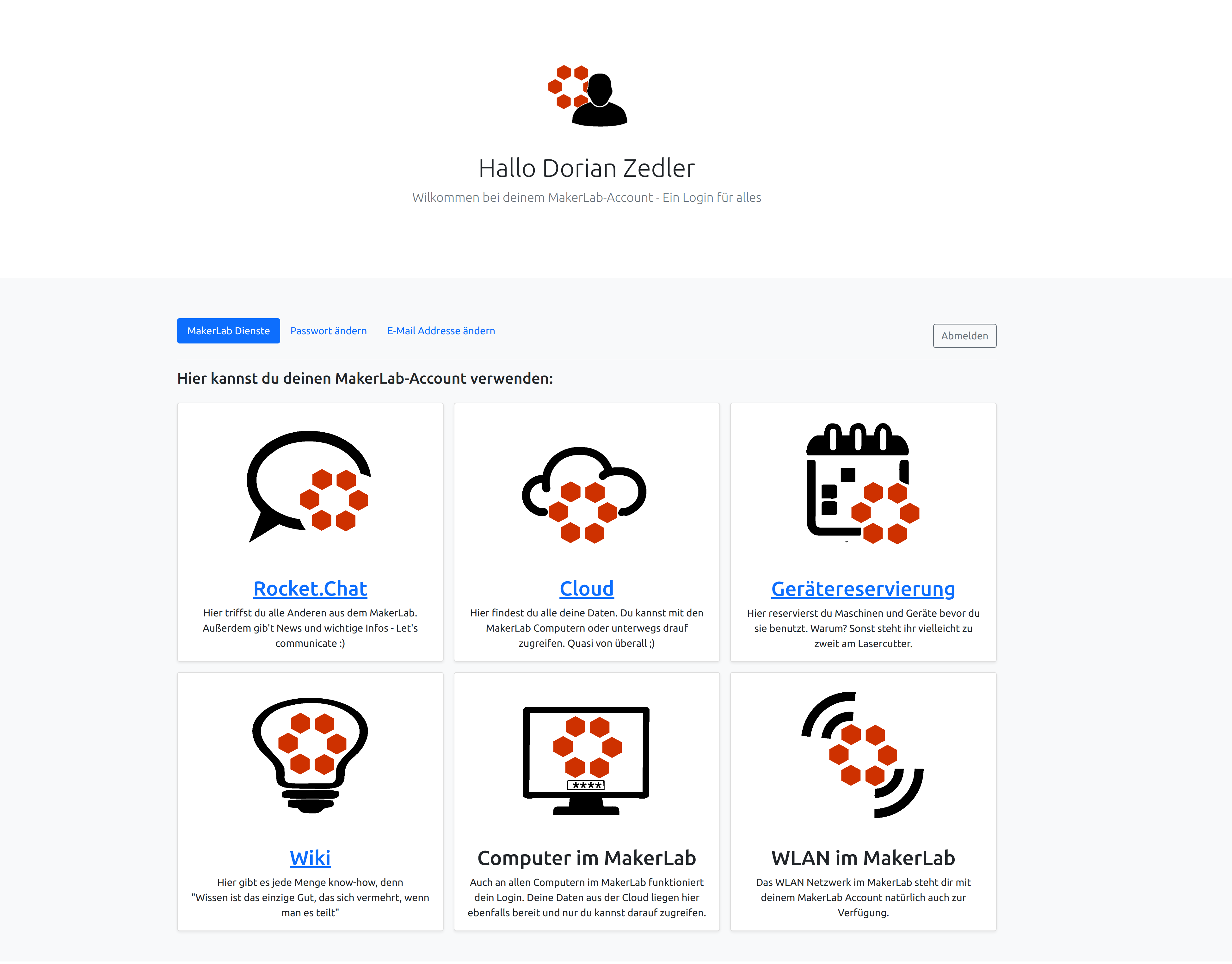
A landingpage for users with some links and options to change teir ldap password and email. This can be used at organizations where many different services are used (Rocket.Chat, Nextcloud, ...) to provide users with a nice looking overview. The application has been purpose-built for a fairly simple use-case. Due to limited time, I don't have much of a desire to widen the scope.
Features
- Give users an overview of all your services
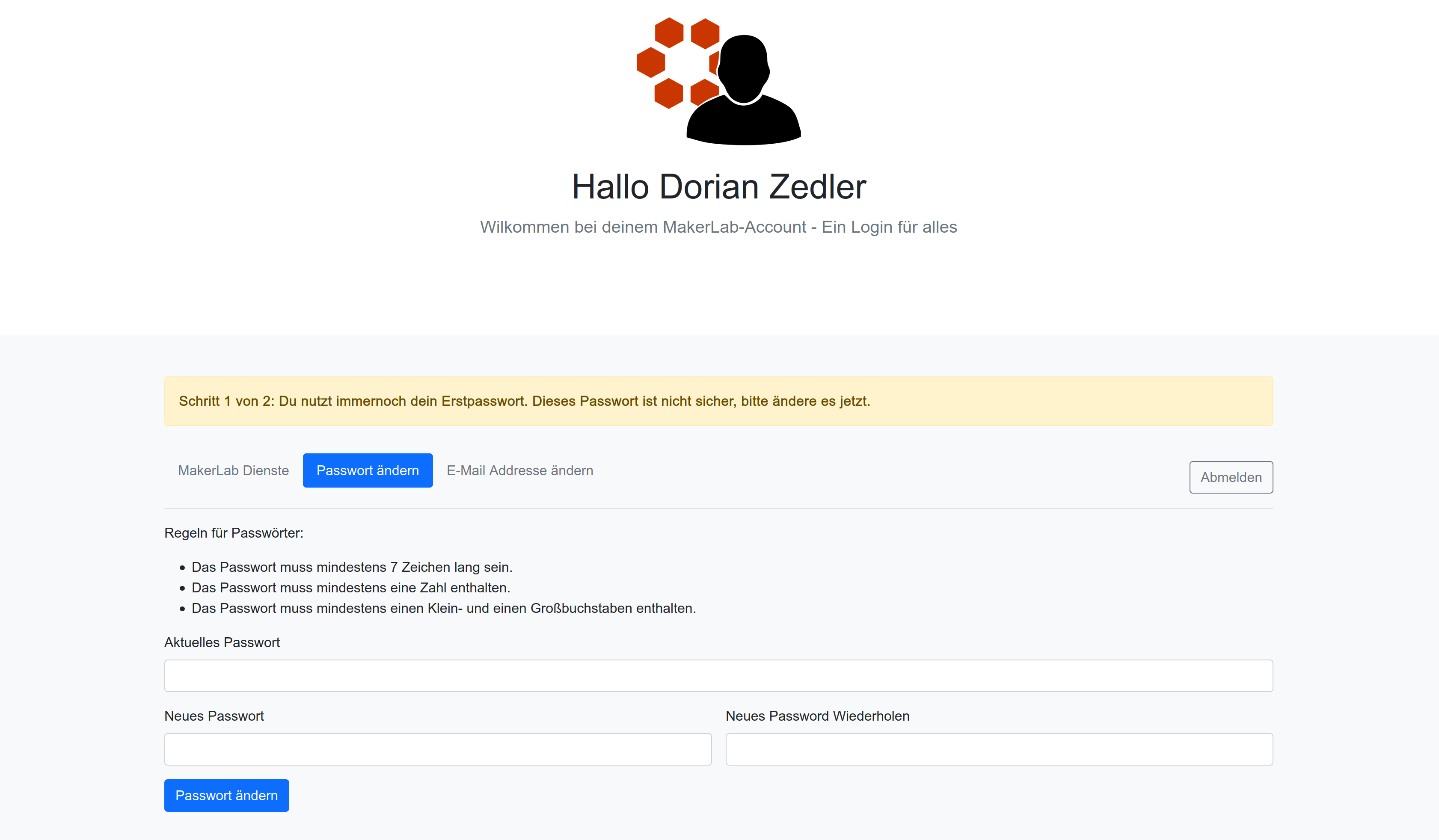
- Let users change their password
- Force users to change their password if they are still using the default password
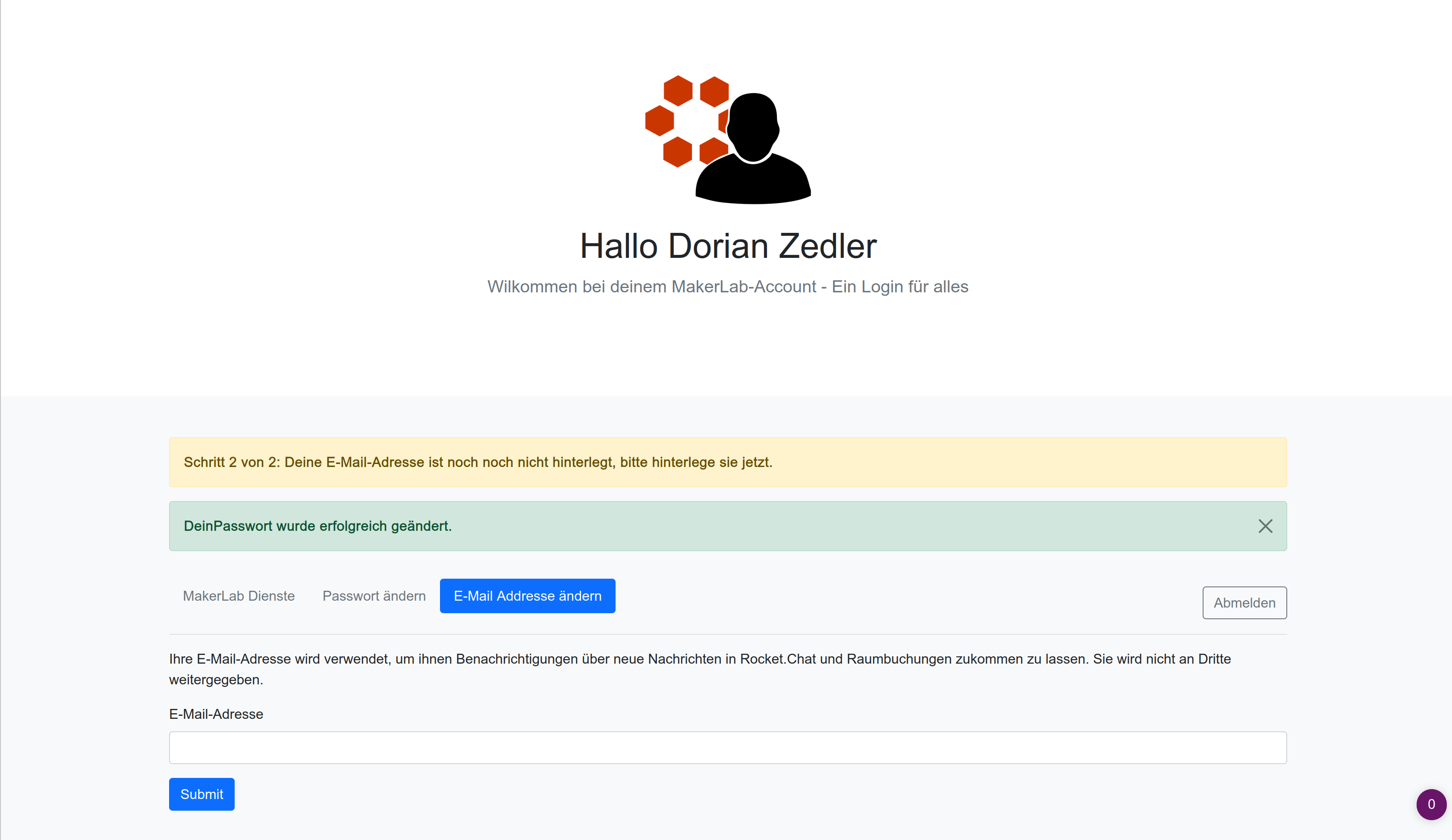
- Let users change their email
- Force users to change their email if they are still using the default email
- Let users generate Jitsi links (can be restricted to certain LDAP groups)
Installation
The official installation method is using Docker:
- Create a folder for installation:
mkdir /opt/landingpage && cd /opt/landingpage - Create the file docker-compose.yml with this content:
version: "3.7" services: landingpage: image: dorianim/landingpage restart: always ports: - "5080:80" volumes: - ./data:/data - Adjust the port (default
5080) to your needs - Start the landingpage:
docker-compose up -d - Done! You can reach your landingpage on
localhost:5080 - Adjust you
config.phpin/opt/landingpage/data/config.php - [OPTIONAL] To setup ssl/https, please use a reverse proxy like nginx
Updating
To update, just go to your installation folder and pull
cd /opt/landingpage
docker-compose pull
docker-compose down && docker-compose up -d
Troubleshooting
For troubleshooting, take a look at the logs:
cd /opt/landingpage
docker-compose logs -f
Using LDAP over startTLS or SSl
For encrypted connections, there are two options:
- Use SSL:
- your host will have to look like this:
ldaps://<host>:636 - you will have to set useTls to false!
- Use startTLS:
- your host will have to look like this:
ldap://<host>:389 - you will have to set useTls to true!
In both cases your connection will be encrypted, and it will fail when there are certificate errors.
By the way: You can get your SSL certificate by running:
echo -n | openssl s_client -connect <host>:636 | sed -ne '/-BEGIN CERTIFICATE-/,/-END CERTIFICATE-/p' > ldapserver.pem
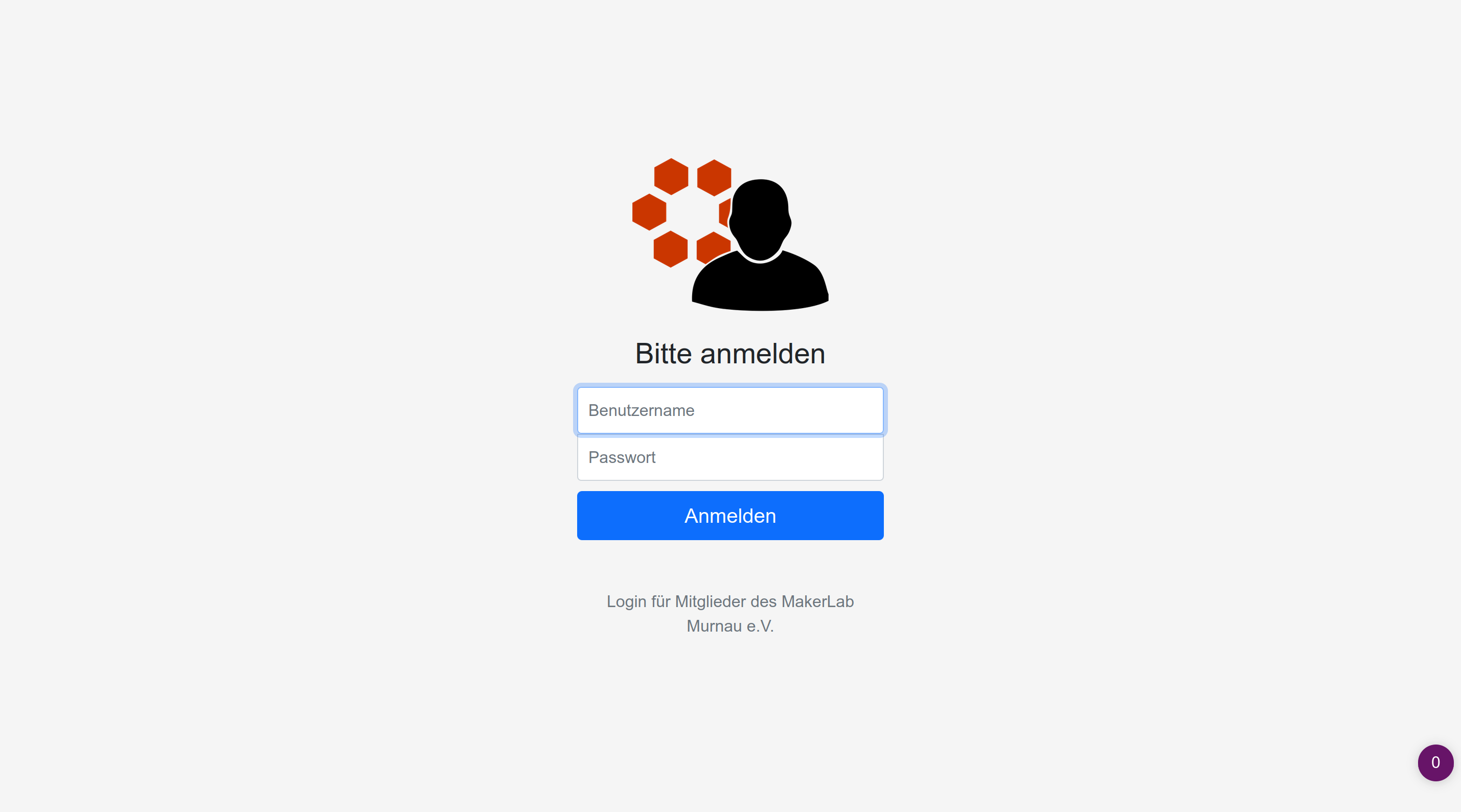
Screenshots
Tag summary
Content type
Image
Digest
sha256:7ffa648e3…
Size
209.3 MB
Last updated
11 days ago
docker pull dorianim/landingpage