druidoo/posbox repository overview
Dockerized Posbox
Docker PosBox image for posbox-less deployment.
Infrastructure
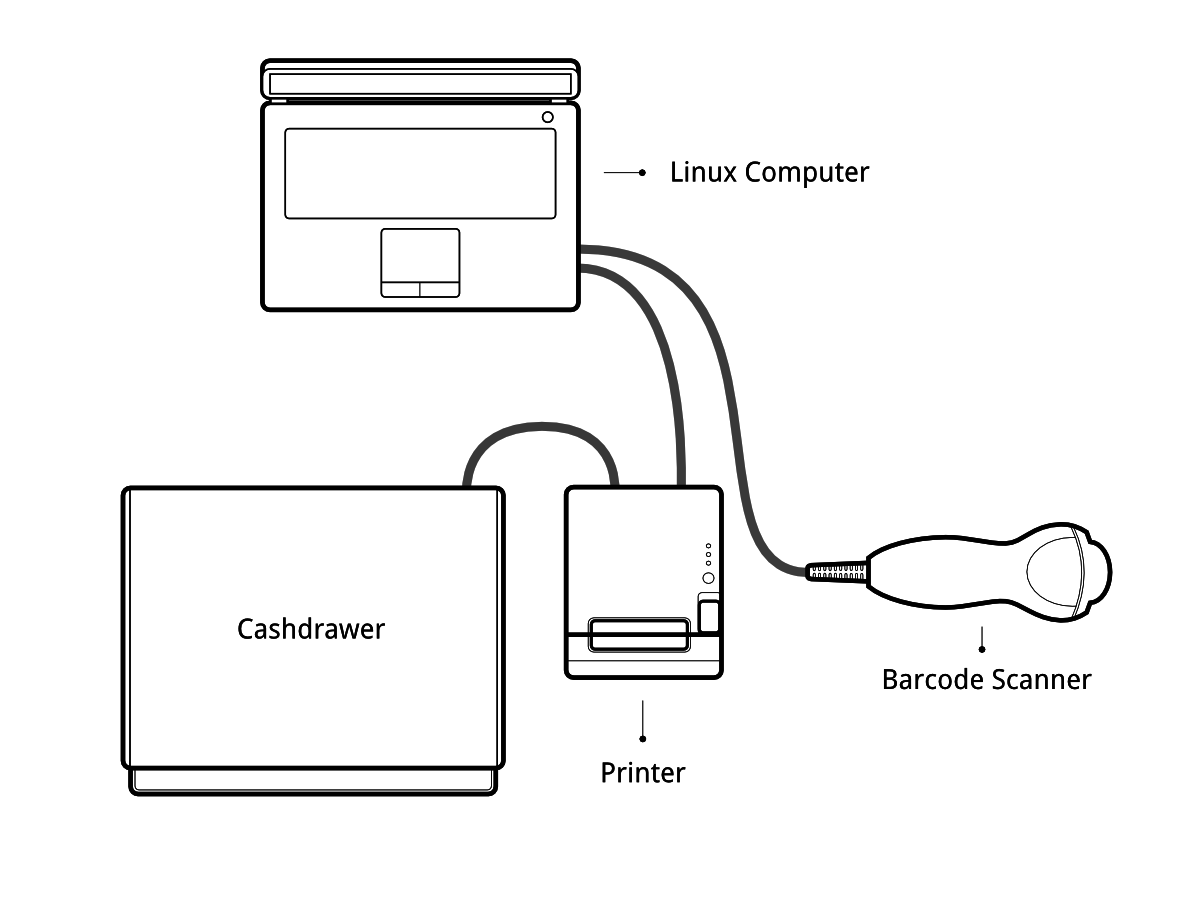
If you are running your Point of Sale on a Debian-based Linux distribution, you do not need the POSBox as you can run its software locally.
For this purpose, you can use this dockerized version.
Configuration
- Add this file in
/etc/udev/rules.d/99-usb.rules:
SUBSYSTEM=="usb", GROUP="usbusers", MODE="0660"
SUBSYSTEMS=="usb", GROUP="usbusers", MODE="0660"
- Run
service udev restartandsudo udevadm control --reload-rules
Install
This will update packages, install docker, and install the docker-posbox
in /posbox/docker-posbox
curl -fsSL https://raw.githubusercontent.com/druidoo/docker-posbox/master/install.sh -o install-posbox.sh && sh install-posbox.sh
It'll install the posbox v17 (built on Odoo 11.0 branch). If you need another version, use the Manual Install.
Manual Install (Advanced)
-
Clone this repository
git clone https://github.com/druidoo/docker-posbox&&cd docker-posbox -
Edit
docker-compose.ymlfile and select the correct posbox/iot version. ie:druidoo/posbox:11.0 -
Run
$ docker-compose up -d
- Try to access:
http://localhost:8069/hw_proxy/status.
Usage
docker-compose commands must be ran on the /posbox/docker-posbox path,
where the docker-compose.yml file is located.
Checking logs
Last 100 lines:
$ docker-compose --tail 100
Live logs:
$ docker-compose --tail 100 -f
Adding custom modules
You need to clone the repositories in repositories folder.
This folder is automatically mounted when the container starts.
You can't add modules directly to this folder. If you want to add only one module
make sure you create a folder structure like this: repositories/addons/your_module
You'll also need to edit the docker-compose.yml file to add your module to the
SERVER_WIDE_MODULES list.
Custom odoo.conf
It's possible to edit the CUSTOM_CONF variable in the docker-compose.yml file.
Restarting posbox container
$ docker-compose down
$ docker-compose up -d
Known Issues
- Mozilla Firefox gives MixedContent error, but Google Chrome works fine out of the box. It might be possible to use Firefox, with some configuration.
Contributors
- Iván Todorovich (https://www.druidoo.io)
Maintainer

This repository is maintained by Druidoo.
Tag summary
Content type
Image
Digest
Size
881 MB
Last updated
over 6 years ago
docker pull druidoo/posbox:11.0