dvudev/helios-platform
Helios-Platform | Discovery and Dependency Mapping
1.1K
dvudev/helios-platform repository overview
Helios-Platform Docker Image
Run the Helios-Platform Docker container
Start the Docker container by binding helios-platform to external port [443, 9738, 9739].
docker run -d --name=helios-platform -p 443:443 -p 9738:9738 -p 9739:9739 dvudev/helios-platform:latest
Run the Helios-Platform Kubernetes
Sample YAML file name: helios-platform-kubernetes.yaml
apiVersion: v1
kind: Service
metadata:
name: helios-platform
labels:
    app: helios-platform
spec:
ports:
    - port: 443
    protocol: TCP
    targetPort: 443
    name: https
    - port: 9738
    protocol: TCP
    targetPort: 9738
    name: db
    - port: 9739
    protocol: TCP
    targetPort: 9739
    name: http
selector:
    app: helios-platform
type: NodePort
---
apiVersion: apps/v1
kind: Deployment
metadata:
labels:
    app: helios-platform
name: helios-platform
spec:
replicas: 1
selector:
    matchLabels:
    app: helios-platform
template:
    metadata:
    labels:
        app: helios-platform
    name: helios-platform
    spec:
    containers:
        - name: helios-platform
        image: dvudev/helios-platform
        command:
            - powershell.exe
            - -command
            - "Invoke-WebRequest -UseBasicParsing -Uri 'https://dotnetbinaries.blob.core.windows.net/servicemonitor/2.0.1.6/ServiceMonitor.exe' -OutFile 'C:\\ServiceMonitor.exe';  C:\\ServiceMonitor.exe 'w3svc'"
    nodeSelector:
        kubernetes.io/os: windows
kubectl apply -f helios-platform-kubernetes.yaml -n <namespace>
kubectl get service -n  <namespace>

NAME              TYPE       CLUSTER-IP      EXTERNAL-IP   PORT(S)                                       AGE
helios-platform   NodePort   10.102.47.198   <none>        443:31288/TCP,9738:31545/TCP,9739:31851/TCP   21h
helios-platform URL: https://[IPADDRESS]
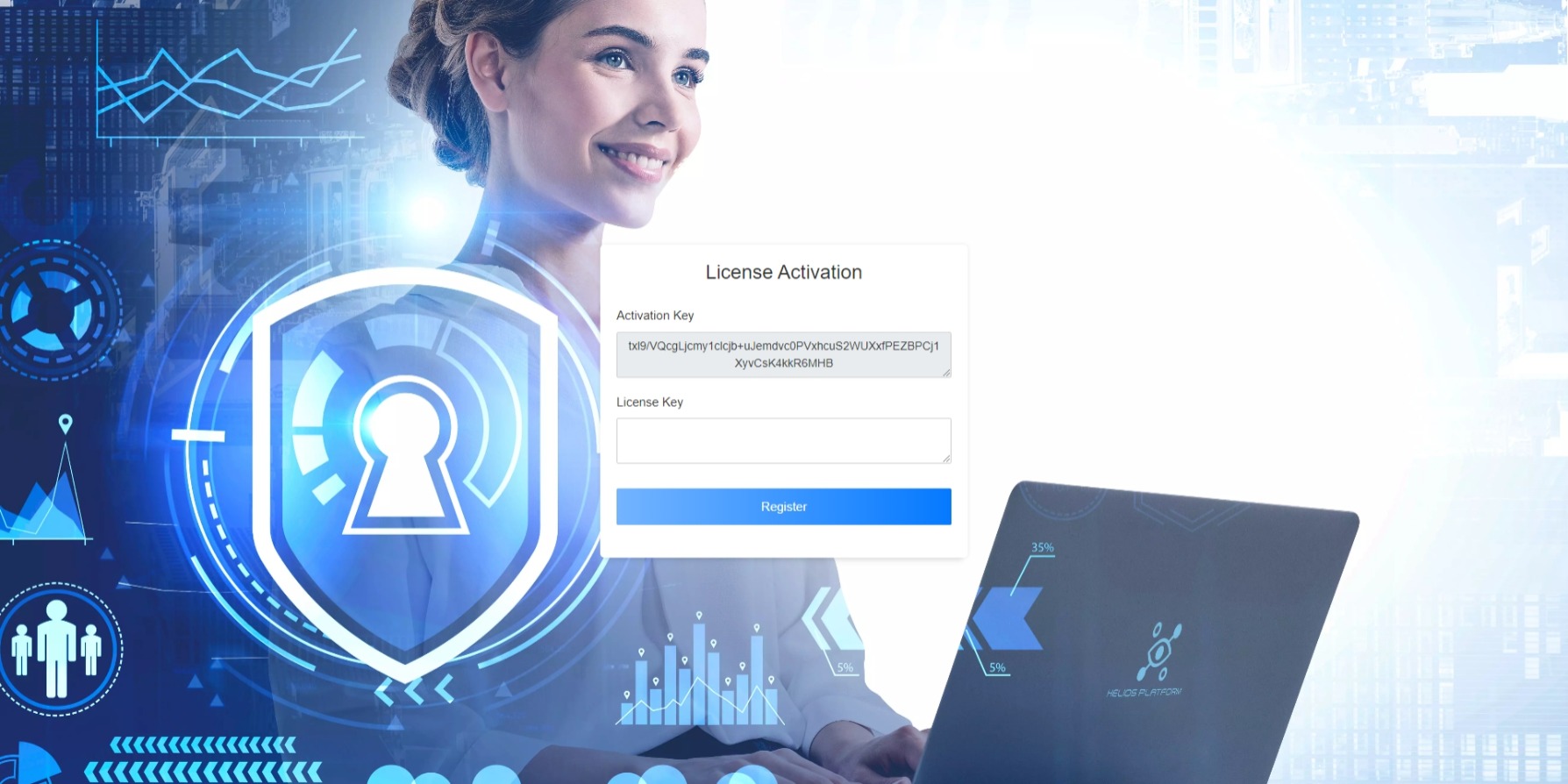
In the browser that opens, after a short while, two boxes will appear in front of you. If you send the Activation Key in the box above to our sales representative, you will be given a License Key. You can register your license with this key.
Send activation code for Licence Key to [email protected]
Try it out, default admin user credentials are helios/helios-pass
Further documentation on how to run Docker can be found at https://helios-platform.com/docs/getstarted.html#docker
Changelog
You can find information about Helios-Platfrom in our docs or find out what's new in the latest release here!
Tag summary
Content type
Image
Digest
sha256:b49034821…
Size
5.7 GB
Last updated
almost 3 years ago
docker pull dvudev/helios-platform