eodia/analytics
Privacy-first web analytics, with or without cookies, within the CNIL consent exemption.
133
eodia/analytics repository overview
eodia analytics
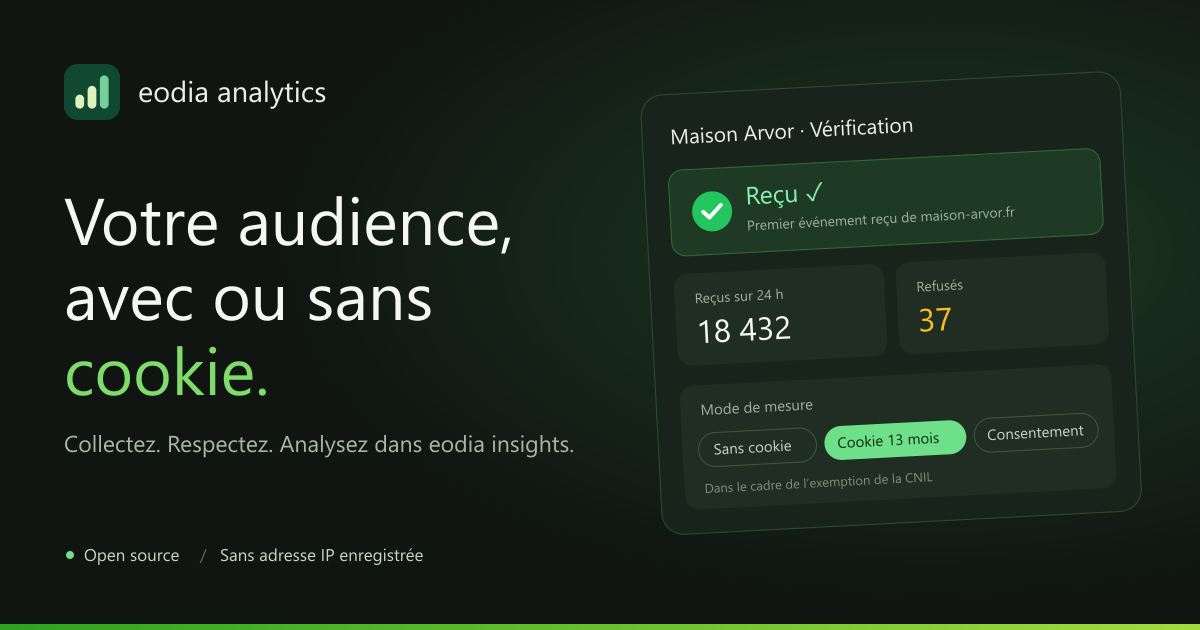
Open-source web analytics, with or without cookies, within the CNIL consent exemption. Measure traffic, pages, sources, campaigns, events and the most-viewed zones of your sites, with no consent banner to show. One image and a PostgreSQL: everything else is configured in the interface.
This image holds every part of eodia analytics; the container's argument picks what it runs:
- the interface, on port
3600: sites, tags, events, campaigns, check figures and all of the administration; - the API, on port
4600: REST/api/v1, sign-in, the script (/a.js) and the public collection endpoint (/collect); - the worker: monthly partitions, retention, the daily salt, generated views, export and erasure requests.
Alongside it, it needs only PostgreSQL, which holds the configuration, the raw data and the
analytics views. No message broker, no separate analytical database. eodia analytics collects
and administers; the analyses are built in eodia insights,
which reads those views read-only.
📖 Documentation · 💻 Source code · ⚖️ License AGPL-3.0-or-later
The interface is in French, English and Spanish.
What it does
- With or without cookies, site by site. Cookieless, a visitor is a hash of the day (a daily salt destroyed the next day, the site, the IP address, the browser). With the measurement cookie (13 months at most, never extended), returning visitors are counted too. A third mode waits for consent. The mode comes from the server, never from the tag.
- The IP address is never stored: not in the database, not in a log. Only the country is kept.
- A tiny script, with no dependency (≤ 6 KB gzipped): page views (single-page applications included), sources and campaigns, events, clicks, scroll depth, how long each zone stays in view; and, without a line of code, outbound links, downloads, site search, forms and videos.
- E-commerce following a convention aligned with GA4 (from
view_itemtopurchase), and server-side collection for confirmed orders or applications. - Clean marketing: normalized, deduplicated UTMs, GA4-style channels (editable, retroactive rules), multi-visit attribution under six models, signed-in visitors matched across their whole visit, classifications imported from CSV, annotations.
- Metadata that travels: declared events, their properties, zones and goals reach insights with their labels and descriptions, all the way into its AI assistant's context.
- People's rights: export and erase a person's data, in one click or through the API.
- Accounts: password, invitations, or your company's identity provider (OpenID Connect: Keycloak, Entra ID…), with its groups.
Try it in two minutes
All you need is Docker with Compose v2. In an empty folder, create this docker-compose.yml:
name: analytics-trial

services:
  db:
    image: postgres:17-alpine
    environment:
      POSTGRES_USER: eodia
      POSTGRES_PASSWORD: eodia
      POSTGRES_DB: analytics
    volumes:
      - db-data:/var/lib/postgresql/data
    # For eodia insights, on this machine: host.docker.internal:55436.
    ports:
      - "127.0.0.1:55436:5432"
    healthcheck:
      test: ["CMD-SHELL", "pg_isready -h 127.0.0.1 -U eodia -d analytics"]
      interval: 5s
      timeout: 3s
      retries: 30

  analytics:
    image: eodia/analytics:${ANALYTICS_VERSION:-latest}
    depends_on:
      db: { condition: service_healthy }
    environment:
      DATABASE_URL: postgres://eodia:eodia@db:5432/analytics
      SECRET_KEY: ${SECRET_KEY:?set SECRET_KEY in .env}
      READER_PASSWORD: ${READER_PASSWORD:?set READER_PASSWORD in .env}
      PUBLIC_URL: http://localhost:3600
      # The script and the collection endpoint, served by the API.
      COLLECT_URL: http://localhost:4600
      # No proxy in front: the visitor's address is the connection's.
      TRUST_PROXY: "0"
      # 1: the demo accounts and sites, and a test page on http://localhost:4600/demo.
      DEMO: ${DEMO:-0}
    ports:
      - "127.0.0.1:3600:3600"
      - "127.0.0.1:4600:4600"

volumes:
  db-data:
Then:
cat > .env <<EOF
SECRET_KEY=$(openssl rand -hex 32)
READER_PASSWORD=$(openssl rand -hex 16)
EOF
docker compose up -d
Open http://localhost:3600: the welcome screen creates the administrator. Then create a site and paste its tag into your pages (see Getting started); its Verification tab shows the first events as they arrive.
This file publishes the interface and the API on
127.0.0.1, over HTTP: it is meant for trying things out. For pages served from elsewhere, see In production.
With demo data
Set DEMO=1 in .env before the first start, on an empty database: the instance then opens
with the account [email protected] / eodia-analytics and two fictional sites, the shop
Maison Arvor (measurement cookie) and the Arvor blog (cookieless). The test page
http://localhost:4600/demo carries Maison Arvor's tag: browse it, and watch its events
arrive.
Connecting eodia insights
In eodia insights, add a PostgreSQL source:
| Field | Value |
|---|---|
| Host, port | host.docker.internal:55436 (insights runs in a container) |
| Database | analytics |
| User | eodia_analytics |
| Password | the value of READER_PASSWORD |
| Excluded schemas | public, collect |
The role sees only the analytics schema: views, every one with its site_id and a comment on
each column, never a person, a secret or an IP address. See
the PostgreSQL source.
The image
| Architectures | linux/amd64, linux/arm64 |
| Ports | 3600 the interface · 4600 the API, the script and the collection endpoint |
| Volume | none: everything lives in the database, nothing in the container |
| Command | none (all): the API, the interface and the worker · api, web or worker: one role alone |
| User | node, unprivileged, under tini |
| Health check | GET /api/health on the API |
| Base | Node 22, Debian Bookworm slim |
On startup, the API and the worker apply the migrations, under a lock: on an empty database they
create the three schemas (public, collect, analytics), the views and the read role;
afterwards, they only add what is missing. In all mode, if any of the processes stops, the
whole container stops, and the restart policy brings it back.
| Command | Port | What it runs |
|---|---|---|
all (default) | 3600, 4600 | api, web and worker in one container |
api | 4600 | REST /api/v1, sign-in, /a.js, /p.js, /collect, /collect/server; several replicas can receive together |
web | 3600 | the Next.js interface |
worker | — | the job queue; several workers can run together |
The country of a visitor comes from the proxy's header (CF-IPCountry, X-Country-Code) or from
a .mmdb file: mount DB-IP Lite (CC BY 4.0) and point
GEOIP_DB to it.
Tags
| Tag | Tracks |
|---|---|
0.1.0 | exactly this version |
0.1 | the latest release in the 0.1 series |
latest | the latest release |
A prerelease (0.2.0-rc.1) is published under its exact tag only. In production, pin an exact
version rather than following latest.
Environment variables
Required in production
| Variable | Purpose |
|---|---|
DATABASE_URL | the PostgreSQL database; its user owns the three schemas |
SECRET_KEY | 64 hex characters encrypting the site secrets: openssl rand -hex 32. Keep it: without it, a backup of the database cannot be fully read |
PUBLIC_URL | the address of the administration; with https:, the session cookie is Secure |
Optional
| Variable | Purpose |
|---|---|
COLLECT_URL | the public address of /a.js and /collect, the one in the installation snippets (PUBLIC_URL); for instance a subdomain of your client's site |
READER_PASSWORD | the password of the eodia_analytics read role used by insights; without it, the role cannot sign in |
TRUST_PROXY | 1 (the default): read the visitor's address from X-Forwarded-For. Only behind a trusted proxy; 0 otherwise |
GEOIP_DB | the .mmdb country file |
COLLECT_RATE, COLLECT_FLUSH_MS | 120 events per minute and per visitor at most; a batch written at least every 1000 ms |
INSIGHTS_URL, INSIGHTS_EMBED_KID, INSIGHTS_EMBED_SECRET, INSIGHTS_EMBED_TTL | each site's Statistics button, a signed insights embedding locked to that site (240 minutes) |
OIDC_ISSUER, OIDC_CLIENT_ID, OIDC_CLIENT_SECRET, OIDC_LABEL, OIDC_SCOPES | sign-in through an identity provider |
OIDC_GROUPS_CLAIM | the groups claim, mirrored onto the groups with the same name |
PASSWORD_LOGIN | 0 turns password sign-in off (SSO only) |
SMTP_URL, SMTP_FROM | invitations by e-mail |
SESSION_DAYS | session length (14) |
DEMO | 1: the demo accounts and sites, and the test page (0) |
API_URL | for web run on its own: the API's address |
The full list, with defaults: Environment variables.
In production
The repository ships the complete docker-compose.prod.yml — PostgreSQL, api, worker, web
and Caddy for certificates — with the docker/Caddyfile. You need a server with Docker, a
domain name pointing to it and ports 80 and 443 open; a few hundred megabytes of memory are
enough to start with, it is PostgreSQL that grows with traffic:
git clone https://github.com/eodia/analytics.git /opt/eodia-analytics
cd /opt/eodia-analytics

cat > .env <<EOF
IMAGE=eodia/analytics:0.1.0
DOMAIN=stats.example.com
SECRET_KEY=$(openssl rand -hex 32)
DB_PASSWORD=$(openssl rand -hex 16)
READER_PASSWORD=$(openssl rand -hex 16)
EOF

docker compose -f docker-compose.prod.yml pull
docker compose -f docker-compose.prod.yml up -d
Then open https://stats.example.com: as long as no account exists, the first person to open
the interface becomes administrator. Create this account as soon as the instance is reachable.
Good to know, for this layout or your own:
- Route
/a.js,/p.js,/collect,/collect/*and/api/*to the API, the rest to the interface: the bundled Caddyfile does just that. - Turn off the proxy's access log, at least for
/collect: it would keep the visitors' IP addresses, which the application never stores. The bundled Caddyfile keeps none. - Never set
TRUST_PROXY=1without a trusted proxy in front of the API: anyone could choose the address that is read. - Behind a load balancer, prefer affinity by address: the daily salt is shared through the database, but visits are assigned in memory, and without affinity a visit can be split in two.
- Reaching the database from insights:
DB_PUBLISHpublishes PostgreSQL (127.0.0.1:55436, the machine alone, by default); share a Docker network with insights, or open it withpg_hbaand TLS. - The interface's
/api/*relay is fixed at build time (http://127.0.0.1:4600, which suitsallmode). Behind the bundled Caddy,/api/*goes straight to the API. For any other layout, build your own:docker build --build-arg API_URL=http://api:4600 -t my-analytics .
To upgrade:
docker compose -f docker-compose.prod.yml pull && docker compose -f docker-compose.prod.yml up -d # migrations are applied on startup
Back up the database and SECRET_KEY: that is all there is.
Hosting with Docker has the details.
License
Open-source software by Eodia, released under the GNU Affero General Public License v3.0 or any later version. If you modify it and offer it as a network service, you must publish your modified source.
Tag summary
Content type
Image
Digest
sha256:d493061f4…
Size
287 MB
Last updated
16 days ago
docker pull eodia/analytics