eodia/insights
Open source BI: dashboards, SQL, AI assistant and forecasts across all your databases
910
eodia/insights repository overview
eodia insights
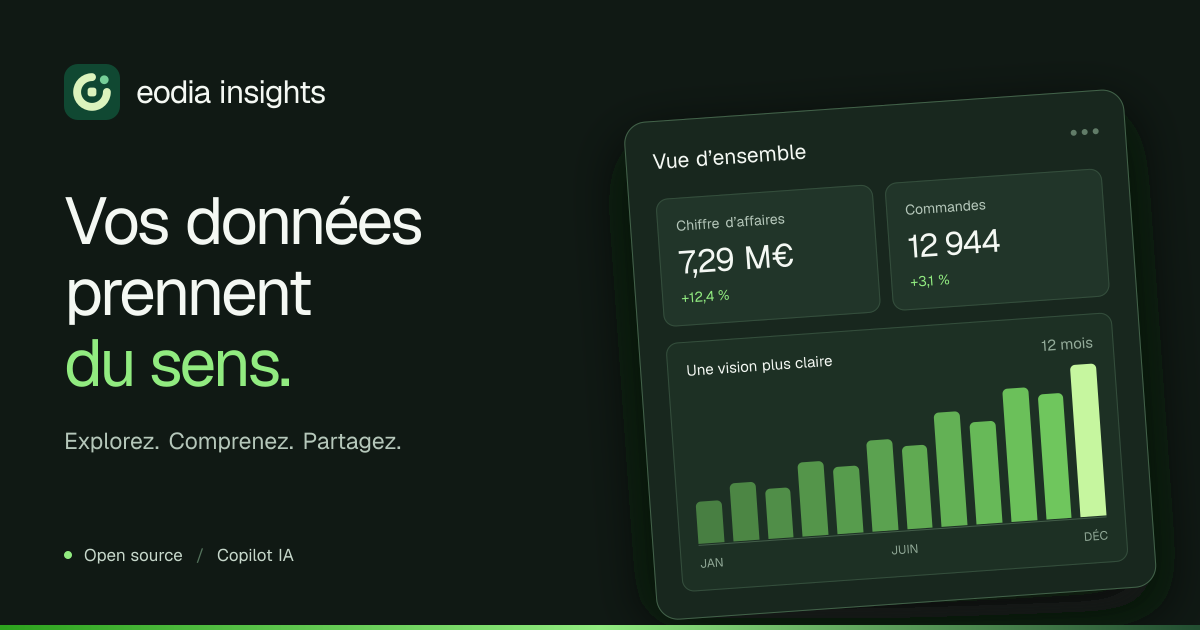
Open-source business intelligence where Trino enforces the permissions. Connect your databases, describe them, build questions, models, metrics and dashboards, and share them with fine-grained rights. One image, a PostgreSQL and a Trino: everything else is configured in the interface.
This image holds every part of eodia insights; the container's argument picks what it runs:
- the interface, on port
3100: questions, dashboards, the copilot and all of the administration; - the API, on port
4100: REST/api/v1, sign-in, public pages, and the internal endpoint Trino asks before every query; - the worker: schema syncs, value scans, dashboard warm-up;
- the MCP server, on port
4200.
Alongside it, it needs PostgreSQL for its catalog and Trino 483, whose access control points back to the API. Trino keeps nothing on disk: the application recreates its catalogs on startup.
🧪 Live demo · 📖 Documentation · 💻 Source code · ⚖️ License AGPL-3.0-or-later
The interface is in French, English and Spanish.
What it does
- Trino as the single engine. Every query — visual builder, free SQL, dashboard cards, the copilot, the REST API, MCP — runs on Trino. Join a PostgreSQL table with a MongoDB collection in one query.
- Security enforced by Trino itself. Before each statement, Trino asks the API what the
person may read: tables, hidden or masked columns, row rules per group or per user attribute
(
region = {{user.region}}). No path, not even free SQL, gets around them. - 7 engines: PostgreSQL, MySQL, SQL Server, Oracle, Snowflake, MongoDB and Trino.
- Questions and dashboards: a visual builder or SQL, models and metrics, filters and parameters, forecasts, maps, funnels, cohorts, automatic refresh.
- Sharing: rights per folder, shared items, public links and signed embedding.
- Spaces for teams or subsidiaries: each has its sources, content, groups and rights; a source can be shared, read-only, with another space.
- AI copilot (Anthropic, OpenAI, Mistral or any OpenAI-compatible API): it describes a schema, writes a query, builds a question or a dashboard. Without a key, it is turned off.
- Integrations: REST API (OpenAPI 3.1) and an MCP server: Claude or any MCP client queries your metrics under the token's rights.
- Accounts: password, invitations, or your company's identity provider (OpenID Connect: Keycloak, Entra ID…), with its groups and attributes.
Try it in two minutes
All you need is Docker with Compose v2.23 or later, and 4 GB of memory for Docker (Trino takes
2). In an empty folder, create this docker-compose.yml:
name: insights-trial

services:
  catalog:
    image: postgres:17-alpine
    environment:
      POSTGRES_USER: eodia
      POSTGRES_PASSWORD: eodia
      POSTGRES_DB: eodia
    volumes:
      - catalog-data:/var/lib/postgresql/data
    healthcheck:
      test: ["CMD-SHELL", "pg_isready -h 127.0.0.1 -U eodia -d eodia"]
      interval: 5s
      timeout: 3s
      retries: 30

  trino:
    image: trinodb/trino:483
    configs:
      - source: trino-config
        target: /etc/trino/config.properties
      - source: trino-access-control
        target: /etc/trino/access-control.properties

  insights:
    image: eodia/insights:${INSIGHTS_VERSION:-latest}
    depends_on:
      catalog: { condition: service_healthy }
    environment:
      DATABASE_URL: postgres://eodia:eodia@catalog:5432/eodia
      SECRET_KEY: ${SECRET_KEY:?set SECRET_KEY in .env}
      OPA_SECRET: ${OPA_SECRET:?set OPA_SECRET in .env}
      TRINO_URL: http://trino:8080
      PUBLIC_URL: http://localhost:3100
      # Optional: without a key, the copilot is turned off.
      ANTHROPIC_API_KEY: ${ANTHROPIC_API_KEY:-}
    ports:
      - "127.0.0.1:3100:3100"

# Trino asks eodia insights, before every statement, what the person may read.
configs:
  trino-config:
    content: |
      coordinator=true
      node-scheduler.include-coordinator=true
      http-server.http.port=8080
      discovery.uri=http://localhost:8080
      catalog.management=dynamic
      catalog.store=memory
  trino-access-control:
    content: |
      access-control.name=opa
      opa.policy.uri=http://insights:4100/internal/opa/${OPA_SECRET}/allow
      opa.policy.batched-uri=http://insights:4100/internal/opa/${OPA_SECRET}/batch
      opa.policy.row-filters-uri=http://insights:4100/internal/opa/${OPA_SECRET}/row-filters
      opa.policy.batch-column-masking-uri=http://insights:4100/internal/opa/${OPA_SECRET}/column-masks

volumes:
  catalog-data:
Then:
cat > .env <<EOF
SECRET_KEY=$(openssl rand -hex 32)
OPA_SECRET=$(openssl rand -hex 24)
EOF
docker compose up -d
Open http://localhost:3100: the welcome screen creates the administrator. Then add a
database under Data (see
Getting started). Trino runs in a
container: a database on your own machine is reached as host.docker.internal.
To turn the copilot on, add a key and restart:
echo "ANTHROPIC_API_KEY=…" >> .env
docker compose up -d
This file publishes the interface on
127.0.0.1, over HTTP: it is meant for trying things out. For people coming from elsewhere, see In production.
With demo data
The live demo lets you in with one click: Maison Arvor, a
fictional online shop with three years of history on PostgreSQL and MongoDB, six dashboards,
two spaces and a restricted analyst who only sees their region, e-mails masked. To run it
yourself, the repository ships docker-compose.demo.yml; see
the demo guide.
The image
| Architectures | linux/amd64, linux/arm64 |
| Ports | 3100 the interface · 4100 the API · 4200 the MCP server |
| Volume | none: everything lives in the catalog database, nothing in the container |
| Command | none (all): the API, the interface and the worker · api, web, worker or mcp: one role alone |
| User | node, unprivileged, under tini |
| Health check | GET /api/health on the API |
| Base | Node 22, Debian Bookworm slim |
On startup, the API and the worker apply the catalog migrations, under a lock: on an empty
database they create it; afterwards, they only add what is missing. In all mode, if any of
the processes stops, the whole container stops, and the restart policy brings it back.
WITH_MCP=1 adds the MCP server to it.
| Command | Port | What it runs |
|---|---|---|
all (default) | 3100, 4100 | api, web and worker in one container |
api | 4100 | REST /api/v1, sign-in, public pages, the endpoint Trino asks |
web | 3100 | the Next.js interface |
worker | — | the job queue; several workers can run together |
mcp | 4200 | the MCP server (Streamable HTTP); it holds no secret and relays each call's token to the API |
Tags
| Tag | Tracks |
|---|---|
0.2.3 | exactly this version |
0.2 | the latest release in the 0.2 series |
latest | the latest release |
A prerelease (0.3.0-rc.1) is published under its exact tag only. In production, pin an exact
version rather than following latest.
Environment variables
Required in production
| Variable | Purpose |
|---|---|
DATABASE_URL | the PostgreSQL catalog: users, groups, rights, encrypted source credentials, questions, dashboards, jobs |
SECRET_KEY | 64 hex characters encrypting the data source credentials: openssl rand -hex 32. Keep it: without it, a backup of the catalog cannot be read |
OPA_SECRET | the secret in the path of the endpoint Trino asks: openssl rand -hex 24 |
TRINO_URL | Trino, e.g. http://trino:8080 |
PUBLIC_URL | the public address; with https:, the session cookie is Secure |
Optional
| Variable | Purpose |
|---|---|
AI_PROVIDER | anthropic, openai, mistral, openai-compatible or none; guessed from ANTHROPIC_API_KEY or OPENAI_API_KEY |
AI_API_KEY, AI_MODEL, AI_BASE_URL | the copilot's provider; AI_API_KEY needs AI_PROVIDER |
AI_HOURLY_QUOTA | copilot messages per person and per hour (60) |
OIDC_ISSUER, OIDC_CLIENT_ID, OIDC_CLIENT_SECRET, OIDC_LABEL | sign-in through an identity provider |
OIDC_ATTRIBUTE_CLAIMS, OIDC_GROUPS_CLAIM | claims copied into user attributes (for row rules) and groups |
PASSWORD_LOGIN | 0 turns password sign-in off (SSO only) |
SMTP_URL, SMTP_FROM | invitations by e-mail |
MAX_ROWS, QUERY_TIMEOUT_MS, CACHE_TTL | 2000 rows per interface query, 120000 ms per query, results cached 300 s |
SESSION_DAYS | session length (14) |
TRINO_SERVICE_USER, TRINO_PASSWORD | Trino identity of the service (eodia-service) |
DATABASE_SCHEMA | the catalog schema (eodia) |
API_URL | for web and mcp run on their own: the API's address |
The full list, with defaults: Environment variables.
In production
The repository ships the complete docker-compose.prod.yml — the catalog, Trino, api,
worker, web, mcp and Caddy for certificates — with the Trino configuration
(docker/trino/etc) and the docker/Caddyfile. You need a server with 4 GB of memory and
a domain name pointing to it:
git clone https://github.com/eodia/insights.git /opt/eodia-insights
cd /opt/eodia-insights

cat > .env <<EOF
IMAGE=eodia/insights:0.2.3
DOMAIN=bi.example.com
SECRET_KEY=$(openssl rand -hex 32)
OPA_SECRET=$(openssl rand -hex 24)
DB_PASSWORD=$(openssl rand -hex 16)
EOF

docker compose -f docker-compose.prod.yml up -d
Good to know, for this layout or your own:
- Start order matters. The API must listen before Trino talks to it: Trino asks it about every query, the service's own included. Make the API wait for the catalog, not for Trino.
- Never expose
/internal/*. Only Trino calls it, on the private network; the bundled Caddyfile answers 404. - No buffering on
/api/*and/mcp: the copilot and sync progress use server-sent events. - The interface's
/api/*relay is fixed at build time (http://127.0.0.1:4100, which suitsallmode). Behind the bundled Caddy,/api/*goes straight to the API. For any other layout, build your own:docker build --build-arg API_URL=http://api:4100 -t my-insights .
To upgrade:
docker compose -f docker-compose.prod.yml pull && docker compose -f docker-compose.prod.yml up -d # migrations are applied on startup
Back up the catalog database and SECRET_KEY: that is all there is.
Hosting with Docker has the details.
License
Open-source software by Eodia, released under the GNU Affero General Public License v3.0 or any later version. If you modify it and offer it as a network service, you must publish your modified source.
Tag summary
Content type
Image
Digest
sha256:f34effc95…
Size
368.4 MB
Last updated
about 4 hours ago
docker pull eodia/insights