ericdraken/chrome-vpn
Headless Chrome plus NordVPN in one container
2.0K
ericdraken/chrome-vpn repository overview
Headless Chrome plus NordVPN
A combination of headless Chrome and a VPN to force all Chrome traffic through the tunnel adapter. No more WebRTC leaks. This image allows the VPN server to change at regular intervals, and choose a specific country to use VPN servers from.
NordVPN
From azinchen/nordvpn: This is an OpenVPN client docker container that use least loaded NordVPN servers. It makes routing containers' traffic through OpenVPN easy.
Headless Chrome
From browserless/chrome: If you've been struggling to get Chrome up and running docker, or scaling out your headless workloads, then browserless was built for you.
How it works
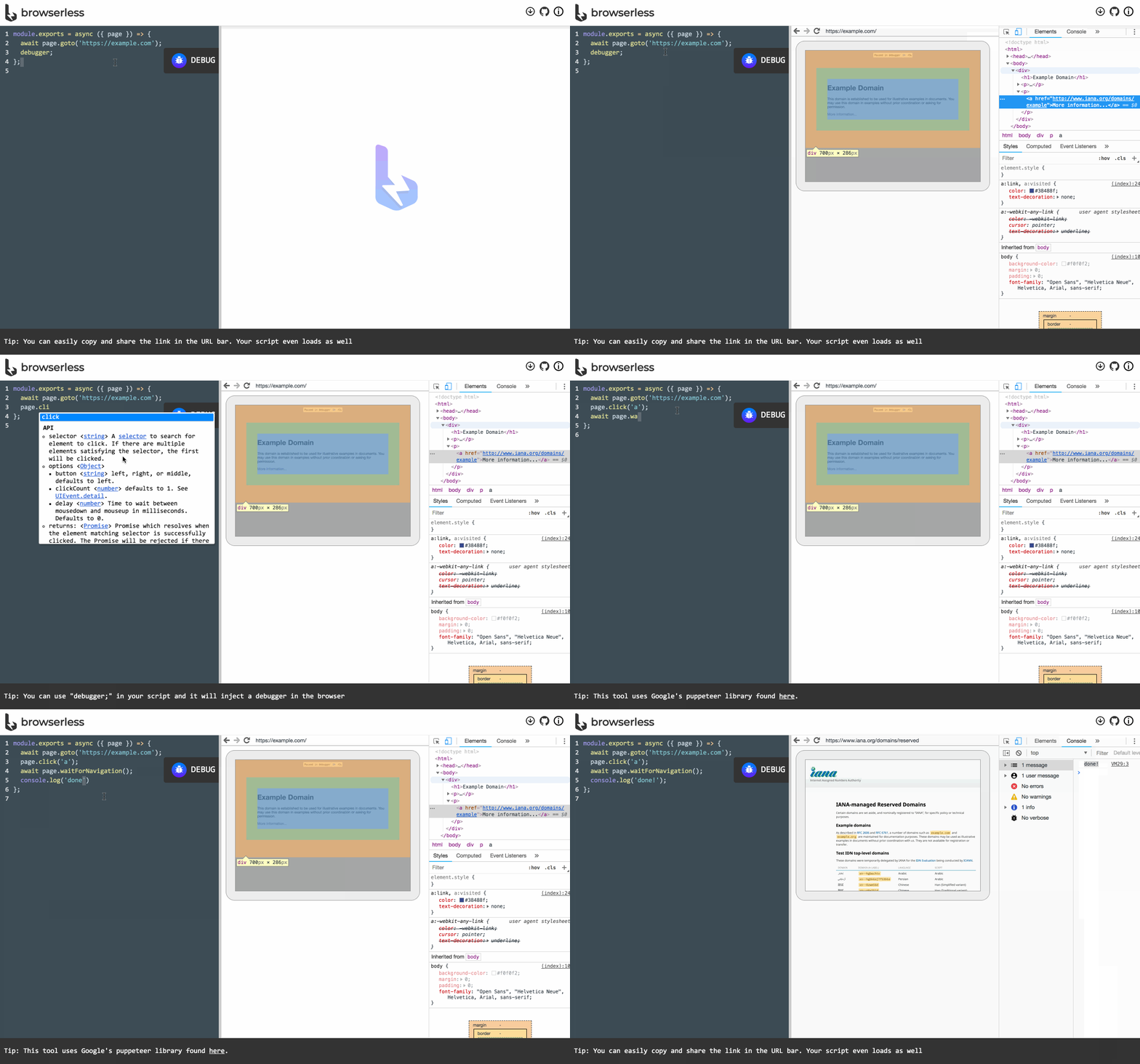
browserless listens for both incoming websocket requests, generally issued by most libraries, as well as pre-build REST APIs to do common functions (PDF generation, images and so on). When a websocket connects to browserless it invokes Chrome and proxies your request into it. Once the session is done then it closes and awaits for more connections. Some libraries use Chrome's HTTP endpoints, like /json to inspect debug-able targets, which browserless also supports.
Your application still runs the script itself (much like a database interaction), which gives you total control over what library you want to choose and when to do upgrades. This is preferable over other solutions as Chrome is still breaking their debugging protocol quite frequently. Excellent details are at the maintainer's repo: browserless/chrome
Environment variables
Container images are configured using environment variables passed at runtime.
USE_CHROME_STABLE- Use 'true' to use only the latest stable Chrome releaseCOUNTRY- Use servers from countries in the list (IE Australia;New Zeland). Several countries can be selected using semicolon.CATEGORY- Use servers from specific categories (IE P2P;Anti DDoS). Several categories can be selected using semicolon. Allowed categories are:Dedicated IPDouble VPNObfuscated ServersP2PStandard VPN servers
PROTOCOL- Specify OpenVPN protocol. Only one protocol can be selected. Allowed protocols are:openvpn_udpopenvpn_tcp
RANDOM_TOP- Place n servers from filtered list in random order. Useful withRECREATE_VPN_CRON.RECREATE_VPN_CRON- Set period of selecting new server in format for crontab file. Disabled by default.VPN_USER- User for NordVPN account.VPN_PASS- Password for NordVPN account.NETWORK- CIDR network (IE 192.168.1.0/24), add a route to allows replies once the VPN is up.NETWORK6- CIDR IPv6 network (IE fe00:d34d:b33f::/64), add a route to allows replies once the VPN is up.OPENVPN_OPTS- Used to pass extra parameters to openvpn full list.
Environment variable's keywords
The list of keywords for environment variables might be changed, check the allowed keywords by the following commands:
COUNTRY
curl -s https://api.nordvpn.com/server | jq -c '.[] | .country' | jq -s -a -c 'unique | .[]'
CATEGORY
curl -s https://api.nordvpn.com/server | jq -c '.[] | .categories[].name' | jq -s -a -c 'unique | .[]'
Easy Docker Compose
version: '3'

services:
  chrome-vpn:
    image: ericdraken/chrome-vpn:latest
    restart: unless-stopped
    cap_add:
      - NET_ADMIN # Needed for VPN tunnel adapter
    ports:
      - "${CHROME_RDP_PORT:-3000}:3000"
    dns:
      - "${DNS_SERVER_1:-9.9.9.9}"
      - "${DNS_SERVER_2:-1.1.1.1}"
    environment:
      ## Chrome settings ##
      USE_CHROME_STABLE: 'true'
      FUNCTION_ENABLE_INCOGNITO_MODE: 'true'
      ## NordVPN settings ##
      VPN_USER: "$VPN_USER"
      VPN_PASS: "$VPN_PASS"
        # curl -s https://api.nordvpn.com/server | jq -c '.[] | .country' | jq -s -a -c 'unique | .[]'
      COUNTRY: "${COUNTRY:-United States}"
        # curl -s https://api.nordvpn.com/server | jq -c '.[] | .categories[].name' | jq -s -a -c 'unique | .[]'
      OPENVPN_OPTS: "${OPENVPN_OPTS:---pull-filter ignore \"ping-restart\" --ping-exit 180}"
      CATEGORY: "${CATEGORY:-Standard VPN servers}"
      RANDOM_TOP: "${RANDOM_TOP:-10}"
      RECREATE_VPN_CRON: "${RECREATE_VPN_CRON:-''}"
        # ip route | awk '!/ (docker0|br-)/ && /src/ {print $1}'
      NETWORK: "${NETWORK:-192.168.0.0/24}"
      TZ: "${TZ:-America/Vancouver}"
Tag summary
Content type
Image
Digest
Size
767.3 MB
Last updated
over 6 years ago
docker pull ericdraken/chrome-vpn