fmossott/roomba980
MAP and REST interface to control your iRobot Roomba 9xx via local server on your lan.
10K+
fmossott/roomba980 repository overview
Roomba980


Roomba980 create a http server to map all dorita980 methods in a REST API to control your iRobot Roomba 980 via HTTP requests.
Install
$ git clone https://github.com/fmossott/Roomba980.git
$ cd Roomba980
$ npm install
Fimrware version
Check your robot firmware version! and set your firmware version in firmwareVersion Roomba980 configuration!
Configuration
The service can be configured by editing config/default.json or by setting environment variables.
Config File (config/default.json) | Environment | Description |
|---|---|---|
| port | PORT | (default:3000) The HTTP port to listen on. |
| blid | BLID | (required) The Roomba blid. * |
| password | PASSWORD | (required) The Roomba password. * |
| robotIP | ROBOT_IP | (optional) Set if you know your robot IP to skip discovery and speed up startup. |
| firmwareVersion | FIRMWARE_VERSION | (optional) Set to 1 or 2 depends of your robot firmware version. Default to 1 for firmware 1.6.6 |
| enableLocal | ENABLE_LOCAL | (optional) Set to 'no' if you want to disable local API. Default 'yes'. |
| enableCloud | ENABLE_CLOUD | (optional) Set to 'no' if you want to disable cloud API. Default 'yes'. |
| keepAlive | KEEP_ALIVE | (optional) Set to 'no' if you want to connect and disconnect to the robot in each request (slow but leave the connection free for the official mobile app). |
| basicAuthUser | BASIC_AUTH_USER | (optional) Set to enable basic auth. Both user and pass must be set. |
| basicAuthPass | BASIC_AUTH_PASS | (optional) Set to enable basic auth. Both user and pass must be set. |
| sslKeyFile | SSL_KEY_FILE | (optional) Set path to key file to enable HTTPS. Both key and cert must be set. (how to create self signed cert) |
| sslCertFile | SSL_CERT_FILE | (optional) Set path to cert file to enable HTTPS. Both key and cert must be set. (how to create self signed cert) |
| rootPath | ROOT_PATH | (optional) Set base path of the Roomba980 urls. This is useful when using a reverse proxy in front shared with other applications. |
For obtaining your robot blid and password run the following command with docker or see dorita980 for more information and instructions
docker run -it fmossott/roomba980 npm run getpassword <RoombaIP>
Start API Server
$ cd Roomba980
$ DEBUG=Roomba980:* npm start
Roomba980:server Listening on port 3000
omit DEBUG=Roomba980:* if you want. You can just run with npm start
Or use Docker Image
You can use fmossott/roomba980 docker image to run this server in a docker container.
Pull Docker image (optional):
docker pull fmossott/roomba980
Run Docker image:
docker run -p 3000:3000 -v roomba:/usr/src/app/missions -e BLID=myuser -e PASSWORD=mypass -e ROBOT_IP=myrobotIP -e ROOT_PATH=/roomba fmossott/roomba980
Or run with docker-compose:
- create a docker-compose.yml with a contente similar to the following one:
version: '2'
services:
  roomba-map:
    image: fmossott/roomba980
    environment:
    - BLID=myuser
    - PASSWORD=mypass
    - ROBOT_IP=myrobotIP
    - ROOT_PATH=/roomba
    ports:
    - "3000:3000"
    restart: always
    volumes:
    - roomba:/usr/src/app/missions

volumes:
  roomba:
- and start the container running
docker-compose up --remove-orphans -d
Dockerfile
Also you can local build and test in Docker from this Dockerfile
docker build . -t fmossott/roomba980
API documentation
Now you can make request to this server on port 3000.
There are 2 main endpoints: local and cloud, mapped to dorita980 local and cloud methods as well.
Error responses:
HTTP status 500 and response:
{"message":"human message","error":{}}
Local
Actions
All cleaning actions are under [/ctx]/api/local/action/[action] endpoint using GET method without query params:
Available actions:
- start
- stop
- pause
- dock
- resume
Example: start to clean
GET http://192.168.1.110:3000/api/local/action/start
Success Response:
{"ok":null,"id":23}
Info
All info endpoints are under [/ctx]/api/local/info/[record] using GET method without query params:
Available records:
- mission
- wireless
- lastwireless
- sys
- sku
- state (only in firmware 2)
Example: get current mission variables
GET http://192.168.1.110:3000/api/local/info/mission
Success Response:
{ "ok":
   { "flags": 0,
     "cycle": "none",
     "phase": "charge",
     "pos": { "theta": 179, "point": {"x": 102, "y": -13} },
     "batPct": 99,
     "expireM": 0,
     "rechrgM": 0,
     "error": 0,
     "notReady": 0,
     "mssnM": 0,
     "sqft": 0 },
  "id": 2 }
Configurations
All configuration endpoints are under [/ctx]/api/local/config/[configName] using GET method to get current configuration and POST method to set a new configuration.
Available configName:
- ptime (only GET in firmware 1)
- bbrun (only GET)
- cloud (only GET)
- langs (only GET. Use
preferencesto set lang) - week
- time (POST Y GET in firmware 1. Only GET in Firmware 2)
- preferences
- carpetBoost/auto (only POST. Use
preferencesto get current config) - carpetBoost/performance (only POST. Use
preferencesto get current config) - carpetBoost/eco (only POST. Use
preferencesto get current config) - edgeClean/on (only POST. Use
preferencesto get current config) - edgeClean/off (only POST. Use
preferencesto get current config) - cleaningPasses/auto (only POST. Use
preferencesto get current config) - cleaningPasses/one (only POST. Use
preferencesto get current config) - cleaningPasses/two (only POST. Use
preferencesto get current config) - alwaysFinish/on (only POST. Use
preferencesto get current config) - alwaysFinish/off (only POST. Use
preferencesto get current config)
See dorita980 documentation for responses and body params for each method and version firmware.
Examples:
Get preferences in firmware 1:
GET http://192.168.1.110:3000/api/local/config/preferences
Success Response:
{ ok:
   { flags: 1024, // See Cleaning Preferences table in dorita980 documentation.
     lang: 2,
     timezone: 'America/Buenos_Aires',
     name: 'myRobotName',
     cleaningPreferences: {
        carpetBoost: 'auto', // 'auto', 'performance', 'eco'
        edgeClean: true,
        cleaningPasses: '1', // '1', '2', 'auto'
        alwaysFinish: true
      }
    },
 id: 2 }
See dorita980 documentation for preferences in firmware 2.
Set preferences in firmware 1:
POST http://192.168.1.110:3000/api/local/config/preferences
Body:
{
  "flags": 1107, // See Cleaning Preferences table in dorita980 documentation.
  "lang": 2,
  "timezone": "America/Buenos_Aires",
  "name": "myRobotName"
}
Success Response:
{"ok":null,"id":293}
See dorita980 documentation for preferences in firmware 2.
Set cleaning passes to two:
POST http://192.168.1.110:3000/api/local/config/cleaningPasses/two
Body:
{}
Success Response:
{"ok":null,"id":293}
Cloud (only for firmware 1.6.x)
Use GET in all info endpoints without query params:
- /api/cloud/info/status
- /api/cloud/info/history
- /api/cloud/info/missionHistory
Use GET in all action endpoints without query params:
- /api/cloud/action/clean
- /api/cloud/action/quick
- /api/cloud/action/spot
- /api/cloud/action/dock
- /api/cloud/action/start
- /api/cloud/action/stop
- /api/cloud/action/pause
- /api/cloud/action/resume
- /api/cloud/action/wake
- /api/cloud/action/reset
- /api/cloud/action/find
- /api/cloud/action/wipe
- /api/cloud/action/sleep
- /api/cloud/action/off
- /api/cloud/action/fbeep
Example:
GET http://192.168.1.110:3000/api/cloud/action/clean
Success Response:
{"status":"OK","method":"multipleFieldSet"}
Host images or files
You can add images or files to public/ folder to serve static files.
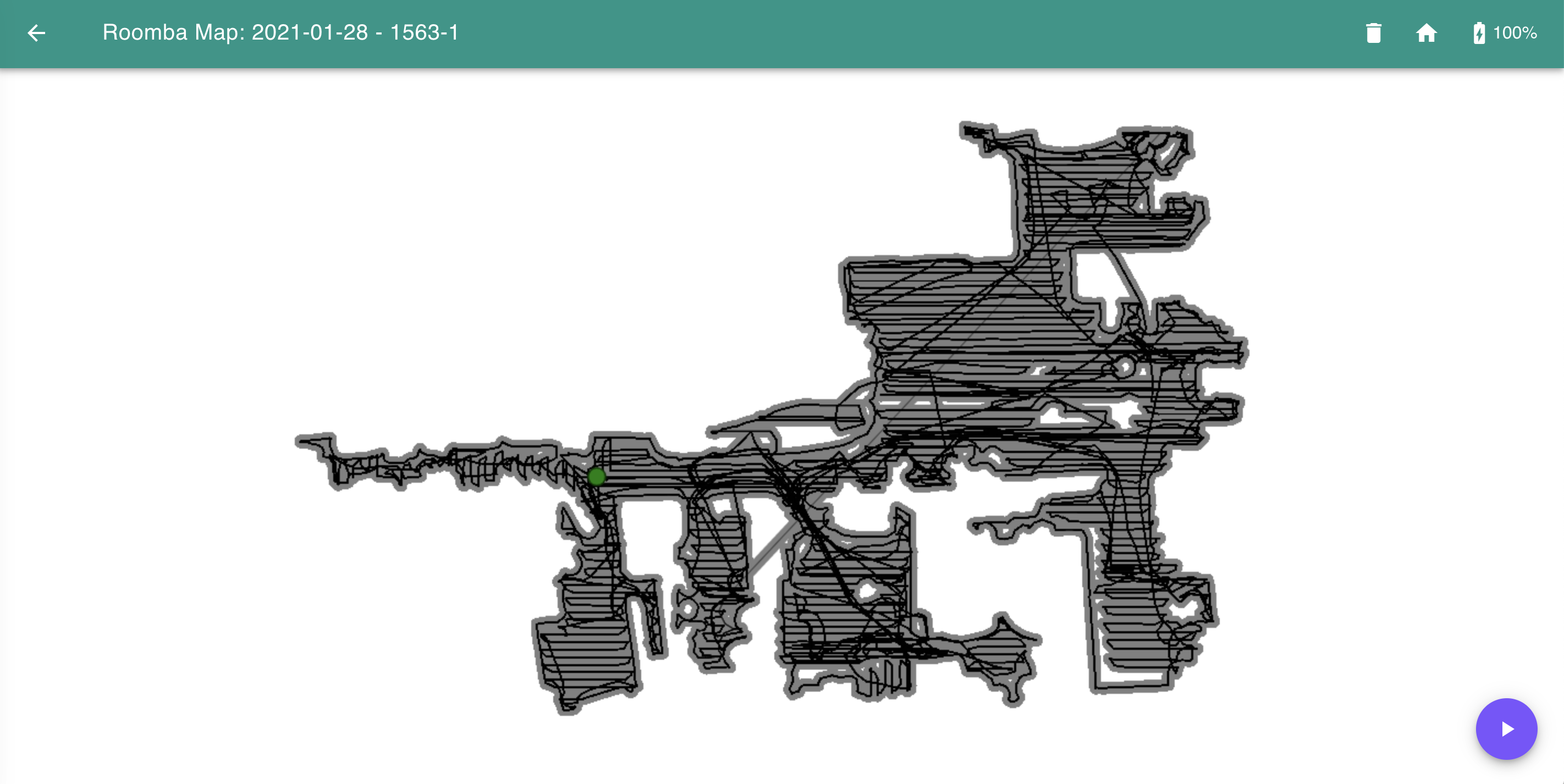
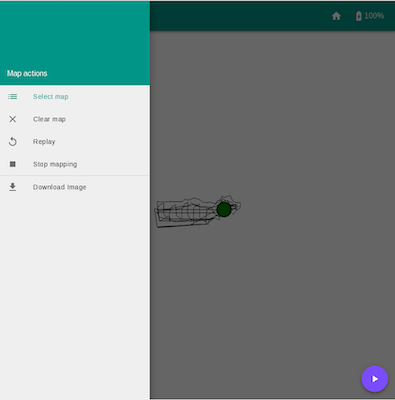
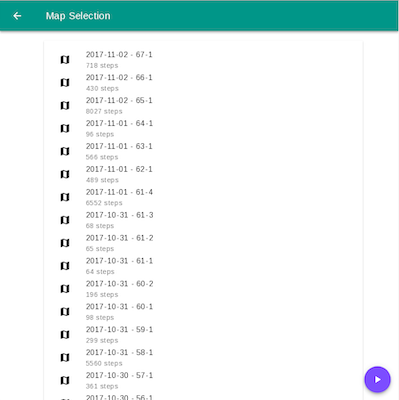
Realtime Map
Visiting http://serverIP:3000[/ctx]/map to monitor your roomba activities in real time and access to previous cleaning missions
Open Metrics
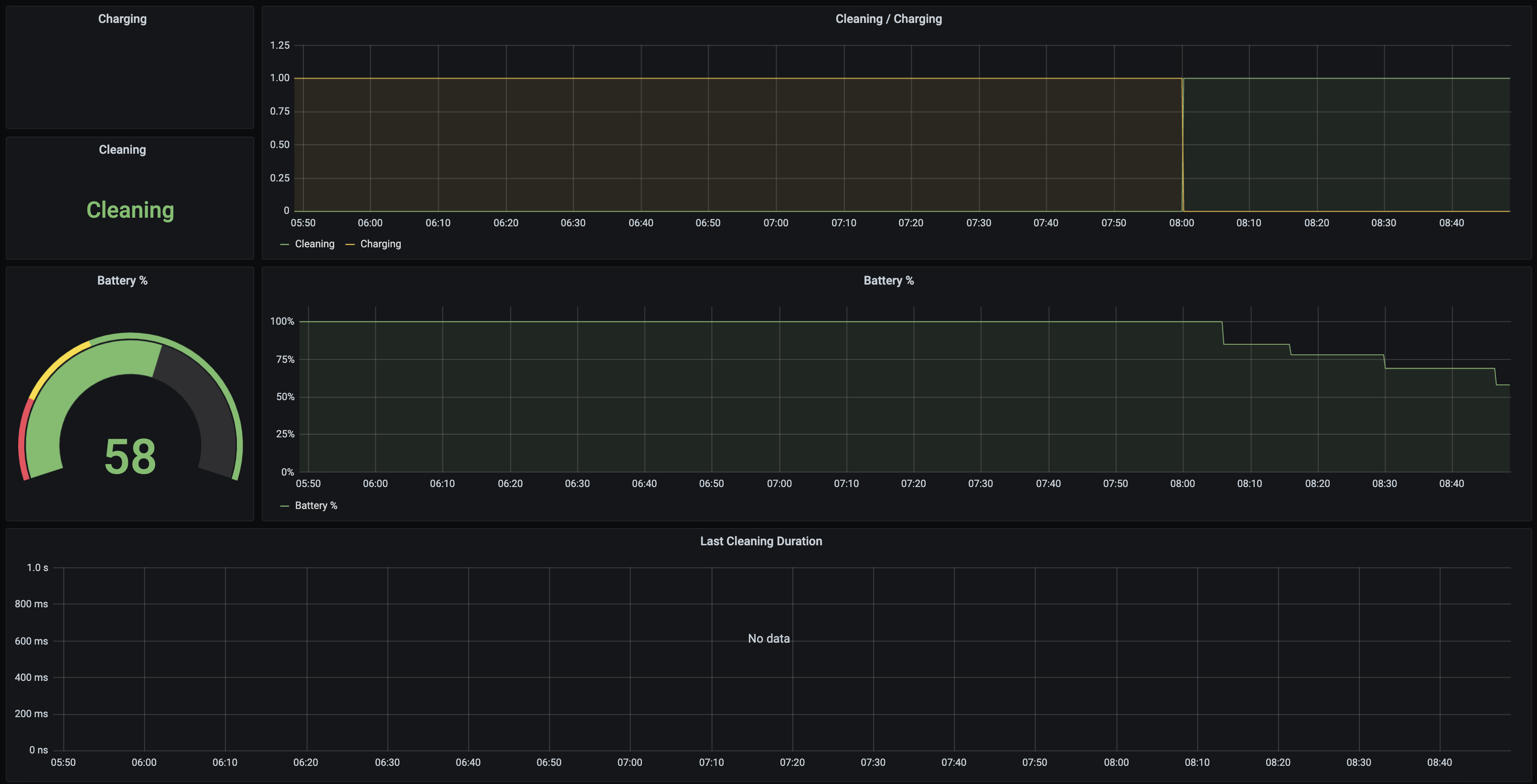
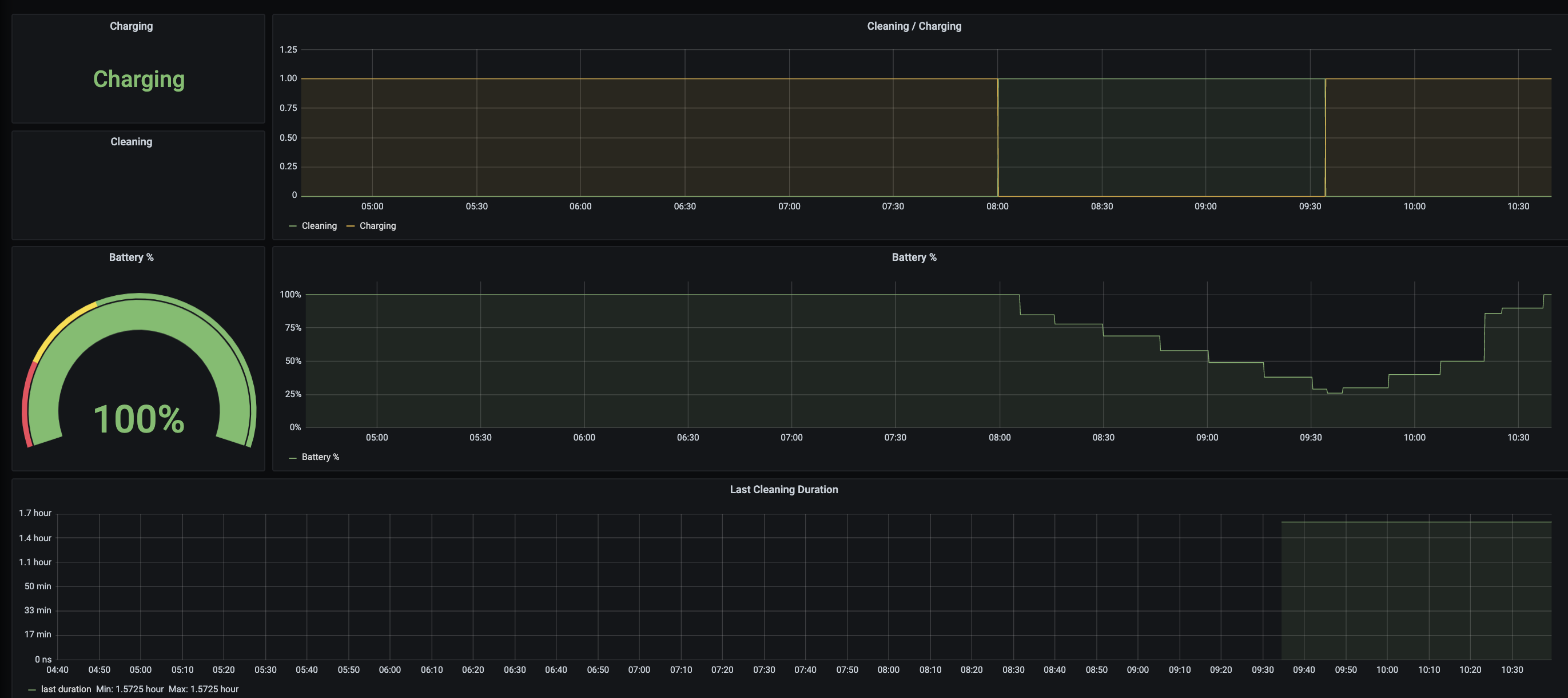
The server also provides on http://serverIP:3000/metrics the following metrics in OpenMetrics format.
| Metric | Values | Description |
|---|---|---|
| roomba_battery | 0-100 | Roomba battery charge percentage |
| roomba_charging | 0/1 | Roomba battery is charging |
| roomba_active_charging | 0/1 | Roomba battery is activily charging (charging and the battery is less than 100%) |
| roomba_has_mission | 0/1 | Roomba has a mission |
| roomba_cleaning | 0/1 | Roomba is cleaning |
| roomba_last_mission_duration | seconds | Duration of the last completed Roomba mission in seconds |
They can be imported on Prompetheus and visualized on Grafana with this dashboard
Tag summary
Content type
Image
Digest
Size
65.8 MB
Last updated
over 5 years ago
docker pull fmossott/roomba980